Inside Veo 3 Animaker, many creators use Animaker for its drag-and-drop templates, character animation, and ready-made scene transitions. Yet, projects can still feel limited when you need more AI tools or unique motion graphics. You may want richer templates, better text-to-speech, or a faster storyboard to finish the video workflow. Which Animaker alternatives give you more innovative AI video maker features while keeping simple editing and access to royalty-free assets? This article walks you through the best Animaker alternatives for AI videos and animations, highlighting each tool's strengths. To help with that, DomoAI's AI anime generator offers a clear path from script to finished video with innovative templates, automatic scene cuts, and natural voiceover, allowing for easy comparison with Animaker and other options.
Another strong option is DomoAI’s AI Anime Video Generator, which gives creators a simple way to turn ideas into lively, stylized animations without heavy manual editing.
Why Others Look for Animaker Alternatives?
Many stick with Animaker for its drag-and-drop interface, character builder, and ready-made templates for explainer videos.
Still, creators often search for alternatives when they need:
- Faster rendering
- Deeper customization
- Different export
- Licensing options
Which of those pain points matters most for your projects?
When Rendering and Speed Break Deadlines
Animaker runs in the browser on cloud-based servers, which keeps onboarding easy but can slow down large projects. Complex scenes, high frame counts, or long timelines can cause lag during editing and long wait times when exporting HD or 4K video.
Teams on tight schedules or creators who need batch exports find this frustrating and look for tools with local GPU acceleration or faster cloud rendering.
When Templates Start to Limit Creative Control
Templates and preset character animations get projects moving, but they can feel restrictive.
Advanced users want:
- Timeline control
- Precise keyframe animation
- Custom easing
- Motion paths
- Support for SVG and vector imports
If you need layered compositing, particle effects, or fine-tuned motion graphics, the built-in presets may not be enough.
When Pricing and Plan Limits Stall Growth
The free plan and lower tiers restrict export quality, downloads, and access to premium assets. Subscriptions can cap team seats, cloud storage, and monthly render minutes, creating unpredictable costs for agencies or scaling up projects.
Licensing terms for stock music and assets also push businesses to alternatives with clearer commercial licenses or one-time purchases.
What Professionals and Teams Often Miss
Producers and agencies want collaboration features like brand kits, team permissions, version history, and native voiceover tools.
They also ask for:
- Higher quality text-to-speech
- Advanced audio mixing
- Multiformat exports
- API access for automation
When a platform lacks these, teams move toward video editors and animation software that support studio workflows.
Which Use Cases Drive People Away
Complex explainer videos, long-form training, broadcast spots, or motion graphic-heavy ads tend to exceed Animaker’s sweet spot. Creators building product demos with custom assets, interactive videos, or localized versions need finer control over:
- Timelines
- Assets
- Renders
Do you produce work that must scale across channels and languages?
Checklist for Choosing an Alternative
- Speed and rendering options:
- Local app
- GPU support
- High-throughput cloud renders
- Timeline and keyframe precision:
- Custom easing
- Motion paths
- Parenting
- Layers
- Export quality and formats:
- HD
- 4K
- Transparent backgrounds
- GIF
- SVG support
- Asset and license terms:
- Royalty-free
- Commercial use clarity
- One-time purchases
- Team and collaboration:
- Brand kit
- User roles
- Version history
- Approval flows
- Audio and voice:
- Native recording
- Advanced mixing
- Natural text-to-speech
- Extensibility:
- APIs
- Integrations with stock media
- Asset marketplaces
Which of these checklist items is a deal breaker for your workflow?
What to Look for in an Animaker Alternative

Look for a clean, well-ordered interface that gets you into production fast. Prioritize drag and drop editing, visible tooltips, inline tutorials, and a responsive canvas that previews changes in real time. Confirm the editor supports keyboard shortcuts, customizable panels, and quick access to font size, color, and background controls so you can fix layout issues without pausing the creative flow.
If you collaborate, check for cloud saving, team folders, version history, and role-based permissions to keep assets and projects organized.
Animation Tools That Give You Control and Speed
Choose a platform that offers both quick presets and fine-grained control:
- Keyframes
- Easing curves
- Timeline scrubbing
- Frame-by-frame editing
- Automatic tweening
- Motion presets
For character work, look for bone rigging, facial expressions, lip sync, and pose libraries that let you tweak movement and timing, plus natural motion smoothing so scenes avoid robotic motion.
Advanced Editing and Export Capabilities to Match Professional Workflows
Expect advanced studio features such as:
- Background removal
- Chroma key
- Mask and blend modes
- SVG import
- Audio ducking
- Text-to-speech
They are also searching for AI-driven text-to-image or text-to-video tools that speed up the process from concept to final render.
Also, verify export options, including MP4, GIF, WebM, multiple aspect ratios for TikTok Reels and Instagram, and the ability to export source files or edit frames directly.
Templates, Libraries, and Brand Control Without the Repetition
Evaluate template quality over raw quantity:
- Modern scene designs for explainer videos
- Whiteboard clips
- Social ads
- Product demos
It matters more than thousands of generic slides. Look for robust asset libraries with diverse characters, multicultural avatars, clothing, and pose variations, sound effects, and royalty-free music that include commercial licenses for ads.
A sound system will let you upload brand kits with fonts and color palettes, save custom assets, tag and search media, and push asset updates across multiple scenes so a logo swap propagates everywhere. Check for integrations with stock image and video services, the ability to bulk upload assets, and private libraries for team use.
AI Video Creation Made Simple for Everyone
Creating cool videos used to mean hours of editing and lots of technical know-how. Still, DomoAI's AI video editor changes that completely by letting you turn photos into moving clips, make videos look like anime, or create talking avatars just by typing what you want while it handles the technical tasks.
Create your first video for free with DomoAI today!
Related Reading
15 Best Animaker Alternatives for AI Videos & Animations
1. DomoAI: Turn Text, Photos, And Clips Into Polished Animations
DomoAI uses generative models to produce full videos from text prompts, still images, or existing footage. It supports anime style, realistic scenes, and talking avatars that lip sync to audio. You can start with a script, upload a photo to animate, or restyle footage into a new look. Key features include:
- Text-to-video
- Image-to-video
- Video-to-video restyling
- Talking avatars
- Auto lip sync
- Background removal
- Motion and style transfer
- AI upscaling to 4K
The platform also offers templates and a community remix feed so creators can adapt trending formats and iterate fast.
How It Compares To Animaker
DomoAI emphasizes AI generation over template editing. Expect faster automated workflows, broader style generation, and a more creative range than classic drag-and-drop animation makers. You trade off some manual timeline control that veteran animators might prefer.
Who Should Use It
- Social creators
- Marketers
- Indie animators
- Anyone who wants quick, high-quality videos without deep timeline rigging
Watch for output limits and credits on some plans.
2. Deepmotion: Convert Real Movement Into Digital Animation
Deepmotion focuses on automatic motion capture from video. Upload a clip and the system extracts 2D or 3D skeletal animation that you can apply to characters. It speeds production of realistic character movement and works with popular 3D pipelines. Core tools include:
- Body tracking
- Multiplayer capture
- Export to FBX or BVH
- Character retargeting
Deepmotion integrates well with game engines and 3D animation software, enabling smooth handoff for further rigging and keyframe work.
How It Compares To Animaker
Animaker targets 2D explainer and template-driven workflows. Deepmotion solves a different problem: producing lifelike motion capture for use in 3D scenes or advanced 2D rigs. Expect stronger mocap accuracy but greater hardware needs.
Who Should Use It
- Game developers
- 3D animators
- Filmmakers
- Studios that need realistic motion capture without a full mocap stage
Note: free tiers limit customisation, and heavier projects may require powerful hardware.
3. Blender: Full 3d Creation Suite With Animation Muscle
Blender is a free, open-source 3D creation suite that covers modeling, rigging, animation, VFX, and rendering.
It supports:
- Character rigging
- Non-linear animation
- Physics
- Mature node-based compositor
A large ecosystem of add-ons expands capabilities, including AI-assisted plugins. Key capabilities include:
- A timeline and graph editor
- Shape keys
- Bone constraints
- Grease Pencil for 2D animation inside 3D scenes
- Cycles/Eevee render engines
You get complete control over:
- Assets
- Animation curves
- Export formats
How It Compares To Animaker
Animaker is cloud-based and template-oriented, aimed at quick explainer and social clips.
Blender targets professionals who need:
- Deep control
- Custom rigs
- Full 3D pipelines
Blender has a steep learning curve but no license fees.
Who Should Use It
- Professional animators
- Indie studios
- Creators who need:
- 3D modeling
- Particle systems
- Production-level rendering
Be prepared to invest time learning the interface and workflows.
4. Kaiber: Quickly Visualize Ideas As Short Animated Clips
Kaiber specializes in turning text prompts into short animations. It offers a simple interface to generate stylized clips fast, with options for different artistic treatments and tempo control for music-synced clips. Features include:
- Prompt-driven generation
- Style presets
- Fast rendering
- Easy export for short social media assets
The tool is suited for rapid prototyping and creative exploration.
How It Compares To Animaker
Animaker gives you a drag-and-drop timeline and character templates. Kaiber trades manual timeline control for speed and artistic generation from text. It works well for quick concept clips but offers less granular control for complex scenes.
Who Should Use It
- Creators testing concepts
- Social teams producing short clips
- Artists exploring prompt-based animation
Complex animations requiring detailed timing may need another tool.
5. Powtoon: Create Presentations And Animated Explainers Fast
Powtoon offers a drag-and-drop editor tailored for explainer videos, presentations, and marketing clips.
It includes:
- Animated characters
- Scene templates
- Transitions
- Voiceover support
It has integrations for Google Drive and PowerPoint. Core elements include:
- A visual timeline
- Character builder
- Scene templates
- Stock media
- Export in common formats
The interface prioritizes speed and simplicity so teams can produce training and promo videos quickly.
How It Compares To Animaker
Both target business and education use cases with templates and drag-and-drop editing. Powtoon focuses heavily on presentation style and corporate templates, while Animaker includes more character animation assets and a broader range of small animated clips.
Who Should Use It
- Corporate communicators
- Educators
- Small marketing teams creating explainer or training videos
Note that free plans include branding, and 3D animation remains limited.
6. Synthesia: Make On Camera Videos Without A Crew
Synthesia creates AI-driven presenter videos by generating realistic avatars that read your script. It supports multiple languages and custom voice styles, and it places a virtual presenter over slides or backgrounds for fast corporate videos. Notable features include:
- Text-to-speech with lip sync
- A library of avatars
- Slide integration
- Enterprise security options
The system is built for training, sales, and localized communications.
How It Compares To Animaker
Animaker focuses on cartoon style and template-based animation. Synthesia focuses on photoreal presenter videos with voice synthesis and multilingual options. Expect more realistic host-style videos but less cartoon character animation.
Who Should Use It
L&D teams, marketers, and enterprises that need localized presenter videos at scale. Pricing can be high for small creators, and you are limited to specific formats and avatar styles.
7. Zebracat: Generate Short Animated Videos From Scripts
Zebracat automates video production from written scripts. It maps script sections to scenes, assembles characters and transitions, and lets you tweak pacing and visuals without timeline mastery. Key features include:
- Script to storyboard conversion
- Template scenes
- Character customization
- Quick revision cycles
The focus is on speed and repeatable short-form content.
How It Compares To Animaker
Both prioritize ease of use and templates. Zebracat leans heavily on script automation and fast iterations, while Animaker gives more manual control over scene layout and character motion.
Who Should Use It
Marketers and content creators who produce many short videos need a rapid turnaround. Free versions may add watermarks, and animation styles are limited.
8. Invideo AI: Social First Video Maker: Templates, Text-Based Edits, And Social Exports
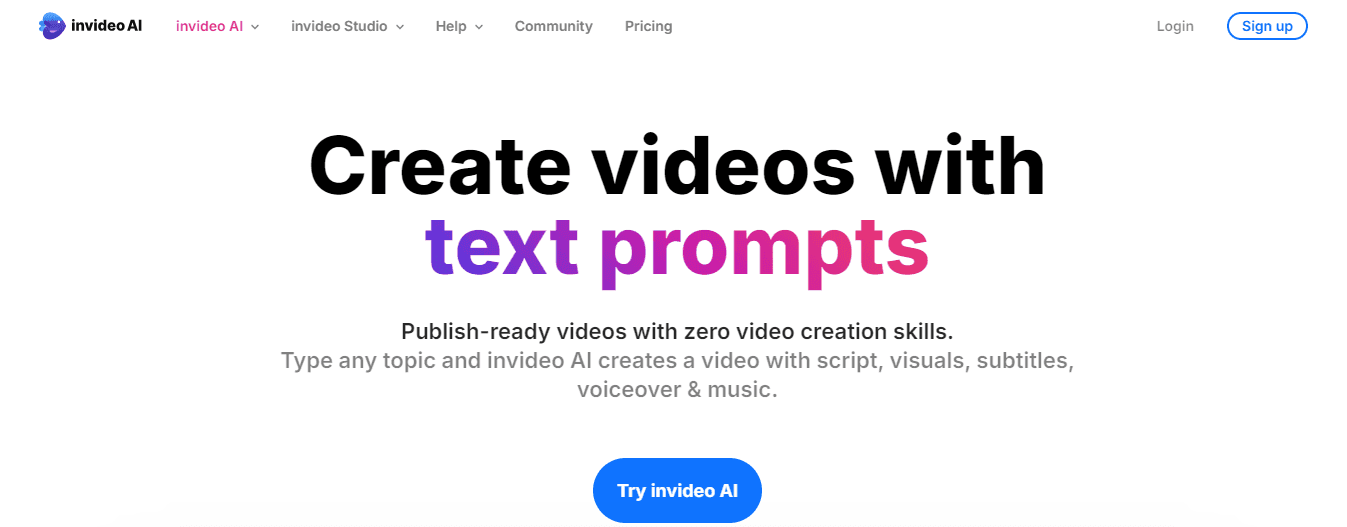
InVideo AI combines an extensive template library with AI text-to-video capabilities optimized for social channels. It features drag-and-drop editing, animated text, transitions, voiceover support, and access to stock media. Highlights include:
- Format presets for different social platforms
- Automated scene assembly from scripts
How It Compares To Animaker
Both serve social marketers with template-driven editors and simple timelines. InVideo emphasizes fast social exports and template variety, while Animaker adds more character animation assets and a broader scene library.
Who Should Use It
- Social media managers
- Small agencies
- Solopreneurs producing consistent clips
9. Fliki: Turn Written Content Into Narrated Animations
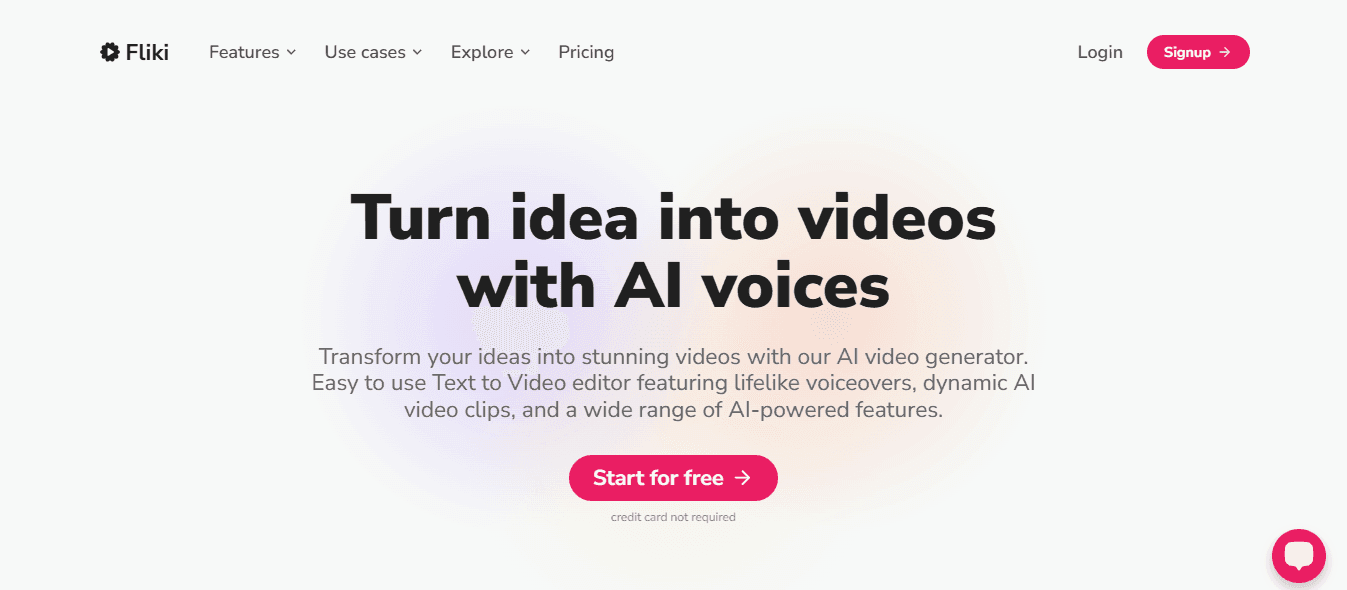
Fliki turns text and articles into narrated videos by pairing your copy with visuals and AI voices. It supports:
- Multiple voice languages
- Provides templates
- Allows basic scene timing and image selection
Main features include:
- Text-to-speech
- Template-driven scenes
- Stock audio
- Quick exports for social sharing
How It Compares To Animaker
Animaker offers fuller animation and character tools. Fliki trades complex scene animation for an efficient article-to-video pipeline with strong voiceover options.
Who Should Use It
- Bloggers
- Content marketers
- Small businesses converting articles into video
10. Spline AI: Collaborative 3D Design And Animation Made Accessible
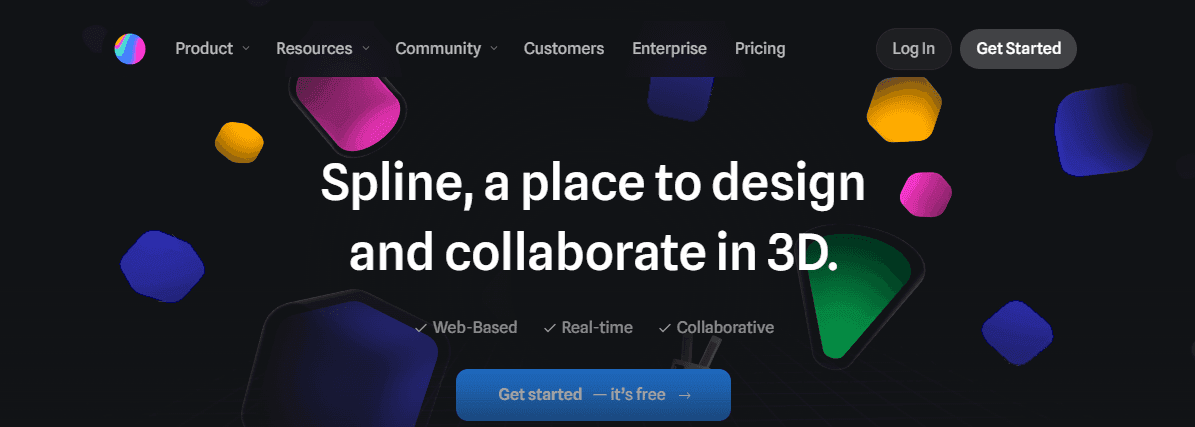
Spline AI runs in the browser and enables 3D object creation and animation with an intuitive interface. It supports real-time collaboration, drag-and-drop scene building, and export of 3D assets and animated sequences. Capabilities include:
- Basic modeling
- Keyframe animations
- Materials
- Direct export for web or game use
How It Compares To Animaker
Animaker focuses on 2D and template animation. Spline tackles interactive 3D and in-browser animation. Use Spline when you need lightweight 3D assets and interactive scenes, and Animaker when you need 2D explainer content.
Who Should Use It
Product designers, web teams, and small studios that need quick 3D mockups and simple animations. Advanced 3D pipelines still call for dedicated desktop software.
11. Rizzle: Make Snappy Animated Clips For Social Sharing
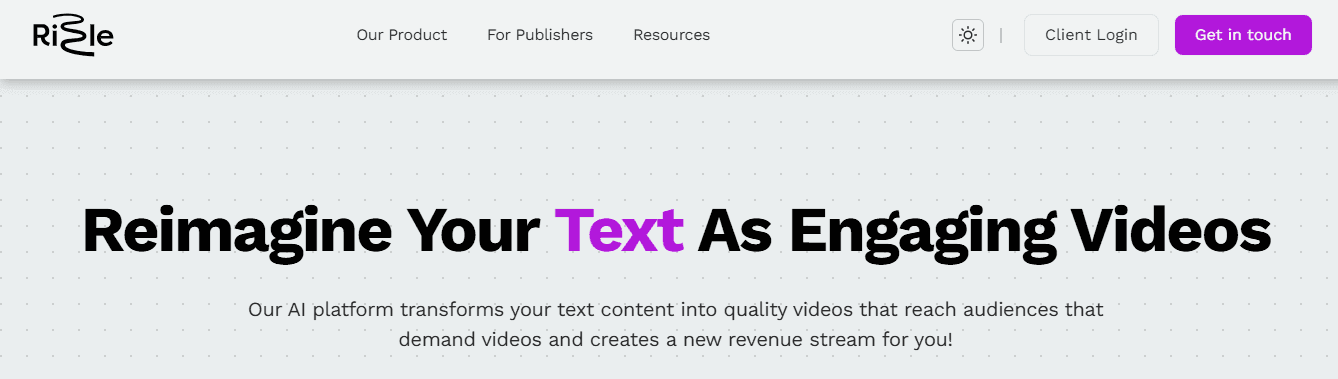
Rizzle targets short-form content with bite-sized video templates and animated effects. It offers AI-assisted editing, transitions, and tools tuned for vertical formats and platform sharing. Primary features include:
- Short clip templates
- Effects
- Music syncing
- Fast export to Instagram Reels and similar channels
How It Compares To Animaker
Animaker supports more long-form explainers and character scenes. Rizzle concentrates on quick, engaging short videos with limited scene complexity.
Who Should Use It
Creators focused on short vertical content and social engagement. Deeper animation and timeline control require other platforms.
12. Sora AI: High Quality Clips With A Simple Interface
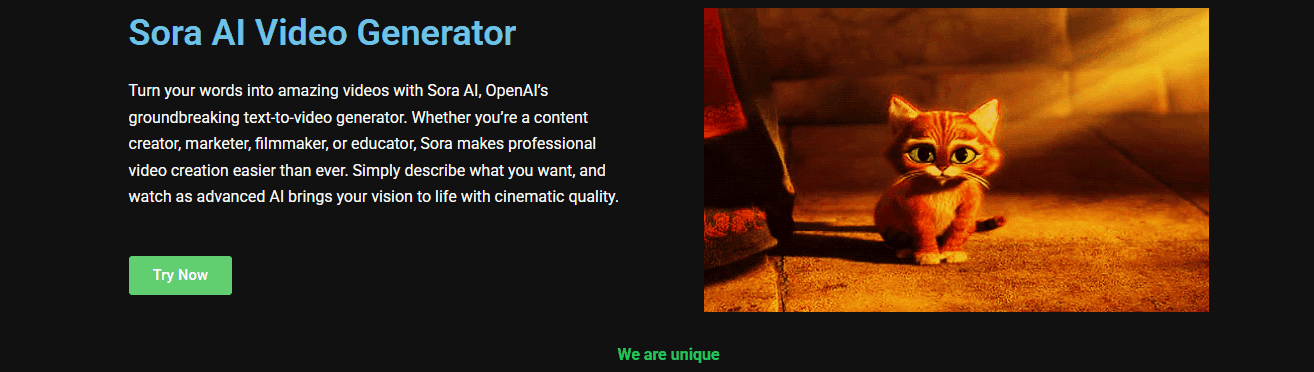
Sora AI offers advanced generative tools wrapped in an approachable editor. It produces polished animated clips from:
- Prompts
- Images
- Reference inputs
Feature highlights include:
- Prompt-driven generation
- Style transfer
- Character options
- Automated animation pipelines
How It Compares To Animaker
Sora AI emphasizes generative quality and automation over template-driven manual editing. Users who want higher fidelity AI generation will find its tools compelling.
Who Should Use It
Startups, creators, and small teams seeking more advanced AI image-to-video tools without steep learning curves. Watch for plan limits and the specific output formats supported.
13. Adobe Animate: Classic Tools With Modern AI Assists
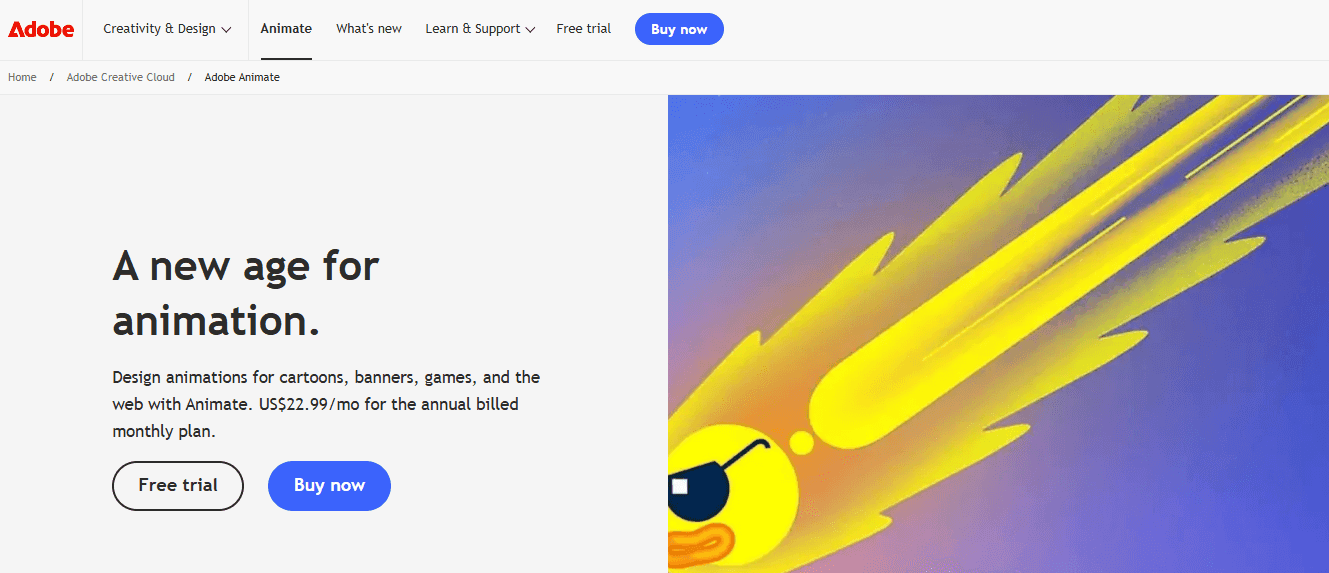
Adobe Animate provides a professional environment for 2D vector animation, character rigging, and interactive content. It integrates with Creative Cloud services and supports:
- Timeline-based animation
- Frame-by-frame work
- Tweening
Key functions include:
- Symbol libraries
- Motion tweens
- Bone rigging
- SVG export
- Assets that link to Photoshop and Illustrator
Recent features add AI-assisted workflows to speed rotoscoping and background tasks.
How It Compares To Animaker
Animate serves pro animators who need precise control over keyframes and rigging. Animaker simplifies creation with templates and scene kits for faster explainer videos.
Who Should Use It
Freelance animators, studios, and designers who need complex 2D rigs and integration with Adobe tools. Expect a steeper learning curve and subscription licensing.
14. Toonly: Make Classroom And Promo Videos Without The Hassle
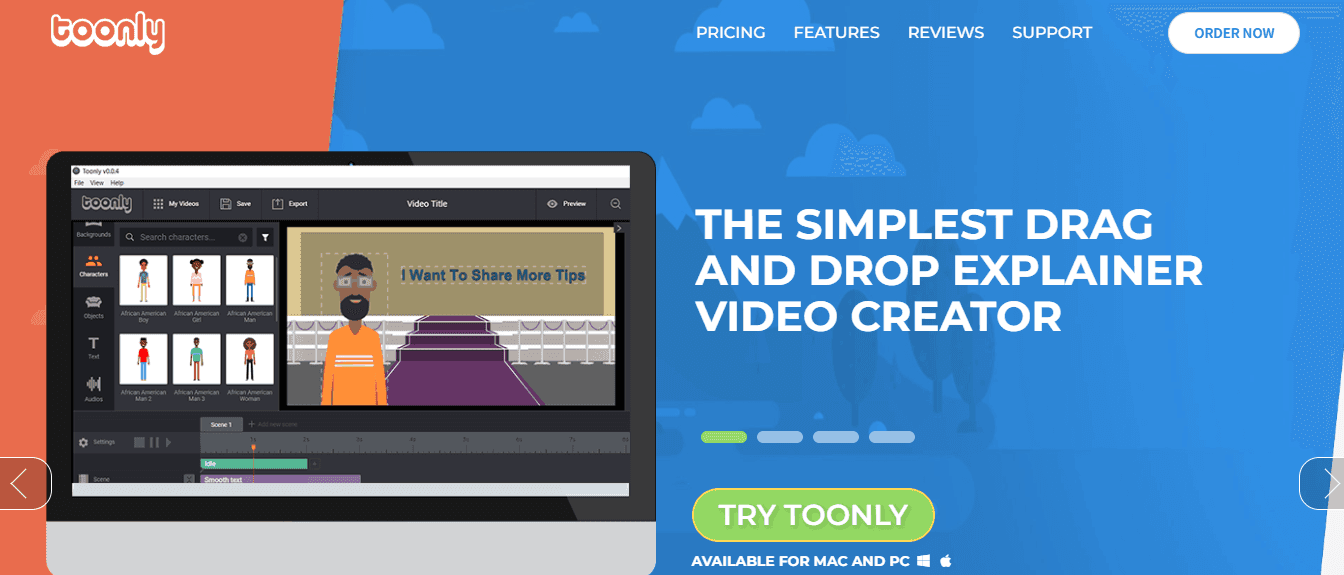
Toonly provides a simple drag-and-drop editor focused on explainer videos. It offers a library of characters, props, and scenes designed for quick assembly of instructional or promotional clips. Main tools include:
- Character poses
- Scene transitions
- Easy timeline for basic animation
The product aims to remove the need for technical timelines and rigging.
How It Compares To Animaker
Both are user-friendly and template-based. Toonly narrows in on explainer and whiteboard-like animations with a simpler feature set. Animaker provides a wider asset library and more scene types.
Who Should Use It
Educators, small businesses, and marketers who need clear explainer videos without learning animation tools. The editor trades advanced control for speed and simplicity.
15. Renderforest: Templates For Video, Logo, And Web Animation
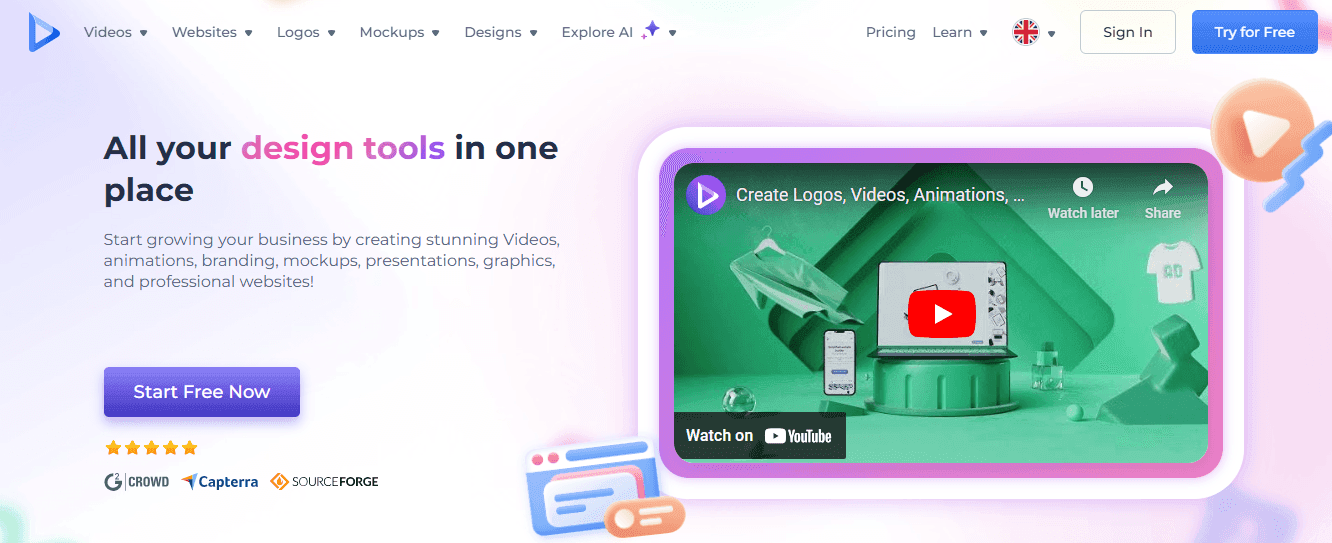
Renderforest delivers a suite for creating videos, motion logos, and simple web animations.
It provides:
- Templates for presentations, product demos, and social clips, along with easy export and cloud-based editing.
Features include:
- Animation templates
- Logo animation
- Stock media
- Royalty-free music
- Online timeline editor
The platform speeds production for consistent, branded content.
How It Compares To Animaker
Both platforms are cloud-based and template-driven. Renderforest combines branding assets and video templates in one place, while Animaker offers stronger character animation and scene customization.
Who Should Use It
Marketers, small agencies, and entrepreneurs who want a single platform for video and brand assets. The expansive template library simplifies repeatable production.
Related Reading
- Synthesia AI
- Pollo AI
- Pika Labs Pricing
- Higgsfield AI
- Animaker
8 Ways to Use AI for Video Content Creation and Optimization

According to Grand View Research, the global market for artificial intelligence in the video industry is projected to grow at a compound annual growth rate of 19.79% through 2030. This growth reflects not only the rising demand for video content but also the transformative benefits of AI.
AI-driven tools for video creation and optimisation improve efficiency, quality, and reach in several ways:
- Editing automation: AI can trim, cut, and sequence clips automatically, saving significant time in post-production.
- Quality adjustment: Videos can adapt in real time to a viewer’s device and internet speed for smoother playback.
- Idea generation and personalisation: AI assists in brainstorming new content concepts while enabling tailored, unique output.
- Cost reduction: By automating labour-intensive tasks, AI reduces reliance on large production teams and equipment.
- SEO and visibility: Tools can optimize titles, tags, and descriptions to improve search rankings and audience reach.
But while AI tools can help you wrap up your video creation and optimization goals faster than you can imagine, they should also be used carefully to eliminate any chances of error.
Practical Ways to Use AI for Video Creation and Optimization
If you want to benefit from AI and its revolutionary technology, use it to create and optimize video content. Luckily, there are many ways you can utilize the best AI for video content creation tools to facilitate your goals.
Here are some ideas.
1. Spark Fresh Video Ideas with AI Script and Storyboard Generators
Use AI to break creative blocks and produce lots of testable concepts fast. Prompt a model for hooks, episode outlines, or tone, and it will return scripts, scene beats, and shot lists. Then drop those into a storyboard tool or an animation studio like Animaker to populate scenes with:
- Prebuilt characters
- Props
- Templates
Ask the model for multiple variations so you can A/B test different opening lines, lengths, and formats.
Workflow: request concepts, pick a direction, generate a script, import to a storyboard or scene builder, then apply an animated explainer template or character builder to prototype quickly.
2. Create Professional Voice-Over Using AI Voices
Pick a text-to-speech engine and convert your scripts to polished narration. Choose voice style, pitch, speed, and emotional cues to match your audience. Tools tied to platforms like Animaker offer integrated text-to-speech and voice presets that suit:
- Explainer videos
- Ads
- Tutorials
Want multilingual versions?
Generate separate tracks in native voices and sync them to your scenes. This replaces slow casting and studio time while keeping a consistent tone across episodes and export formats.
3. Reach Global Viewers with Real-Time Translation and Subtitles
Automatic captioning and translation open international audiences without hiring translators for every market. AI transcribes audio, produces timed subtitles, and translates them into many languages with reasonable accuracy.
Integrate those captions into your video platform or into an animation maker like Animaker that supports subtitle import and placement. Keep a human reviewer in the loop for nuance, idioms, and brand voice to reduce mistranslations and protect clarity.
4. Boost Engagement with Clickable Elements and Interactive Overlays
Add interactivity to increase watch time and collect user signals. Use cards, annotations, clickable CTAs, in video forms, and branching choices to create engagement loops. Animation platforms and video makers let you build animated buttons and overlays that match your style guide or an Animaker template.
Track which overlays drive clicks, and iterate the placement, color, and copy to improve action rates and gather direct feedback from viewers.
5. Let AI Edit: Automatic Trimming, Scene Selection, and Transitions
Hand off repetitive edit work to AI editors that analyze footage, find highlights, and assemble cuts. These tools detect faces, key actions, and speech beats, then apply scene transitions and music cues that match mood and pacing.
Use batch export for multiple aspect ratios and repurpose the same master cut into square, vertical, and landscape versions using presets provided by cloud-based video makers and animation tools. That saves editor hours and produces consistent, brand-aligned output quickly.
6. Craft Click-Worthy Thumbnails with AI
AI scans your video for high-impact frames, applies cropping rules for different platforms, and layers text and simple graphics to improve click-through rate. Platforms that pair animation and design templates let you test thumbnail versions built from an Animaker style or character set.
Run A/B tests on thumbnails to learn what imagery, color contrast, or headline copy produces the best CTR and use those learnings to update future templates.
7. Optimize Playback with AI Compression and Smart Encoding
Use neural network compression and automated bitrate ladders to cut file size while holding visual quality. AI-driven encoders choose optimal codecs and resolution ladders for each viewer device and network condition, so playback starts faster and buffers less.
Export with modern containers and multiple bitrates or let your CDN render adaptive streams for mobile, desktop, and connected TVs. Animations and animated explainer videos often compress well, letting you keep crisp graphics at lower bandwidth.
8. Measure What Matters: AI Video Analytics and Sentiment Analysis
Run analytics that go beyond views. Use AI to map watch time, retention hotspots, and drop-off points. Combine that with transcription analysis to measure topic relevance, keyword density, and emotional tone in comments and reviews.
Platforms like YouTube Analytics and Vimeo Analytics include machine learning signals you can export to refine titles, tags, and descriptions. Feed those learnings back into your content pipeline and template library so your next Animaker video or animated explainer targets higher retention and search visibility.
Create your First Video for Free with Our AI Video Editor
DomoAI replaces long manual edits with an AI video editor that handles the complex parts. Upload photos or a script, select your preferred style, and the system turns those elements into moving clips, anime-style scenes, or speaking avatars.
You do not need to learn complex animation software or timeline editing to get professional-looking output. What part of your workflow would you like to simplify first?
What the Tool Does That Feels Like an Animated Video Maker
The platform works like a cloud-based online video editor combined with a generative engine. It offers pre-made scenes and video templates, a character builder and customizable characters, motion graphics and scene transitions, plus stock assets and royalty-free background music.
You get text-to-speech, voiceover support, and automated lip sync so talking avatars stay believable. Does that mix of automation and control match what you need for social media videos or explainer videos?
Features You Expect from Top Animation Platforms
Think drag-and-drop simplicity and a simple interface, but with AI-backed automation. You can use storyboard-style layouts, adjust scene duration on a timeline, swap video templates, add GIFs and visual effects, and export HD files ready for video marketing campaigns.
Whiteboard-style clips and 2D animation elements are available alongside more stylized anime looks. Which feature would you try first?
A Fast Workflow From Idea to Shareable Clip
Start by typing a prompt or uploading images. Choose a template or create a custom scene. Let the AI create motion for still photos, generate facial animation for talking avatars, or translate your copy into animated explainer sequences. Tweak scenes with drag and drop controls, change background music, or record a voiceover.
Preview, export, and publish to your channels without juggling multiple apps. How quickly could you publish your first clip?
Where You Save Time and Cut Costs
You avoid hiring animators or buying pricey animation software. The automation replaces many manual steps, so single creators and small teams can produce high-quality content for training, product demos, social shorts, and internal comms.
Royalty-free assets reduce licensing headaches, and cloud-based rendering removes the need for heavy local hardware. What projects would you reallocate budget toward
How DomoAI Compares with DIY Animation Tools Like Animaker
Both offer cloud-based animation and video templates, character libraries, and drag-and-drop editors. Animaker focuses on manual control with a strong character builder and preset libraries for explainer videos.
DomoAI layers generative AI on top, automating animation from photos and text and speeding up tasks like lip sync and style transfer to anime looks. You get the convenience of templates plus AI-driven shortcuts that shrink turnaround time. Which balance of control and automation matters most to you
Getting Started and Making Your First Free Video
Sign up, pick a template or upload an image, type the desired style or script, then let the AI animate. Use built-in text-to-speech or upload a voiceover for natural lip sync. Export options include social-ready formats and HD downloads for paid plans.
The free tier lets you experiment and produce a first clip at no cost, so you can test templates and see if they fit your content process. Would you like a step-by-step checklist for your first upload?
Related Reading