
Within Veo 3, Pixverse AI is changing how creators produce and edit video by putting AI-driven tools like generative video, neural rendering, style transfer, motion capture, and automated editing into a single workflow. You might spend hours tweaking effects, matching audio, or wrestling with cloud editor interfaces, so what platform actually saves time and keeps quality high? This article compares Pixverse AI and the best Pixverse AI alternatives for AI videos and editing, offering practical trade-offs, workflow tips, and the features that matter most to creators. To give a hands-on example, DomoAI's AI animation generator delivers fast automatic cuts, scene detection, noise removal, and template-driven workflows so you spend less time on tech and more on storytelling.
Building on that, DomoAI also provides the AI Video Style Transfer, which makes it easy to apply cinematic looks or artistic effects to raw footage in seconds. Instead of spending hours color grading or trying to match stylistic choices manually, creators can instantly test different moods and visual directions within a single workflow.
Why Others Look for Pixverse AI Alternatives?
Many users praise Pixverse AI for fast text-to-video generation and easy access to photorealistic clips. Teams hunting for agency quality, long-form marketing, or broadcast-ready work often switch. They want more control, higher resolution, and predictable outputs that fit post-production and client review cycles. Which features matter most to you?
The 5 Second And 8 Second Clip Limit That Stops Projects Cold
Pixverse limits output to 5-second and 8-second clips. That speed helps for quick social posts, but it blocks marketing videos, storytelling sequences, and platform-specific formats that need longer runs.
Editors lose flexibility for pacing, audio sync, and scene transitions when every asset is a micro clip. Need continuous scenes or longer cuts for YouTube or longer social formats?
No 4k Support When Ultra High Definition Counts
Pixverse delivers high resolution, but not 4K. Brands, filmmakers, and streaming channels often require 4K or UHD for crisp product shots, large screen playback, and aggressive cropping in post-production. Without 4K, you trade framing latitude and professional polish. Are you delivering to UHD screens or large format displays?
When Prompts Produce Odd, Unrealistic Scenes
Users on Product Hunt and Trustpilot report strange outputs from complex prompts:
- People doing impossible things
- Odd object collisions
- Unnatural hair motion
- Cross-eyed faces
These artifacts reduce trust in the model for client work and make prompt engineering a time sink. Do you need reliable, predictable photorealism from text to video?
3D Animation Falls Short For Advanced Motion Work
Pixverse can generate realistic still scenes, but its 3D animation often shows awkward expressions, unnatural hair color, and jerky motion. Projects requiring rigged characters, accurate lip sync, or complex camera moves expose these weaknesses.
Creators who need robust 3D modeling and animation workflows look elsewhere. Do you rely on professional-grade 3D animation?
Loss of Negative Prompt Controls Cuts Fine-Tuning Power
Earlier versions gave users negative prompts to exclude unwanted elements. The recent removal of that control forces trial and error and longer iteration loops.
Producers who depend on prompt-based filters to eliminate artifacts, unwanted props, or strange poses find the workflow slower and less precise. Does precise negative prompt control matter to your pipeline?
Where Pixverse Still Makes Sense for Some Workflows
Pixverse AI remains attractive for fast prototyping, accessible AI video creation, and quick social assets. It shines at producing short photorealistic clips without steep hardware or software demands.
Teams that prioritize speed and low friction can still get value fast. Is speed and simplicity your top priority when choosing an AI video generator?
Related Reading
What to Look for in a Pixverse AI Alternative
A straightforward interface saves time and keeps ideas flowing. Look for clean layout, contextual tooltips, step-by-step tutorials, and drag-and-drop asset placement so you spend minutes, not hours, on basics like font size or background colour.
Check for responsive previews for vertical, square, and horizontal outputs with one-click aspect ratio presets for:
- TikTok
- Instagram Reels
- YouTube
Do you get a timeline editor with snapping, undo history, keyboard shortcuts, and a customizable workspace that remembers your layout and brand kit?
Editing and Animation That Don't Feel Handcuffed
Choose tools that go beyond cut, trim, and fade. Essential features include accurate background removal or chroma key, image resizing with safe zones, motion tracking, and keyframe control for precise movement.
For generative AI needs, look for:
- Text-to-image and text-to-video
- Style transfer or anime filters
- Automated lip sync
- Facial tracking
- Character rigging so avatars move and emote naturally.
You want frame-by-frame control when you need it, plus AI-assisted interpolation when you want speed; does the editor give both? Also check export options, GPU acceleration, batch rendering, watermark policy, and whether the platform offers secure handling of face and voice data to avoid synthetic media risks.
Templates and Asset Libraries That Keep It Fresh
Quality beats quantity when templates are part of your workflow. Seek modern templates for ads, social shorts, explainers, and character scenes that avoid the generic look and let you adapt layouts and motion.
Asset libraries should include:
- Royalty-free music
- Sound effects
- Icons
- Backgrounds
- Character packs
- Voiceover tools
With good tagging, search filters, and licensing clarity. Can you save custom assets, sync a team library, or plug the editor into your design system via API or SDK so your fonts and colours stay consistent?
From Photos to Avatars: Everyday Creativity Made Simple
Creating cool videos used to mean hours of editing and lots of technical know-how, but DomoAI's AI video editor changes that completely: you can turn photos into moving clips, make videos look like anime, or create talking avatars just by typing what you want.
It’s built so anyone can make engaging content without learning complex tooling, so you focus on the idea and the AI handles the technical work. Create your first video for free with DomAI today!

13 Best Pixverse AI Alternatives for AI Videos & Editing
Now, let’s look at the top alternative tools for Pixverse AI:
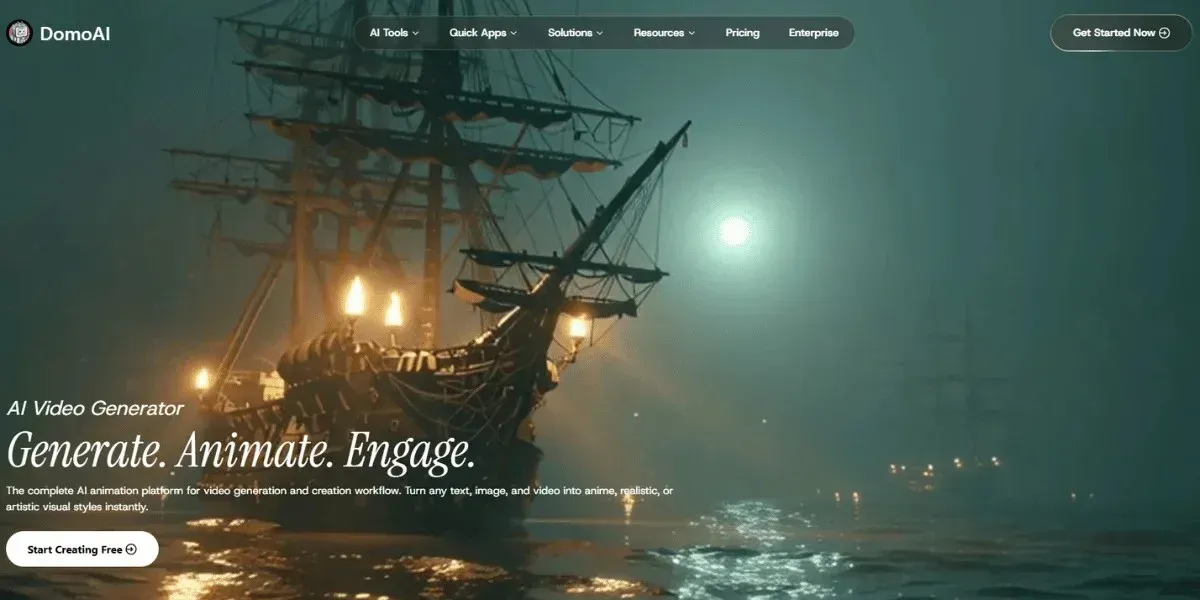
1. DomoAI
DomoAI removes technical barriers to video editing by using AI automation. Give it text, images, or short clips, and it generates professional-looking videos without advanced skills. It supports text to video, photo to video, video to video restyling, talking avatars with lip sync, and character animation.
Key Features That Rival and Outperform Pixverse AI
- Multiple video generation modes: text to video, image to video, and video to video restyle.
- Talking avatars and character animation with AI-driven lip sync.
- Built in editing: background removal with no green screen, video upscaling to 4K, lip sync auto-match, motion and style transfer using reference clips.
- Creative style engines: anime, cartoonisation, and style transfer from text or image references.
- Community templates and remixable projects to speed ideation.
Why Pick DomoAI Over Pixverse AI
- It produces longer clips
- Supports 4 K-ready upscaling
- Offers integrated post-production tools
- Gives finer control over motion and style transfer
Want to rework a short clip into a cinematic sequence or create a branded social ad fast?
2. Pollo AI
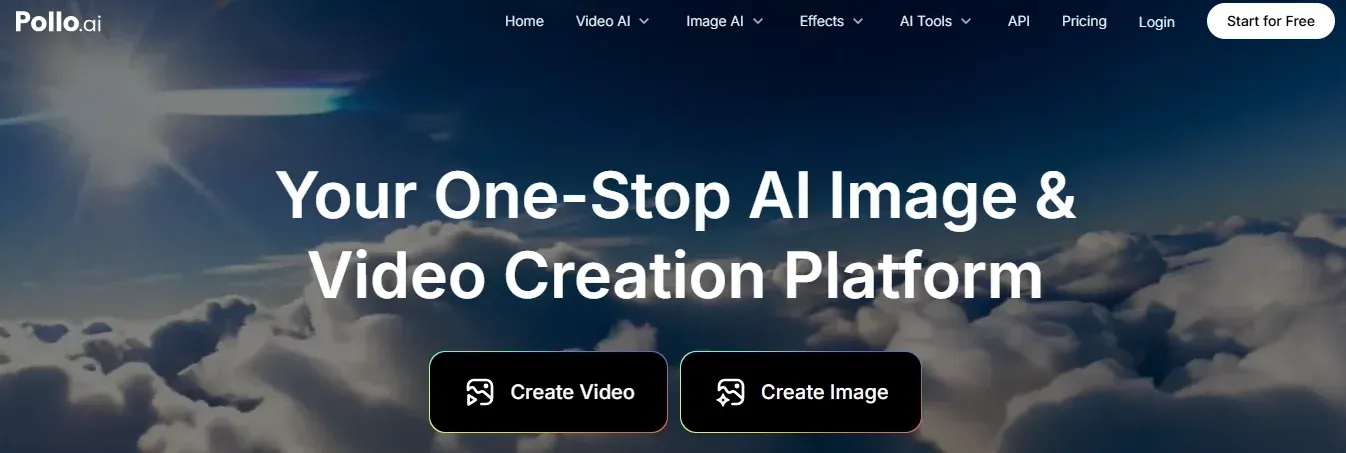
Pollo AI targets creators, marketers, and educators with a clean interface and a credit-based usage model. Use text prompts, images, or short videos to create high-resolution content. The platform bundles image and video generation plus upscaling, so small teams can move quickly.
Key Features
- Easy interface and low learning curve.
- Credit system for flexible consumption.
- Multiple resolution export options and upscaling.
- All-in-one generator for images and video.
Pollo AI fits teams that want predictable costs and quick turnaround. Which projects would you set up first with a credit plan?
For creators who want even more flexibility in generating AI videos, tools like Predis.ai provide powerful features to create engaging social and marketing videos while streamlining production workflows.
3. Vidu AI
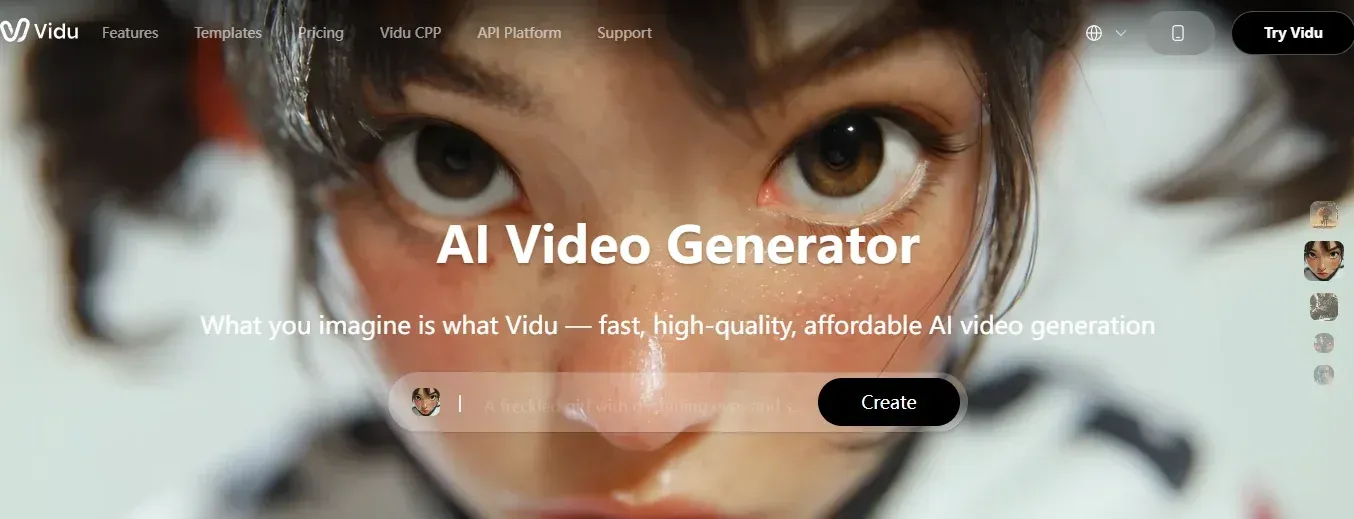
Vidu AI converts text and images into high-quality videos with multiple modes like text to video, photo to video, and reference to video. It emphasizes time-efficient production for creators who need polished 2D animation and diverse artistic styles.
Key Features
- Multiple creation modes for versatility.
- High-quality output suitable for professional use.
- Time-saving workflows to produce videos in minutes.
- Support for many artistic styles and 2D animation.
Vidu AI streamlines production when you need a consistent style across multiple shorts or a quick animated explainer.
4. Google Veo 3
Google Veo 3 from DeepMind powers high-quality video generation with native audiovisual integration. It produces 8-second clips with synchronized sound, ambient audio, and dialogue integration via Gemini AI. Veo 3 outputs at high resolution and applies SynthID watermarks to mark AI generation.
Key Features
- State-of-the-art model from Google DeepMind.
- Native integration of audio and visuals, including sound effects and synchronized dialogue.
- High-quality 4K resolution output.
- Safety and authenticity measures, such as SynthID for provenance.
Use Veo 3 when audiovisual cohesion and provenance matter for creative or compliance reasons.
5. Kling AI
Kling AI focuses on cinematic quality and professional aesthetics. While technical public details are limited, the platform is noted for producing polished, commercial-ready visuals that suit ad campaigns and high-end projects.
Key Features
- Professional-grade output quality.
- Cinematic aesthetics and framing focus.
- Advanced AI processing suited for commercial projects.
Kling AI targets creators who need filmic visuals without building a full production pipeline.
6. FlexClip
FlexClip offers a robust template library and good editing flexibility. It suits teams that need consistent branding and quick production for social and marketing content. The drag-and-drop editor keeps workflows simple.
Key Feature
- Extensive template library for many formats.
- Strong branding and customization tools.
- User-friendly drag and drop interface.
- Fast outputs for marketing campaigns.
FlexClip works well when you need a consistent visual identity across assets.
7. Veed.io
Veed.io provides an end-to-end browser-based video suite with AI-powered features like auto subtitle generation, AI avatars, and creating video from text prompts. It emphasizes collaboration for teams and quick edits without heavy software installs.
Key Features
- Comprehensive all-in-one video editing suite.
- Auto subtitle generation and language features.
- AI avatars and text-to-video options.
- Team collaboration tools and browser accessibility.
Use Veed.io when you need fast collaboration and automated post-production, such as subtitling and language dubbing.
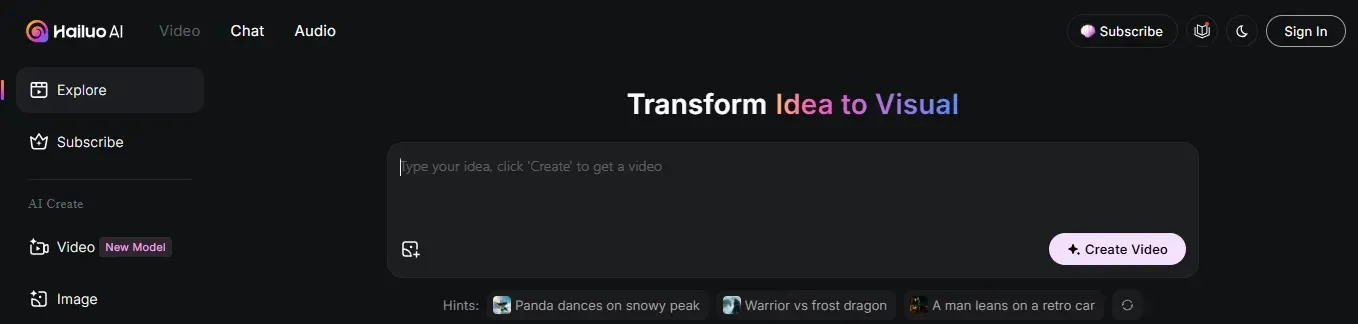
8. Hailuo AI
Hailuo AI recently released the Hailuo 02 model with native 1080P output rather than simple upscaling. It focuses on explicit high definition imagery and smooth cinematic motion. The model supports multiple clip durations, such as 6-second and 10-second formats, and includes storyboard tools and automatic animations.
Key Features
- Native 1080P output for true high definition.
- Storyboard creation for an organized visual workflow.
- Auto-injected animations that preserve story flow.
- Intelligent scene transitions for polished viewing.
Hailuo 02 suits creators who need crisp clips that play well on larger screens.
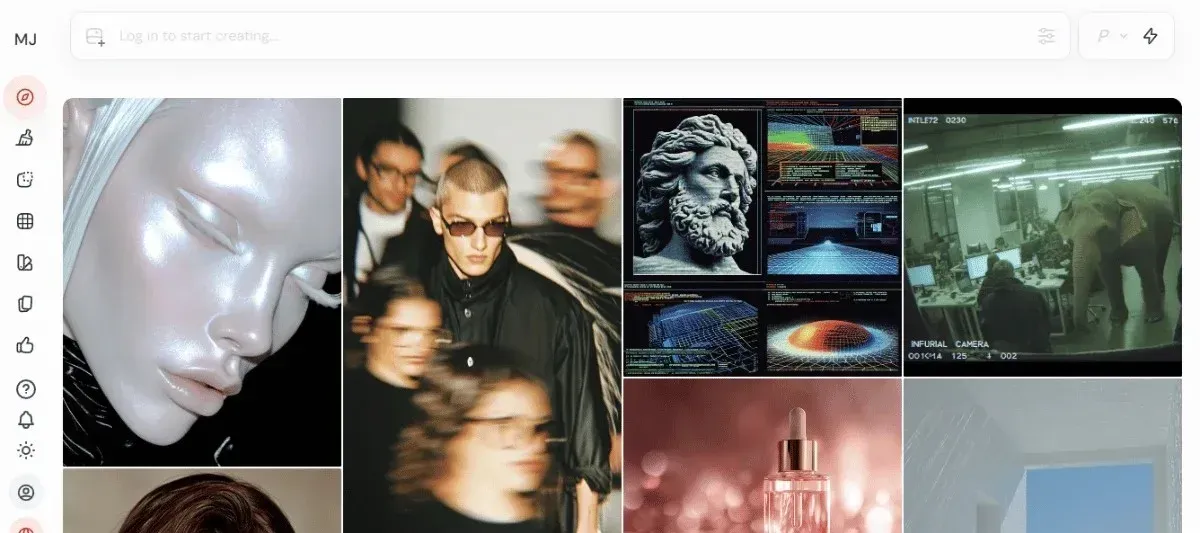
9. Midjourney
Midjourney introduced its first video model that builds on its strong image generation style. The V1 model aims for immersive output with accurate motion, lighting, and perspective. It lets creators control camera behavior, lighting, and scene elements for short cinematic pieces.
Key Features
- Midjourney art style extended to text-to-video.
- Natural lighting, accurate physical motion, and perspective.
- Tools for immersive open-world creative scenarios and a 3D feel.
Midjourney appeals when you want a distinct artistic signature brought to life.
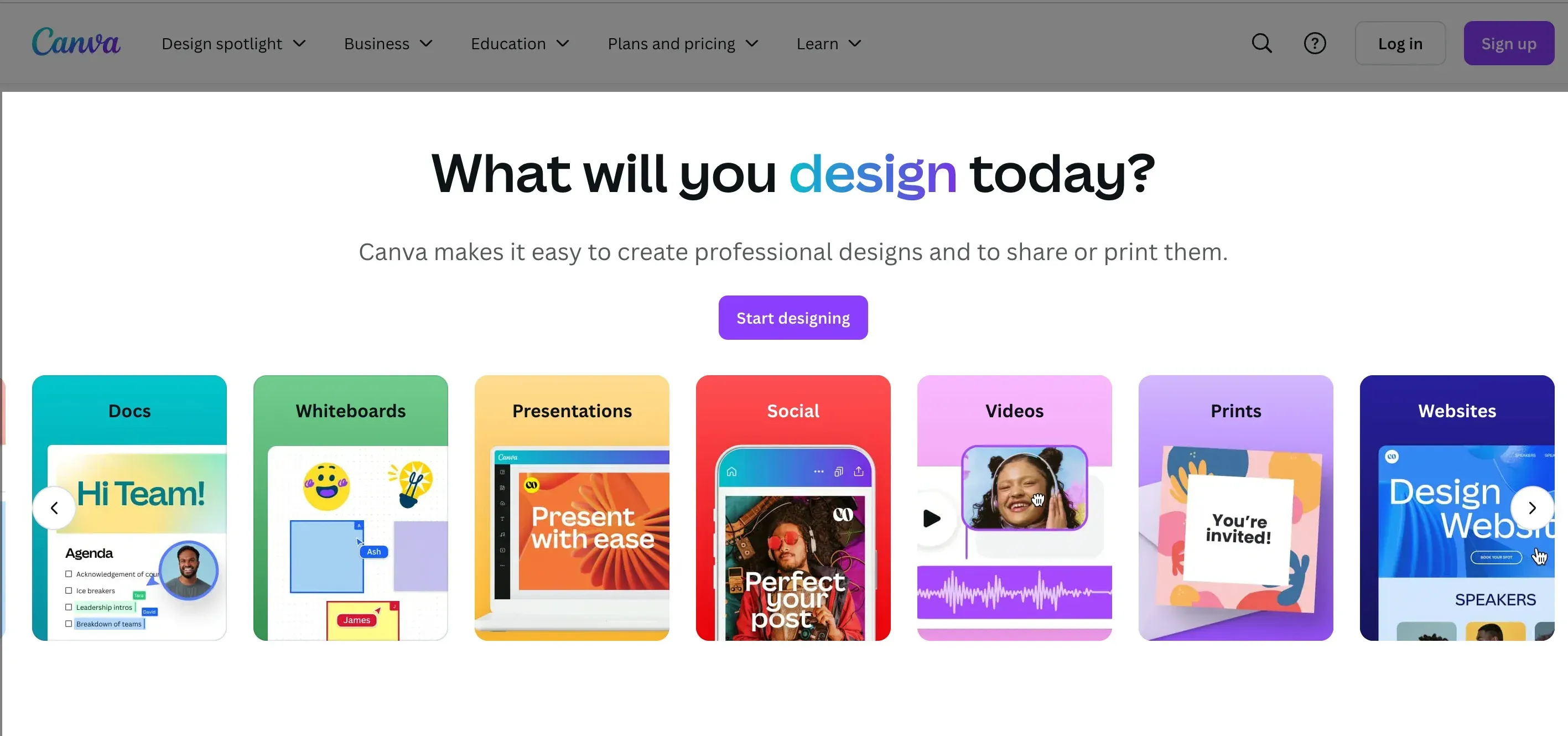
10. Canva
Canva brings AI-assisted video making into an accessible browser editor. Its Magic Design for Video feature auto-generates layouts, animations, and motion transitions from text, images, or clips. Canva ties into a huge stock library and one-click exports for social sharing.
Key Features
- Magic Design for Video auto-creates layouts and motion.
- Millions of stock videos, images, music, and graphics.
- Browser-based editor with real-time preview and one-click exports.
Canva serves marketers and small teams who value speed, brand templates, and straightforward editing.
11. Luma AI
Luma AI offers approachable tools to convert images and 3D data into video and interactive content. It focuses on scene reconstruction, AI-enhanced effects, and 3D rendering workflows that remain accessible to novices. The interface hides complexity while delivering immersive perspectives and high definition exports.

Key Features
- AI 3D rendering and scene reconstruction.
- Reconstruct scenes from sets of images.
- AI-enhanced visual effects and high-resolution output.
Luma AI fits creators exploring spatial storytelling or needing realistic scene recreation from photos.
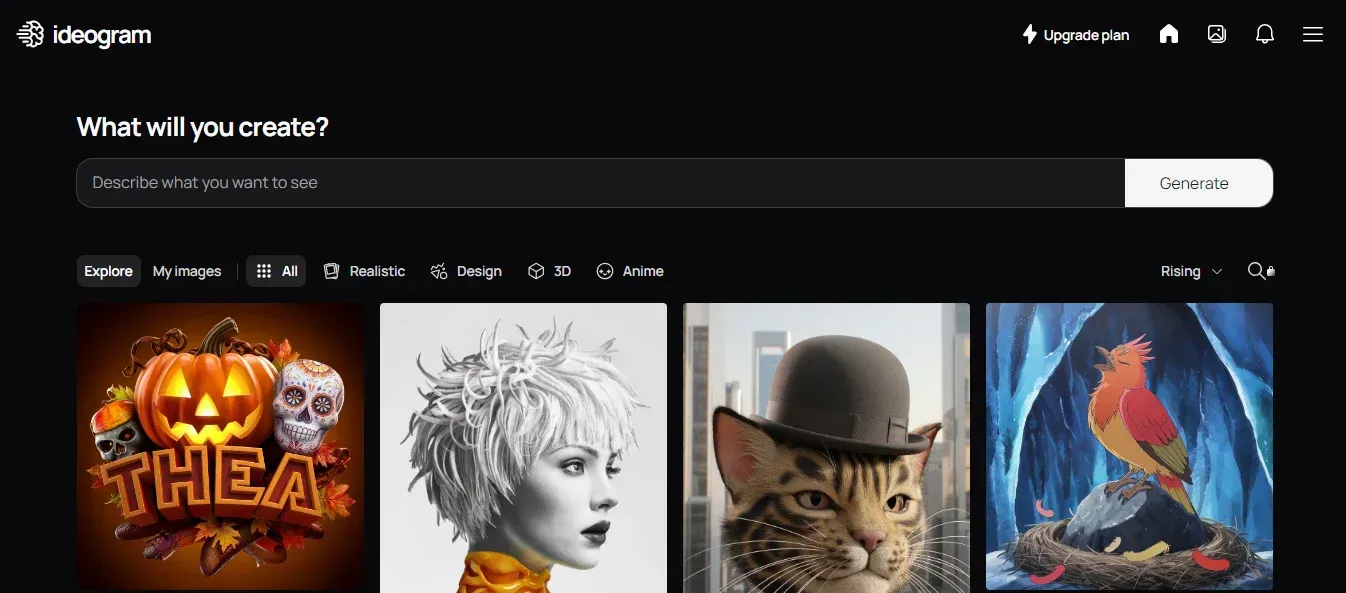
12. Ideogram
Ideogram Inc. built a generator praised for strong prompt understanding and predictable results. Its assistant handles complex text descriptions and produces many types of visual assets from social images to billboards. The platform supports fine-tuning and training custom models for tailored outputs.
Key Features
- High-quality prompt comprehension for complex requests.
- Versatile outputs across social assets and large-format designs.
- Fine-tuning and custom model training are available.
Ideogram works well when you need an assistant who understands layered instructions and produces consistent visual messaging.
13. Pika
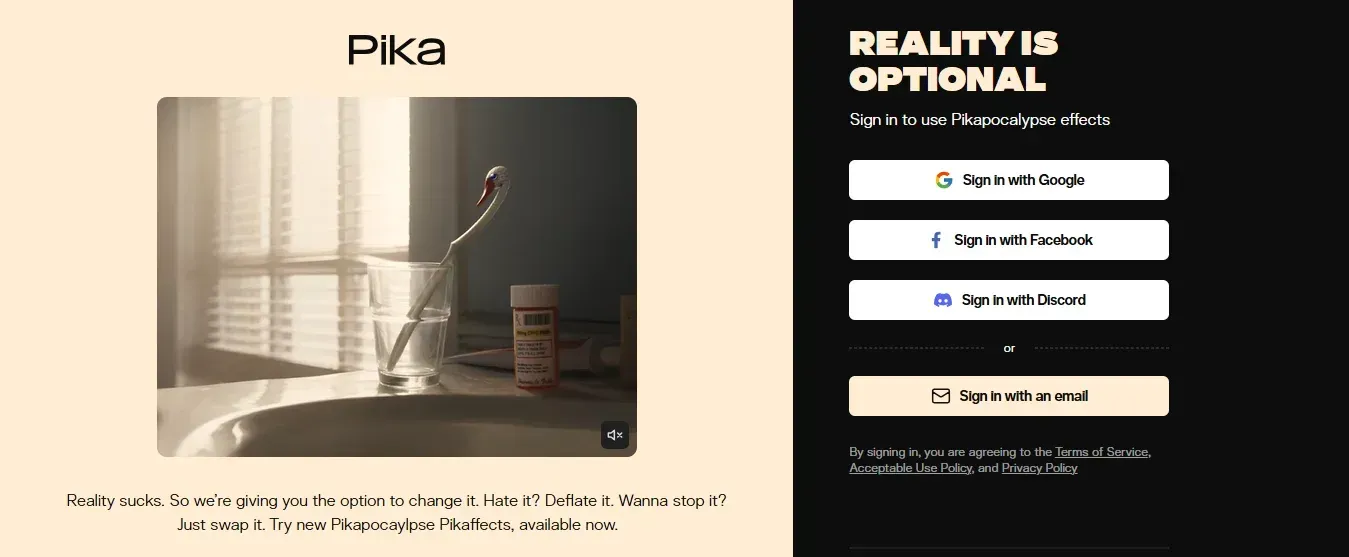
Pika converts text or image prompts into short stylized videos with many creative styles like anime, cyberpunk, watercolor, and 3D. It adds playful AI effects named Kiss, Hug, Squish, and Muscle Surge and creative photo effects such as Mel, Crush, and Cake if.
Key Features
- Wide range of creative styles across genres.
- Unique AI effects for emotional and dynamic content.
- Fast outputs suitable for social shorts and experiments.
Pika is ideal for creators who want to experiment with expressive looks and quick social content.
Comparison - Pixverse AI Alternatives by Output Quality
Not all AI video generators deliver the same clarity or length.
Let’s see how each Pixverse alternative performs when it comes to video quality and output limits:
| Tool | Output Quality |
|---|---|
| DomoAI | - Video duration up to 30 seconds - Supports 4K output resolution |
| PolloAI | Short-form videos that last (5-10 seconds) with 4K resolution |
| Vidu AI | Short videos up to 10 secs with resolution up to 1080P |
| Google Veo 3 | Short-form videos of up to 8 seconds with 1080p resolution |
| Kling AI | - Long Videos (Takes 4-6 minutes) - Offers an output resolution up to 1080p |
| FlexClip | Long-form videos lasting up to 10 minutes with output resolution of up to 1080p |
| Veed.io | Short-form videos (5-10 seconds) with a resolution output of up to 4K |
| Hailuo AI | Short video lasting (6-10 seconds) with an output up to 1080p |
| Midjourney | - Short form videos of 4-6 seconds that can extend up to 21 seconds - Offers up to 720p output |
| Canva | Short videos (6-8 secs) with a resolution output of up to 4K |
| Luma AI | Video duration of up to 10 seconds with 4K resolution output |
| Ideogram | - Short duration of up to 8 seconds - Offers 4K output (2048 x 2048 pixels) |
| Pika | Duration approximately 5 seconds with 1080p resolution |
How to Choose the Right Pixverse AI Alternative for Your Workflow
Although there is no one-size-fits-all tool, you can always find one that suits you better.
Here are the steps you should follow:
1. Check the AI Capabilities
Ask yourself, what can this alternative AI tool do? How good is it at doing that? In short, you need to consider the strengths and limitations of the tools in relation to your desired video output.
- Some tools can simulate natural movements in still images, making them appear as if they were captured in motion, without any glitch.
- You also have to consider the type of videos it is best suited for, whether it’s creating realistic videos or generating animated videos that give a fantasy-like vibe.
2. Consider the Pricing and Scalability
Don’t let pricing stop your creativity.
To decide on the favorable price, you should:
- Consider the ideas you love to bring to life.
- If the AI creations are for entertainment or promotion
- If you’re a full-time or part-time content creator, you will need an advanced option that can turn your ideas into studio-grade videos within the shortest time possible. If you're an emerging creator looking to establish your personal brand, a basic tier may be a suitable starting point. With time, you may choose to upgrade as your brand grows.
For example, DomoAI offers a free trial to help you familiarize yourself with the platform, and you can upgrade to a paid plan starting at $9.99, which is an affordable option compared to most competitors.
3. Evaluate the Ease of Use and Integration
Generally, video-generating AI tools do not require you to have a filmmaker's skills to use them.
Though that’s not to say that you won't come across some that might challenge you a bit, but you shouldn’t settle for one that is a pain to navigate.
- Opt for an easy-to-navigate tool that doesn’t require you to have a technical background.
- Drag-and-drop options that help you edit your images and videos in real-time.
- If you’re working with a team, your tool should have real-time collaboration features that enable multiple users to work on the project simultaneously.
- Evaluate the integration capabilities. The best AI video generators don't operate in a bubble. They are designed to seamlessly integrate with your existing platforms, such as content management systems, email platforms, and marketing automation systems.
4. Look for Customization and Flexibility
When creating an AI Video, you need to be able to personalize your content to match your needs.
Look for a tool that allows you to:
- Tweak the elements of your videos in a way that makes them feel unique to your viewers.
- Add your brand logo and adjust the colors and font to match your branding.
- Edit the scenes and add background music of your choice.
How Professionals Combine Multiple AI Tools for Better Results
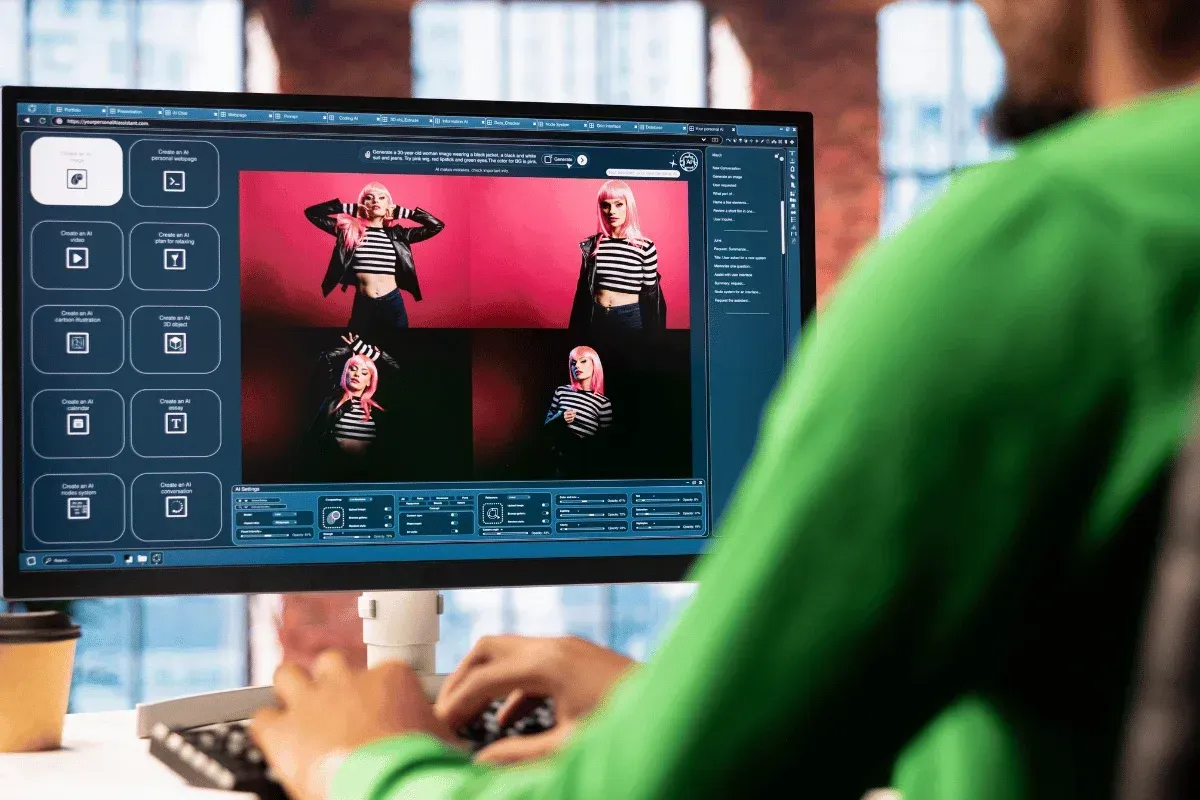
Although you can generate high-quality AI images and videos using one tool, you can always flip between multiple tools to achieve better results.
Here’s how to use multiple AI generators like a pro:
Research and Planning
You can’t just jump into making AI images and videos. You need to research the market, analyze the competition, and examine how previous videos have performed.
You should therefore leverage AI tools like ChatGPT or Perplexity to monitor your competitors and research your creative ideas. Besides, use Google Trends to analyze your target audience's search trends. With those insights, you can then utilize Claude and ChatGPT to generate content ideas.
Generate AI Visuals
Use tools like Midjourney or Ideogram to convert your ideas into images.
If you want to take your content a step further and animate your pictures, create a talking avatar for your presentation, or upscale your videos to 2K or 4K output, you can consider DomoAI.
Edit and Polish
Incorporate tools like Veed to add customized text overlays and Canva to help polish your videos.
How to Transition from Pixverse to a New AI Platform
Whatever your reason to switch from Pixverse to another platform, whether it’s to optimize your workflow or improve your customer experience, you should take the proper steps:
- Research and Testing: Study your new AI platform to understand its capabilities that exceed Pixverse. Take advantage of the free trials and demos to see if it matches your expectations.
- Check Reviews: Scout for reviews from the existing content creators, their experience with the platform, and tutorials on how they leverage your chosen AI tool. For example, you can join DomoAI’s active Discord community with 3M+ creators, where you can draw inspiration.
- Transfer Your Projects: Once you’ve picked the perfect AI platform, you can import your projects from Pixverse.
- Remake Your Scenes: You can remake the first imported videos on the new platform and compare them to the versions generated by Pixverse. If you're convinced that your current option is superior, you can switch completely to Pixverse.
Related Reading
How to Use AI to Create Videos
Eighty percent of online traffic comes from video views, driven by faster networks and social platforms hungry for short-form motion. AI can cut video production time by up to 62 percent, speeding iteration and lowering cost.
The AI video generator market is growing fast, with a projected 19.7 percent compound annual growth rate through 2030. These facts change where marketing budgets go and how teams plan content for platforms.
1. Brainstorm Ideas And Concepts That Reach The Viewer
Start with the audience. Who will watch this video, and what action should they take afterward? Sketch a single objective for the piece and write down raw concepts. Look at competitor videos and social posts that performed well and note the elements you can use or improve.
Star the strongest ideas and rank them by clarity of message and production effort. Ask yourself whether you want an explainer, product demo, training clip, short social ad, or evergreen hero piece.
2. Write A Script Formatted For Video And Pacing
Turn long text into short beats. Video scripts need tight language, scene notes, on-screen text cues, and timing. Convert a 900-word article into a 60 to 90-second script by cutting exposition and putting facts on screen as captions or B-roll.
Use an AI text generator to revoice copy into a specific tone and to produce shot lists and timing marks. Add direction for visuals like close-ups, overlays, and the call to action. Include alternate phrasing for subtitles and short hooks for the first three seconds.
3. Pick an AI Video Generator That Fits The Job
Match the tool's capabilities to your priorities. Evaluate output quality for:
- Neural rendering and video synthesis
- Presence of avatar and synthetic actor options
- Voice cloning and TTS quality
- Template libraries
- B-roll and stock footage access
- Customization for fonts and colors
- API or batch export, and cost
If you need enterprise controls, look for user permissions and brand asset management. Popular choices include Synthesia, Runway, Descript, Pictory, HeyGen, and Lumen5. Pixverse AI fits when you want advanced scene generation, scripted text to video, avatar customization, style transfer, and fast content personalization for multiple formats.
4. Generate and Edit Using AI Tools And Human Direction
Upload your script to the generator and choose a visual style, avatar, voice, and pacing. Use Pixverse AI or another platform to create scene suggestions and B-roll from scene descriptions.
Edit text on screen, tweak fonts and color, adjust shot durations, and refine audio for lip sync and clarity.
Use auto editing features to create cuts for social channels, and add ambient music from licensed libraries. Review every scene for factual accuracy, pacing, and visual continuity before exporting.
5. Publish, Distribute, And Measure Performance
Export to MP4 or get HTML embed code for web delivery. Deliver platform-specific versions: vertical for social stories, square for feeds, landscape for training portals. Add captions and structured metadata to improve reach.
A B testing plan for thumbnails, hooks, and length will show which formats work best. Track completion rate, engagement, and conversion, and feed those insights back into the following script.
Quick Tool Picks for Everyday Needs
- Fast corporate training with avatars and polished TTS: Synthesia or Pixverse AI where you need scripted presenters and scalable localization.
- Creative short-form social ads and effects: Runway or Kaiber for style transfer and motion AI.
- Podcast to video or screen plus transcript editing: Descript for its overdub, edit to text workflow.
- Long-form editing with auto summaries: Pictory or Lumen5 for turning long content into short clips.
Legal and Ethics Checklist for Synthetic Media
Obtain written consent for any likeness you recreate and check voice rights for voice cloning. Verify licensed music and stock footage and avoid unapproved use of brands or copyrighted material. Label synthetic content when required by platform rules or regulation. Maintain secure storage for training data and respect privacy rules where user data appears.
Questions to Move Faster Right Now
- Do you want short social clips or long training modules?
- How many languages and voice variants will you need?
I can map a production checklist using Pixverse AI features and recommend a three-video sprint to test formats and messaging.
Related Reading
Create Your First Video for Free with Our AI Video Editor
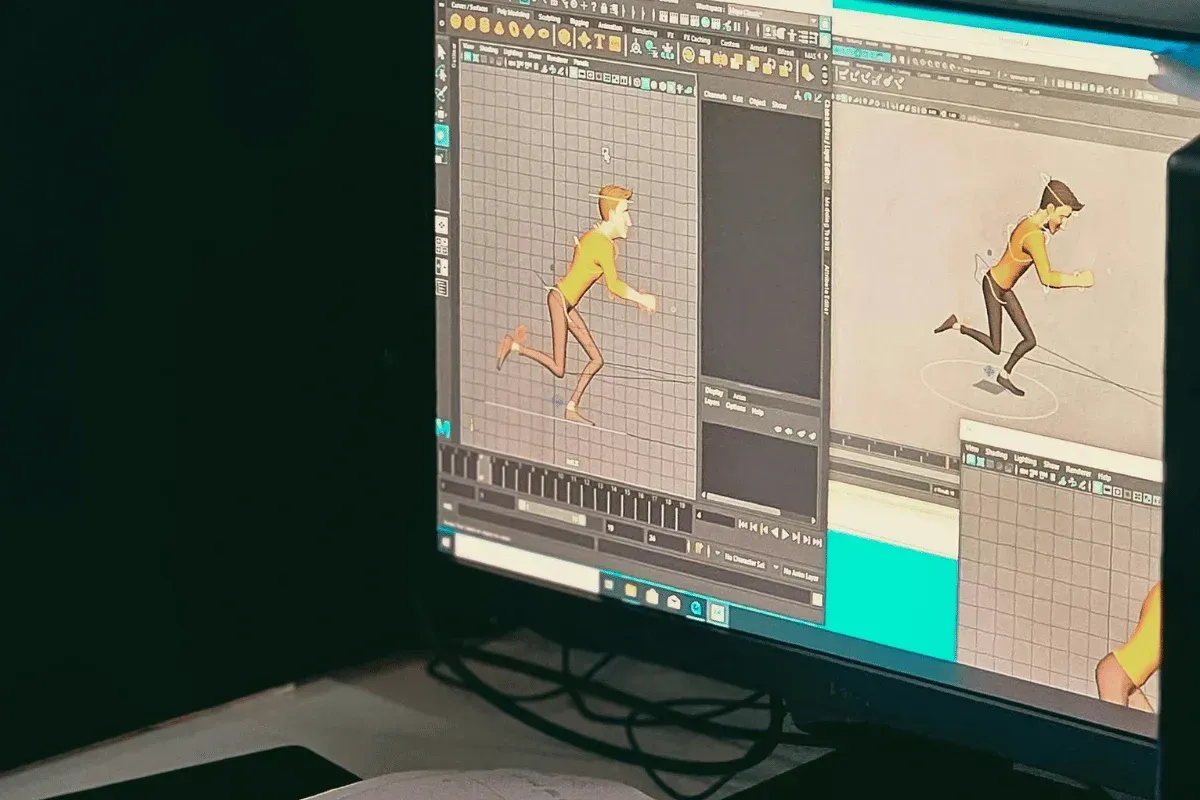
Making a striking video used to mean hours of editing and a steep learning curve. DomoAI changes that. The AI video editor uses generative AI and neural network-driven models to take still images and create motion from stills, trimming the technical work so you can focus on the idea. Want to produce something immediately without learning a complex timeline and effects stack?
Type Your Vision and Watch It Come Alive
Type a prompt and DomoAI will animate photos, apply anime style, or generate talking avatars with synced voice and lip movement. The platform blends image synthesis and style transfer so you can move between photorealistic output and stylized animation.
It supports text-to-video prompts, avatar creation, face animation, and voice synthesis in one creative flow. Which mode fits your project best?
Built for Creators Who Want Results, Not Complexity
Social creators, marketers, educators, and small studios will find it helpful. The AI handles tasks that usually require visual effects teams, from background replacement to motion smoothing and realistic facial tracking.
You still get control over timing, camera moves, and expression strength while the system handles the heavy math of pixel-level animation and rendering. How would you use this on your next post?
A Workflow That Keeps You in Control
DomoAI offers templates and presets for quick starts, plus a workspace for fine-tuning. You can upload images, choose a style, enter a script, and adjust pacing and voice tone.
The editor supports export options for social formats and provides simple tools for trimming, layering sound, and adding captions. Want to iterate rapidly or hand off rough cuts to a team?
Quality Options and Safety Features
Choose photorealistic rendering or an anime look without sacrificing control over frame rate, lighting, and composition. The system includes synthetic media safeguards and moderation tools to reduce misuse and protect likeness rights.
You can adjust how much the AI changes source images, and access controls for commercial licensing and attribution when needed. What balance of realism and style will you pick?
Try It Free and Scale When You Need To
You can create your first video for free with DomoAI today. Paid plans unlock higher resolution exports, extended runtime, team collaboration, and API access for integration into a creative pipeline or media studio workflow.
If you want to experiment with Pixverse AI style image generation, multimodal synthesis, or other AI image editing and video editing tools, this is a practical way to start. Create your first video for free with DomoAI today!
Frequently Asked Questions (FAQs)
Here are answers to most of the questions that many ask when exploring DomoAI and its alternatives:
What Are The Signs That I Should Switch from Pixverse to Another Tool?
Consider switching to another tool if you are looking to create a multi-scene narrative or long-form video content, as Pixverse currently does not offer these capabilities.
It is also not the best option if you're looking to have your team work on a project in real time from anywhere.
Can Free AI Video Tools Match Pixverse AI’s Features?
While free AI video tools can be great for beginner video creators experimenting with a new project, they might not match what you get from Pixverse.
For instance, most free AI video tools only allow you to download watermark-free videos, which is the opposite of what the Pixverse free plan offers.
How Do I Transfer My Projects from Pixverse to Another Platform?
Transferring your projects from Pixverse to another platform is easy. Here are the steps:
- Confirm that the alternative platform is compatible with your Pixiverse platform. If it is,
- Download your projects from the Pixverse
- Upload them to the new platform.
- Adjust them to match the templates and format of the new platform
- Back up your projects ( the original from Pixverse and the new, recreated projects)
Which Alternative Offers the Best Balance Between Cost and Performance?
If you're looking for a professional-grade, budget-friendly AI tool that delivers 4 K, DomoAI is a perfect alternative.
For approximately $19.50 per month, you receive a set of features that would cost extra if purchased from your competitors, including three parallel fast lanes and unlimited generation in Relax Mode.
You can create large videos for your projects without the worry that you will run out of your credits in the midst of the month.
How Do AI Alternatives Handle 3D and Depth Rendering Compared to Pixverse?
Pixverse is designed to handle several styles, and 3D animation is one of them. However, it can’t generate lengthy videos and can’t maintain plot consistency.
- Luma AI tends to perform better. When it comes to complex 3D scenes, this tool remains glitch-free. It’s built with the capabilities to generate visually stunning 3D videos from text or image prompts.
- DomoAI, however, outperforms most contenders because it adds a fresh perspective, motion, and a bit of depth to your existing videos, giving them a lifelike 3D feel.
Which Pixverse AI Alternative Offers the Best Realistic Animation Quality?
If you're looking for an AI character animator, consider DomoAI and create animated characters that feel and look realistic.
Besides, you can edit the video background and synchronize dialogue using the AI lip sync tool.
Conclusion
Pixverse AI has strong capabilities, but it also has caveats, including a maximum resolution of 1080p and an 8-second clip limit.
Whether you’re a YouTuber or marketer generating campaign ads, your creative needs might feel limited with Piverse, and you may want a tool to match them. We’ve explored 13 Piverse alternatives worth considering.
If you want a one-in-all creative workflow, DomoAI wins. You can generate an image, animate it, style it, add talking avatars with perfect lip sync, and export at 4K.
Start creating for free with DomoAI and join the 3 million+ creators who have upgraded their workflow and never looked back.


