Text to Image AI Generator

Turn your ideas into anime art, realistic images, and storyboard scenes with DomoAI’s text-to-image generator. Explore 30+ styles and generate four images per run—no drawing skills needed. Choose a result to edit, upscale, or animate next.
Generate image

#7

AI Discord Server

70+

AI Video Models

6,000,000+

Global Users

Civitai
Discord
TV Asahi
Andressen
Voicy
ESTEBANDIBA
ESTEBANDIBA

2693K

EMDOTTECH
EMDOTTECH

1768K

SEB.DRAWS.THINGS
SEB.DRAWS.THINGS

1559K

DENY KING
DENY KING

1340K

PLANET AI
PLANET AI

377K

MIKIMIKIWEB
MIKIMIKIWEB

288K

SHEDOESAI
SHEDOESAI

484K

ATEF ATAYA
ATEF ATAYA

288K

SUBOSE S
SUBOSE S

914K

MR REIS
MR REIS

669K

Turn Words into Pictures

Create Images from Text Prompts

Describe a character, scene, or product, and turn your prompt into an image. Use DomoAI to explore anime art, concept designs, realistic scenes, and thumbnail ideas without drawing from scratch.

Create Anime Characters and Scenes

Choose from Anime S1–S10 for characters and stylized scenes, or explore classic V1 styles for different illustration looks.

Tools Built for Artists

Expand short prompts with AI Optimize, pick from five aspect ratios, and turn on Relax Mode on Standard plans and up.

One Workflow, No Re-upload

Send any result from History or Assets straight to editing, animation, or upscaling. No export, no re-upload.

How to Generate AI Images from Text in 3 Steps

STEP 1

Write Your Prompt

Describe the image you want, or use AI Optimize to expand your idea.

STEP 2

Pick a Style and Aspect Ratio

Choose a style and aspect ratio that fit your idea. On Standard plans and up, use Relax Mode to generate without spending credits.

STEP 3

Generate, Refine, and Animate

Click Generate to get 4 images. Use Regen for a fresh batch, sharpen your favorite to 4K or 6K in Image Upscaler, or click Actions to edit or animate it.

Styles, Models, and Creative Options

You can create text to image art and key visuals here, then keep every shot ready for editing and animation.

Explore Different Styles and Formats

Create anime, illustrations, or realistic images in a format that fits your project. Choose from five aspect ratios: 3:4, 4:3, 9:16, 16:9, and 1:1—for portraits, widescreen scenes, and social posts.

Keep Creating After You Generate

Try new variations with Regen, sharpen details with Upscale, or use Actions to keep editing. Bring your image to life with Image to Video or turn a portrait into a Talking Avatar. Your results stay in Assets for easy access.
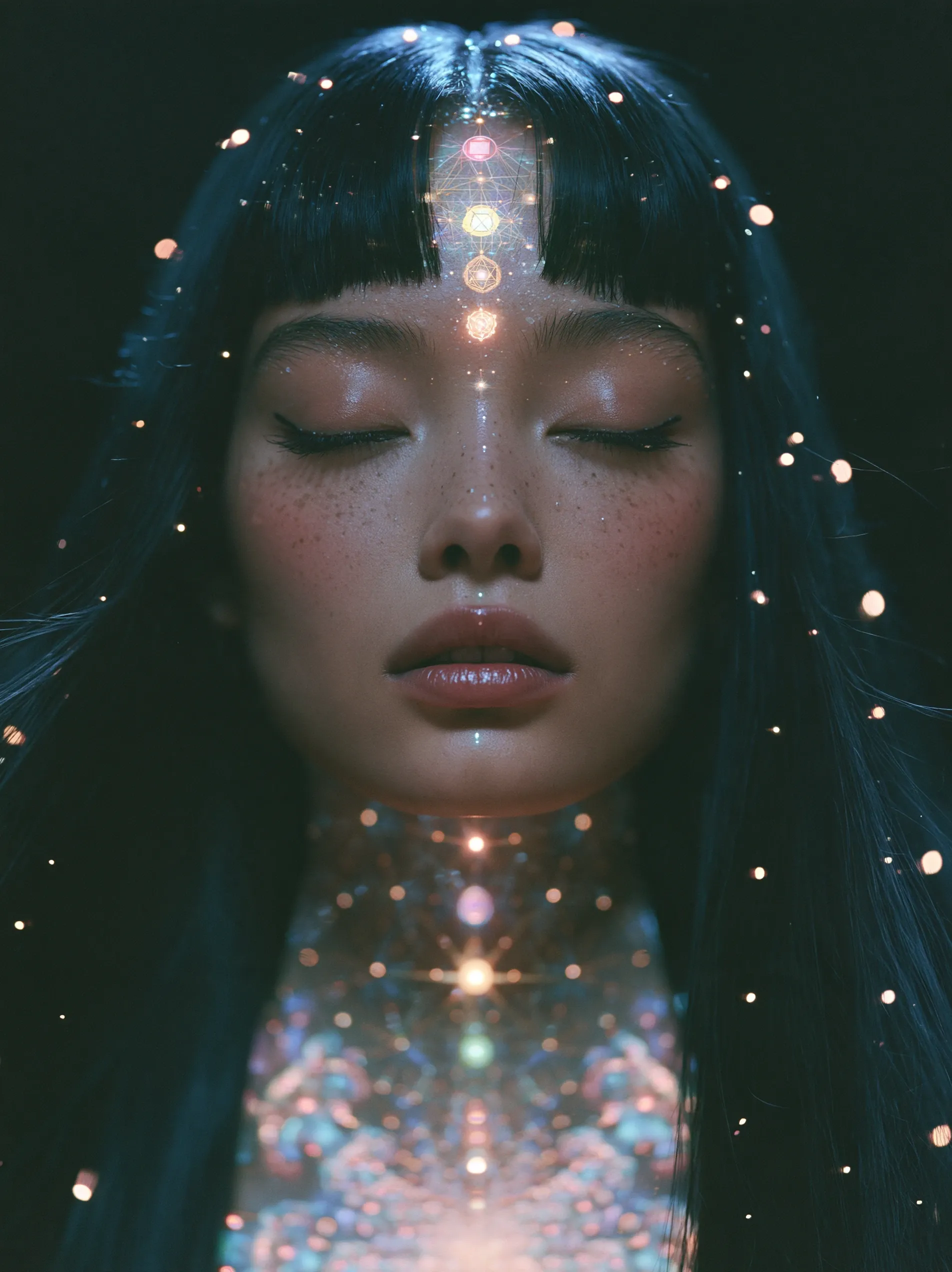
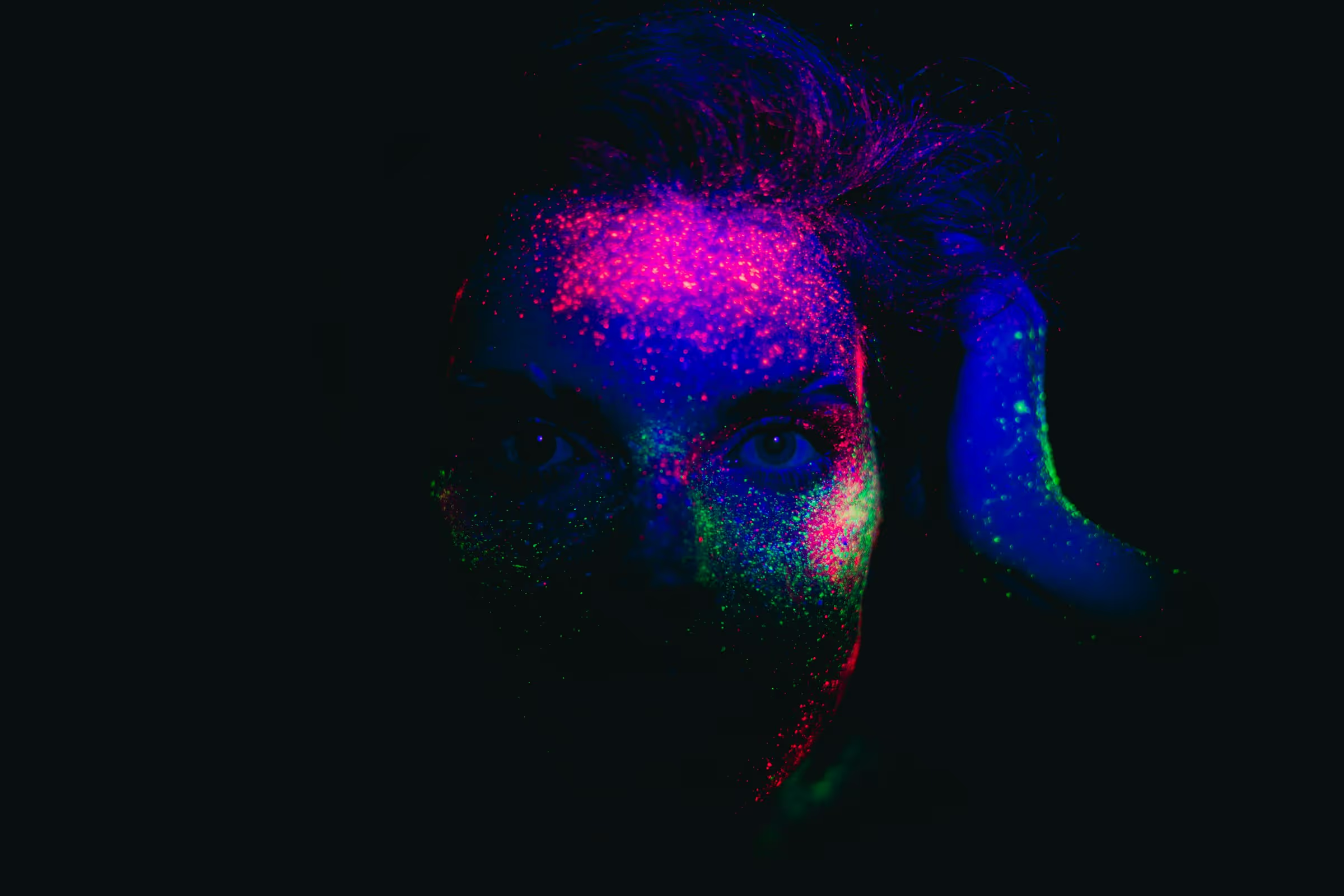
Portrait of a woman with closed eyes, glowing geometric symbols, and lights in her dark hair.

Find Your Text-to-Image Model

Text to Image offers three model groups:
  • Anime S1–S10: For anime characters and stylized scenes.
  • Fusion S1–S2: For realistic images and designs with text.
  • Other: Classic V1 styles spanning anime, illustration, realism, and FX.
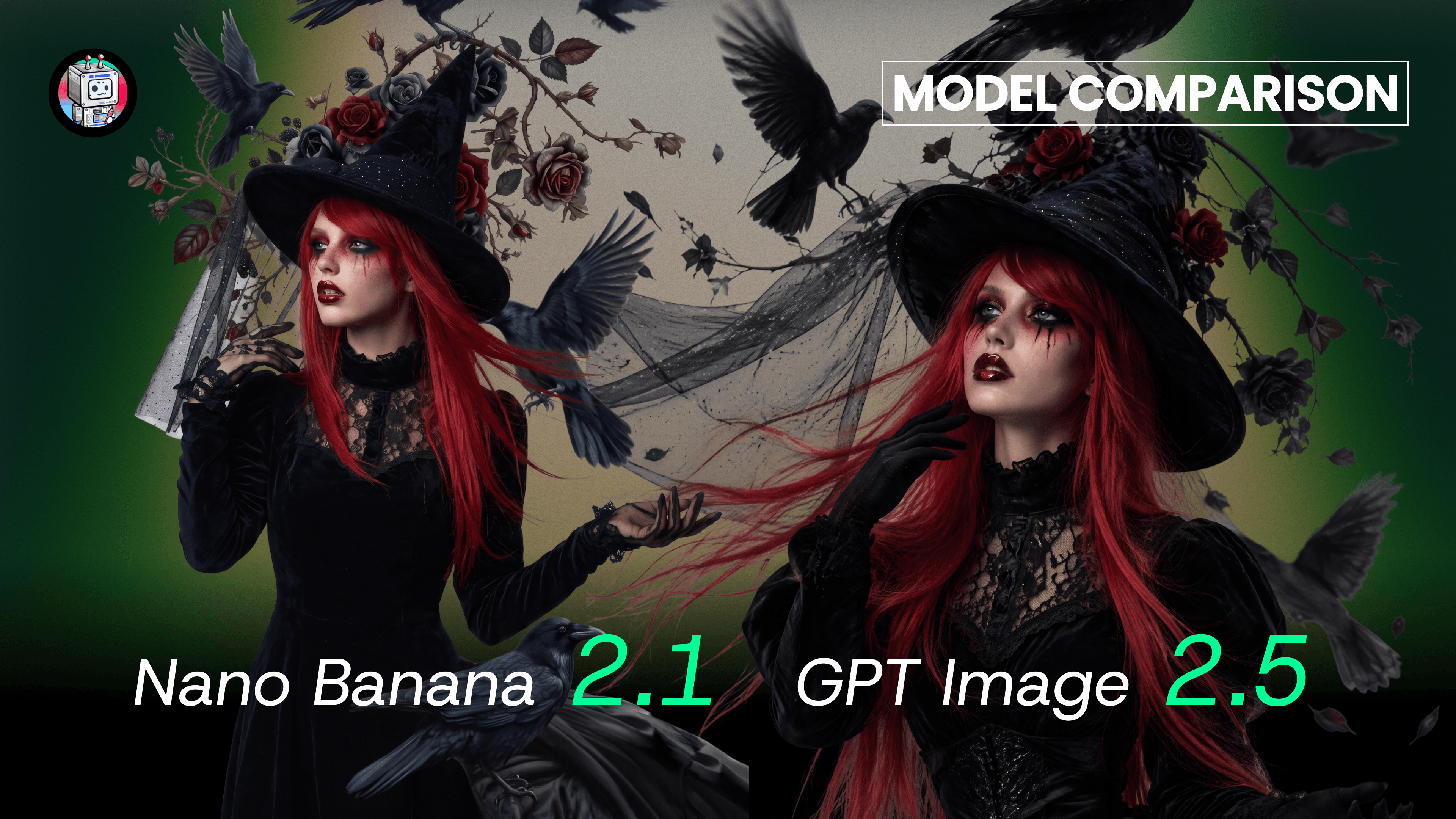
You can also generate images from text in the Multi-Model Image Generator & Editor. Choose from GPT Image 2.5 (Sunburst and Flare), GPT Image 2, Nano Banana 2.1, Nano Banana 2, and Nano Banana Pro.

Write a Text-to-Image Prompt That Works

Start with your main subject, then add details that matter to the result. Use these five elements to guide your text-to-image prompt:
  1. Subject: Who or what is in the frame—hair, outfit, expression, and one key prop.
  2. Framing: Close-up, waist-up, full body, or wide shot.
  3. Setting: A rain-lit neon street, a sunlit wood desk, or a plain studio backdrop.
  4. Style: Cel-shaded anime, soft watercolor, film still, or studio photo.
  5. Light and mood: Cyan rim light, warm sunset glow, or soft side light.

Which DomoAI Image Tool Should You Use?

Both tools create images from text. Here is where each one fits. GPT Image 2.5 supports Relax Mode for 2K output with up to 9 reference images. For 4K output or 10–16 reference images, use Fast Mode.
Which DomoAI Image Tool Should You Use?
FeatureDomoAI Text to ImageImage Generator & Editor
Best forLow-cost anime and realistic batchesPrecise control, consistent characters, detailed visuals
ModelsAnime S1–S10, Fusion S1–S2, and classic V1 stylesGPT Image 2.5 (Sunburst / Flare), GPT Image 2, Nano Banana 2.1, Nano Banana 2, and Nano Banana Pro
Reference imagesV2: text only. V1: 1 reference image.GPT Image 2.5: up to 16; GPT Image 2: up to 9; Nano Banana 2.1: up to 14; Nano Banana Pro: up to 9.
Credits (Fast Mode)V2: 4 credits. V1: 1 credit.Nano Banana 2.1 starts at 7 credits. Cost varies by model, reference-image count, and output resolution.
Output4 images per run; 5 aspect ratios1 image per run; native 2K or 4K
Relax Mode (Standard+)SupportedSupported

Use Cases of AI Text to Image Generator

Create an image from your prompt, then edit, upscale, or animate it in DomoAI.
Get started for free

Anime Creators and VTubers

Design original characters and avatar portraits without drawing by hand. Once you pick a look in Anime S1–S10, you can create an anime with AI step by step: add lip-synced lines in Talking Avatar, copy a dance in Character to Video, or build multi-shot scenes in Omni Reference.

Content Creators

Make YouTube thumbnails, cover art, and visual hooks in 16:9 or 9:16. Four images per run means more options for each post. Animate your pick in Image to Video with DomoAI 2.5 or ByteDance’s Seedance 2.0, available in DomoAI.

Digital Marketers

Draft product visuals, ad concepts, and campaign backdrops before you book a shoot. Test four directions per run, refine typography with GPT Image 2.5 Sunburst, then turn the best stills into AI UGC Ads.

Creative Professionals and Everyday Fun

Build storyboard keyframes, visual novel backgrounds, or custom cards in Anime Card Maker. Link 2 to 8 keyframes into one sequence in Frames to Video, or restyle a pet photo with a V1 style.

Text to Image AI FAQs

What is a text to image AI generator?
A text-to-image AI generator turns written descriptions into new images. On DomoAI, you write a prompt, pick a style and aspect ratio, and generate AI images from text with no drawing needed.
How do I create an image from text in DomoAI?
Open DomoAI Text to Image and type a prompt up to 1,000 characters, or click AI Optimize. Pick a style and aspect ratio, then click Generate. Your four images appear in the workspace and the History panel, ready to save, upscale, edit, or animate.
Is DomoAI’s text to image generator free?
You can start free. DomoAI offers a free trial with daily use limits per tool, and every newly registered user receives 30 credits. Paid plans start at $9/month billed yearly ($13/month billed monthly) on Basic, with 600 monthly credits. See the pricing page for current rates.
How many styles does DomoAI Text to Image offer?
Text to Image offers 30+ styles. The main picker shows 10 Anime models (Anime S1 to Anime S10) and 2 realistic Fusion models (Fusion S1 and Fusion S2). The Other tab holds classic V1 styles with anime, comic, watercolor, CG, and realistic looks.
How many images do I get per run, and what does it cost?
Every run gives you 4 images, starting at 1 credit. V1 styles under Other cost 1 credit per run, and Anime and Fusion models cost 4 credits per run. Click Regen for a new batch from the same prompt.
Can I use Relax Mode with Text to Image?
Yes. Relax Mode starts on the Standard plan ($29/month billed yearly) and is included on every plan above it. Every Text to Image style supports Relax Mode, so you can keep generating without spending credits. Relax jobs take longer than Fast Mode, and Image Upscaler always runs in Fast Mode.
Can I create an image with text inside it?
Yes. Choose Fusion S1 or Fusion S2 to add short words inside the image, written in the language you type. For posters or tighter typography, use Nano Banana 2.1 or GPT Image 2 in the Multi-Model Image Generator & Editor.
Can I create an anime with AI starting from text?
Yes. Create text to image AI character sheets and scenes with Anime S1 to Anime S10, save them in Assets, and animate each cut in Image to Video, Frames to Video, Character to Video, Talking Avatar, or Omni Reference.
Can I upload a reference image?
Anime and Fusion models are text-only. V1 styles under Other accept one reference image, so you can restyle a picture you already have. For several reference images, use the Multi-Model Image Generator & Editor: Nano Banana 2.1 accepts up to 14, Nano Banana Pro up to 9, and GPT Image 2.5 more than 9.
Can I use my creations for commercial purposes?
Yes. Under DomoAI’s Terms of Service, images you generate belong to you. You keep the copyright and may use them commercially, as long as your use follows applicable laws and third-party rights. Paid plans export without a watermark, and DomoAI recommends noting that content is AI-generated when you share it publicly.

5M+ Creators Millions of Viral Videos

Generate, stylize, and upscale in one place