
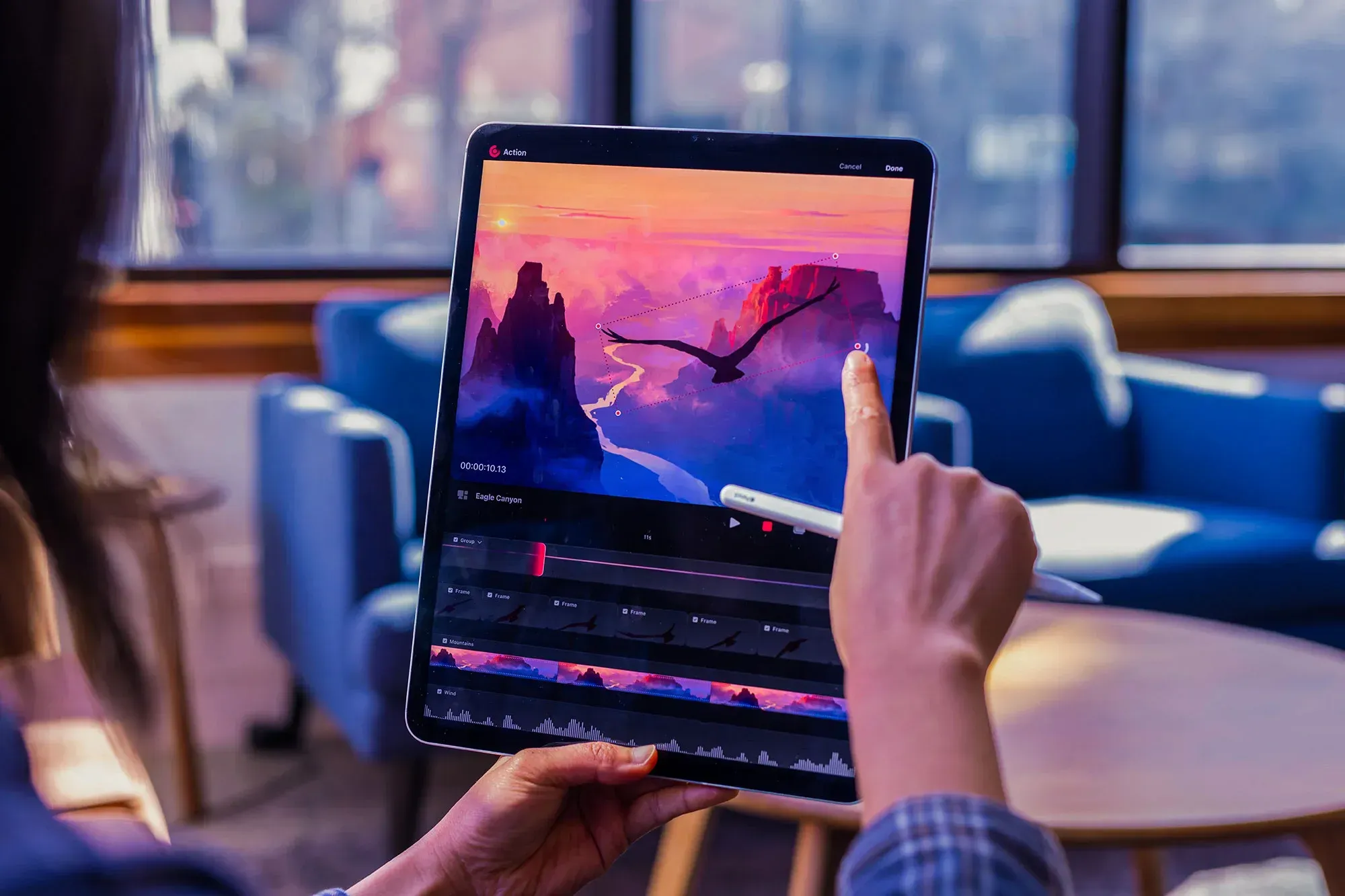
If you use Veo 3 together with Midjourney AI, you know how easy it is to hit a creative wall when you need consistent images, videos, or animations for a project. Sometimes prompts fail, styles clash, or the model stalls when you need polish for social posts, product renders, or short films. Which tool fits your workflow: a text-to-image engine, an image editor, a generative AI for animation, or a full AI video pipeline? This article lays out practical comparisons and clear recommendations for the best Midjourney AI alternatives for AI images, videos, and animations, so you can choose faster and deliver better visuals. DomoAI's AI anime generator helps you do precisely that, turning prompts and rough footage into polished videos and animated clips with simple controls for style, upscaling and pacing.
To push this even further, the AI Image Generator from DomoAI offers a reliable way to create consistent visuals that complement your video or animation workflow. Rather than relying on hit-or-miss prompts alone, this tool gives creators more control over style and coherence across projects, making it easier to maintain a unified look for social campaigns, branded content, or narrative storytelling.
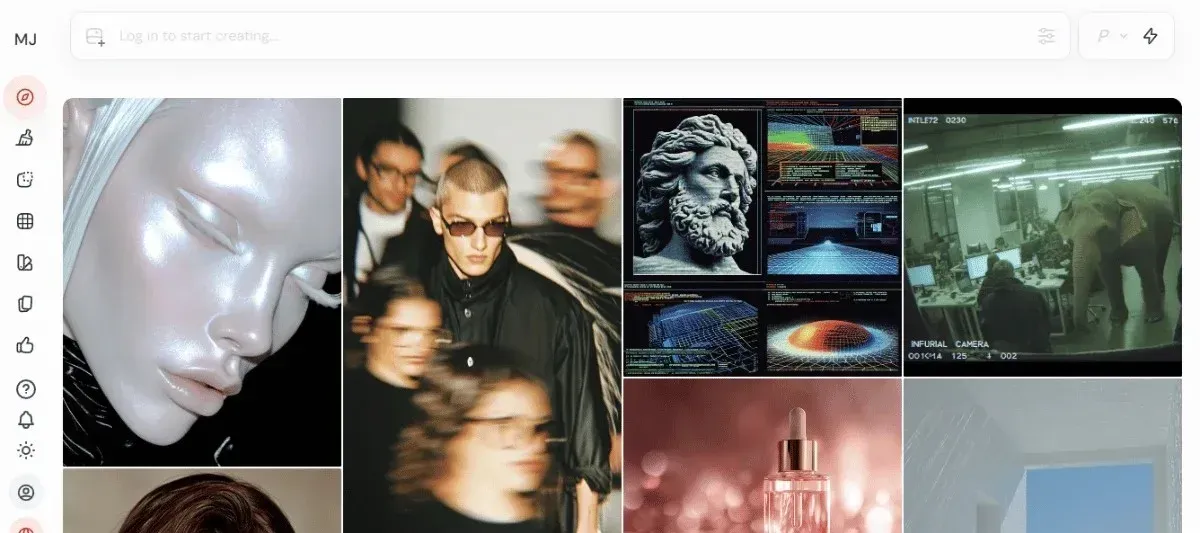
Why is Midjourney So Popular?
Midjourney has been in the spotlight because of some of these top reasons:
- Stunning Images: Midjourney excels at creating artistic and striking images that appeal to digital designers and creative professionals.
- Earliest Text-to-Image Generator: This tool emerged as one of the first in the AI art space, helping brands build strong brand recognition.
- Vibrant Community: Midjourney boasts a large and active Discord community that inspires creativity and fosters the sharing of techniques.
However, the creative world has moved beyond static AI-generated images, which is why creators are seeking alternatives.
Why Others Look for Midjourney AI Alternatives?
Many people try Midjourney and hit a wall when they see a paywall first. The subscription model forces users to commit before testing prompt workflows, model versions, upscalers, or how the AI handles photo-realistic versus stylized requests. Newcomers and hobbyists often prefer alternatives that offer a free plan or trial so they can learn prompt engineering, test text-to-image quality, and compare image synthesis without risk. Who wants to pay before they can see how the bot renders their ideas?
When Motion Matters: Missing Video and Animation Tools
Midjourney excels at single-frame generation, but it does not provide native video or animation tools that many studios and creators now require. Teams that need motion content look for platforms with built-in frame interpolation, temporal coherence, and direct export of animated clips rather than stitching images together externally. Agencies creating storyboards, promos, and short clips want an end-to-end workflow that supports motion assets and consistent model behavior across frames. Do you need a tool that produces animated sequences as part of the same creative pipeline? For teams that don’t need full animation pipelines but still require consistency across campaigns, Venngage AI fills a critical gap. It helps marketers and agencies generate clean, structured visuals, from storyboards and explainer frames to social graphics and branded layouts that can later be handed off to motion or video tools. Instead of wrestling with prompt drift or mismatched styles across frames, teams can use Venngage to establish visual coherence first, then selectively animate where motion might add value.
Discord Gatekeeping and the Prompting Learning Curve
Accessing Midjourney through a Discord bot introduces friction for users who expect a simple web app or desktop tool. You must learn slash commands, parameters like seed and aspect ratio, and prompt weight syntax to get predictable results.
Public channels add noise, and the command-driven interface can intimidate people who prefer visual controls and one-click upscaling. Would a cleaner, user-friendly web interface with visual prompts and guided controls reduce your setup time?
Privacy Problems for Brands and Private Projects
Images created on Midjourney often appear in community galleries, which concerns businesses working on confidential designs. Companies building logos, product concepts, or client-specific marketing visuals need private workspaces, clear commercial license terms, and control over who sees generated files. Unsure ownership and the risk of exposing prototypes in a public server push teams toward alternatives offering workspace privacy and enterprise-grade rights. Would you post a proprietary logo draft in a public channel?
Slow or Missing Support: When Help Fails
Many reports cite slow responses or no structured customer support for billing issues, account problems, or model access questions. Creators and agencies rely on predictable service and fast resolution when subscriptions, project deadlines, or API access hit snags. Community-driven help can fill gaps, but it cannot replace timely, professional support or service-level guarantees for business use. How would delayed billing or technical help affect a studio that needs uninterrupted access to its image generation pipeline?
What to Look for in a Midjourney AI Alternative
Look for a clean web UI, a simple mobile app, or a familiar chat style like the Discord bot many Midjourney users know. The best alternatives give straightforward presets, visual feedback, and an obvious way to save and share prompts so text-to-image and generative AI work without friction. Do you prefer direct controls and sliders or a minimal prompt box with innovative suggestions?
Speed That Keeps Your Workflow Moving
Check render times for single images and for batches, and see if the service offers a fast mode, priority queues, or local GPU options. A responsive preview, progress indicator, and queued batch processing let you iterate like you would with a designer. Does the provider give predictable throughput for tight deadlines?
Prompt Power: Simple To Complex
Evaluate support for plain language prompts plus advanced features:
- Prompt weightings
- Negative prompts
- Seed control
- Image-to-image inputs
Good tools save prompt history, offer prompt templates, and support prompt engineering so you can reproduce or tweak image synthesis reliably. Can you combine an image with a text prompt and adjust influence levels while keeping a history?
Edit and Iterate Without Starting Over
Inpainting, outpainting, mask editing, upscaling, and variation generation let you refine outputs instead of redoing them. Look for non-destructive edits, layered adjustments, exportable masks, and high-quality upscalers that preserve detail for print or social. Are edits reversible and usable across different export formats?
Styles and Presets That Actually Match Your Vision
A competitive alternative should include an extensive style library:
- Photoreal
- Anime
- Cinematic
- Concept art
- Retro
- Experimental looks
Plus the ability to blend styles or import your own reference images. Support for model checkpoints, custom fine-tuning, or community-trained models expands what you can achieve beyond default filters. Can you save a custom style or train a checkpoint from your work to apply consistently?
Clear Commercial Rights and Licensing
Read the license on ownership, commercial use, and whether the service trains its models on user uploads. You need clarity on resale rights, client work, and attribution, plus options for extended or enterprise licenses if you require exclusivity. Do the terms let you use generated images in paid campaigns or sell prints without extra fees?
Pricing That Scales With Real Needs
Compare free tiers, per-image credits, monthly subscriptions, and API or enterprise plans that match your usage pattern. Pay attention to included:
- GPU credits
- Rate limits
- Image sizes
- Storage
- Team seats
- The cost to get high-resolution or priority renders
Does the pricing align with your monthly volume and the resolutions you actually use?
From Photos to Avatars: Everyday Creativity Made Simple
Creating cool videos used to mean hours of editing and lots of technical know-how, but DomoAI's AI video editor changes that completely: you can turn photos into moving clips, make videos look like anime, or create talking avatars just by typing what you want. It’s built so anyone can make engaging content without learning complex tooling, so you focus on the idea and the AI handles the technical work. Create your first video for free with DomoAI today!
15 Best Midjourney AI Alternatives for AI Videos & Animations
So, which alternatives offer these features?
Let’s take a look at the top 15 tools that you can use in place of Midjourney AI:
1. DomoAI
DomoAI focuses on video and animation, while Midjourney AI centers on still image generation. It converts text prompts, images, or raw footage into finished videos using workflows like text to image, then image to video, photo to video, and video to video. The platform automates tasks that usually require heavy editing, including:
- AI upscaling to 4K
- Background removal without green screens
- Lip sync auto-match so dialogue aligns with animated mouths
You can apply motion and style references to copy dance moves or camera moves, and instantly cartoonize or apply anime-style effects to footage. Who needs manual frame-by-frame editing when you can restyle a photo into animated content for social feeds?
2. DALL·E 3
DALL·E 3 raises prompt fidelity for text-to-image creation and sits inside conversational tools so you can brainstorm prompts and refine results interactively. It reads complex instructions better than its predecessors, producing images that align with composition requests, style cues, and scene details. Safety filters prevent the generation of images of public figures and reduce problematic bias in outputs. Use it when you want high prompt adherence, guided prompt engineering, and a tight loop between dialogue and image generation.
3. Leonardo.AI
Leonardo.AI targets creators who need consistent style and high output for projects like concept art, product visuals, and game assets. It supports guided generation workflows for quick variations and offers 3D texture and video asset tools to produce game-ready textures and animation elements.
Teams can tap into APIs and fine-tuned models, and the community and model marketplace accelerate iteration. If you need brand-consistent visuals or game-ready assets with diffusion model style control, this platform streamlines production.
4. RunDiffusion
RunDiffusion packages a wide set of generative tools into a browser interface so you can run Stable Diffusion-style models without local setup. It supports text and image prompting, layer-based composition, face swapping, style transfer, and model fine-tuning for custom looks. Proprietary models such as Juggernaut Pro and RunDiffusion Photo target photorealism and speed, and the suite lets teams create custom models to match a brand's look. If you want rapid iteration with diffusion models and video support on the web, this is a practical choice.
5. Adobe Firefly
Adobe Firefly generates images, video, audio, and vector graphics using natural language prompts and structured tools that integrate with Adobe apps. It can create animated clips from prompts or use static images as sources, and it offers 3D composition features for lighting and camera control in product visualization. Birefly also includes a moodboard workspace called Firefly Boards to organize generative assets and plan a project. Choose Firefly when you need generative AI inside an established design workflow and want interoperability with professional design files.
6. Imagine Art
Imagine Art bundles image, video, audio, sketching, and voice tools into a single environment so teams can prototype across media without switching apps. The platform supplies background removal, AI video generation, a real-time canvas for ideation, and generators for logos, portraits, anime, and more. It runs on a credit-based system and exposes developer APIs for integration into product toolchains. Use it to produce short videos or dubbed clips from images and prompts with minimal setup.
7. DeepFloyd IF
DeepFloyd IF is a modular text-to-image diffusion model that generates high-resolution photorealistic outputs through a staged pipeline. A frozen T5 text encoder guides a UNet backbone with cross attention across three stages, starting at low resolution 64 by 64 and upscaling to 1024 by 1024 through two super resolution modules. The model supports:
- Inpainting
- Image-to-image translation
- Style transfer
- Super resolution is supported without extra training
- It plugs into Hugging Face Diffusers for customization
The weights are released under a non-commercial research license, making it attractive for experimentation and pipeline inspection.
8. Craiyon
Craiyon, originally DALL-E Mini, offers a simple web interface that creates images from natural language prompts with no installation and low hardware requirements. It exposes multiple model versions and styles, such as:
- V3
- V4
- Pro
- Modes like:
- Drawing
- Photo
- Vector
- Illustration
To alter the aesthetic output. Users can apply negative prompts to filter unwanted elements and choose between a free lite tier and paid credits for higher quality downloads and commercial rights, depending on subscription.
9. Pollo.ai
Pollo.ai integrates generative image models into design workflows and supports model options like:
- DALL-E 3
- Imagen 3
- Flux
It offers component-level generation, style preservation, and basic animations for prototyping micro interactions or animated walkthroughs of user interfaces.
Templates, components, and moodboards help teams build coherent app screens and marketing assets while preserving visual coherence across multiple elements. Pollo.ai is available on iOS and Android and suits teams that want AI imagery tied to practical product design.
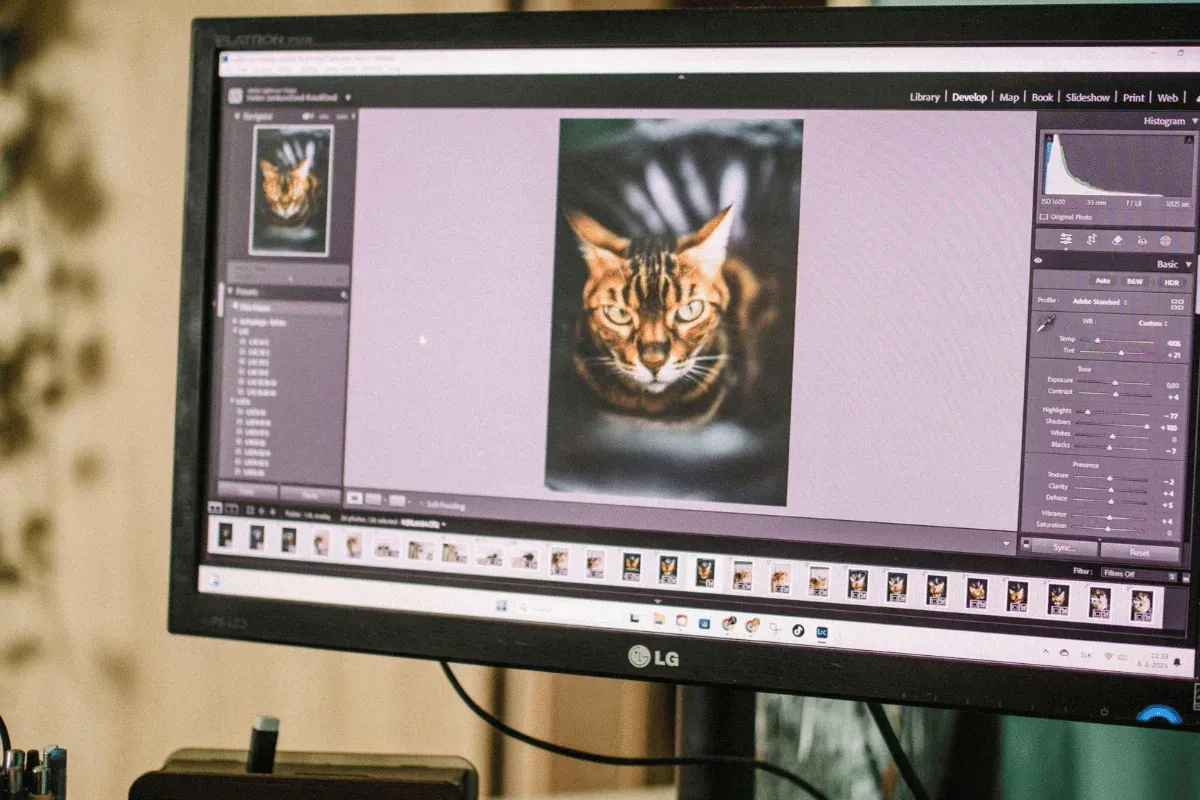
10. NightCafe
NightCafe is a user-friendly art generator that supports multiple artistic styles and provides a generous free tier with credits for experimentation. You can join daily AI art challenges, collaborate in chat rooms, and try different model settings to explore alternatives to Midjourney AI style generation. The community element helps you iterate on prompts and discover styles fast while keeping costs manageable.
11. Ideogram
Ideogram builds an assistant that understands complex prompts and delivers precise visual outputs for use cases from social posts to billboards. The team includes engineers with backgrounds at major research labs, and the model performs well on nuanced textual instructions and multi-element compositions. Fine-tuning and training your own models are supported so that you can optimize outputs for brand voice or campaign needs.
12. Runway ML
Runway ML offers an all-in-one video editing suite with text-to-video generation, generative audio, and a multi-motion brush to animate specific areas in a clip. It can remove backgrounds, apply motion to static images, and generate voiceovers with lip sync, enabling concept visualization without a whole shoot. The platform allows for creative variations, such as changing lighting or character looks, to test visual options quickly.
13. Vidyo.ai
Vidyo.ai automates the process of slicing long-form content into social-friendly short clips using:
- Scene detection
- Auto transitions
- Innovative framing tools
It offers a social scheduler to queue posts across channels and syncs multicamera sources while auto-framing key subjects. This tool suits creators and marketers focused on maximizing distribution from a single long-form shoot.
14. Synthesia
Synthesia converts scripts into finished videos using a library of over 200 AI avatars and natural-sounding voiceovers across more than 140 languages. It creates captions, handles translations, and lets organizations apply brand styles to layouts and colors. You can build a personalized digital twin avatar and export videos for training, sales, or marketing needs with straightforward sharing options.
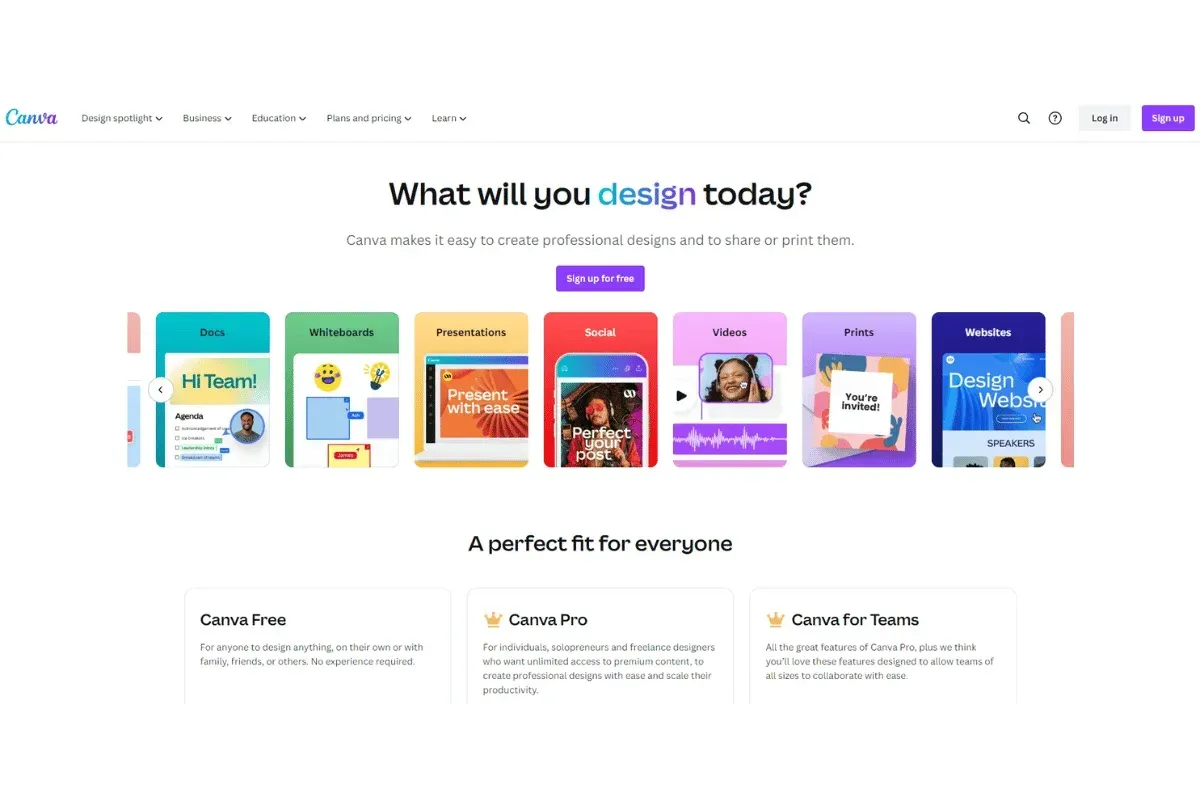
15. Canva
Canva combines templates, stock media, and AI-driven editing tools so anyone can create presentation slides, social posts, and videos quickly. Magic Studio generates:
- Text
- Images
- Layout suggestions
- Background removal and image retouching are integrated,
- Video editing features let you assemble clips with AI help
Collaboration features enable teams to work simultaneously, leave feedback, and manage approvals while drawing on an extensive media library.
Best Midjourney Alternatives for Businesses
Looking for specific tools for your business needs?
You should look at an alternative that offers commercial usage rights and a lower cost compared to Midjourney.
Here’s a breakdown of the best tools in this category:
| Tool | Why It Stands Out for Businesses |
|---|---|
| DomoAI | - You get a complete creative workflow to generate, animate, edit, and upscale images all in one platform. - You retain 100% ownership of your creations, allowing you to monetize through ads, product videos, or social media campaigns. - You get unique features such as lip sync and sound generation that most competitors lack. - You can easily achieve professional-quality resolutions up to 4K, unlike most competitors that can only attain 1080p. - You get predictable and affordable pricing that starts at $9.99 monthly. - You can access the Relax Mode and generate unlimited content for a fixed monthly cost. - You receive utmost security because your data is not stored or misused for model training purposes. |
| Adobe Firefly | - If your team already uses the Adobe ecosystem, you can have a seamless integration. - You can access the Adobe Stock images to make your generation easier. - You can get review, approval, and commenting features that make collaborating with your team seamless. - Unlike DomoAI, you cannot generate videos, and the interface can be complex, making it challenging for your team to start creating immediately. |
| Leornado.AI | - You can batch-create multiple AI creations, which can be great for testing in campaigns. - You can get API access and integrate with your existing business software. - You can experiment with different models. - However, the maximum resolution is 1080p, and you would need additional tools to remove backgrounds or upscale your creations. |
| Runway ML | - You can enjoy professional motion tracking. - You can replace with AI backgrounds, including green screens. - You can get AI video editing, including AI scene detection. - On the flip side, you don’t get talking avatar features, and you’ve to pay significantly higher for enterprise plans. |
Best Midjourney Alternatives for Creators
As a creator, you want a tool with a clean and intuitive interface and an affordable cost.
Here are some of the Midjourney alternatives that are a win in this area:
| Tool | Why It Stands Out for Creators |
|---|---|
| DomoAI | - You can transform your images into hyper-realistic videos or nostalgic 90s anime — all from our extensive collection of 30+ styles. - You can generate unlimited creations with the Relax Mode. - You can create images and bring them to life with animations, making them perfect for TikTok and YouTube Shorts. - You can get inspiration from a community of 3M+ creators. - You can turn your images into talking avatars and apply movement to your characters. |
| NightCafe | - You get an active community where you can draw inspiration from daily challenges and galleries. - You can sell your AI art directly through the platform. - You gain access to various AI models, including Stable Diffusion and DALL-E. - However, you can only generate AI images at a maximum resolution of 1080p. Additionally, you don’t have editing tools like video upscaling. |
| Craiyon | - You can access the tool completely free, with no sign-ups, especially for memes. - However, you can’t animate for your social media or create high-resolution professional work. |
| Ideogram | - You can generate AI images with readable texts, especially for book covers. - On the downside, you can only create static AI images in a 1080p resolution. Besides, unlike tools like DomoAI, you can’t upscale and remove backgrounds. |
How to Choose the Right Midjourney Alternative
Among the alternatives mentioned above, you may be wondering which one is best suited to your needs.
Here are the three steps you should take to pick another platform:
1. Define Your Creative Goal
Determine what you’ll use your tool for – do you want to create static images, videos, and animations, or do you want a tool that does both? If you're going to make AI images only, consider Midjourney alternatives like Ideogram.
However, if you need a tool with an expansive media workflow, opt for DomoAI.
2. Evaluate Your Budget
You should determine your monthly budget. Remember to check hidden costs, for instance, a tool that doesn’t offer unlimited generation and charges for specific features. Consider DomoAI, which provides a free trial to explore our tools.
Our paid plans start at $9.99 per month, and you can unlock the Relax Mode for unlimited generations without hidden fees or credit caps.
3. Consider the Learning Time
Assess how much time you can invest in familiarizing yourself with a new tool. For example, do you have time to learn complex interfaces and experiment with professional creative tools such as Adobe Firefly?
If you want a tool to create AI assets in no time, go for DomoAI. You can use the preset styles to achieve an AI transformation easily.
How to Transition From Midjourney Smoothly
Want to level up on Midjourney? Follow these four steps to animate your ideas with DomoAI:
1. Save Your Midjourney Workflow
You can save your favorite prompts, preferred styles, and standard aspect ratios that you use. Besides, understand how many images you generate weekly and what you use the AI assets for.
You can then:
- Use the prompts in DomoAI with minimal adjustment.
- Match your Midjourney style from the 30+ presets.
- Select a plan depending on your existing needs.
- Explore DomoAI tools suitable for your output.
2. Start with the Free Trial
You can start a free trial at DomoAI while keeping your Midjourney. So, you can test the video, animation, and editing capabilities without pressure.
3. Migrate to DomoAI
You can set up your workflow in DomoAI. You can upload your best Midjourney images to DomoAI to use as reference images for consistency in your style.
You should also save the signature styles that capture your essence in DomoAI. Additionally, experiment with the features that DomoAI offers, which Midjourney lacks. For example:
- AI Image-to-video, where you can watch your characters get into motion.
- Talking avatars and AI video lip sync, where you can generate tutorials and explainer videos with natural speech.
- AI Video style transfer, where you upload videos and apply styles to the footage.
- AI video upscaler to enhance your old footage to crisp 2K or 4K resolution.
4. Organize Your Workflow
Finally, join DomoAI Discord channels and follow creators whose AI creations inspire you. You should also save templates that you can remix and bookmark tutorials with advanced techniques.
Ready to bring your existing Midjourney creations to life? Animate your first AI video in minutes.
Related Reading
8 Ways to Use AI for Video Content Creation and Optimization
Grand View Research projects the global AI technology market in the video industry will grow at a compound annual growth rate of 19.79 percent through 2030. That growth reflects rising demand for video content and the efficiency gains AI delivers across creation, localization, optimization, and delivery.
1. Spark New Video Concepts Fast: Use AI to Generate Ideas and Visuals
AI resolves creative blocks and expands concept pipelines. Use text-to-image and AI art generator tools such as Midjourney-style systems to create mood boards, visual prompts, and sample frames from short text prompts. Apply prompt engineering to produce multiple scene variants, test color grading and composition, then turn the best results into storyboards. AI also generates scripts, loglines, shot lists, and scene sequencing based on a short brief. Want a concrete gain? Teams report cutting ideation time from days to hours and scaling concept testing across dozens of variants. Use image synthesis and neural style transfer to prototype the look and feel before committing camera time.
2. Create Professional Voice-Over Without Casting Calls
Choose a voice model, paste your script, and tune pitch, cadence, and emotional tone. Modern systems deliver believable speech with adjustable prosody and multilingual options. This saves on casting, studio time, and retakes. Ask yourself which characters need unique voices and whether you want synthetic narration or a hybrid where humans polish AI output. For brand consistency, use a cloned voice trained on approved samples and lock in a style guide for cadence and emotional range.
3. Translate and Subtitle in Real Time to Reach Global Audiences
Want to grow views outside your native market? Real-time translation and auto-generated subtitles remove language barriers. AI models transcribe audio, apply machine translation, and place timed captions. Use adaptive caption styles for mobile viewers and automatic caption language selection based on viewer preferences. This increases reach and retention, especially on platforms that favor watch time from diverse regions. Test auto translation accuracy on domain terms and tune glossary entries for product names and branded phrases.
4. Turn Passive Clips into Interactive Experiences
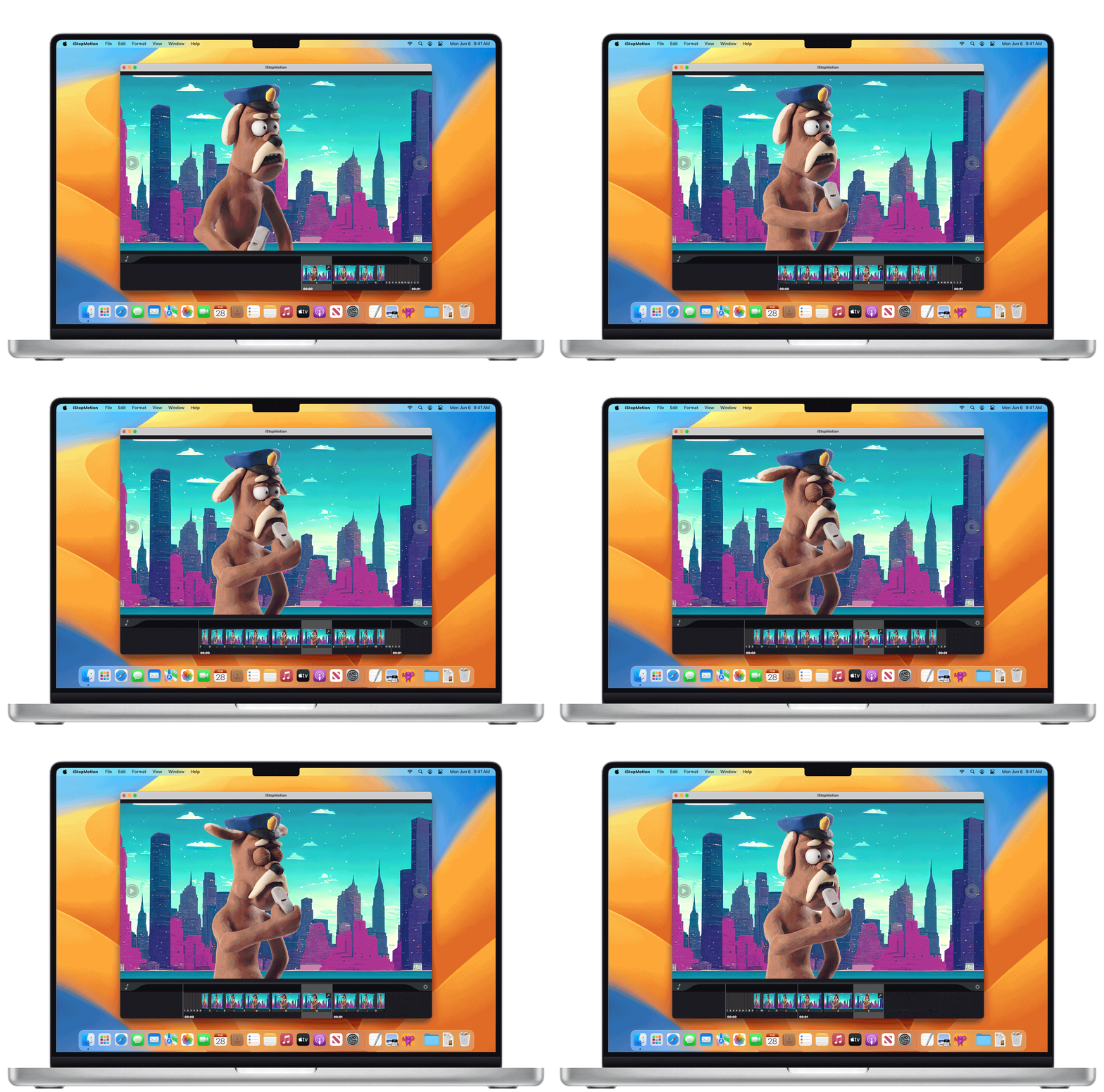
Add clickable calls to action, chapter markers, polls, and overlays that react to viewer behavior. Interactive elements boost engagement and collect first-party signals about viewer interest. Use branching prompts to let viewers choose the next scene or product. Track click-through and drop off per segment to refine content and adjust future calls to action. Ask viewers one quick question inside the video to collect explicit feedback and gather actionable data in real time.
5. Let AI Handle the Boring Part: Automated Video Editing
Feed extended footage to an editor that uses machine learning to find highlights, match cuts to beats, and suggest transitions and pacing. These systems analyze faces, speech, key moments, and scene composition. They can also pick music that matches the tempo and mood. For social formats, auto-reframe crops to vertical and square, and generate platform-specific cuts. This reduces editor hours and helps creators publish more often without losing quality.
6. Generate Thumbnails That Pull Clicks Using Image Intelligence
AI scans footage and selects frames that show clear faces, high contrast, and expressive emotion. It then overlays optimized text, tests color palettes informed by brand assets, and A/B tests several variants. Combine text-to-image tools like Midjourney-style models to create stylized assets for thumbnail backgrounds or visual effects. Use machine learned CTR predictors to rank thumbnail options before upload.
7. Compress and Encode Smarter to Win on Playback Quality
Apply neural network-based compression and smart bitrate ladders to reduce file size while preserving perceived quality. AI can choose per-scene encoding parameters so motion-heavy segments get more bits and static scenes get fewer. Adaptive encoding reduces buffering and improves playback on mobile and low-bandwidth connections. Implement device-aware transcoding and ABR profiles to deliver smoother streaming and lower delivery costs.
8. Measure What Matters AI AI-Driven Performance Analysis
Use analytics platforms that apply machine learning to watch time, retention curves, engagement signals, and sentiment in comments. Run automated transcription analysis to check topic relevance, keyword density, and audience sentiment. Use clustering to find which segments drive shares or conversions. Ask the system why viewers drop at a specific time and get suggested fixes such as tighter pacing or clearer calls to action. Use these insights to refine titles, tags, and descriptions for search optimization and higher discoverability.
Related Reading
Create Your First Video for Free with Our AI Video Editor
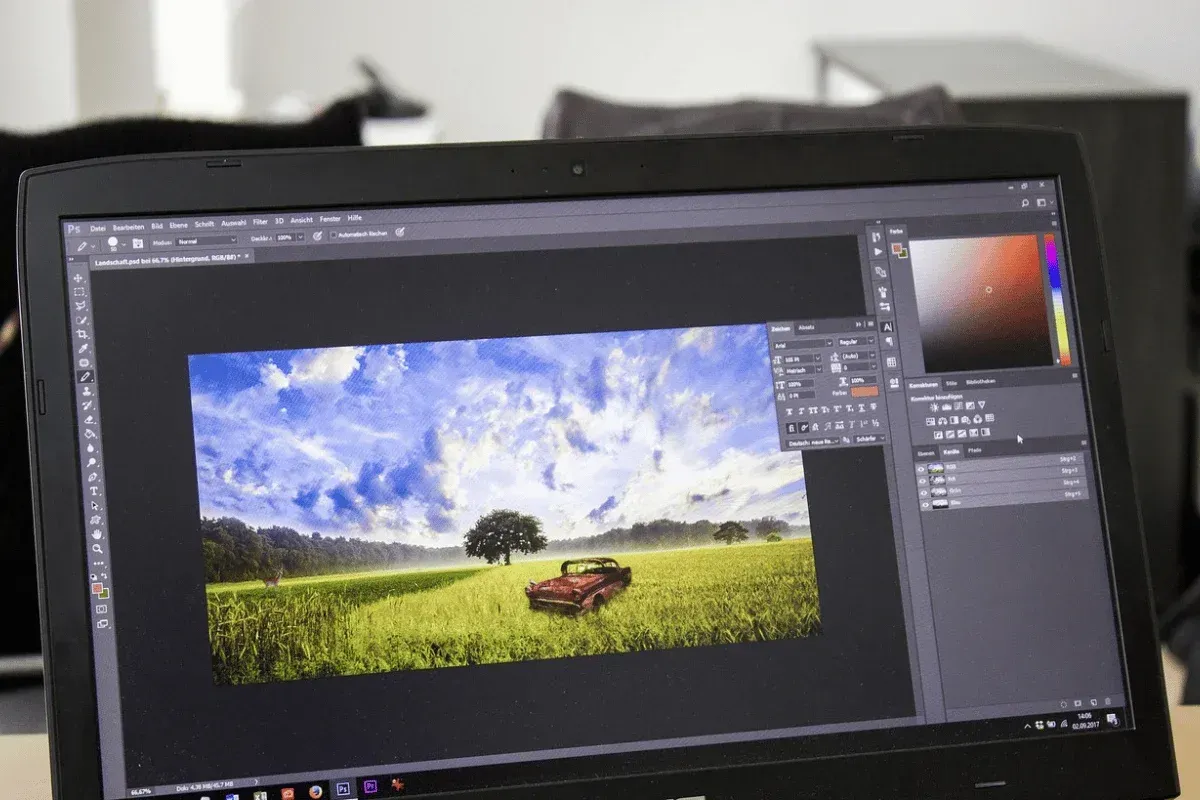
DomoAI replaces hours of manual editing with an AI driven video editor that anyone can use. Type a prompt, upload photos, or pick a style, and the system handles sequencing, motion, and audio. You can transform still images into moving clips, apply anime-style rendering, or create talking avatars from a single portrait. What would you make first with a tool that removes the technical roadblocks to production?
Turn Photos Into Moving Clips With Smart Motion and Scene Design
Upload a photo and DomoAI analyzes composition, depth cues, and facial landmarks. The engine generates smooth camera moves, parallax, and synthetic motion that match the mood you describe. It uses image-to-image techniques and frame interpolation to keep subjects natural while adding motion. Do you want slow cinematic pushes or quick social clips for mobile?
Make Anime-Style Videos From a Simple Prompt
Want a sequence that looks hand-drawn or stylized like anime? Enter a descriptive prompt, and DomoAI applies style transfer and generative rendering to produce cel shading, color palettes, and motion suited to that aesthetic. Prompt engineering matters here:
- Mention camera angle
- Lighting
- Mood for better direction
Create Talking Avatars With Natural Speech And Lip Sync
Turn a portrait into a speaking character with text-to-speech and automated lip sync. DomoAI aligns phonemes to mouth shapes and applies facial animation while preserving identity and texture. You can supply a script, pick a voice, and choose pacing. The AI handles background removal and compositing so the avatar sits cleanly in any scene. Which voice and tone will you try first?
How The Tech Works Under The Hood: Generative Ai And Model Pipelines
DomoAI blends generative AI building blocks familiar to anyone who follows Midjourney AI and similar creative models. It uses diffusion style models and neural rendering for image synthesis, CLIP style guidance for prompt alignment, and transformer elements for text-to-speech control. The system also leverages latent space manipulation, seed control, and guidance scale settings to balance fidelity and creativity. Those controls let you favor photorealism or more surreal, artistic outputs.
Prompt Tips That Get Better Results Fast
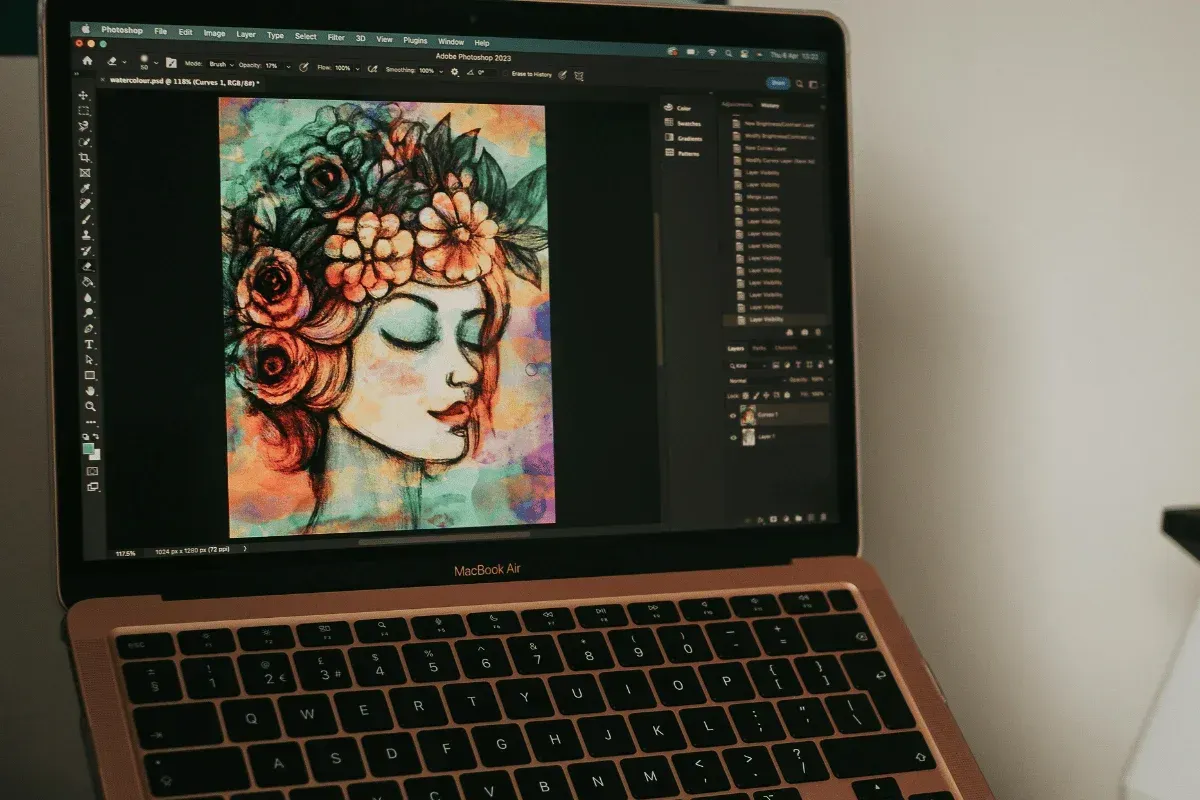
Be specific about subjects, camera move, and lighting. Use short modifiers for style like anime, photorealistic, cinematic, or surreal. Include aspect ratio and resolution to match your target platform. Try negative prompt ideas when you want to exclude artifacts or unwanted elements. Experiment with seed values and upscaling after you lock a composition to preserve detail while increasing resolution for streaming or print.
Workflow For Creators: From Idea To Shareable Clip In Minutes
- Start with a single photo or a script.
- Pick a template or custom prompt.
- Review the draft and tweak prompts, style weights, or camera behavior.
- Use iterations to refine motion and expression rather than redoing the whole project.
- Export options include common codecs and sizes optimized for social platforms.
The process lets you focus on creative choices instead of technical setup.
How DomoAI Fits With Generative Image Tools Like Midjourney Ai
Both use prompt-driven generation and community-based prompt techniques, but DomoAI targets motion and voice as first-class outputs. Midjourney AI excels at static image composition and painterly rendering with deep prompt engineering and styling options. DomoAI builds on similar concepts such as prompt weight, model versioning, and upscaling while adding frame coherence, lip sync, and animation loops for video.
Use Cases That Benefit Most From Quick AI Video Editing
Social creators who need daily clips, brands testing visual ideas, educators making explainer avatars, and storytellers prototyping scenes all find value. Marketers can spin multiple variations from one script to test messaging, while artists can experiment with style transfer across motion studies. Which scenario fits your workflow right now
Privacy, Safety, and Creative Ownership
DomoAI implements moderation and model constraints to reduce misuse and respects intellectual property settings for uploaded images. Check terms for commercial use and licensing when you plan to monetize a piece. The platform also offers controls for face consent and dataset sources so you can manage risk while creating.
Get Started: Free Trial and Practical Next Steps
Sign up and create your first video for free to explore templates, anime looks, and avatar presets. Start small with a single photo and short script to learn prompt behavior, then scale to longer clips and higher resolution exports. Try combining image-to-image prompts with text-to-speech to see how the pieces interact before committing to a larger project.
Frequently Asked Questions (FAQs)
Got more questions about Midjourney alternatives? Find concise answers to commonly asked questions:
Are There Free Midjourney Alternatives Worth Trying?
Yes, there are free Midjourney alternatives, such as Craiyo, that are worth trying; however, they generate low-quality AI creations.
An excellent option is DomoAI, which offers a free trial to test the tool’s features.
Which Midjourney Alternative Offers the Best Commercial License?
DomoAI gives you 100% ownership rights to everything you create, and you can monetize your AI-generated images and videos.
How Do Midjourney Alternatives Compare in Output Quality?
While most Midjourney competitors, such as Runway ML, cap at 1080p, don’t suit modern needs, DomoAI is at the forefront, delivering crisp 2K and 4K output that meets professional broadcast standards.
Conclusion
Midjourney is a good tool. However, it lacks some features, which is why you can consider different alternatives that cater to various creative needs.
The best alternative, however, depends on your goals, budget, and the amount of available learning time.
If you’re looking for a complete creative toolkit that allows you to generate, animate, edit, and upscale your AI creations in one platform, look no further than DomoAI. Our tool lets you experiment with 30+ artistic styles and enjoy unlimited creativity with Relax Mode.
Create your first DomoAI video for free and watch your AI characters finally move and speak.


