

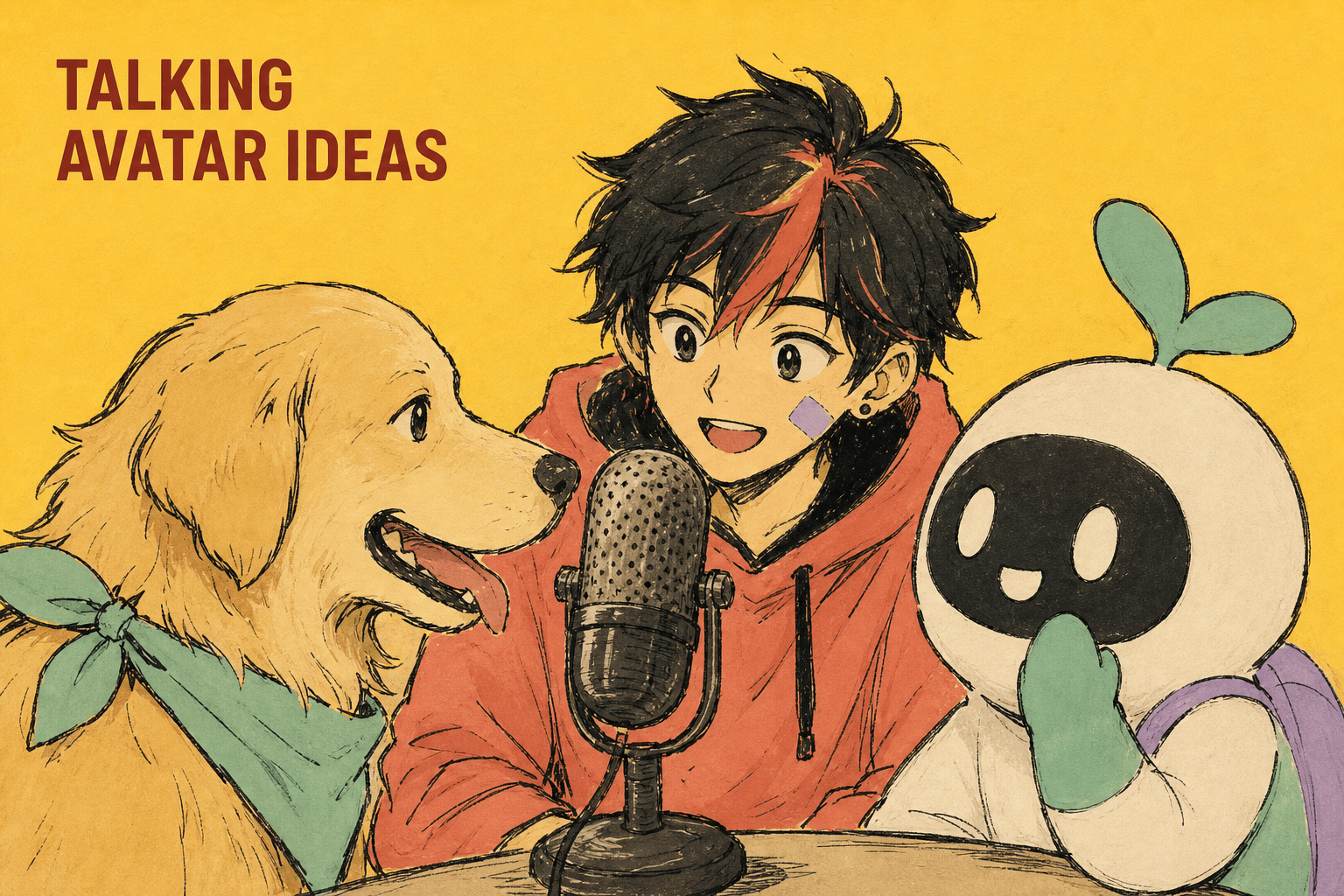
AI talking avatars are not only for business headshots. Upload a portrait, add audio or a script, and DomoAI Talking Avatar can turn anime characters, pets, mascots, and illustrated hosts into short speaking or singing clips.
The best idea starts with the character's role. Is it a host, singer, reviewer, narrator, mascot, or comic sidekick?
1. Anime Character Announcement
Use a clean anime portrait and a short script. This works for channel updates, episode teasers, game announcements, and community posts.
For a stylized example, Anime Detective Talking Avatar shows how a character host can carry a short spoken scene.
Prompt the expression separately:
Talking Avatar action prompt: confident smile, face centered, clear mouth movement, subtle nod, one small hand wave, excited announcement energy, stable eyes and hairstyle, no large body movement.
Keep the script under one idea. A talking avatar clip works better when the viewer knows the message fast.
2. Pet Product Reviewer
Use a pet photo as the avatar and write a playful first-person product review.
Example:
I was promised a luxury bed. I received a cloud. Five stars from my paws.
Use Talking Avatar for the mouth movement, then add product shots in the edit.
For a dedicated pet workflow, see Talking Pet AI Video Generator.
3. VTuber Micro-Host
Create a VTuber-style avatar for short explanations:
- "Here's the update."
- "Here's the new song."
- "Here's the build."
- "Here's the lore clue."
Use Text to Speech when you need a generated voice before avatar creation.
4. Brand Mascot Explainer
Mascots work well when the product is hard to show with a person. Use a simple mascot image, a short script, and Screen Keying if you want to composite the avatar into other scenes.
Example script:
This tool does one thing well: it turns one product photo into three social video angles.
5. AI Singer Close-Up
Use Talking Avatar for singing or chorus shots. Keep the face clear and split longer songs into shorter sections for easier review.
Pair the singing close-up with Image to Video cutaways for stage, crowd, props, or story visuals.
If the avatar is an idol or recurring singer, Virtual K-Pop Idol AI Generator gives the idea a stronger music-video path. For pet, mascot, and animal-host concepts, use AI Pet Talk as the scenario hub before choosing the exact avatar format. For broader anime creator workflows, connect these ideas to Anime Creators Solution.
6. Singing Product Or Brand Ad
Turn a mascot, illustrated host, or fictional creator into a short singing ad. This works best when the song is simple, the chorus line is memorable, and the product appears in cutaways instead of staying hidden behind the face.
Use the Talking Avatar clip for the memorable line, then cut to product motion, packaging detail, or a clean CTA frame. If the audio comes from Suno, use the Suno link option or upload a prepared MP3/WAV section.
7. Object Or Product Character
Turn a product, toy, plush, or collectible into a talking character. This works for meme ads, product tutorials, and fan accounts.
Keep the script character-based. A plush toy should not sound like a corporate explainer.
8. Localized Mascot Message
Use Talking Avatar for short localized updates. A mascot can introduce a sale, event, or feature in several languages while keeping the same visual identity.
Keep each language version short. Change the script and audio, but keep the portrait, background, and expression prompt stable.
Example:
Talking Avatar action prompt: friendly brand mascot greeting, face centered, clear mouth movement, small nod, cheerful expression, calm hand wave, clean background, presenter stays centered, no extra characters, no generated text.
9. Mini Explainer Series
Create a repeatable host for a series. Each episode answers one question.
Good formats:
- "What is this feature?"
- "Three ways to use this product."
- "One prompt to try today."
- "Before you generate, check this."
This works well for creators who want a recognizable host without filming themselves.
Prompt Checklist
For every talking avatar idea, prepare:
- One clean portrait.
- One short script.
- One action or expression prompt.
- One target format.
- One edit plan after export.
- One rights check for the voice, character, image, or brand identity.
Do not overload the action prompt. A talking avatar should speak clearly first. Big movement can distract from the lip sync.
Script Templates
Anime announcement:
Quick update. The next episode is almost ready, and this one finally shows what happened after the rooftop scene.
Pet review:
I tested the new bed. It passed the nap test, the stretch test, and the dramatic sigh test.
Mascot product explainer:
Here is the simple version. Upload one product photo, create the reveal shot, then add your caption before posting.
How To Choose The Right Avatar Idea
Start with the job of the video, not the character type. A talking avatar for a product tutorial needs a clear explanation and a product cutaway. A talking avatar for anime or fandom content needs personality, timing, and a reason for the character to speak. A pet avatar usually works best when the joke is short and the expression stays simple.
Use this decision path:
| Goal | Best avatar style | Best supporting clip |
|---|---|---|
| Announce an update | Anime character or mascot | Static background or light camera push |
| Explain a product | Mascot, object character, or creator avatar | Product demo cutaway |
| Make a meme | Pet, plush, toy, or object | Reaction shot |
| Localize a message | Brand mascot | Same avatar with translated audio |
| Build a recurring series | VTuber or mascot host | Repeatable intro frame |
If the idea needs trust, keep the voice calm and the expression modest. If the idea needs comedy, let the script do most of the work and avoid making the face overact. If the idea needs brand recall, repeat the same background, camera distance, color palette, and opening phrase across the series.
Production Workflow For A Talking Avatar Clip
- Choose the source portrait. Use a face-forward image with visible mouth, eyes, and clear lighting.
- Write a short script. Keep most social clips between 8 and 20 seconds.
- Record, upload, or use text-to-speech if that fits the use case.
- Generate the Talking Avatar clip and check mouth timing, face stability, and expression.
- Create one support visual with Image to Video if the viewer needs context.
- Add captions, title text, and CTA outside the generated clip.
Do not make the avatar carry every visual job. A talking face can open the idea, but a product clip, scene cutaway, or proof shot often makes the video easier to understand. For example, a mascot can explain a skincare routine for three seconds, then the edit should cut to the product texture, application step, and result frame.
Reusable Prompt And Script Pack
Use this when the avatar needs to stay stable across several videos:
Talking Avatar action prompt: friendly recurring avatar host, face centered, clear mouth movement, one natural blink, calm expression, slight head movement only, clean background, soft even lighting. Keep the same face, hairstyle, outfit, eye shape, camera distance, and background across episodes. No extra people, no generated text, no logo changes, no exaggerated gestures.
Use this script shape for tutorial content:
Hook: Here is the fastest way to [solve problem].
Step 1: [simple action].
Step 2: [simple action].
Step 3: [result or check].
CTA: Try it with [product, scene, or workflow].
Use this script shape for character content:
Hook: I have one update.
Context: [what changed].
Emotion: [why the audience should care].
CTA: Watch the next clip / try this prompt / save this idea.
Review Checklist
Before publishing, check that the avatar sounds like the character or brand. A VTuber host can be energetic, but a product explainer should be more direct. A pet can be funny, but the joke should not make the product unclear. A brand mascot should be consistent across languages, especially if the same campaign runs in several regions.
Also check the first frame. If the face is too small, the talking effect will feel weak on mobile. If the mouth is partly hidden, the lip movement may be less readable. If the background is busy, add a blurred or simplified version before generating the avatar.
Voice And Identity Safety
Only use voices, likenesses, characters, pets, logos, and brand assets you have the right to use. Voice cloning should be based on your own voice, a licensed voice, or a voice you have permission to use.
For public posts, keep the avatar clearly fictional or brand-owned when that matters. If the clip uses a synthetic host, AI pet voice, fictional singer, or cloned brand voice, add disclosure where your platform, campaign, or local rules require it.
FAQ
Can anime characters become talking avatars?
Yes. Use a clear face-forward anime portrait and add audio, TTS, or a voice clip.
Can pets talk in DomoAI?
Yes. Upload a pet photo and use Talking Avatar with a short script or audio.
Can I use my own voice?
Yes. Talking Avatar supports uploaded MP3/WAV audio, and voice cloning is supported through uploaded or added voice.
Can I make a singing avatar ad?
Yes. Use a short audio section, keep the avatar face clear, and cut to product or scene clips so the ad does not depend only on lip sync.
Can I remove the background?
Screen Keying can help when you need to composite the avatar over a custom background.
Pick one character, write one short script, and make it talk.


