
Sync an Anime Romance Music Video to Your Song

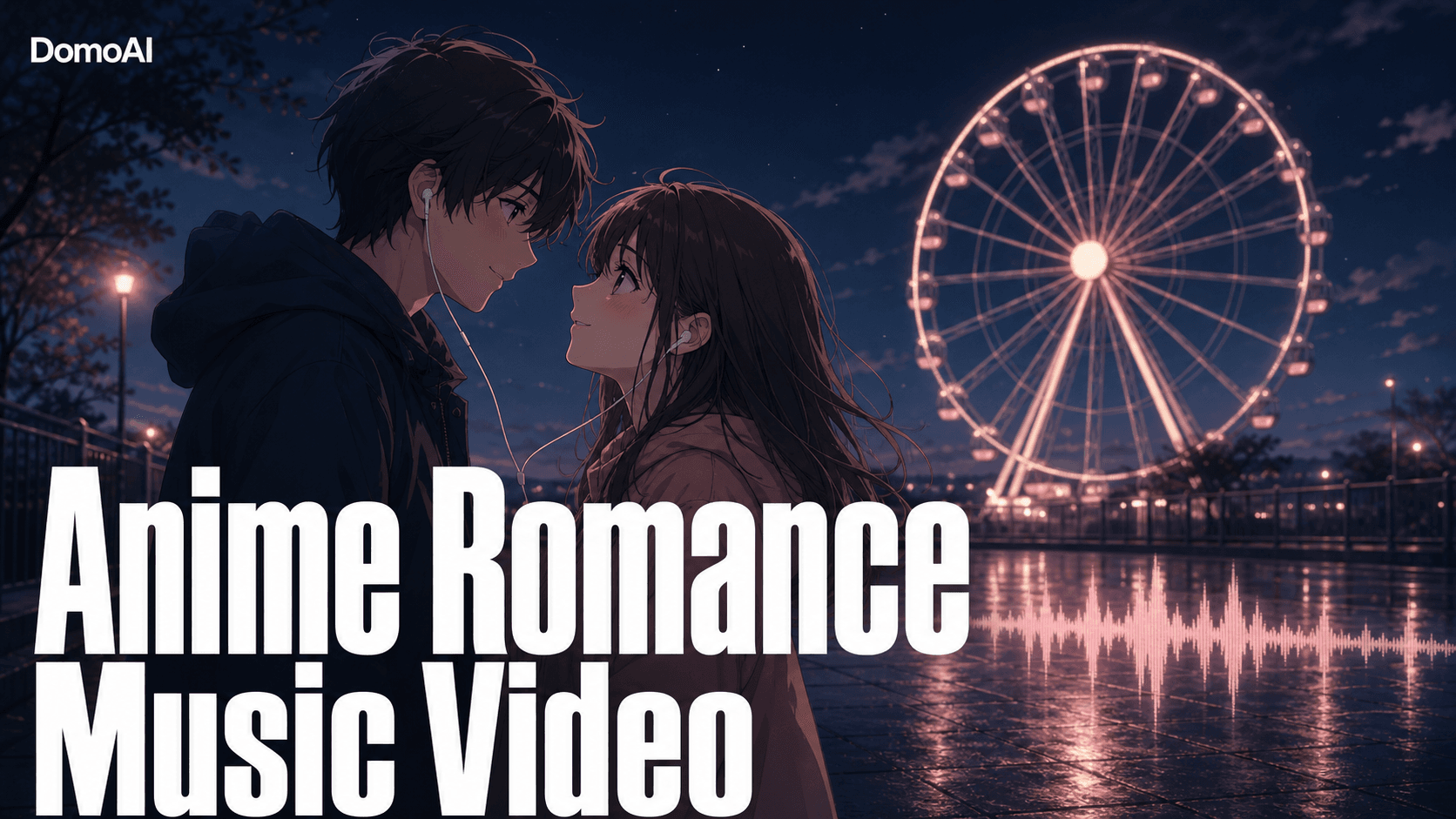
Picture it first: cherry blossoms drifting in pink and gold light, a couple meeting under the petals, every scene moving in time with your song. That finished MV is what you're building here. In DomoAI you animate your art with Image to Video, lip-sync the vocals onto your couple, and cut the clips to the track. The music drives the edit; the soft sakura mood holds it together.
Set the mood
Everything starts with the feeling. Decide on the soft sakura palette before you animate a single frame — pinks, golds, light bloom — and let it hold across every shot so the whole MV reads as one warm, continuous story.
Design the backdrops and the couple first with GEN Image / Text to Image, then animate the strongest stills. Seedance 2.0, the engine behind Image to Video, gives you cinematic motion and native audio. Each scene moves like real film, not a slideshow. Soft, warm source art holds the romance mood best — anime illustration, J-pop idol art, or your own drawings all work. Keep your best characters and background plates in the Assets panel so you can pull them into every tool without re-uploading.
Build the MV, shot by shot
Here the song sets the pace. Clips are short, so you build the MV from animated scenes and singing shots. Stitch them to the full track in CapCut, Premiere, or DaVinci. There's no single long render — you assemble the length you want in the editor, cutting scene changes to the beats. Emotional MVs live on timing.
Design the stills
Generate the couple, the locations, and the props with GEN Image / Text to Image before you spend anything on motion. Make a small pack per scene: a close-up of each lead, a two-shot of them together, and a clean background plate. Soft light, warm color, shallow depth — that look is what carries the romance through every later step.
Animate the scenes
Bring each strong still into Image to Video and let Seedance 2.0 add the motion and atmosphere, one short clip per shot. Write a per-shot motion prompt instead of a generic one — name the camera move, the petal drift, the small character action. When the start and end framing both matter, use Frames to Video with two or more keyframes to control how the shot opens and closes.
Add the singing shots
Paste a Suno link — or your own audio — into Talking Avatar to lip-sync the vocals onto your couple. Add a separate expression prompt — a soft smile, eyes closing — so the singing shot feels real, not robotic. Split a long song into shorter segments when you want cleaner review and easy re-takes on the chorus.
Cut to the song
Drop every clip into your editor and cut the scene changes to the beats. Lead with an establishing shot, swing to close-ups on the chorus, save the widest two-shot for the final swell. Background music for Talking Avatar shots is added here in the edit, not before.
Finish
Run the assembled video through Video Upscaler for 4K before you post, so the petals and soft light stay sharp on a big screen.
A sample shot list, cut to song structure
Here is one way to map the visuals to a three-part song. Treat it as a starting frame, not a rule.
- Intro (instrumental): Establishing wide of the sakura street at dusk, petals drifting. Image to Video prompt: slow push-in, cherry blossoms falling, warm golden light, gentle camera drift. No vocals yet — let the mood land.
- Verse (first vocals): The two leads notice each other across the path. Cut between two close-ups. One singing shot here via Talking Avatar on the lead vocal line.
- Pre-chorus (build): They walk toward each other. Image to Video prompt: tracking shot following the couple, soft bloom, petals swirling, shallow depth of field.
- Chorus (peak): The couple meets under the tree. Quick cuts on the beat — close-up, reaction, two-shot — plus the strongest singing shot. This is where timing to the beat matters most.
- Outro (fade): Wide two-shot, petals settling. Image to Video prompt: static wide, couple under cherry tree, slow petal fall, light fading to dusk. Hold the last frame into the fade.
Two more motion prompts you can reuse for sakura scenes: low-angle, petals rising on a breeze, sunlight flare through branches for an uplift moment, and gentle handheld close-up, single petal landing on her shoulder, soft focus for an intimate beat.
Make it feel like one film
A romance MV reads as one piece when three things hold:
- Palette. Keep the same soft pinks, golds, and bloom across every still and every clip. Generate your stills in one session so the color stays matched.
- Continuity. Reuse the same character reference image for every scene to keep the couple on-model. For a shot where a dance, walk, or gesture should carry through, Character to Video copies real motion onto your character and holds up to 30 seconds with DomoAI 2.4.1, or 15 seconds with Seedance 2.0.
- Timing. Cut on the beats, not on the bar lines. Let quiet scenes breathe and stack faster cuts on the chorus. The edit is where an emotional MV is won or lost.
DomoAI vs Kling for anime music videos
Both can animate a still, so the right pick depends on the kind of MV you're making.
- Kling is strong on high-end video quality, realistic motion, camera control, and multi-shot generation. If your goal is photoreal cinematic footage with precise camera moves, that's its territory.
- DomoAI is built around the anime MV workflow itself. The model library leans anime-first, Seedance 2.0 handles the cinematic motion, Talking Avatar does the lip sync in the same place, and short clips plus Relax Mode on Standard and Pro keep iterating on a whole song cheap. For a soft anime romance cut to a Suno track, chaining one suite — stills, motion, singing shots, upscale — is the shorter path.
Pick Kling when photoreal camera work leads. Pick DomoAI when it's an anime MV and you want the whole pipeline in one place.
FAQ
Can I sync the video to my own song or a Suno track?
Yes. Use any audio you own, or paste a Suno link into Talking Avatar for singing shots. You cut the finished clips to the full song in your editor, so the music drives the whole edit.
Will the couple stay consistent across all the scenes?
Reuse the same character reference image for every scene to keep them on-model. Regenerate any shot that drifts before you commit it to the cut, and reuse both references if you have two leads.
What art style works — anime, JP idol art, or my own drawings?
All three. Image to Video animates anime illustrations, J-pop idol art, and your own hand-drawn characters. Soft, warm source art holds the sakura mood best.
How long can the music video be?
Clips are short. You build a full MV from short Image-to-Video clips, add singing shots with Talking Avatar, then stitch everything to the song in CapCut, Premiere, or DaVinci. You assemble the length you want in the editor.
Do I need editing software, or can I finish inside DomoAI?
You'll cut the clips to the song in an external editor — CapCut, Premiere, or DaVinci. The stills, motion, singing shots, and the 4K upscale are generated here; the timeline assembly happens in your editor.
How much does this cost to make?
Plans start at $6.99/month Basic, $19.59 Standard, and $48.99 Pro billed yearly, and Standard and Pro add Relax Mode for credit-free iteration. See pricing for current rates.