
Animate a 2D Cartoon to Walk and Talk

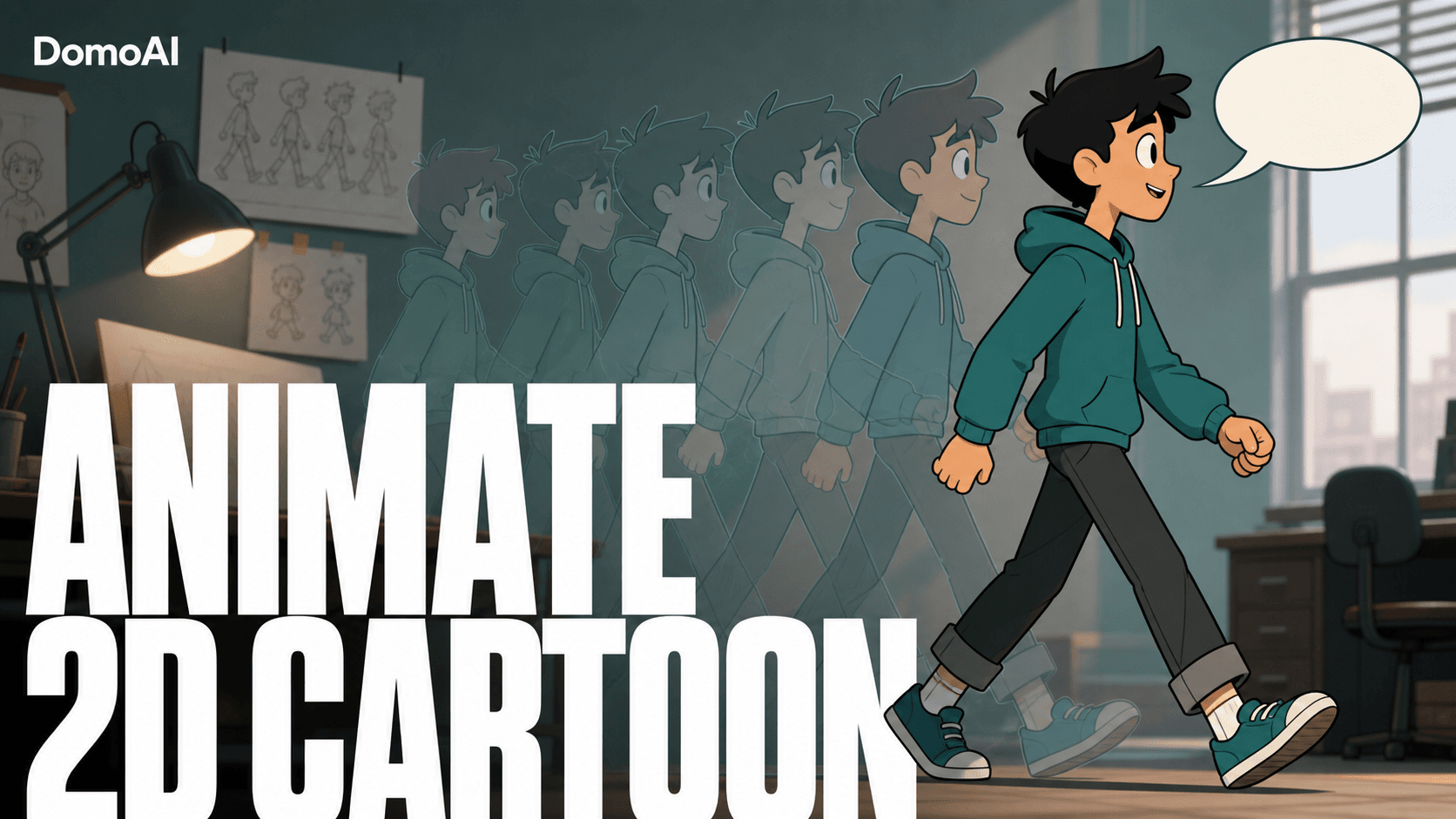
No animation software. No rigging. No timeline. You upload one flat cartoon drawing, give it a line, and DomoAI handles the rest — Image to Video or Character to Video drives the walk, Talking Avatar syncs the mouth to your voice or script. Two generations later, a static character is moving and speaking — no keyframes required.
Why this usually stalls
Most people who want a 2D character to walk and talk hit the same wall: traditional animation. Rigging means building a skeleton, weighting joints, and posing a walk cycle frame by frame in After Effects or Toon Boom. That's days of work before the mouth even opens. Then lip sync is a whole second project, timing visemes to every syllable by hand.
So the drawing just sits there. The gap between "I have a character" and "my character is alive" feels huge, and the usual advice is to go learn an animation suite first. Skip that. You bring the art and the words; the model generates the motion and the lip sync. The real skill is taste — picking the right pose, the right line, the right take — not software.
Build the scene
It's three moves: get the character walking, give it a voice, then assemble. You can run these in either order depending on the shot.
1. Drop in your character
Use one clean, full-body image — a single character, simple background, visible limbs. A side or three-quarter pose walks better than a flat front-on shot, because it gives the model a clear silhouette to drive. Flat 2D art, thick-line cartoons, and your own drawings all work. No character yet? Make one with GEN Image / Text to Image: describe it, pick an anime or Fusion model, and upscale the result before you animate it.
2. Set the walk
Two ways to move your character — pick by whether you have a walk reference.
Image to Video (Animate) — no reference needed. Send the still into Image to Video and describe the walk in a motion prompt. It generates the walk cycle straight from your art, so it's the fastest path when you just want the character moving and have no footage to copy. Best for simple walk cycles and cartoon bounce.
Character to Video — copy a real walk. Send the character image into Character to Video with a walking reference clip; it copies that gait onto your art and preserves it exactly. Turn on Subject Only so it isolates and drives your character cleanly against the background. Each generation runs up to 30 seconds with DomoAI 2.4.1, or 15 seconds with Seedance 2.0. Best when you want a specific, natural performance transferred.
Pick Image to Video when you have no reference and want a quick walk from the prompt; pick Character to Video when you have a reference clip and want its exact gait.
3. Add the words
Now send the same character into Talking Avatar to make it speak. Type a script for text-to-speech, paste a Suno link, or upload your own MP3/WAV — it lip-syncs the mouth to whatever audio you feed it, hitting 90%+ accuracy on clear input. Add a separate action prompt (smile, nod, wave) so the delivery reads as a performance, not a floating talking head. Standard durations are 5/10/20s; 30s and 60s fast mode are on the Pro plan.
4. Generate, check, export
Render, review, and regenerate if the gait or mouth timing drifts. Need a wide walking shot and a close-up talking shot? Render the move with Character to Video and the talk with Talking Avatar, then cut them together. Clips run short, so stitch your takes in CapCut, Premiere Pro, or DaVinci Resolve for a longer scene.
A worked example
Say your character is Pip, a round-faced courier in a yellow raincoat, drawn full-body in three-quarter view on a plain grey background. Here's a clean end-to-end pass:
- Source image: Pip, full body, side-on stride pose, limbs clearly separated from the background. Generated in GEN Image, then upscaled.
- The line (TTS script): "Package for apartment 4B — that's you, right? Sign here and it's all yours." Short, two beats, easy to sync.
- Character to Video settings: walking reference clip, Subject Only on, 10s output, 9:16 for Reels.
- Talking Avatar settings: Pip's portrait crop, the TTS line above, action prompt "friendly smile, slight nod," 10s standard duration.
- Assemble: wide walk-up clip first, cut to the talking close-up on "Sign here," stitch in CapCut.
No reference clip? Animate Pip's walk straight from the still with Image to Video:
Image to Video (Animate) — 9:16, 10s. Pip, the round-faced courier in a yellow raincoat, walking forward at a steady, bouncy cartoon pace, full body in frame, three-quarter view. Arms and legs swing in a clean loop, raincoat hem and shoulder bag bouncing with each step, feet landing in rhythm. Camera tracks alongside at a steady distance, no shake. Flat 2D cartoon style, plain grey background, even lighting. Keep Pip's design, colors, and proportions consistent — no limb warping, no extra limbs, no background drift, no text or watermark.
Two generations, one cut, and Pip walks up and delivers his line. Swap the script and you've got a whole conversation.
What makes the output look good
- Pick the right source image. Full body, clean edges, simple background, one character. Busy backgrounds and overlapping limbs confuse the silhouette.
- Use a side or three-quarter walk pose. Front-on art flattens the stride; an angle gives the walk depth.
- Keep lines short. Short beats beat monologues — they sync tighter and let you regenerate cheaply. Break dialogue into 5–15 second chunks.
- Feed clean audio. Noisy or muffled tracks drag lip-sync accuracy down. Use a clear TTS voice or a clean MP3/WAV.
- Match crops to the shot. A wide crop for the walk, a tighter crop for the talk — lip sync works better when the mouth is clearly visible.
When something looks off
- Lip sync drifts. Usually a long line or noisy audio. Split the script into shorter beats, swap in cleaner source audio, and regenerate. Clear input lands 90%+ accuracy.
- The walk looks stiff or janky. The pose or silhouette is unclear. Use a cleaner full-body image, a side/three-quarter angle, and a simpler background, then re-run with Subject Only on.
- Limbs warp or stick. Overlapping arms and legs in the source art confuse the model. Pick a pose with separated limbs and clear negative space around the body.
- Mouth and walk fight each other. Don't force both into one clip. Render the walk in Character to Video and the talk in Talking Avatar, then cut between them.
DomoAI vs Viggle
Viggle is the tool most people reach for to move a character from a reference — it's well known for character animation and motion transfer. If raw motion is all you care about, it's a fair comparison, and a strong one.
DomoAI takes a different approach: it's all-in-one. Character to Video handles the walk, Talking Avatar handles lip sync, and Text to Speech generates the voice — all in the same workspace, no second tool for the mouth and no third for the audio. For a character that needs to walk and talk, keeping the lip sync and voice in one pipeline saves a couple of round-trips between apps. Pick Viggle if you only need motion; pick DomoAI if you need motion, a voice, and a synced mouth in one place.
Beyond the walk
For atmosphere and wide establishing shots — rain on the street, a slow push down the hallway — render them with Seedance 2.0 and cut them in around your character beats. That's the difference between a talking clip and a scene.
FAQ
Do I need any animation experience?
No. The model generates the walk cycle and the lip sync. You upload art, pick a movement, add a line, and generate — no rigging, keyframes, or timeline.
What image works best?
One clean, full-body character on a simple background, in a side or three-quarter pose with limbs visible. Flat 2D art, thick-line cartoons, and your own drawings all work.
Walk and talk in one clip, or stitch?
Character to Video renders up to 30 seconds per generation with DomoAI 2.4.1, or 15 seconds with Seedance 2.0. For a longer walk-and-talk scene, render the walk and the talk separately and stitch the clips in CapCut, Premiere Pro, or DaVinci Resolve.
Why is the lip sync slightly off?
Long lines and noisy audio cause drift. Break dialogue into short beats, use clean source audio, and regenerate — clear input lands 90%+ lip-sync accuracy.
Can I use my own voice?
Yes. Upload an MP3 or WAV and the mouth syncs to it. You can also clone a voice or type a line for text-to-speech.
How much does it cost?
Paid plans start at $6.99/month Basic, $19.59 Standard, and $48.99 Pro (billed yearly). Standard and Pro add Relax Mode for credit-free generation. See pricing for current rates.
Start your scene
Upload your character and generate a walk-and-talk clip with DomoAI today. For more scene builds, see a three-character animated sitcom scene, a style-locked animated show intro, and a sakura romance music video.