
How to Make an AI Car Chase Video That Looks Fast and Realistic

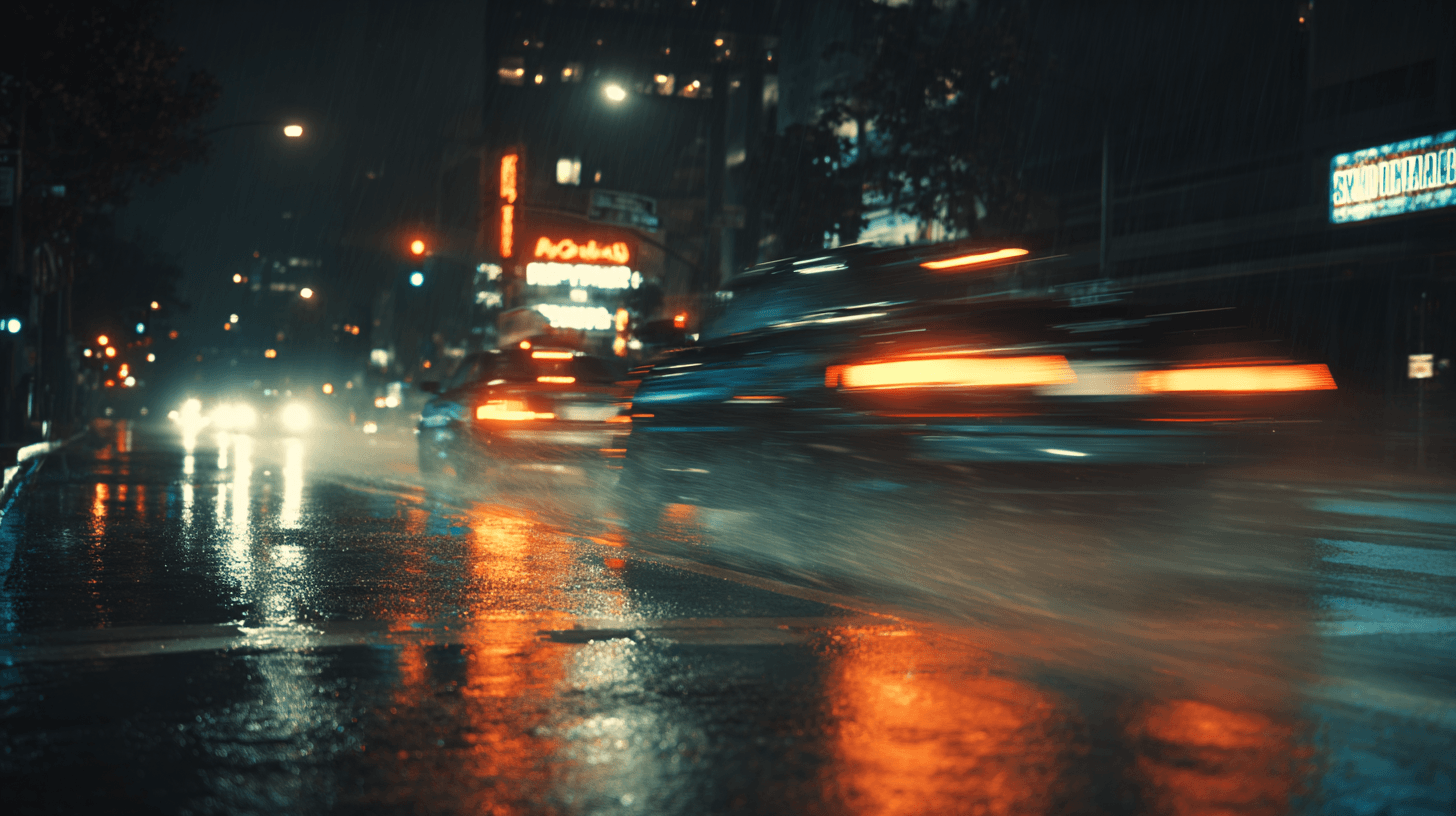
Most AI-generated car chases look slow because prompts describe mood instead of physics. To make a chase that reads as 120 mph, write mechanical behavior into each prompt — suspension compression, tire deformation, road-line collapse, camera bank angle — and generate one camera angle per shot. Chain three shots in a multi-shot sequence tool to build a cuttable scene with consistent vehicle identity.
Why AI Car Chase Videos Look Slow
The "40 mph problem" hits almost every AI video tool. You type "intense high-speed chase on a desert highway" and get a car that glides forward like it's on rails. No weight. No road interaction. No sense of force.
This happens because words like "fast" and "intense" carry no visual instruction. The model has no anchor for what speed looks like in a single frame. Speed on screen is a collection of physical artifacts: tires flexing under load, paint vibrating over pavement seams, road markings compressing into a single streak, suspension travel visible at the wheel wells.
Replace every adjective with a mechanical behavior. That one shift fixes most of the problem before you touch any tool settings.
Shot Structure for a Desert Highway Chase
A chase scene needs at least three angles to feel like a real sequence. Each angle serves a different storytelling purpose.
Shot 1 — Rear Bumper Cam (5 seconds)
- Camera locked two feet behind the lead car's bumper
- The pursuing vehicle grows from a distant speck to filling the rear window
- Road surface streaks beneath the chassis
- Center line collapses into a single white blur
- Exhaust pipes vibrate from engine output
This shot builds closing-distance tension. The viewer feels the pursuer gaining.
Shot 2 — Side Tracking at Window Height (4 seconds)
- Camera mounted at driver-window level, moving with the car
- Driver silhouette visible through glass
- Desert scrub in the background blurs into a solid tan wall
- Car body rolls slightly as it drifts toward the shoulder
- Camera banks 6 degrees in the direction of the drift
This shot sells lateral G-force and gives the audience a human anchor inside the vehicle.
Shot 3 — Helicopter Wide (3 seconds)
- Camera 300 feet above a straight desert highway
- Both vehicles appear as small shapes trailing V-shaped dust fans
- Morning shadow stretches long from each car
- Camera pulls back to reveal more road
This shot establishes geographic scale. It tells the viewer how far apart the vehicles are and how empty the landscape is.
How to Write Prompts That Force Speed on Screen
Describe Physics, Not Mood
"Epic high-speed chase" gives the model zero visual data. Instead, write what speed does to objects in frame:
- Suspension compressed hard over pavement seams
- Rear tires deforming under acceleration
- Road lines collapsing into a single white streak
- Heat shimmer rising off cracked asphalt
Every physical detail is a rendering instruction.
One Action Per Shot
Asking for a lane change, a drift, and a near-miss in one prompt causes geometry collapse. Give each generation a single motion event. A drift is one shot. A lane change is another. Chain them after.
State the Camera Bank Angle
Write "camera banking 8 degrees right with the chassis" instead of "dynamic camera." A specific angle forces the frame to tilt with the vehicle, which reads as lateral force on screen.
Add Road Surface Texture
"Cracked asphalt with heat shimmer" or "fresh blacktop with a painted center line" gives the model texture to streak and blur. A blank, featureless road reads as slow regardless of what else the prompt contains.
Building the Sequence in DomoAI Story Video Mode
DomoAI's Story Video mode lets you generate each shot as a separate beat, then chain them into one sequence. The tool carries lighting and subject identity forward across shots, so the muscle car in your bumper cam matches the muscle car in your helicopter wide.
Here is the workflow:
- Write all three shot prompts before you generate anything. Lock the vehicle description — "1969 muscle car, burnt orange paint, black hood stripe, chrome exhaust tips" — and paste it word-for-word into every prompt. Changing even one detail gives the model permission to drift the design.
- Generate Shot 1 in Story Video mode. Paste your rear bumper cam prompt and set the duration to 5 seconds. Run generations until the road surface streaks and the exhaust pipes show vibration.
- Chain Shot 2 to Shot 1. Add the side tracking prompt as the next beat in the same Story Video project. Lighting direction and vehicle color carry forward from the previous shot.
- Chain Shot 3 as the wide reveal. Add the helicopter-angle prompt last, pulling back to show both vehicles as dots on a straight desert highway with dust fans behind them.
- Review the full 12-second sequence. Check wheel direction, body panel stability, and dust trail continuity across all three shots. Regenerate any single shot that breaks without disrupting the rest of the chain.
DomoAI's interface is simple enough for beginners, and the Advanced Model option handles complex scenes with higher precision — useful when you need stable vehicle geometry across multiple angles.
Sample Prompts
Shot 1 — Rear Bumper Cam, 5 Seconds
Rear bumper camera locked two feet behind a 1969 muscle car, burnt orange paint, black hood stripe, chrome exhaust tips. Exhaust pipes vibrating. A black SUV growing in frame from a distant speck to filling the rear window. Cracked desert asphalt streaking beneath the car. Road center line collapsing into a single white blur. Suspension compressed hard over pavement seams. Sunrise light low and amber from the left. No camera shake. Constant forward speed.
Shot 2 — Side Tracking, 4 Seconds
Side-mounted tracking camera at driver-window height on a 1969 muscle car, burnt orange paint, black hood stripe, chrome exhaust tips. Driver silhouette visible through window glass. Desert scrub blurring into a solid tan wall in the background. Car body rolling slightly right as it drifts toward the road shoulder. Tire sidewalls flexing under lateral load. Camera banking 6 degrees right with the chassis. Nevada desert, sunrise, golden directional light. No subject drift.
Shot 3 — Helicopter Wide, 3 Seconds
High helicopter shot from 300 feet above a ruler-straight desert highway cutting through red sand. A 1969 muscle car in burnt orange leads, a black SUV follows 100 feet behind. Both vehicles trailing wide V-shaped dust fans. Vehicles appear as two fast-moving dots on the road. Morning shadow stretching long from each vehicle. Camera pulling back to reveal more highway. No cloud cover. Sharp detail on road markings.
Frequently Asked Questions
Why do my AI car chase videos always look like the car is going 40 mph?
Most prompts use words like "fast" or "intense," which carry no visual instruction for the model. Speed on screen comes from physical artifacts: suspension compression, tire deformation, road-line collapse, motion blur on background objects, and camera bank angle. Replace mood adjectives with mechanical behaviors and the output shifts from a floating car to one that reads as heavy and fast.
How do I keep the same car consistent across multiple chase shots?
Repeat the exact vehicle description — make, year, paint color, distinguishing marks — word-for-word in every shot prompt. In DomoAI's Story Video mode, chained shots carry subject identity forward, so the muscle car in your bumper cam matches the muscle car in your helicopter wide. Change one word and the model may treat it as a new vehicle.
Can I chain multiple chase shots into one sequence?
Yes. DomoAI's Story Video mode generates each shot separately — one camera angle, one motion event — then links them in order. A three-shot chase (bumper cam → side tracking → helicopter reveal) builds into a single sequence with matched lighting and vehicle design.
What camera angles work best for an AI car chase?
Three angles cover most chase sequences:
- Rear bumper cam — builds closing-distance tension between pursuer and lead car
- Side tracking at window height — shows body roll, speed blur, and a human anchor through the driver silhouette
- Helicopter wide — establishes scale and geography, showing both vehicles on the open road
Generate each angle as its own shot so the model handles one perspective at a time.
How do I stop wheels spinning backward or cars morphing mid-shot?
Limit each prompt to one motion direction and one camera angle. Add explicit constraints: "forward motion only, no reverse wheel spin, stable body panels." Shot-by-shot generation avoids the geometry collapse that happens when you stack multiple actions into a single clip.
Is DomoAI free to try for this kind of project?
Yes. New users get 15 bonus credits to test the tools. Paid plans start at $6.99/month for the Basic Plan (500 credits, roughly 30 videos). The Standard and Pro plans include unlimited generations, which helps when you need multiple attempts to lock down vehicle stability across a chase sequence.
DomoAI vs. Kling and Runway for Car Chase Sequences
Kling produces strong single-clip car motion. If you need one isolated shot of a vehicle in motion, it delivers. Runway offers high visual fidelity but users report frequent continuity breaks when they try to match vehicles across separate generations.
DomoAI's Story Video mode works differently. It chains shots inside one project, carrying vehicle identity and lighting forward from beat to beat. You generate your bumper cam, your side tracking, and your helicopter wide as linked steps — not as three unrelated clips you hope will match in post. For creators who need an editable sequence of matched shots rather than standalone generations, this removes the re-roll lottery that eats credits on other platforms.