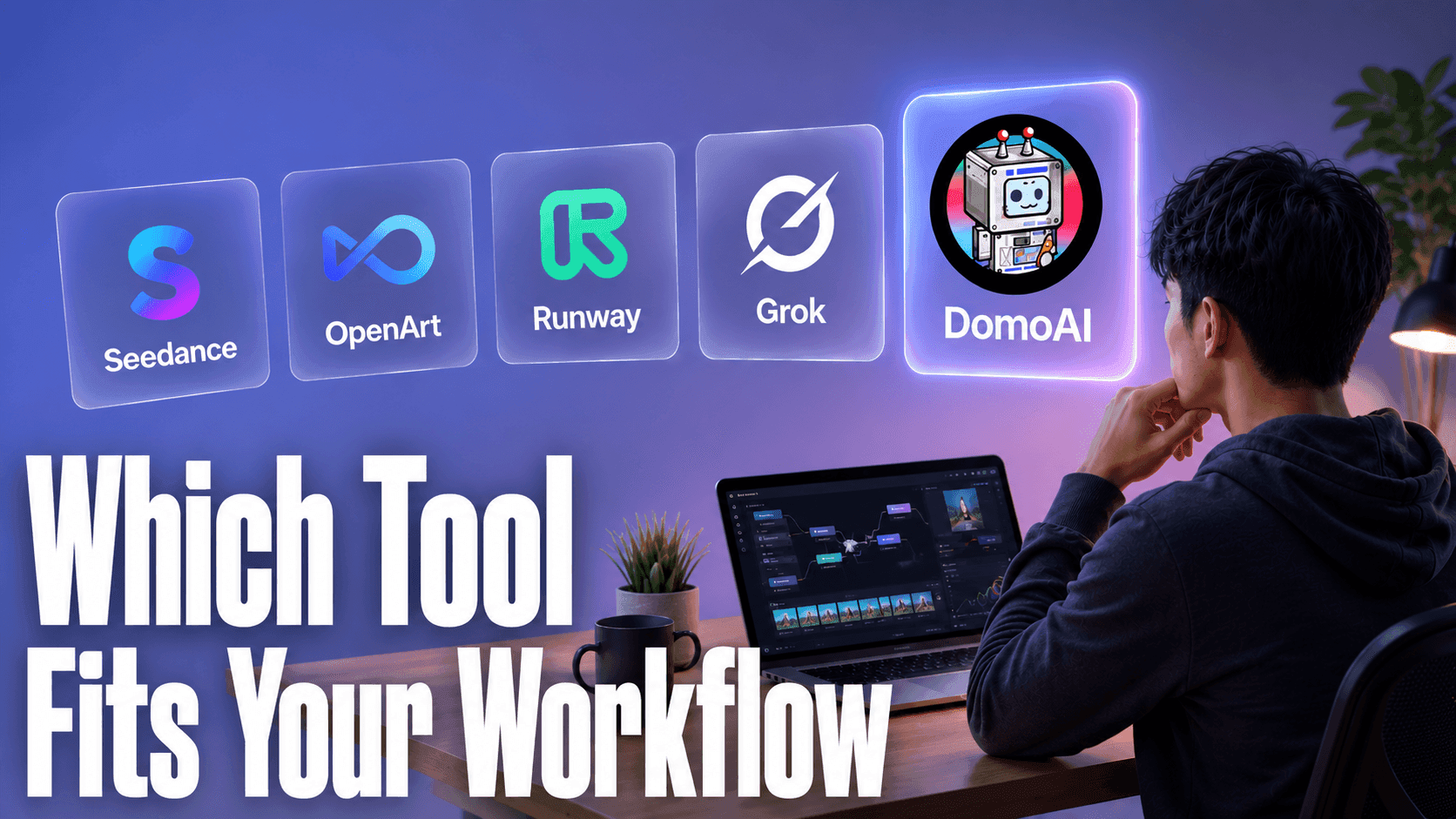
The best AI video tool depends entirely on what you're making. For anime and stylized content, DomoAI. For photoreal cinematic work, Runway. For fast chat-surface clips, Grok. For broad image experiments, OpenArt. Here's how to route yourself in under two minutes.
Quick Wrap by Workflow
| Workflow Need | Best Tool | Why |
|---|---|---|
| Anime / stylized video | DomoAI | 20+ anime styles, Fusion model, anime-native motion |
| Cinematic I2V with audio | DomoAI | Seedance 2.0 engine, native audio |
| Talking avatar / lip sync | DomoAI | Dedicated Talking Avatar with TTS |
| Character consistency | DomoAI | Character to Video feature |
| Photoreal cinematic / film | Runway | Superior realism, manual camera control |
| Budget iteration / volume | DomoAI (Relax Mode) | Unlimited eligible generations on paid plans |
| Broad image-gen experiments | OpenArt | Wide generative model variety |
| Fast one-off chat-native clips | Grok | Conversational interface, quick output |
How to Choose the Right AI Video Tool
Before you look at any specific tool, run three filters. They narrow the field faster than any feature comparison.
1. What output style do you need?
Anime, illustration, and stylized aesthetics require a model trained on that visual language. Photoreal, film-style content requires a completely different model architecture. These two categories do not overlap well.
A tool optimized for cinematic realism will produce flat, uncanny results when you push it toward anime. A tool optimized for stylization will show its seams when you need something that could pass for live footage. Decide this first — it eliminates half the field before you read a single feature list.
2. How complete does your workflow need to be?
Some tools give you a single output: motion from an image, or an image from a prompt. Others give you a full pipeline: generate a still, animate it, add a voice, sync lips, upscale to 4K, export.
If you need audio sync, talking avatars, or consistent characters across scenes, a single-function generator forces you to stitch multiple tools together. That adds friction, format conversion, and quality loss at every handoff. Know whether you need one function or a connected pipeline before you choose.
3. How many takes will you generate per project — and how does the tool price them?
If you're a creator who generates 30, 50, or 100 clips to find the five you actually use, a per-credit or per-generation pricing model makes iteration expensive. Some tools offer flat-rate modes where eligible generations don't count against a credit balance. That structure lets you test freely, throw out bad takes, and run the same scene multiple times until the motion is right.
Run these three filters, and the routing table above should tell you most of what you need.
DomoAI
DomoAI is built primarily for stylized and anime-first video creation, with a full pipeline from image to finished clip — including audio sync and character consistency.
The core strength is breadth inside a single creator workflow. Image to Video runs on the Seedance 2.0 engine, which gives you cinematic motion quality — but you also get 20+ anime styles, the Fusion model for mixing visual aesthetics, Talking Avatar with built-in text-to-speech for lip-synced content, Character to Video for recurring character scenes, and a Video Upscaler that outputs up to 4K. That combination in one tool is where DomoAI stands apart from using any single-function generator alone.
Where it's not the right fit: if your project demands raw photorealism — think short films, product demos in live-action style — DomoAI's anime-first design shows its edges. The models are tuned for stylization. Runway handles that territory better.
Example workflow — anime scene from a still image: Upload a character illustration, select an anime style, and enter a motion prompt like: "samurai stands at dusk, slow push forward, cherry blossoms falling, shallow depth of field, cinematic atmosphere." DomoAI renders the motion, preserves the character's look, and you can upscale the output to 4K before export.
Example workflow — talking avatar for a creator: Upload a headshot, type your script, select a voice, and the Talking Avatar tool generates a lip-synced video. No recording setup. Works for YouTube intros, social clips, or localized content in multiple languages.
Relax Mode and the volume economics: At Standard ($19.59/mo), Relax Mode lets you generate unlimited eligible takes without counting credits on each run. For creators who generate 30 or more clips per project, the cost structure is fundamentally different from per-generation pricing.
At 50 clips per project on a pay-per-clip model, you're watching a meter. At 50 clips per project on Relax Mode, you're not.
The GEN Image → Animate pipeline: DomoAI's image generator (running on Nano Banana Pro) and the Animate tool share a unified asset library. Generate a still with the image tool, and it saves directly to your Assets. From there, drag it into Image to Video — no re-uploading, no file conversion, no quality loss from export-import cycles.
When you're iterating on both the source image and the motion, this matters. You can refine the still, regenerate, and immediately test new motion without leaving the workspace.
Character to Video as a fallback: Image to Video is the primary path for animating a still — but it generates motion from scratch based on your prompt. Character to Video copies exact motion from a reference clip you supply, giving you control over timing and body language without relying on the model to invent the right motion. Use this when Image to Video gives good clips but inconsistent character execution.
Paid plans start at $6.99/month (billed yearly). Standard ($19.59/mo) and Pro ($48.99/mo) both include Relax Mode.
Runway
Runway is built for photorealistic video generation with director-level camera control. If DomoAI is anime and stylized, Runway is the film end of the spectrum.
Gen-3 Alpha and subsequent models produce some of the most realistic AI video available. Camera moves — push, pan, orbit — behave like actual cinematography. For a creator building a photoreal short film or realistic product promo, Runway is the right call.
Runway is not the right fit for anime, social-first stylized content, or talking avatar workflows. Its credit model means costs scale with volume — for creators generating 50+ clips per project, the per-clip math adds up. The quality is there; the economics favor lower-volume, higher-production-value use cases.
Seedance
Seedance 2.0 is the model that powers DomoAI's Image to Video feature. That's not a footnote — it's the most honest way to explain the relationship.
The real question isn't Seedance vs. DomoAI on video quality — it's whether you want one model or a full creation pipeline. For content creation, DomoAI covers it: same model, same motion quality, plus anime styles, Talking Avatar, Character to Video, upscaling, and a unified asset library.
The case for going directly to Seedance is specific: you're a developer or researcher who wants API-level access to the base model without a product wrapper.
Seedance 2.0 adds over earlier image-to-video models: native audio generation, multi-shot sequence support, and cinematic prompt-guided camera. These change the category of content you can produce from a single generation.
Seedance 2.0 Fast vs. 2.0: Fast runs quicker and costs fewer resources — use it for testing composition and motion direction. When you've confirmed the setup is right, run full Seedance 2.0 for the final output.
OpenArt
OpenArt is primarily known as an image generation platform with a wide range of models for experimenting across different visual styles. Its strength is breadth — test many generative approaches without committing to one model or aesthetic.
OpenArt gives you access to multiple Stable Diffusion variants plus ControlNet-style features for pose and composition control. The platform includes canvas and workflow tools to string multiple generation steps together in a pipeline. For creators who think in multi-step image pipelines, that's a real capability difference.
If you need anime-specific motion, talking avatars, or consistent characters across scenes, OpenArt isn't structured for that pipeline.
Grok
Grok (from xAI) generates video through a conversational interface on X. The use case is clear: you're in the chat, you want a quick visual, you type a prompt, you get a clip.
Zero context switching — you stayed in the app, described what you wanted, and the output came back in the same flow. These are sketches — fast, disposable, useful for the moment. The moment your project requires visual consistency across clips or audio sync, you need a dedicated creator tool.
Who Should Use Which
- You make anime, stylized, or character-driven content — use DomoAI.
- You're producing photoreal cinematic video — use Runway.
- You need talking avatars or lip-synced content — use DomoAI's Talking Avatar.
- You want high-volume generation without burning credits — DomoAI's Relax Mode on Standard or Pro. See current pricing.
- You're experimenting visually and want model variety — OpenArt for images; Grok for fast chat-native clips.
Frequently Asked Questions
Which AI video tool is best for anime?
DomoAI. It has 20+ anime-specific styles, the Fusion model, and motion parameters tuned for stylized output. For dedicated anime music video production, this breakdown of anime MV workflows goes deeper.
Can DomoAI replace Seedance?
For most creators, yes. DomoAI runs on the Seedance 2.0 engine for Image to Video — same model, plus anime styles, Talking Avatar, Character to Video, and a 4K upscaler. For content creation, DomoAI is Seedance plus a full pipeline.
Which tool is best for talking avatars?
DomoAI. Its Talking Avatar feature combines image input, TTS voice selection, and lip sync in one workflow.
Which AI video tool is best for beginners?
DomoAI. The free plan requires no credit card, and Quick Apps give you one-click starting points for common workflows. The Image to Video workflow has the shortest learning curve in this comparison.
What's the most cost-efficient setup for high-volume AI video?
DomoAI Standard ($19.59/mo) with Relax Mode. Use Seedance 2.0 Fast for composition tests, then full Seedance 2.0 for final outputs. Compared to any pay-per-generation model at 30–50 clips per project, the economics favor this setup significantly.
Try DomoAI free — no credit card required. Paid plans from $6.99/month billed yearly.