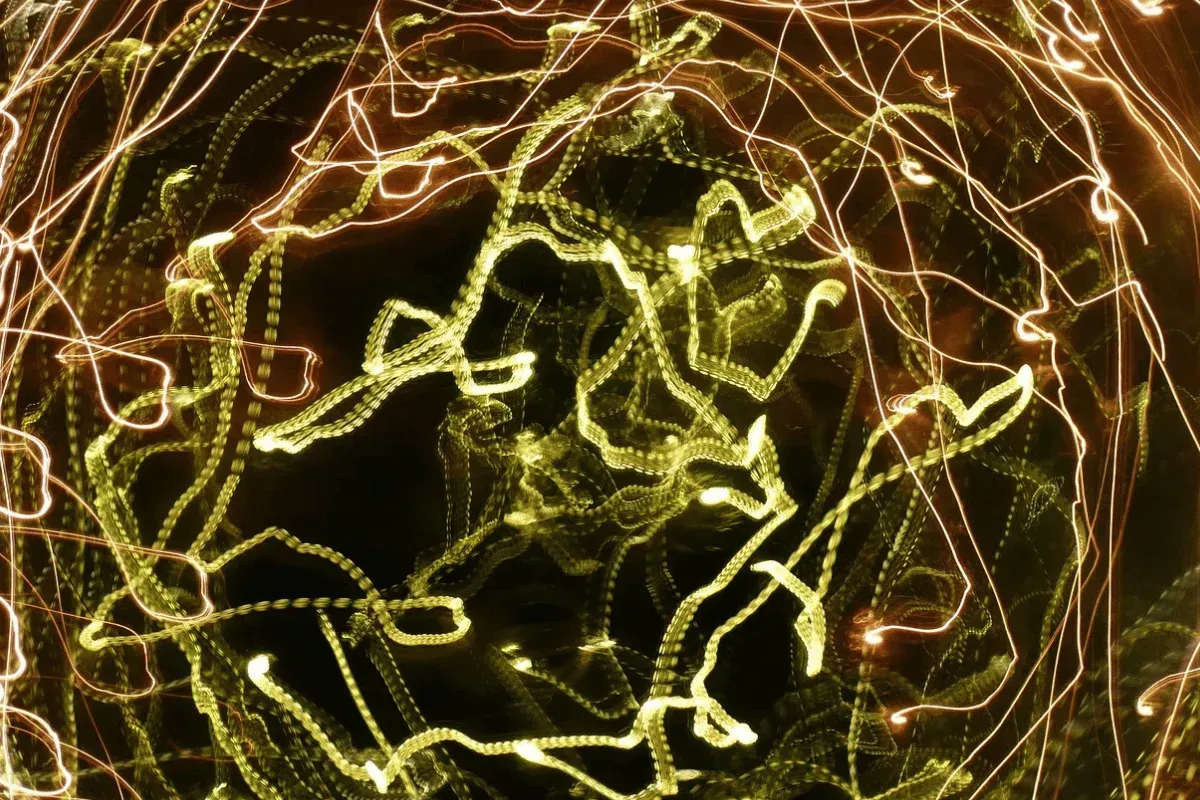
With the rise of AI, you can create audio-reactive psychedelic visuals from your text and image prompts, offering the highest level of control.
In this article, we will show you how to create AI-generated videos, outline the steps to creating trippy AI videos, and identify the key elements of a psychedelic AI video.
Let's begin.
TL;DR - How to Make Trippy AI Videos
Want to make psychedelic videos? With DomoAI, you can easily make these videos by following these steps:
- Choose your AI app
- Define your concept
- Adjust visual effect settings
- Generate an initial video
- Refine the visuals
- Sync visuals to music
- Finish and export
For a detailed breakdown of the steps, read on.
What Makes AI-Generated Trippy Videos Different?
AI-generated trippy videos stand out because they help you achieve seamless, mind-bending transitions.
Here are other ways these AI videos differ:
- Video Unpredictability: You can create endless iterations of a video, meaning no two videos will have the same psychedelic effects, even if you use the same prompts. This is unlike hand-drawn animations, where you can identify repetitive patterns.
- Fast Rendering: You can generate trippy videos in just a few minutes. This is the opposite of conventional video editing, which requires considerable experience. You can also experiment with different styles and stumble upon brilliant results you might not have intended.
- Quick Stylistic Changes: If, for example, you created a trippy video with a kaleidoscope effect, but it doesn't work for you, you can simply prompt the AI model to switch the style instantly. In traditional video editing, you would need to start from scratch, which would mean endless hours of work.
Key Visual Elements of Psychedelic AI Videos
So what makes psychedelic AI videos?
The following visual elements:
- Saturated Color Pallettes: You can achieve bold, saturated colors with intense contrasts to create vibrant videos with an immersive vibe.
- Organic Morphing: You can seamlessly distort and warp shapes, objects, and landscapes to create fluid motions that contribute to the mind-bending effect of trippy videos, which captivates viewers.
- Intricate Patterns: You can generate complex geometric and swirling patterns that consistently morph, creating a sense of depth and movement in the background.
- Optical Illusions: Visual illusions are a hallmark of AI trippy videos, which include dizzying or disorienting effects to trick your eyes into seeing the unbelievable.
- Surreal Imagery: They feature objects and shapes that seem out of this world. They include dreamlike or otherworldly creatures, impossible landscapes, distorted faces, and melting features.
- Audio-Responsive Visuals: They pair the motions of shapes, textures, objects, and landscapes with attached audio files. For example, you might observe the visual elements pulse, tremble, or boom in sync with the audio.
Keep in mind that you can incorporate all of these elements or dial them back to suit the narrative you want to convey.
Why Create Trippy AI Videos
People create trippy AI-generated videos primarily for entertainment.
However, you can also use these videos for:
- Music Videos: If you’re a musician, you can use platforms, such as DomoAI, to create visualizers that sync with the beats and rhythms of your songs. For example, if you’re an EDM artist and a DJ at live events, you can create an immersive experience to enhance the music's feel.
- Social Media: As a content creator, you can use psychedelic videos on platforms like TikTok, Instagram, and YouTube to captivate your audience and boost engagement.
- Creative Expression: As an artist, you can generate trippy videos to capture your artistic ideas and vision, especially when the intended outcome is challenging to achieve with conventional video editing techniques.
- Creative Exploration: People who were previously locked out of creative expression due to a lack of experience are now using AI to explore their ideas. Trippy AI videos in such cases provide an avenue for you to play around, explore curiosities, and experiment.
- Marketing: As a brand, you can create trippy, eye-catching videos for marketing and advertising. You can use the videos to stand out from the competition and drive engagement.
- Film and Gaming: You can generate AI videos for your TV shows, movies, and games to enhance your audience experience with mind-bending visuals.
- Monetization: if you’re a creative specializing in AI art, you can generate psychedelic videos to sell on AI marketplaces.
- Relaxation: Pair slow-moving psychedelic visuals with ambient music to create a calming effect. You can use the AI videos if you’re in the wellness industry to help your clients meditate.
Best Free AI Tools for Creating Trippy Videos
Now, let’s look at the top AI platforms for beginners and artists to create trippy videos:
1. DomoAI
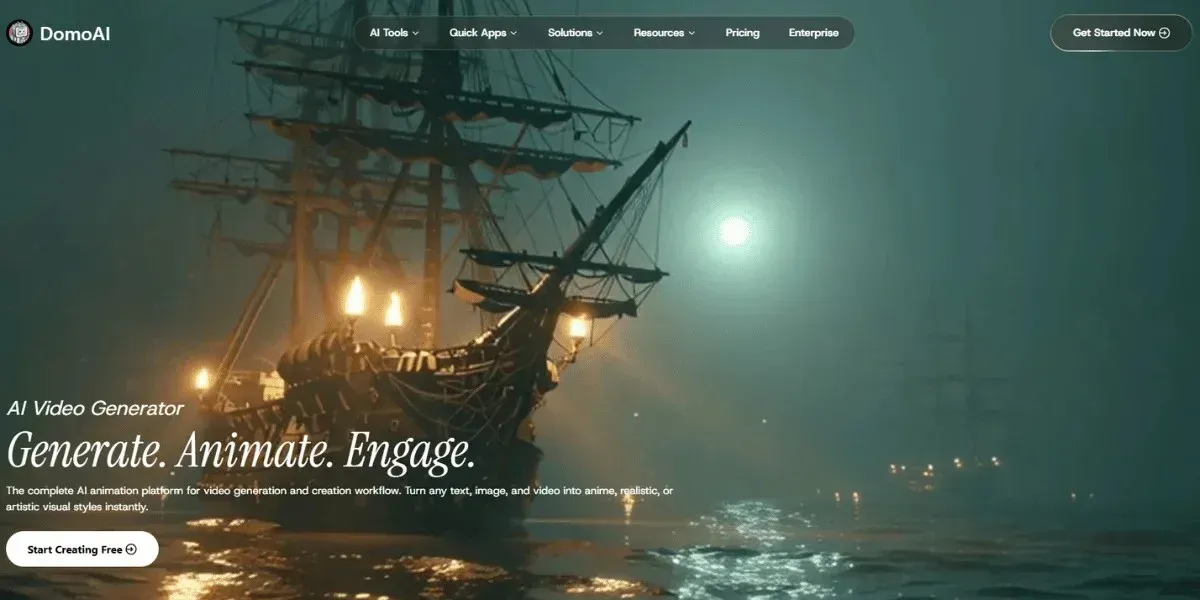
DomoAI is the best AI video generator to produce instant psychedelic transformations. You can use text-to-video, image-to-video, and video-to-video conversions.
Our platform allows us to create highly stylized, surreal videos quickly. You can also use it for music videos and social media clips, and it features a friendly user interface.
Here is a sneak peek of what it offers:
- Text-to-Video Capabilities: You can describe the type of video you want to create in a layperson’s language and generate an output.
- Automated Batch Creations: You can generate multiple variants of the same prompt and track each version separately.
- Advanced Analytics: You can post trippy AI videos on various social media platforms, including TikTok, YouTube, and Instagram Reels, then use DomoAI to track how users interact with the content, such as which colors/styles get more engagement or what soundtracks drive more retention.
Ready to transform your creative vision into mesmerizing AI videos? DomoAI helps you create professional-grade trippy videos without the steep learning curve.
You can access advanced features and unlimited generations through Relax Mode, which is perfect for experimenting. Also, enjoy 2K and 4K resolution videos at no additional cost beyond your monthly plans.
You can get started from just $9.99/month and join 3 million creators already using DomoAI to bring their wildest ideas to life.
Explore the endless possibilities of trippy videos using DomoAI.
2. Neural Frames
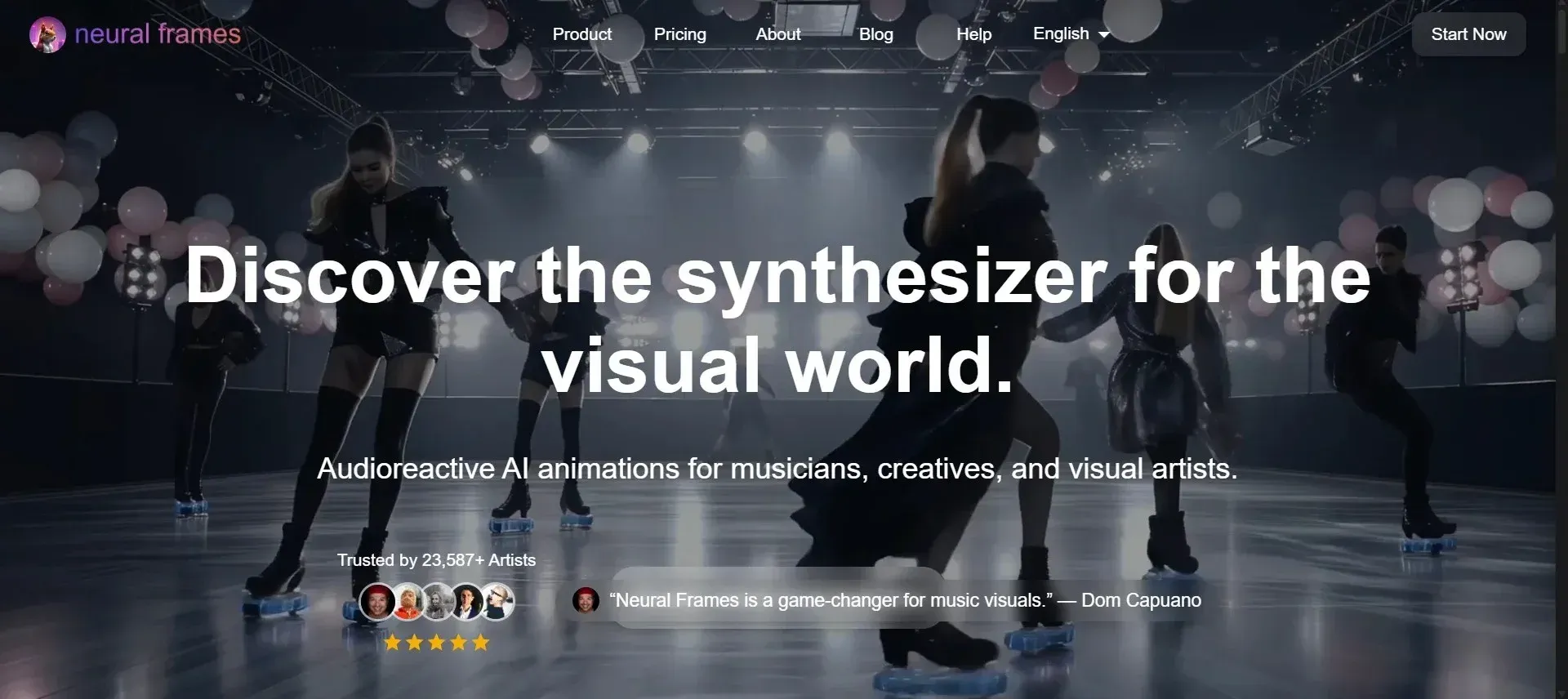
Neural Frames is a platform that lets you analyze audio files and generate visuals that synchronize with the audio. You can use it to create beat-aware trippy visuals.
However, the platform primarily focuses on music video generation, which can be limiting if you intend to use it for other purposes. You can also experience visual inconsistencies, such as frame-to-frame delays and fragmentation.
3. Kaiber AI
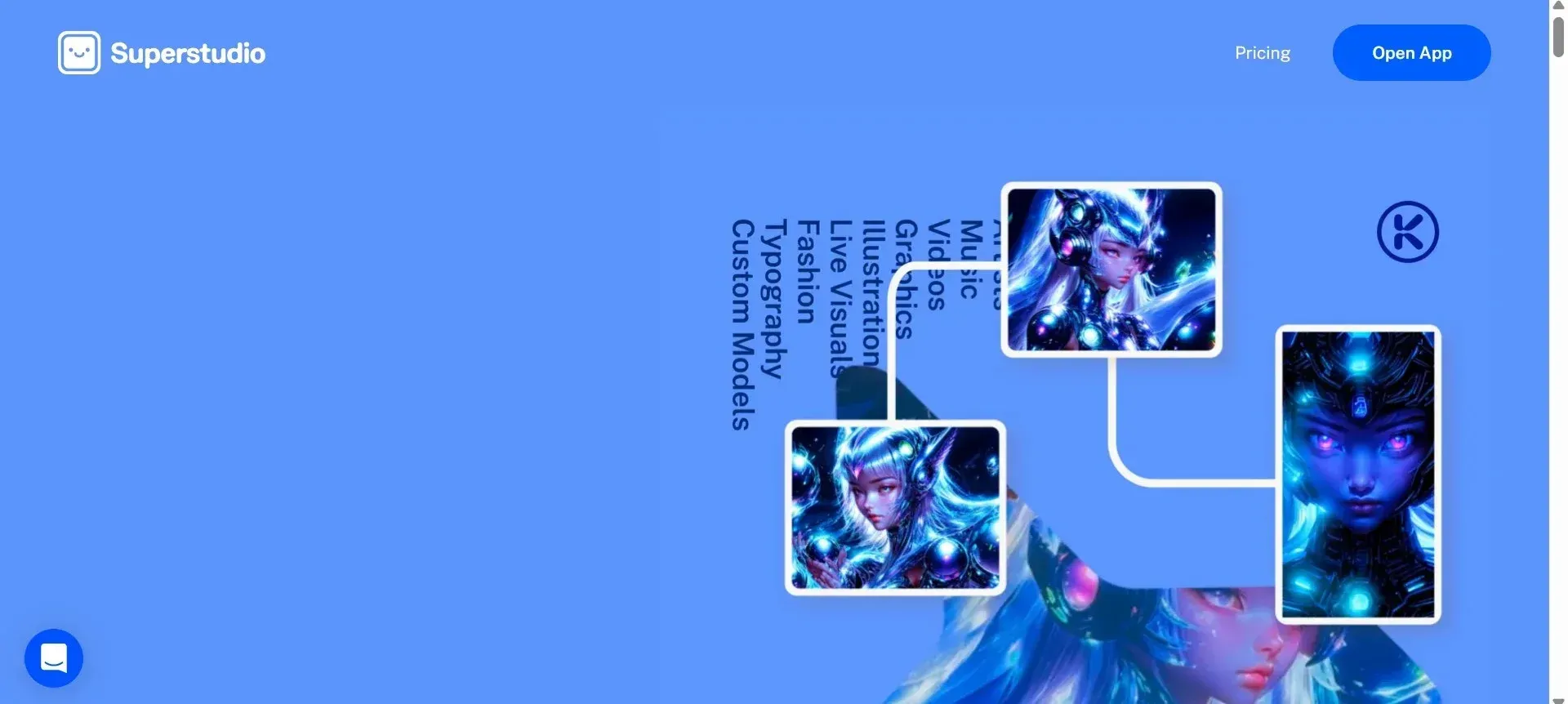
Kaiber AI is an excellent platform for generating AI videos that match your song's rhythm or mood. It’s fantastic if you’re an animator looking for otherworldly aesthetics. As a beginner, you can also get inspiration from trippy videos.
However, you may experience inconsistencies during style transformations and advanced tuning. You may need to input prompts several times to get your desired look. In addition, the free tier limits video resolution and length, so you need a paid plan.
4. CapCut
CapCut is a mobile-friendly platform that lets you apply AI filters and effects to videos, making it suitable for creating short social media videos.
However, its user interface is not desktop-friendly. You also have limitations when refining your AI-generated videos, for example, during color grading.
Besides, some of its AI features have watermarks and require subscriptions.
How to Create Trippy AI Videos - Step-by-Step Process
Once you’ve chosen your AI video generator, how do you create your first trippy video?
Below is a walkthrough on the steps to create one with DomoAI:
1. Choose Your AI App
Begin by deciding what approach you want to use to generate your video. The options available to you include:
- Text-to-Video: You will type in a comprehensive description of what you want the program to generate.
- Image-to-Video: Use an image or a series of pictures and interpolate between them to generate the video.
- Video-to-Video: Upload an existing video and provide prompts to adjust its appearance.
2. Define Your Concept
Write at least five detailed prompts describing the theme, colors, mood, visual style, and motion style of the video you want to generate.
For example, you can ask for a cosmic jungle theme, a deep indigo surface paired with a neon magenta surroundings, a contemplative calm mood, and a Japanese anime visual style.
3. Adjust Visual Effect Settings
Make minor changes to the motion and style settings of the video you want to generate. Ensure the style settings are not too high, as they may distort the video.
Determine the video's aspect ratio, frame rate, and color saturation, among other settings.
4. Generate an Initial Video
Generate a first pass to help you identify any settings that are distorting the video's appearance. Proceed to make the necessary adjustments to ensure the following video you generate is superior to the first pass.
Then, develop a secondary pass to ensure the changes made were appropriate.
5. Refine the Visuals
Refine the appearance of the secondary passes you generated after adjusting the initial video. For example, if the video's morphing is too chaotic, you can reduce the motion speed and intensity.
On the other hand, if the video looks bland, you can increase the color saturation to make it more vibrant.
6. Sync Visuals to Music
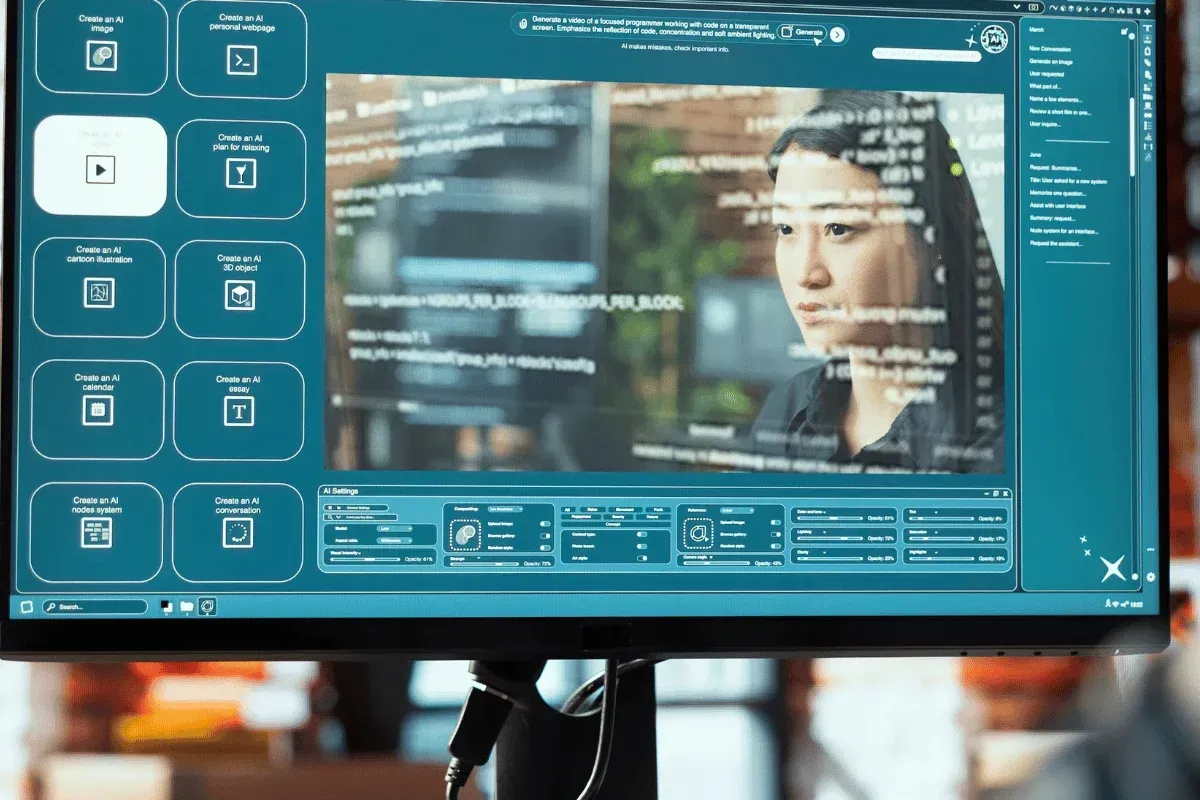
You could also synchronize an audio file with the video. DomoAI lets you add an audio file, record your voice, or use its text-to-speech tool, which provides access to hundreds of voices and languages.
When you generate the video, the platform will analyze both the audio and video files and find the optimal synchronization to enhance the video using the AI lip-sync tool.
7. Finish and Export
Determine the video quality when you export it. For example, 1080p is the standard resolution for high-quality social media videos. If you intend to project the video, it would be more appropriate to use a 2K resolution.
You can also decide to export short loops for marketing your work on social media.
Techniques for Achieving Specific Trippy Effects
Want to enhance your freshly created trippy video with specific effects?
Let’s see the prompts and stylistic adjustments you can apply:
- Kaleidoscope Effect: Duplicate the video and mask it in a circle. Then apply radial symmetry filters and rotate the center slightly over time. Also consider prompts, such as rotational symmetry and infinite mirrored geometry.
- Morphing Landscapes: Upload two or more similar images and prompt the platform to slowly warp one image into another. You can increase the diffusion strength to achieve greater visual distortion. You can also use prompts like 'liquid dreamscape' and 'melting neon grasslands'.
- Cosmic and Space-Centric Pyschedelics: In this case, think about celestial bodies, such as planets, the moon, and stars, and cosmic bodies such as black holes, nebulae, and galaxies. Then use prompts like 'neon galaxies' and 'infinite cosmic psychedelic dimensions'.
- Beats or Pulsating Motions: Such effects are common in meditation visuals. To achieve them, use keywords such as 'pulsating' and 'breathing' in your prompts.
Tips for Getting Professional-Quality Results
Besides the techniques we’ve explored above, you can take your videos a notch higher to achieve a professional-grade trippy video.
Here are tips to consider:
- Outline Your Objectives: Before you start to generate your videos, you should outline the characteristics of the video you want. Define the theme, mood, visual effects, and stylistic references.
- Use High-Quality Media: Start with high-resolution media, such as images and videos, and provide AI tools with more detail to transform, resulting in sharper, clearer videos. It also prevents blocky, pixellated visuals after transformation.
- Use Clear Prompts: Use descriptive language to generate precise videos. Avoid using generic terms like 'trippy video'. Instead, describe the color palette, mood, and level of surreality. For example, liquid motions and neon landscapes.
- Use Negative Prompts: Use negative prompts to prevent unwanted elements from appearing. For example, no blurs or distortions to ensure you get a crisp, uninterrupted video.
- Avoid Over-Processing: Do not use too many layered effects together, as they interfere with the video's contrast and limit the illusion of depth intended.
- Utilize Audio: Add music or other sounds to your trippy videos to enhance your viewers’ psychedelic experience.
- Document Parameters: Save all prompts, original videos, images, and other parameters throughout the entire creation process. It provides a point of reference when making future changes.

Frequently Asked Questions (FAQs)
Below are answers to some common questions we receive from clients:
How Do I Use a Trippy Visualiser for Music Videos?
Here are ways you can use a trippy visualizer for your music videos:
- Use an AI platform that supports audio-reactive visuals, such as DomoAI.
- Upload your audio track and allow the AI tools to analyze the beats, rhythm, tempo, and frequency bands.
- The visualizer will then produce a music video from your chosen templates, for example, waveforms.
What Features Should I Look for in a Trippy Visualizer App?
The trippy visualizer you pick should support beat detection, text-to-video, image-to-video, and video-to-video media transformations, as well as audio-to-visual synchronization.
It should also support high-resolution video export.
How Does a Trippy Visuals Generator Work With AI?
Trippy visual generators use neural networks to map text, image, or video prompts you provide. They detect shapes and motion in the provided prompts, then apply the stylistic transformations you request.
Lastly, they generate a trippy video by reinterpreting the text, image, or video frame by frame.
Are There AI Tools That Create Psychedelic Visuals From Audio?
Yes, there are AI tools that create psychedelic visuals from audio. They include DomoAI, Kaiber AI, and Neural Frames.
They use beat detection and frequency analysis to generate visuals.
How Can I Sync Trippy Visuals to Music Beats Using AI?
Most AI platforms have audio-aware tools that automatically synchronize a song's beats to the visuals. Alternatively, you can sync the audio and visuals using a third-party beat maker app.
Import your trippy visuals to the beat maker, add your song, and adjust the sections by cutting or stretching the visuals to match the beat.
Conclusion
Creating trippy AI videos is not challenging. All you need to do is use high-quality media, ensure you have descriptive prompts ready, and make the appropriate adjustments once the platform starts generating videos.
However, you need to use the right AI tool to nail the kaleidoscope effect.
With DomoAI, you can enjoy complete creative freedom with over 30 artistic styles and intuitive tools that save time and reduce costs, all for $9.99/month. Also, unlike other platforms, you get to retain full content rights with no risk of future copyright disputes.
Unlock endless possibilities for AI trippy video creation. Join our DomoAI creative partnership program.