


AI video content is having its moment, but that doesn't mean every tool out there is worth your time.
That’s why we’ve ranked the 11 best AI video generative models. Each tool has its strengths and limitations. Some have a built-in suite of editing features, while others rely on third-party apps.
So if you're looking to explore how to create videos with AI, read on to find the best platform for you.
TL;DR - Best AI Video Generation Tools
Only have a minute?
Let’s have a quick overview of the 10 best AI video generators and how they stack up.
- DomoAI
- Runway Gen-3
- Luma Dream Machine
- Google Veo-2
- Synthesia
- Descript
- Topaz Video AI
- Heygen
- Kling
- Stable Video Diffusion
- Pika 1.5
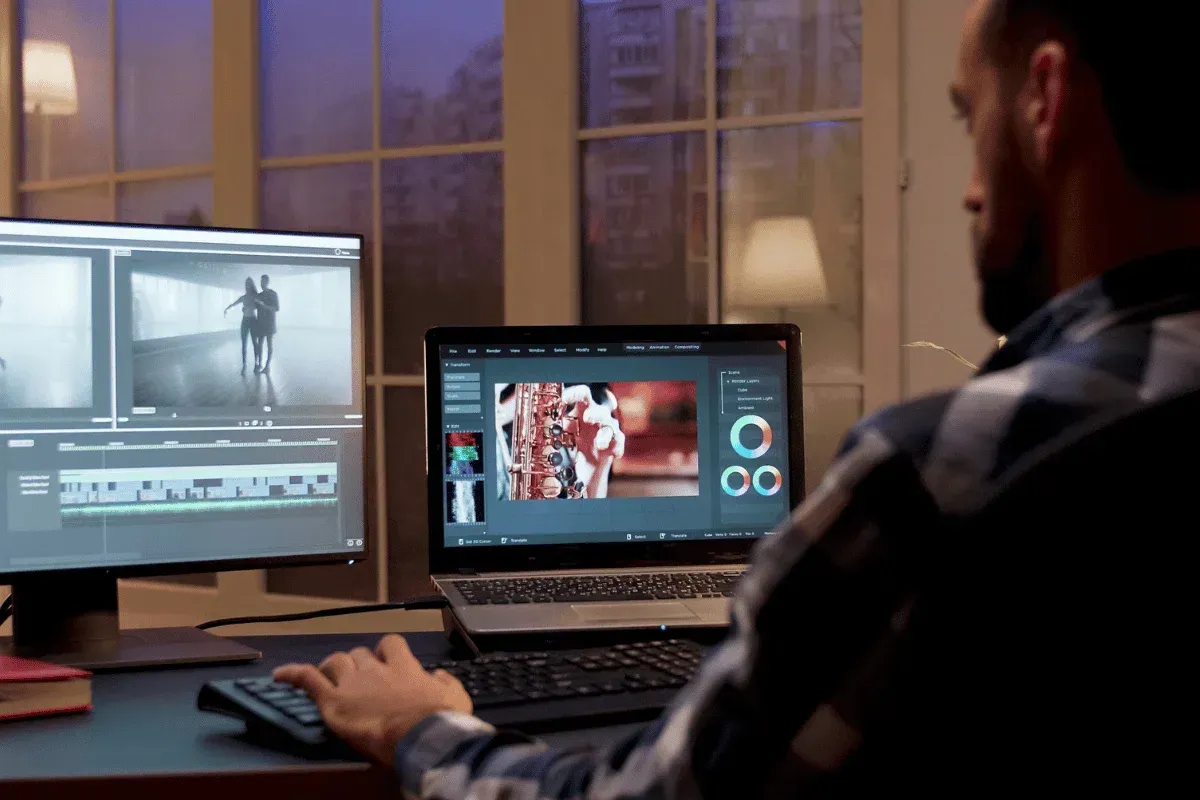
Why AI Video Generation Tools Matter?
AI Video generation tools eliminate the barriers of traditional video production, making filmmaking faster, cheaper, and more experience-based.
That's why they matter because they:
- Speed up Video Production: What would take you days, scripting, filming, and editing can now be done in minutes. These tools craft your video script, create, edit, adjust, and generate your video in minutes, based on your ideas.
- Lower Costs: Producing high-quality video requires expensive equipment, a skilled team, and days of editing. It would cost upward of $3000 to make a marketing video. Thanks to generative AI video tools, you no longer need to hire a professional crew or invest in costly equipment. All you need is the right AI video, a fraction of what it would cost you in the past, and a bold imagination.
- Scale Content Production: When you automate your video generation process, you can expand your video production. AI-generating tools let you create bulk videos in multiple versions for different audiences on the same platform.
- Excel at Consistency: You only need to define your color, messaging, visuals, tone, style, font, layout, and your AI video generator will apply these in all your videos.
- Tailor Videos: With AI generation tools, you can customize the look, structure, and tone of each video to suit specific audiences. You can personalize videos for your learning platforms, personalized ads, and even social media.
- Make Video Creation Accessible: You no longer need a filmmaking degree or years of video production experience to create professional-grade videos. AI-powered tools generate 4K videos effortlessly from text prompts or existing videos.
Capabilities of AI Video Generation Tools
From creating short, viral content in minutes to hassle-free AI video editing, AI video tools offer a range of capabilities to create fast, engaging motion content.
Here are the top features that make them win:
- Multilingual content creation and localization: Translates both the written and spoken content of your videos into multiple languages.
- Text-to-video Generation: Let’s you transform text into high-quality videos in minutes.
- Image-to-video Generation: Allows you to work with static images to generate videos.
- Video-to-Video Transformation: Converts existing footage into new footage using style transfer, scene transformation, upscaling, face swapping, or character swapping. Think of it like filtering without changing the video's structure and motion.

Best AI Video Generators for Marketing and Business Content
Whether you want to create AI character animations or realistic videos, you should pick a tool that lets you customize aspects such as characters' movement, lighting, and style.
Here are our top picks in this category:
1. DomoAI
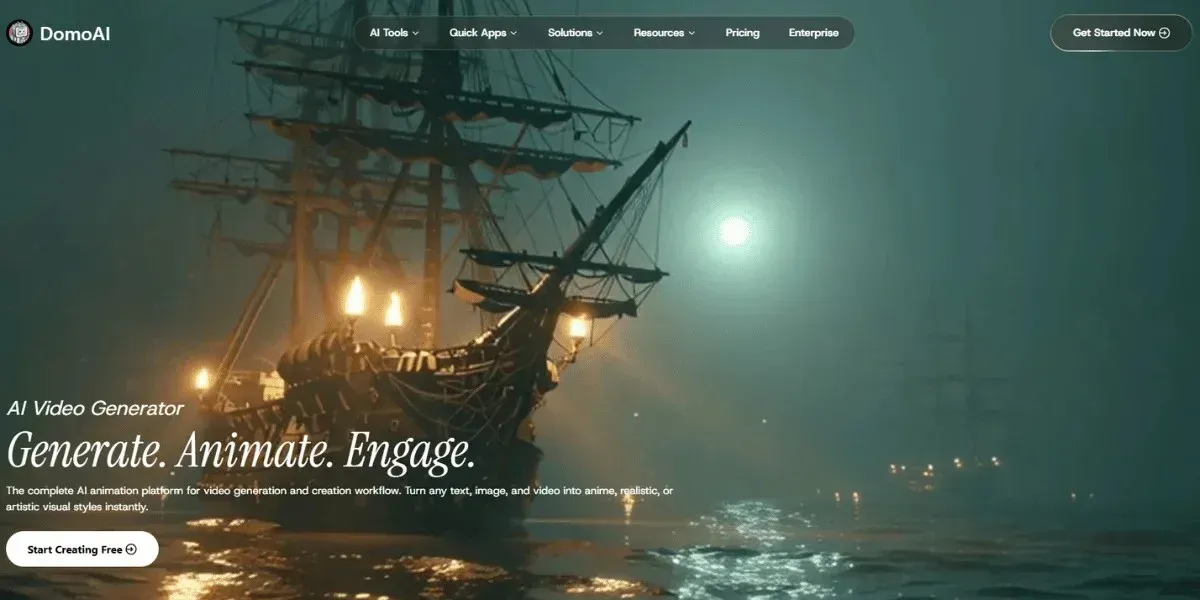
DomoAI is an all-in-one workflow that offers a visual creativity suite. It restyles existing clips, animates still images, and transforms text prompts into short scenes.
Key Features
- Image to animated clips transformation
- Text-to-video and video-to-animation conversion
- 30+ unique artistic styles to explore your creativity
- Innovative editing features, including background removal, lip sync, motion control, and upscaling
- User Community where members learn, share their creations, and connect
- Access Relax mode and enjoy unlimited generations
- Full ownership rights
- Offers customization options
Best for: Influencers or YouTubers, marketers, and social media managers. Anyone looking to transform their existing videos into artistic animations
Bring your vision to life and animate your first video for free today.
2. Synthesia
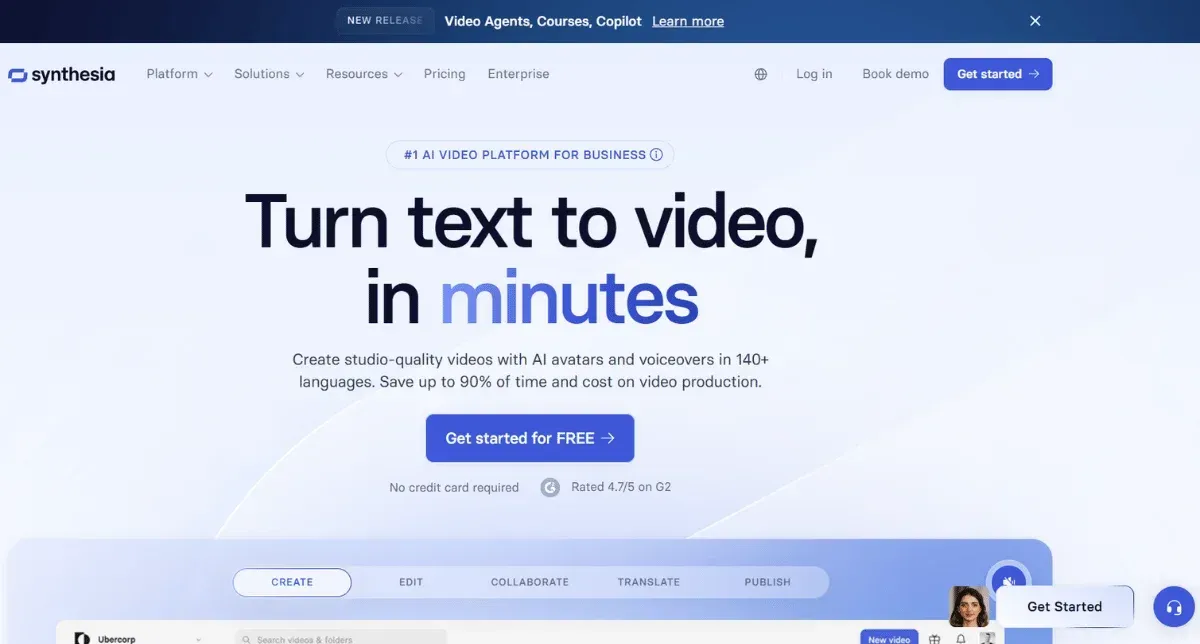
Synthesia is among the best text-to-video AI generators for creating avatar-centric videos.
You can use text-based prompts to create avatars that serve as virtual representatives in your sales, onboarding, marketing, or customer support videos.
Key Features
- Swift text to video conversion, creating your videos in just minutes
- Voice cloning in 120+ languages
- Built-in AI script assistant to write the video scripts
- 140+ AI avatars
- Team collaboration that allows teams to co-create videos in real-time
However, it can lack realism and emotional depth.
Best For: Corporate trainers & HR departments, digital marketers who generate explanatory content, learning institutions, or e-learning tutors.
3. Heygen
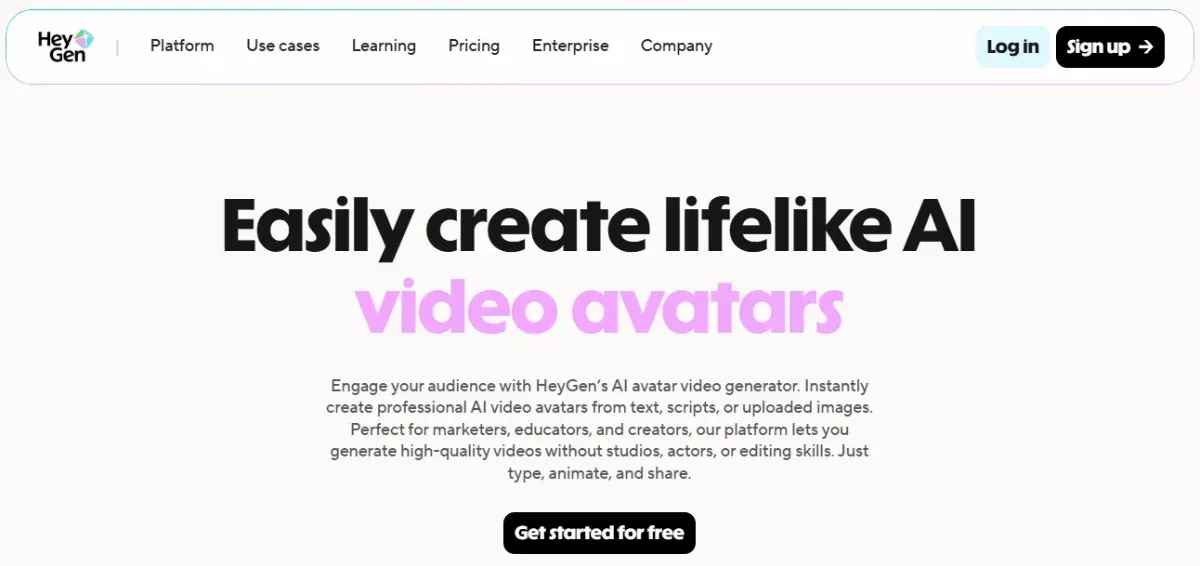
It is a platform for generating humanlike avatars with compelling visuals. It offers a variety of customizable options. Just input your text prompt, and Heygen automatically generates your video in minutes.
Key Features
- AI-powered avatar generation- lifelike avatars
- Over 1000 pre-made avatars to choose from
- Text-to-video technology transforms a script into a video in minutes
- Multilingual support- over 175 languages
- Brand customization- can edit content to suit your brand identity
- Seamless collaboration among teams
You can experience an unclear pricing structure in which some users on unlimited plans are forced to upgrade to access certain features.
Best For: Global companies, marketers, sales teams, and HR teams
Best AI Video Generators for Creators
For content creators, you want a tool that not only boosts your creativity but also your performance.
Check out some tools for generating high-quality output:
1. Runway Gen-3 Alpha
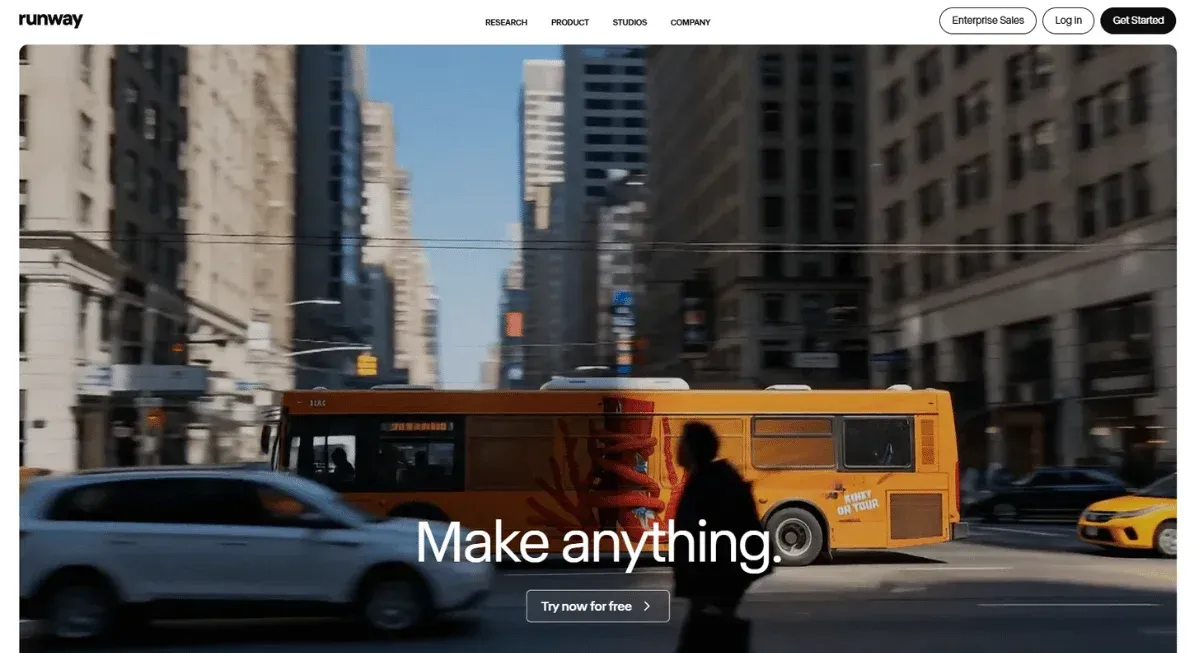
Runway Gen-3 is a text-to-video AI tool that uses diffusion and transformer models to generate highly realistic, consistent visuals.
Key Features
- Offers photorealistic animations
- Supports text-to-video generation
- Video inpaining, to edit, refine, and modify existing clips
- Multi-scene animation, allowing story uniformity across various scenes
However, it has limitations such as slow rendering during peak hours and visual artifacts following multiple generations.
Best For: Digital creators, filmmakers, and marketers
2. Pika
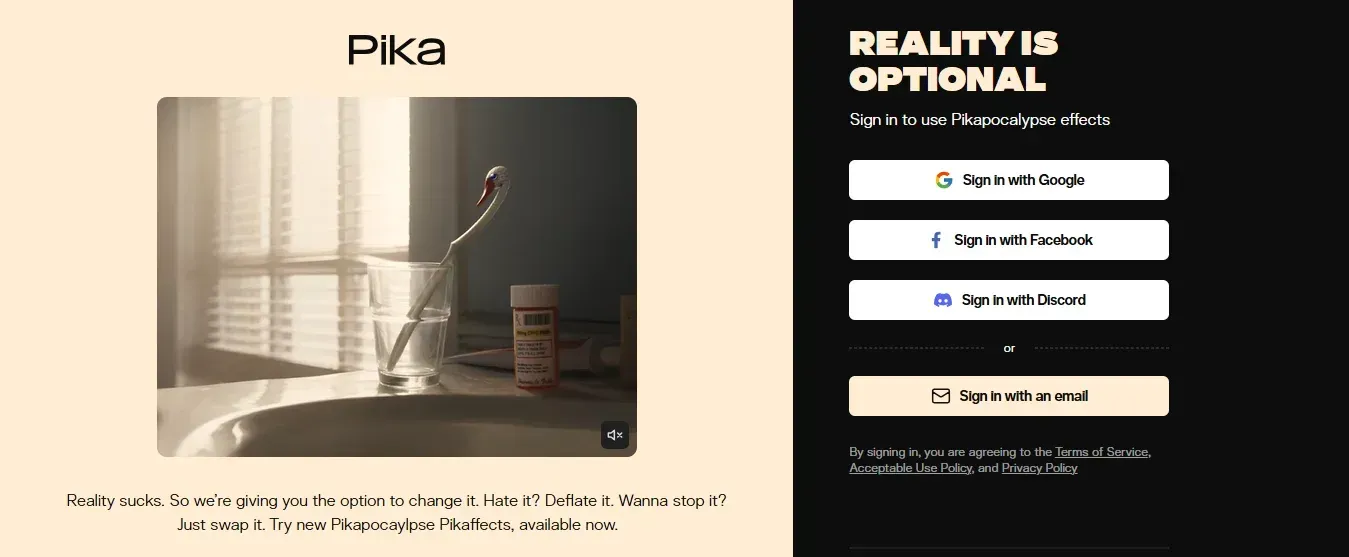
Pika is a user-friendly platform that lets creators generate content, edit existing footage, or add frames to a video with ease.
Key Features
- AI-assisted editing
- Fast rendering with up to 4k resolution
- Features an intuitive interface
- A wide range of special effects- 1000+
- Collaborative tools for project-based teams
One downside is that it requires a high-performance computer setup.
Best For: Social media managers
Best AI Video Generators for Professional Cinematic Content
For marketing content, invest in tools that produce the best cinematic videos.
Here are tools that stand out among other options:
1. Luma Dream Machine
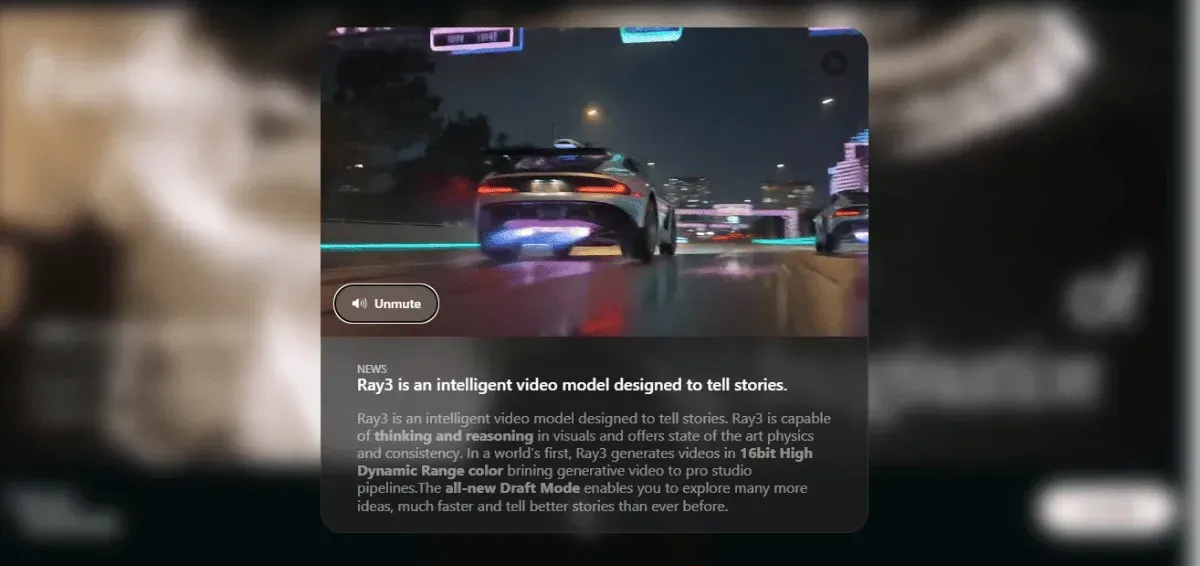
If you’re looking for a tool with a clean, intuitive interface that lets you create cinematic videos in seconds, Luma Dream Machine is an excellent option.
Key Features
- Transforms simple text into high-fidelity videos
- Easy-to-use interface
On the flip side, you can get floaty motions- especially on fast scenes and distorted objects.
Best For: Marketers, trainers, and social media content creators
2. Kling AI
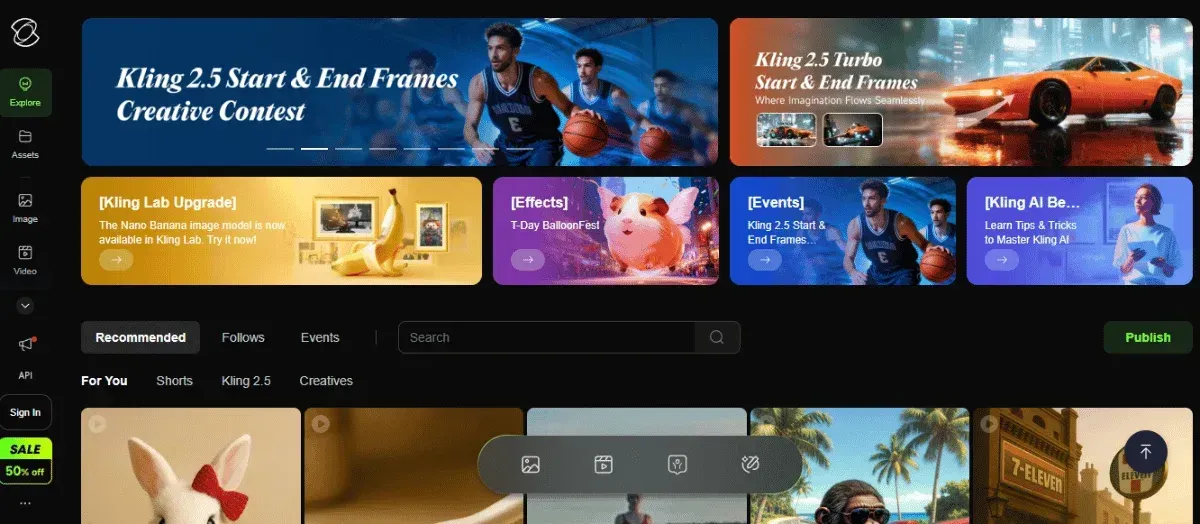
Kling AI transforms your text or image prompts into polished, lifelike videos. It stands out as an AI generation tool that offers more control and customization options.
Key Features
- Text-video generation and image-to-video creation to animate a photo in just seconds
- Motion Brush allows movement control on specific parts
- Video Extension can stretch 5-second videos to 3 minutes or more
- Multiple character references eliminate weird morphing
- Camera movement controls and AI video lip sync matching audio to characters' lip movements
You could, however, experience server downtime issues for users on the free plan and slow rendering during peak time.
Best For: Generating ads, product demos, social media posts, storyboards, etc.
Best AI Video Generators for Creative Experimentation
If you're out to experiment and test your limits.
Here are the tools that let you stretch your creativity and give you a high level of control over the video generation process:
1. Stable Video Diffusion
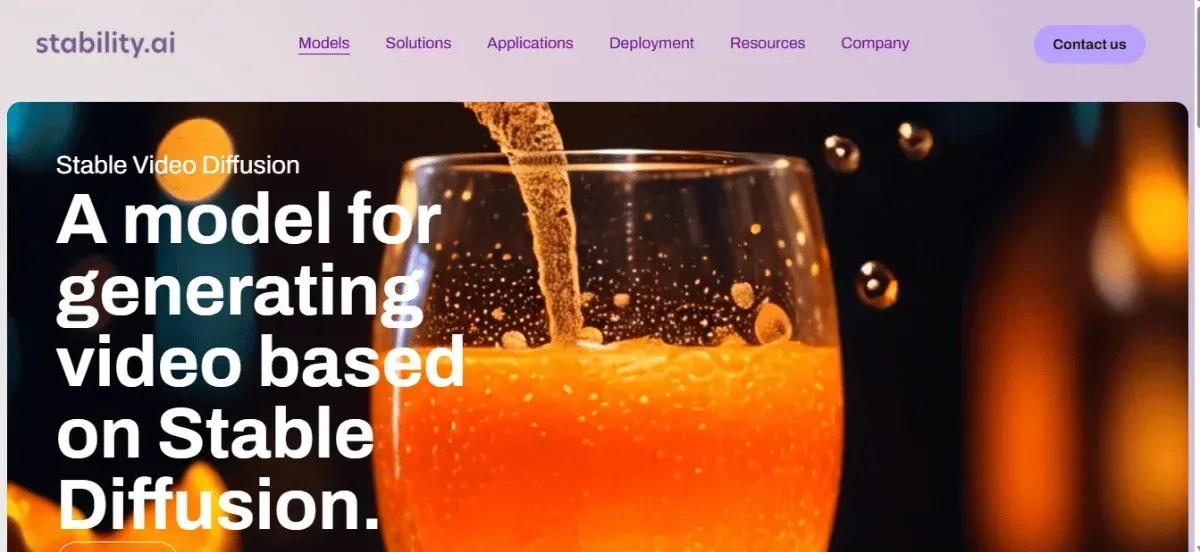
Developed by Stability AI, Stable Video Diffusion lets you tap into your imagination and transform images into realistic visuals in seconds.
Key Features
- Image-to-video generation
- High-resolution videos up to 4k
- Seamless integration with tools like Unreal Engine or Runway
- Diffusion-based rendering with smooth movements
However, you require a powerful GPU to run smoothly.
Best For: Filmmakers, game developers, marketers, and Digital artists
2. Google Veo 2
Want to have control over your final creation?
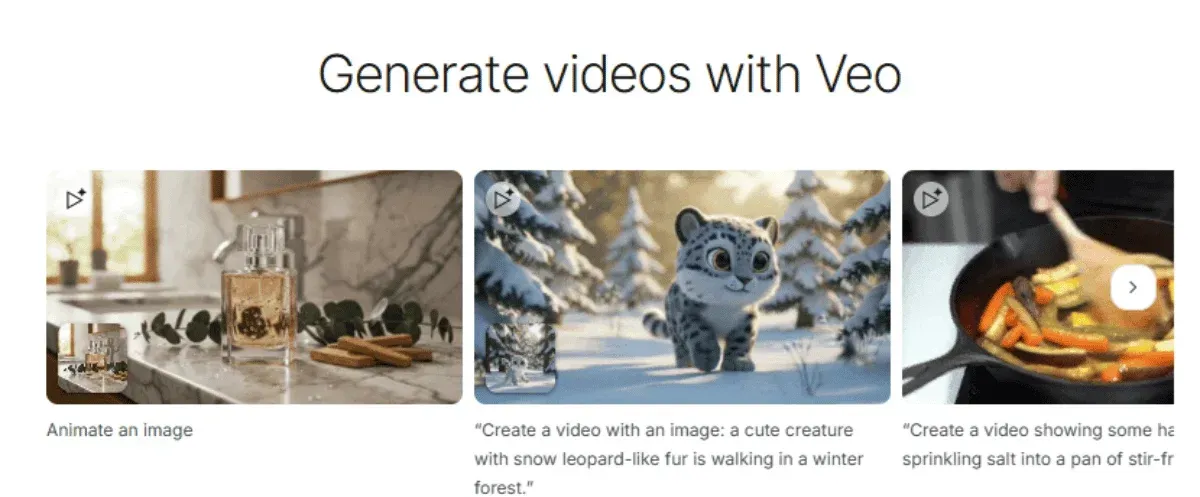
Google Veo 2 is among the best Stable Diffusion alternatives, allowing you to turn your images into animated clips with the Whisk Animate feature. You can also turn text-based prompts into videos using Gemini's advanced feature.
Key Features
- Versatile creation options, that is, static images & text descriptions
- Advanced camera control delivering precise scene transitions
- High-quality output up to 4k resolution
- Physics-based motion simulation for more realistic-looking movements
- Multiple platform support, such as Vertex AI, YouTube Shorts, and Google VideoFX
One major limitation is that it’s available to Gemini advanced subscribers
Best for: Professional filmmakers, creators, marketers, hobbyists, and anyone looking to turn their wild imaginations into realistic visuals.
Best AI Video Generators for Video Editing and Enhancement
Got existing footage and want the best AI tools for video editing?
Check out our top three tools to improve their quality:
1. Topaz Video
Want to enhance your low-quality videos right from your browser?
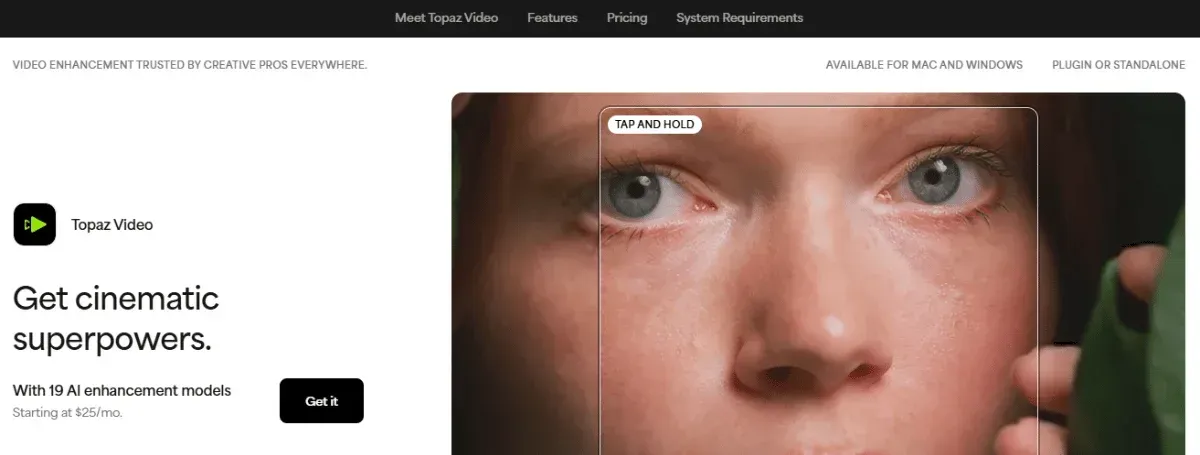
Topaz Video AI is a popular enhancement tool that improves the quality of any video.
Key Features
- AI video upscaler to increase resolution to 4k, 8k, or even 16k
- Smooth frame rate conversion to transform videos with a lower fps to a higher fps, up to 120fps
- Video stabilization to smooth out videos with unsteady motions
- Convert standard dynamic range (SDR) into high dynamic range (HDR) to deliver lifelike creations
It lacks built-in editing features for creators who might want to add a soundtrack or text to their footage
Best For: Film studios, post-production professionals, photographers, content creators, or anyone looking to transform their footage into an HD masterpiece.
2. Descript
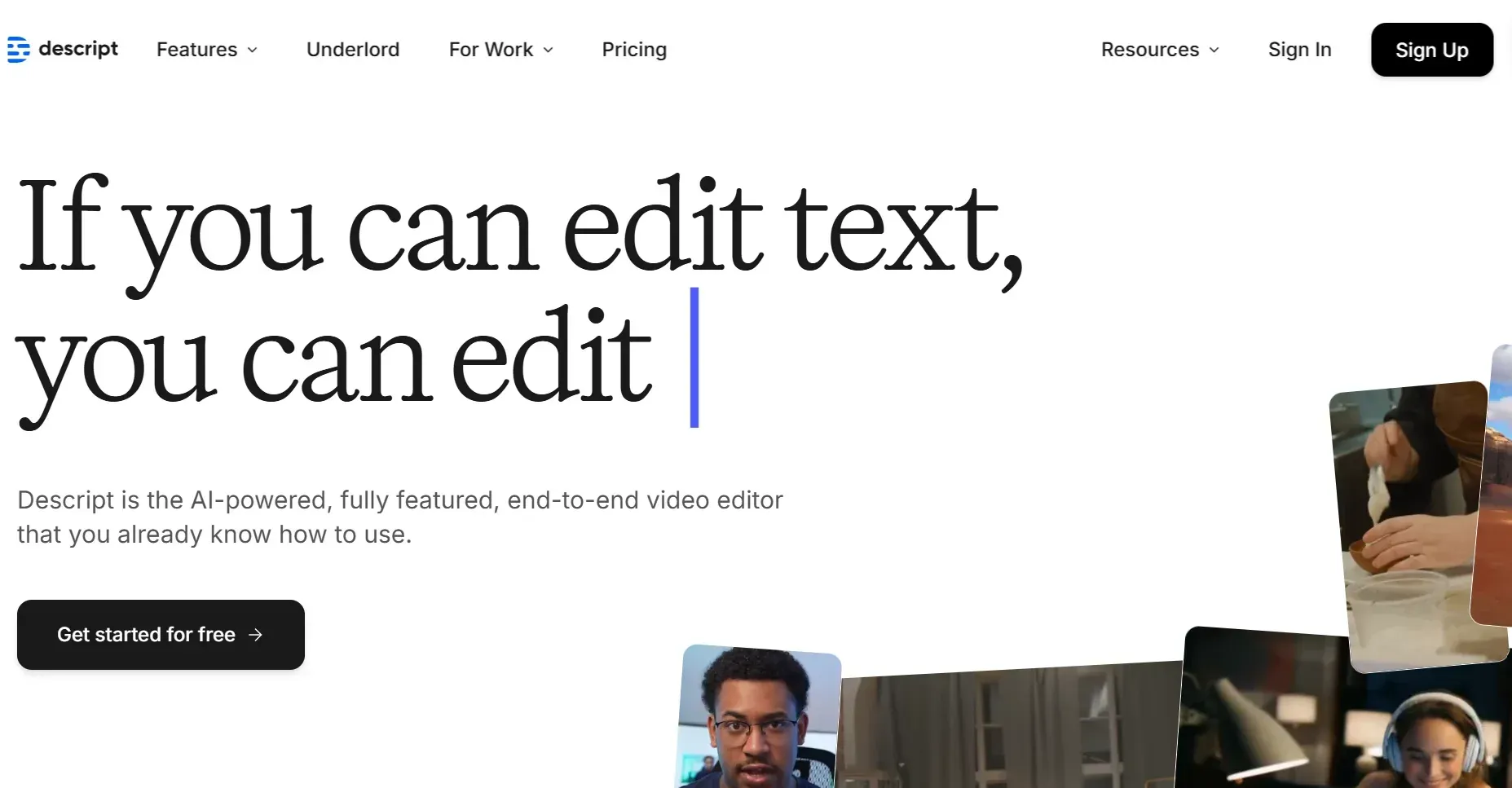
Descript is a text-based audio and video editor that makes editing faster and easier, just like editing a Word document. It automatically transcribes uploaded content and lets you edit directly from the transcript.
Key Features
- Screen annotation to add notes to retain viewer attention
- Text-based editing interface, letting you cut, rearrange, and polish by editing from the transcript
- Overdub-voice cloning
- Screen and webcam recorders for explainer videos, tutorials, or presentations.
- Multitrack editing to edit multiple audio or video clips all at once
- Automatic transcription to convert audio/video into text
- AI green screen to change the video background
- Studio sound-audio cleanup
- Filler word removal to delete vocal tics
It, however, doesn’t support mobile devices and is currently available only on Windows and Mac.
Best For: Online tutors, podcasters, product reviewers, and anyone who wants an easy-to-use video editing tool.
How to Choose the Right AI Video Generator for Your Needs
When choosing the right tool among several viable AI video generators, consider:
Use Needs
Your choice of the right tool is highly influenced by the content you intend to create.
If you're an influencer, you need a tool that lets you quickly create promotional ads for TikTok or Instagram.
So, Heygen may be a good choice for you. If you are a filmmaker looking to restyle footage, you can choose DomoAI’s AI video style transfer.
Technical Comfort Level
Some platforms, like Descript, are easy to use, while others, like Stable Diffusion, require some technical skills.
Look for a tool that matches your comfort level with navigation and interface interactions. However, be ready to learn. Besides, DomoAI is an excellent platform with a starter plan that lets you create AI videos in minutes.
Features that Fit Your Project
Pick a platform that perfectly matches your project output requirements.
Your tool should offer customization so that you can tailor your videos to your desired output. It should integrate with your existing tools to streamline your workflow. For example, if you're creating customer support or sales videos, integrating with a platform like Text lets you automate the conversations those videos generate.
You should also upload a variety of media, allowing you to create videos from other sources. Additionally, your team should collaborate via dedicated workspaces.
Pricing
Pick a plan with the essential features for your budget and one you can grow into. If you are starting, you can try free or low-cost plans and scale up to advanced plans to unlock more capabilities.
So consider a platform with flexible pricing tiers from starter tiers that are free or affordable to advanced, enterprise plans.
Scalability Capabilities
Scalability is crucial whether you are creating content for business or individual projects. The more content you make, the more your audience's needs grow.
For instance, if your content strategy is to drive traffic on your social media channels, then look for a tool that offers multilingual support and a fast turnaround time for content creation.
What to Expect from AI Video Generation in the Future
AI video generation is rapidly getting better. Not long ago, videos looked so unreal, but today they're more realistic.
So, what’s next?
- Real-time Generation and Editing: Rather than wait for a prompt to be processed and exported, the next generation of AI technology will enable interactive creations in real time. You’ll interact live with the scene. You’ll make adjustments, customizations, and edits through virtual cameras.
- Extensive Video Lengths: Currently, most AI video generation tools are capped at 5-30 seconds of video length. Some models are pushing these limits up to 60 seconds. A few years from now, you’ll likely produce videos up to 30 minutes long without stitching.
- Advanced Detection Technologies: AI generative technology is not yet at its peak, yet today, AI video generation tools are creating realistic, manipulated content. Hence, expect audit trails for prompts, platform-level authentication protocols, and other approaches to help enhance user safety and security.
- Market Saturation: There are dozens of AI video generation tools available today, with new ones emerging, creating stiff competition among key industry players. To remain relevant, the platforms will increase their tools' capabilities.
Final Verdict - Which AI Video Generator Should You Choose?
Your best choice of AI video generators should enhance your creativity and meet your needs. If you want to nail consistency and visual polish in your next video production, try combining tools to help you achieve a more polished output.
If you’re looking for a complete creative workflow, DomoAI wins.
You can use it to produce promotional videos, product review clips, and demos for your new products. What’s more? Add talking avatars and lip-syncing to your explainer videos, or enhance them to 4K.
With just $9.99 per month, you can turn your text or images into animations. Bring your ideas to life — start creating with DomoAI.
Frequently Asked Questions (FAQs)
Still unsure of what tool suits you best?
Let’s address some common questions that you might have:
Where Can I Find Reliable AI Video Generator Reviews?
Individuals or product reviewers who have used or tested the AI video generator share their views on YouTube channels, Reddit, and professional publications such as PCMag.
However, rely on reviews that include videos or images showing the actual content generated directly by the AI video generator.
Are There Generative AI Video Tools That Are Completely Free?
Yes, some generative AI video tools have free plans, but with restrictions.
For instance, with Google Veo 2, you get a free tier for a trial period. Descript, on the other hand, offers you an indefinite free plan, but you can only access basic features.
Note: Free versions are only to allow potential users to experiment before upgrading to a paid subscription.
What Are the Most Advanced Generative AI Video Models?
The leading advanced generative AI video models today are:
- DomoAI is admired for its ability to produce realistic videos with smooth transitions.
- Google Veo 2 has impressive levels of accuracy in fluid simulation
- Runway Gen 3 delivers high-quality videos with advanced motion control
- Kling AI excels at maintaining consistency in long-form videos
Conclusion
Is every video on your feed AI-generated, from tutorials to memes? Choose the best AI video generator for you, and start bringing your imagination to life.
We've provided you with a list of incredible platforms. Some have an intuitive interface and tons of customized templates and styles, while others are complex with advanced features that test your creativity.


