

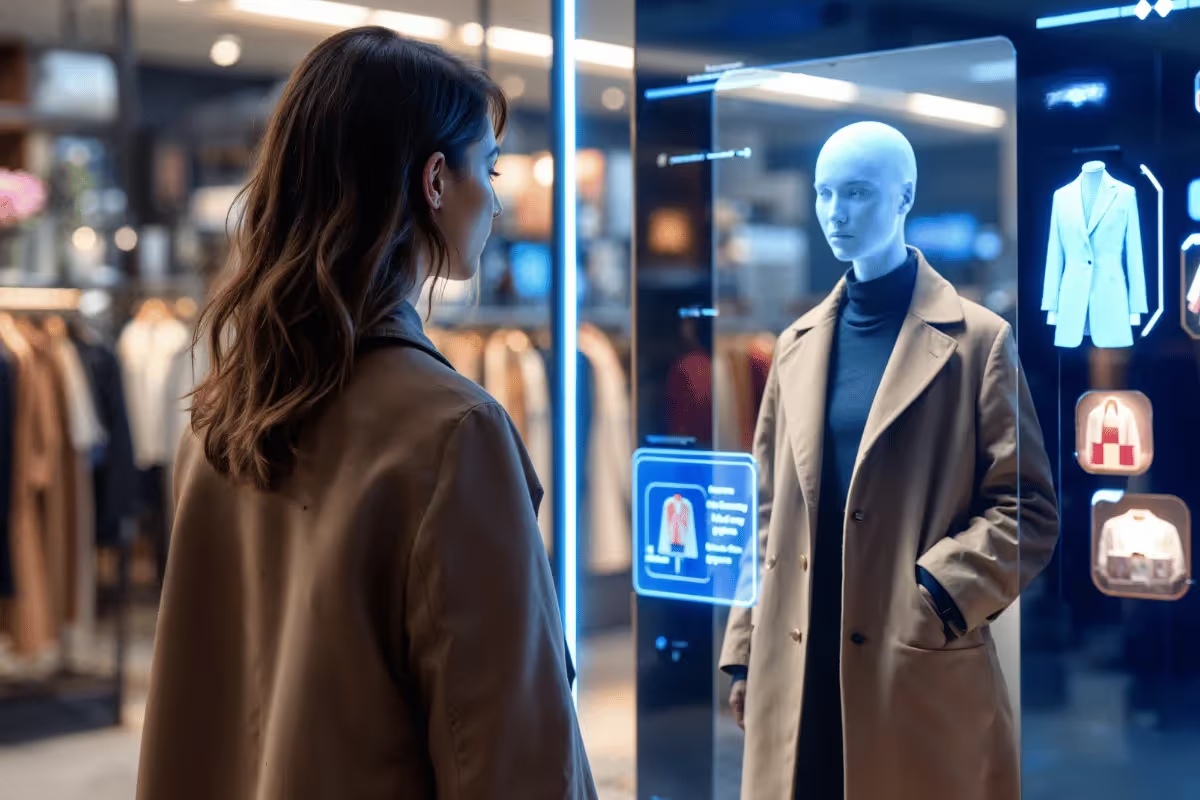
What if you could try on any outfit instantly, from streetwear to business formal, without changing clothes or spending a dime?
AI clothes swap technology is creating new possibilities. It digitizes the wardrobe experience, allowing you to experiment with various clothing styles and create polished visuals from a single image and a prompt.
You can even take it further and animate your super-realistic look, all within the platform.
Whether you’re a fashion enthusiast, influencer, entrepreneur, or content creator, this guide is for you. It walks you through the top 10 free AI clothes swap platforms, including DomoAI, to help you find the perfect outfit changer.
TL;DR - Top Free AI Clothes Swap Platforms
Have a short time?
Here are the featured free AI clothes swap tools:
- DomoAI
- Coura AI
- YoChanger
- MimicPC
- Facetune
- FitRoom
- Seeart.AI
- Pokecut
- SwapFace
- OpenArt
What is AI Clothes Swap and How Does it Work?
AI clothes swap is an AI-powered technology that digitally changes a person's outfit in a photo or a video. It goes beyond editing the photo to include understanding the outfit's fabric details, draping, the person's body shape, and lighting, enabling it to fit a new outfit to the model automatically.
This technology lets users try on outfits virtually. It is widely used by marketers in the fashion industry, online clothing brands, influencers, and social media content creators seeking to elevate their wardrobes without spending a dime on clothing.
Here is how it works:
- Image Input: Upload a portrait picture of a model you want to swap clothes with, and another showing the desired outfit on the AI cloth swap platform.
- Model Analysis: AI will isolate the clothing areas from the model's body, map the body shape and posture, and align the model with the new outfit. It’ll also adjust the lighting to match the original photo, making the final outfit look natural.
Note: If the user inputs a text prompt or a reference photo of the desired output, then the AI will generate an outfit that adapts to the model's pose and body shape.
- Final Rendering: The processed outfit is blended into the model, looking realistic as if it were just worn at that moment.
Benefits of Using a Digital Clothes Changer
It’s a no-brainer, digital clothes changer delivers practical benefits without requiring physical apparel or a photoshoot.
Check out the list of AI clothes changers' benefits:
- Reduces E-commerce Return Rates: The primary cause of many returns is usually poor fitting or incorrect size. With a digital clothes changer, users can get a realistic preview of how a garment will fit their body before trying it on. This reduces bracketing, lowering return rates.
- Lowers Production Cost: With a digital clothes changer, there's no need for photoshoots every time you try a different product. You can use AI to generate high-quality models. Additionally, it helps designers visualize a fashion collection before production begins.
- Improves Customer Engagement: Visualizing fit and style keeps shoppers on the product page, increasing the likelihood of purchase.
- Enhances the Shopping Experience: Digital clothing changers let shoppers try different styles and brands. This builds confidence when making purchases by eliminating uncertainty.
- Trend Exploration Before Spending: These cloth changers allow shoppers to experiment with trendy styles and choose the perfect fit for their bodies, rather than following trends.
- Creative Freedom: AI clothing swap lets influencers, social media creators, designers, and fashion bloggers consistently create stunning visuals without the constant burden of wardrobe changes. The instant outfit change helps them stay relevant on TikTok and Instagram.
Top Free AI Clothes Swap Platforms
Free cloth swap platforms allow you to experiment with fashion looks before committing to a purchase.
Below, we shall explore the top 10 AI clothes changer apps, their key features, their pricing, and their downsides:
1. DomoAI
DomoAI stands out as a comprehensive, end-to-end creative suite, spanning everything from clothes swaps to talking avatars.
Its integration with the Nano Banana Pro image editor delivers detailed, photorealistic fashion images at up to 4K. You can then animate the finished image with Image to Video.
What’s more? DomoAI does not limit you to a single image. It handles multiple images (up to 9 images) within a single workflow, creating superior 4K output.
Key Features
- Native 4K Output: Delivers high-quality output.
- Relax Mode: Allows unlimited creations.
- Automatic Background Removal: Detects the main subject in a photo and automatically erases other objects and the background in seconds.
- Multi-image Blending: Upload up to 9 images, and our tool merges them into a single cohesive image.
- Weather and Time Control: Manipulates the photo by adjusting the weather and time.
- Nano Banana Pro Engine: Replaces the outfit while preserving the individual's pose, face, and body shape.
- Integrated creative workflow: Ensures a seamless transformation of the outfit from the initial stage to export.
- Character Consistency: Ensures individuals' unique features, like face, body, and hair, remain identical across multiple creations.
- One-prompt, Multi-Editing Capabilities: A single detailed descriptive prompt can trigger multiple edits at once.
However, many interactive edits may degrade character consistency, and complex fabrics may exhibit artifacts. Check out more tips from our Google Nano Banana Pro guide.
Pricing: Upgrade to paid plans starting at $9.99/month to commercialize your creations, access unlimited generation with Relax Mode at $19.59 per month, billed annually, and export watermark-free files.
Start creating with DomoAI for free today and join 3M+ creators using AI clothes swaps to transform their wardrobes!
2. Coura AI
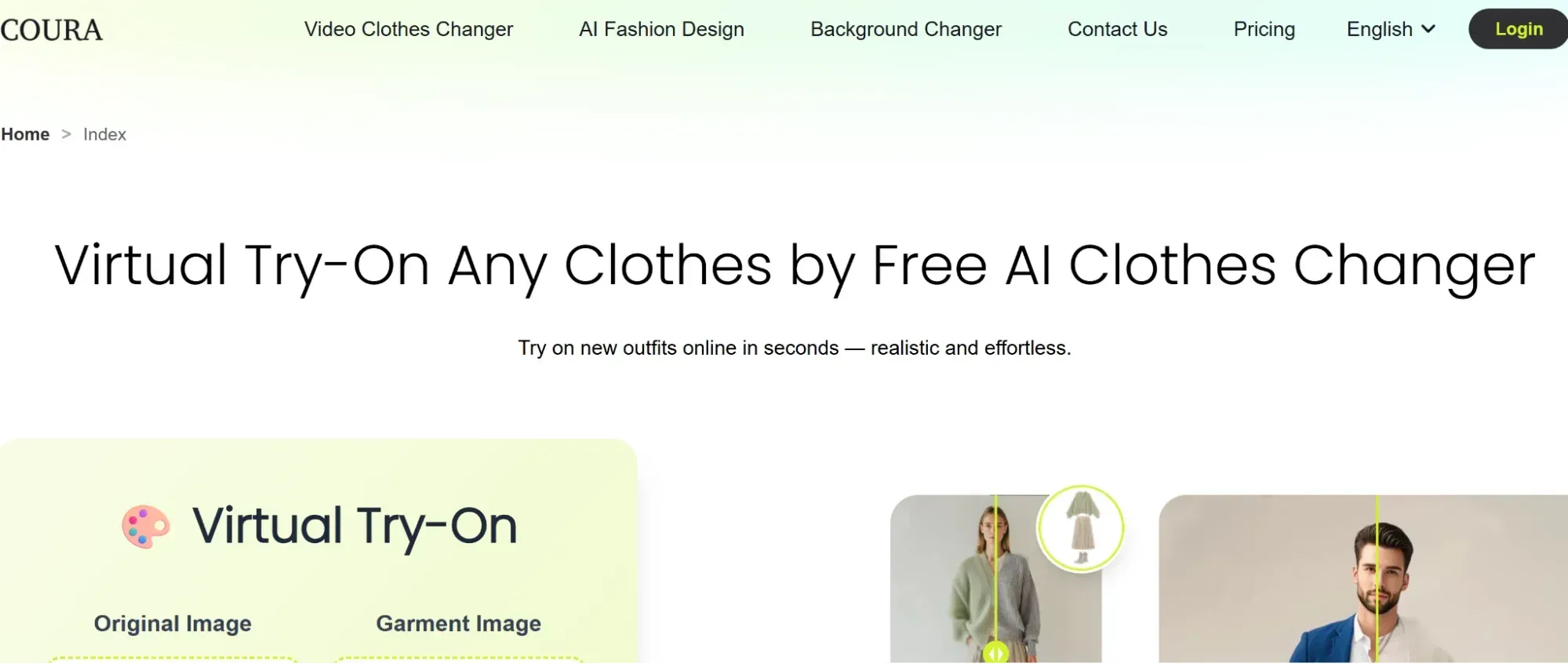
Coura AI makes cloth changing effortless. It lets you swap outfits in seconds, making it perfect for polishing headshots, daily outfit checks, or testing new fashion trends. With unlimited virtual try-ons, you can find the perfect style for your personality.
Key Features
- Background Changer: Helps create eye-catching visuals for campaigns or ecommerce product demonstrations.
- Personal Fit Room: Helps you build your digital wardrobe.
- Realistic Virtual Try-on Effects: Gives you a preview of how the outfit will look on your body.
However, there’s limited creativity and few advanced features.
Pricing: You can upgrade to a paid plan starting at $9.9/month to access added features and technical support
3. YoChanger
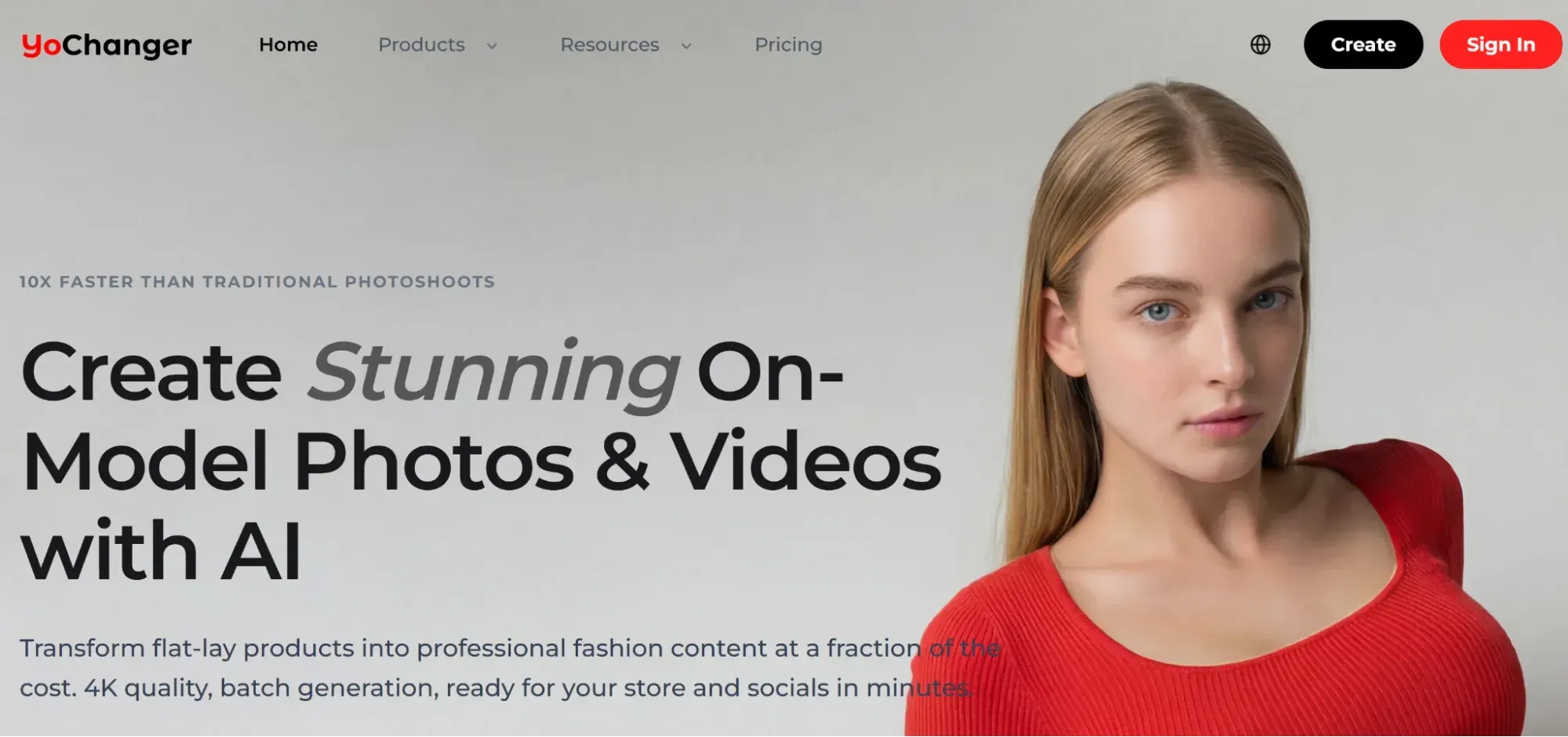
Yochanger is a web-based platform that generates diverse model variations for online stores. It does not just stick the outfit to your body but fits it to your body shape and pose.
Key Features
- Seamless Integration: Blends the swapped clothes with your body shape, bringing out a natural look.
- Smart Clothing Detection: Makes outfit swapping more efficient.
- Instant Cloth Changer: Swaps any outfit instantly.
- Lighting Harmonization: Ensures the try-ons appear more natural.
Some cons of YoChanger include standard-resolution results with a watermark and no commercial licensing or clothing rights.
Pricing: You can upgrade to paid plans starting at $6.9 (50 credits) to generate watermark-free ultra HD outputs, access commercial licensing, use all poses and models, and access an extensive library of outfits.
4. MimicPC
MimicPc is a creative platform that uses descriptive prompts to generate a diverse range of styles, great for fashion explorers.
Key Features
- Text-based Creation: Generates a new outfit from a text prompt.
- Group Photo Editing: Swaps the outfits of everyone within a single photo.
- Data security and Privacy: All your uploaded photos are processed securely with full encryption, and your data is deleted automatically after processing.
On the flip side, the output depends on the prompt quality and requires you to upload high-quality photos for better results.
Pricing: Upgrade to the pay-as-you-go (billed hourly at $0.29) or monthly plan starting at $6.98 to continue using the platform once you exhaust the free credit.
5. Facetune
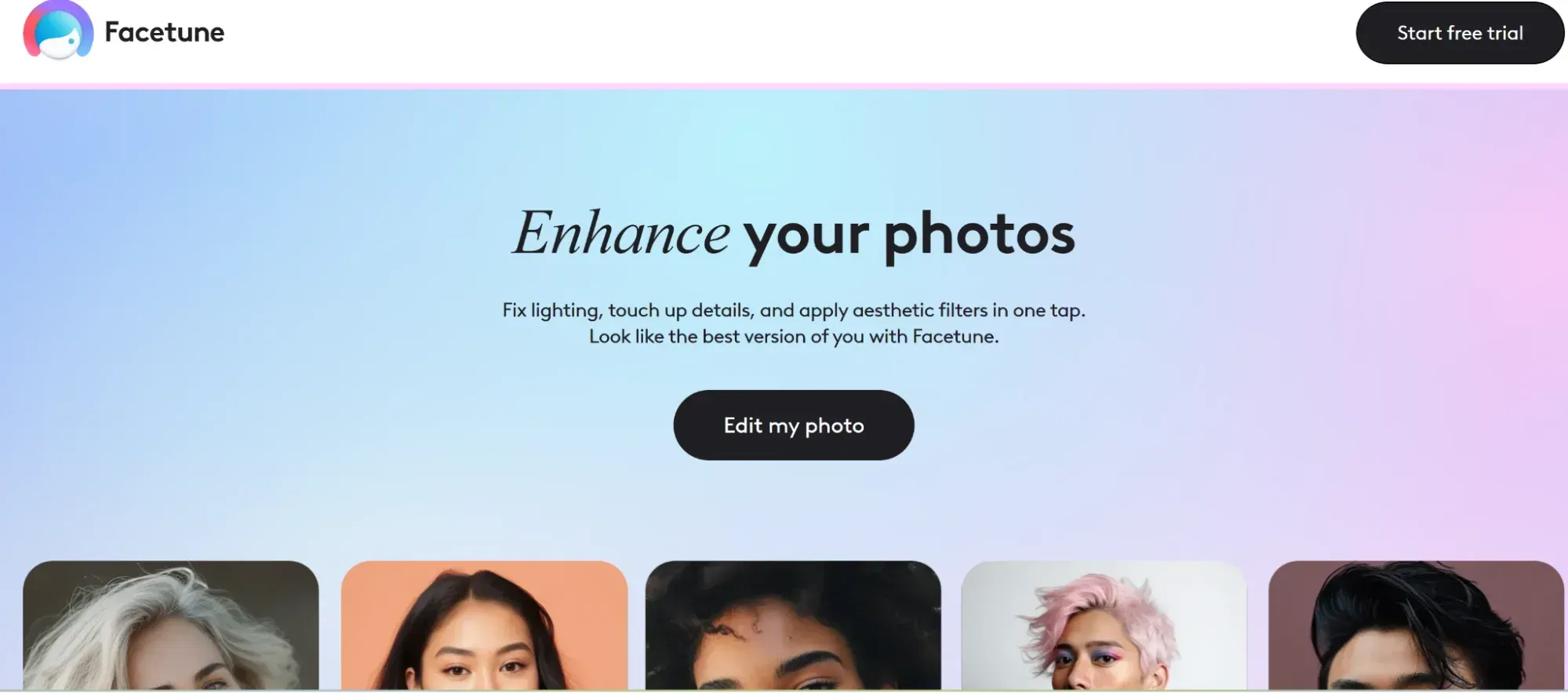
Facetune is a digital outfit makeover app that is designed to help you create social media content daily, whether you want a casual vibe or a more relaxed look.
Key features
- All-round Virtual Wardrobe Customization: Works for a complete makeover, including color, texture, and pattern.
- Comprehensive Clothing Library: Offers a wide variety of apparel, from bottoms to tops and shirts to dresses.
- Integrated Editing Suite: Goes beyond editing your clothing to editing your skin tone, hair, and makeup.
However, advanced editing is available only on paid versions for iOS and Android users.
Pricing: Upgrade to access all built-in features for $25 per month. This includes AI clothing changes, photo retouching, virtual hair and nail styling, and AI beard filters.
6. FitRoom
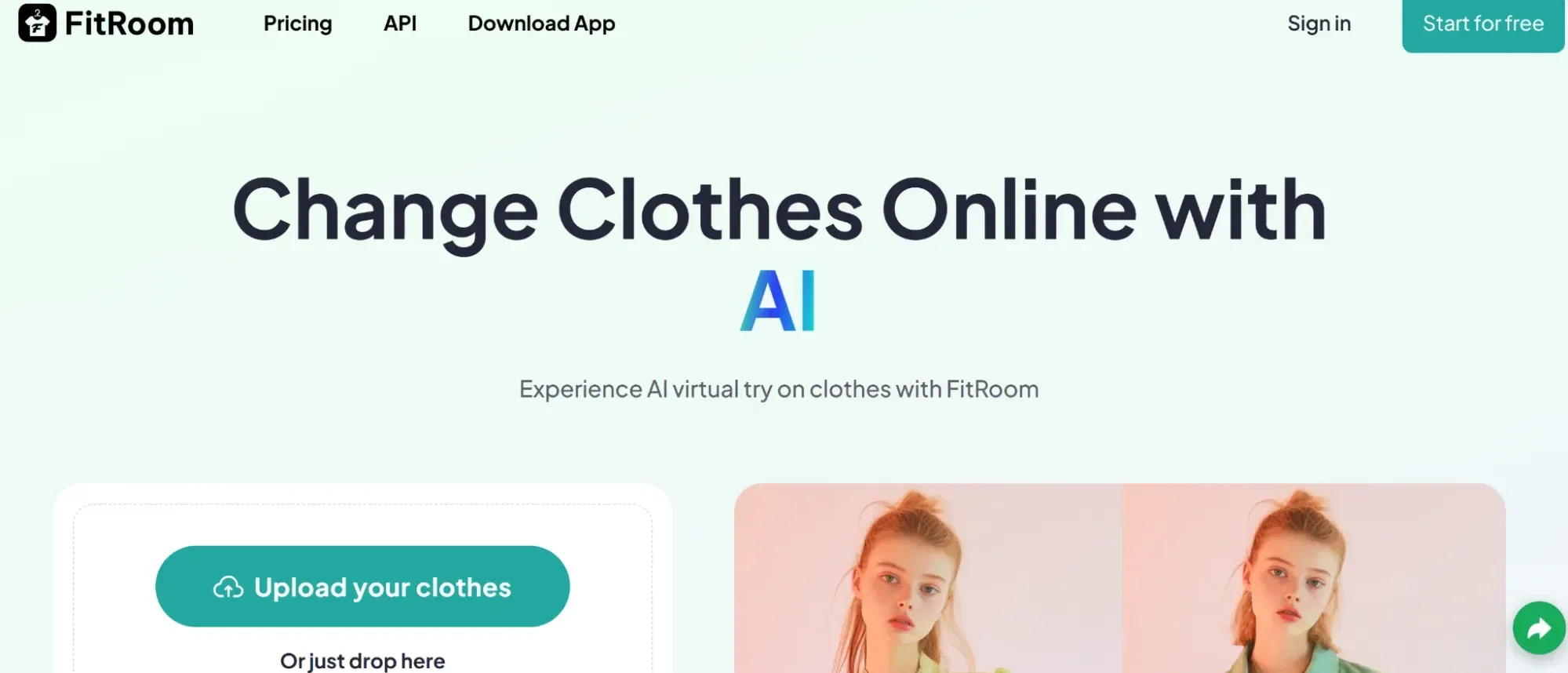
Designed for e-commerce, FitRoom lets users preview how clothes fit different body shapes. It uses a diverse library of models to create visually appealing outputs.
Key Features
- Library of Models: With its extensive library of models in various styles, ages, and body sizes, you can create a more engaging outfit-swapping experience for shoppers.
- HD Quality Output: Generates faster, more realistic outfit styling in just 15 seconds, ideal for commercial use.
- E-commerce Interactions: Allows buyers to preview apparel fit before a purchase, reducing returns.
Some limitations include difficulty rendering intricate fabrics and a focus on e-commerce brands rather than individual users.
Pricing: Upgrade to a paid plan starting at $8 per month(billed yearly) for faster generation, unlimited watermark-free downloads, and better output quality.
7. Seeart.AI
Seeart AI is a clothing changer known for delivering virtual try-ons and tailors the transformations to your style.
Key features
- Dual Image Swap: You can use two images and achieve a natural look
- Commercial Licensing: Grants users full commercial rights to their creation.
- Broad Style Compatibility: It works with any outfit.
On the downside, you must provide a separate image for the desired outfit, and the output results are highly dependent on the quality of the source images.
Pricing: free to use
8. Pokecut
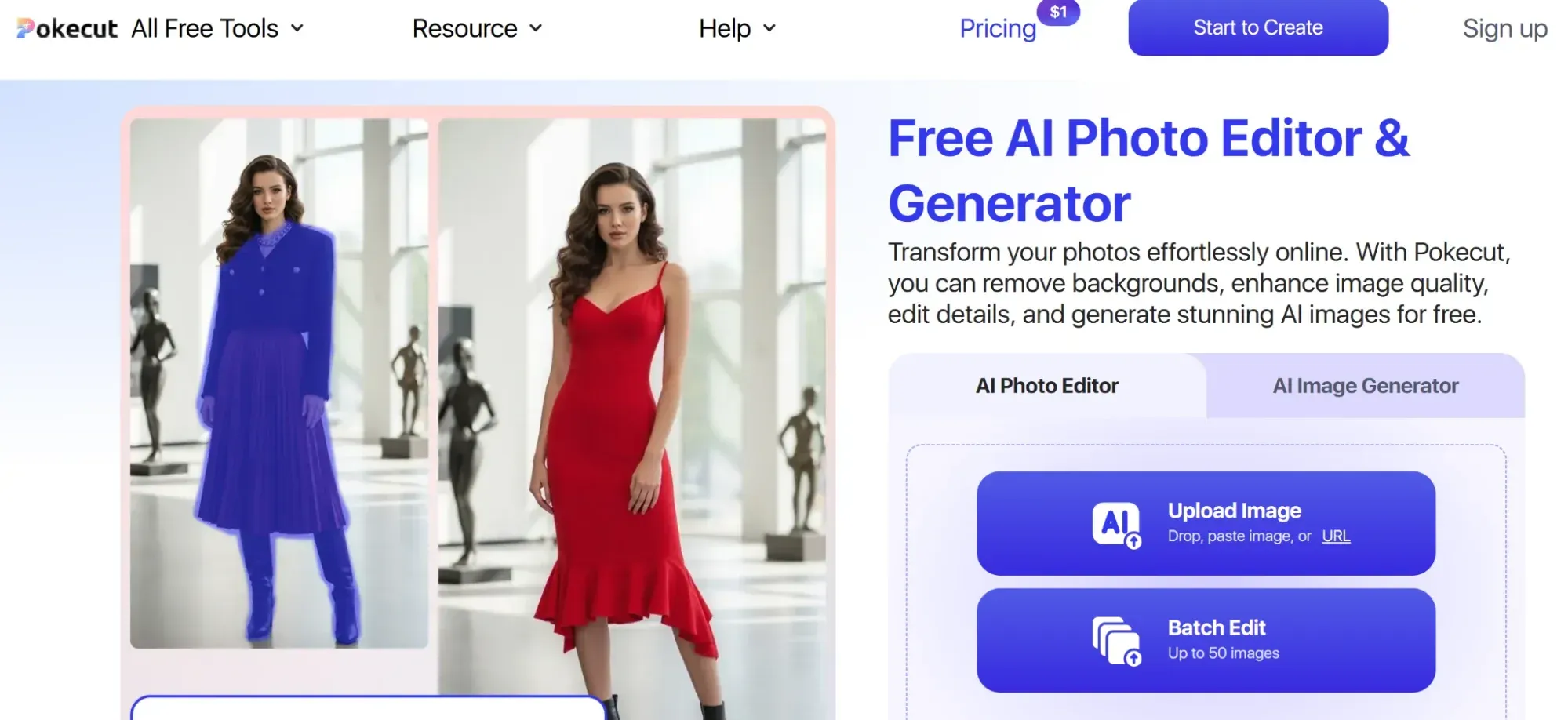
Pokecut lets you swap your outfit using templates or customizable prompts. It’s often used to create unique looks for professional and social media profiles.
Key Features
- Dual Input: Supports both descriptive text prompts and built-in templates.
- Partial Swaps: The swap feature enables styling customization, allowing you to change specific areas of the outfit with precision.
- Fashion Sketch Creations: Making it viable for design prototyping.
It limits users to their pre-set outfit templates and doesn’t allow custom design uploads.
Pricing: Upgrade to a paid plan, starting at $7.49/month billed annually, and unlock advanced features such as unlimited background removal and water-free exports.
9. SwapFace
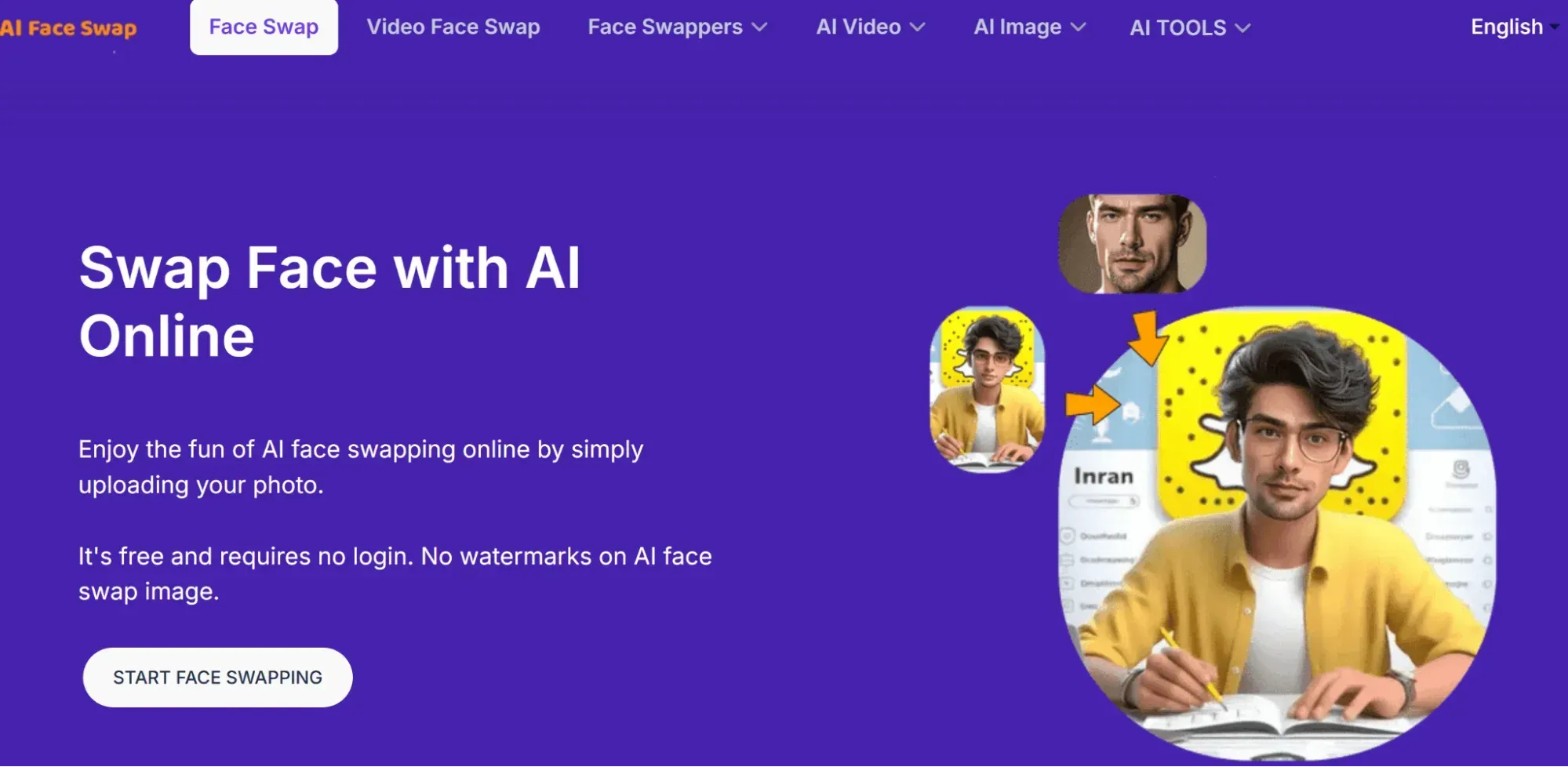
SwapFace is a platform that helps you create your fashion style without creating an account. It is a great choice if speed and privacy are your priority.
Key Features
- Fast Rendering: Swaps outfits in seconds.
- Data Encryption: Protects user data and automatically deletes it after 24 hours.
- Multi-scene Support: Can adjust the image background to match your scene.
- Multi-pose support: Allows the model’s pose to be altered.
Some cons include not supporting outfit color changes, limited credits on the free tier, and no support for accessories.
Pricing: Upgrade to paid plans (credit-based) starting at $9.99 to access complementary features for your overall makeover, such as video face swap.
10. OpenArt
Openart serves a wide range of users, from branding and fashion design to event planning.
Key Features
- Find and Replace Feature: It searches for the outfit you want to change and suggests replacements using a replace-with field.
- Custom AI Model Training: Train and customize your AI models.
However, it requires technical expertise to use and does not support instant swaps.
Pricing: Upgrade to a paid plan starting at $7/month to train models, create 13+ characters with unique traits, and more.
How to Use AI Clothes Swap With DomoAI’s Nano Banana Pro Capabilities
DomoAI’s Nano Banana Pro integration brings a versatile approach to AI clothes swapping by combining image-to-image generation with unmatched consistency.
If you’re a creator or a digital brand manager, you may want to leverage this powerful all-in-one creative suite and save yourself a trip to the studio.
Follow these 7 steps to get started:
- Visit DomoAI Nano Banana Pro: You’ll see two options: text-to-image or image-to-editing. Select the image editing option.
- Upload Your Base Image: A clear photo of the person you want to dress. For better results, ensure they are fully visible, facing the camera, and portray a natural pose. Note that you can upload up to 9 images at once, including the main subject to dress and additional reference images. Multiple images help the models improve the consistency and realism of your generated results.
- Describe Your Edits: Enter text in the prompt section to specify the changes you want made.
- Generate an Image with High Consistency: Click generate, and in a few seconds, the model will analyze your image and text inputs and create a realistic outfit swap with unmatched consistency.
- Refine Results If Needed: If you’re not content with the output, adjust the prompt. The workflow allows you to refine your creation using a text prompt and regenerate.
- Export in 4K UHD: If you're content with the results, you can export your print-ready 4K quality image for your marketing campaigns, product catalog, professional profiles, name it.
- Animate (Optional): Save your image and navigate to DomoAI’s image-to-video generator to animate it.
Pro Tips:
- The photo of your base image should be well-lit and clearly show your body features; blurry or invisible images will affect the quality of your financial creation.
- Keep the prompt description detailed and clear.
- Leverage multi-image blending to create more realistic, accurate results.
- Use Relax Mode for unlimited generations.
Practical Use Cases for AI Outfit Changers
AI outfit changers offer practical solutions for businesses and individuals alike, especially those in the fashion and digital content creation industries.
Let’s explore how they can be used in real life:
- Product Visualization: Online clothing stores integrate virtual try-on tools on their product pages to display outfits on models. To help customers visualize a product more clearly, they swap a single outfit across different body types or try variations of styles. This helps customers make informed purchasing decisions.
- Personal Style Exploration: Shoppers are no longer purchasing blindly. They use AI outfit changers to preview how clothes fit, colors, and styles look on their body before making a purchase.
- Marketing and Advertising: Today, brands use AI outfit changers to create visual content for ads, social media, and campaigns.
- Testing Concepts in the Fashion Industry: AI outfit changers help designers try their ideas on virtual models before committing to production. This saves them time and money that would otherwise have been spent on physical samples.
- Content Production: Visual consistency is critical for influencers and content creators, but they can maintain it by leveraging AI outfit changers to create different looks without purchasing multiple outfits.
Frequently Asked Questions (FAQs)
Let's address some questions around the accuracy of AI clothes swap platforms.
Can AI Clothes Swap Work with Group Photos?
Yes, advanced AI clothes swap can identify multiple individuals in a single group photo, segment each individual, and simultaneously change their outfits.
DomoAI excels at this. Thanks to its multi-image processing capabilities.
Does AI Clothes Swap Support Accessories Like Hats and Bags?
Most platforms support accessories such as bags, hats, and jewellery. However, you may encounter limitations when swapping accessories with intricate details unless the platform provides robust text-based prompts.
Can AI Clothes Swap Handle Loose or Oversized Clothing?
Yes, clothing swap models are designed to analyze not only body shape, lighting, and posture but also fit.
They use physics-aware rendering to analyze drape and ensure that even loose or oversized clothing fits the subject's body proportionally. If the clothing is of standard fit, they can customize the prompt to adjust the fit to a looser or oversized style.
Is AI Clothes Swap Accurate for Different Body Types?
Yes, the AI clothes swap is designed to work with various body types.
However, accuracy may vary based on the platform, input photo quality, and outfit complexity. Look for a platform that uses physics simulations to make the swap look natural.
Does AI Clothes Swap Change Facial Features?
The AI clothes swap is designed to change only the outfits, not the original person's facial features. If you notice any facial changes, you may be using a platform that supports face and cloth swaps.
Conclusion
AI clothes swap offers convenience, creativity, and practicality, from reducing decision paralysis when shopping online to empowering creators.
We’ve explored 10 platforms that offer outfit swapping, but they won’t deliver the same results. The difference lies in their realism, accuracy, level of control, and quality.
If you’re looking for the most reliable platforms that will offer you strikingly realistic results, DomoAI stands out.
It offers photorealistic outfit swaps that preserve all details, including body shape, pose, lighting, and fabric texture. This tool is designed for those who are serious about virtual fashion.
Start DomoAI for free today and create photorealistic clothes swaps in 4K!


