

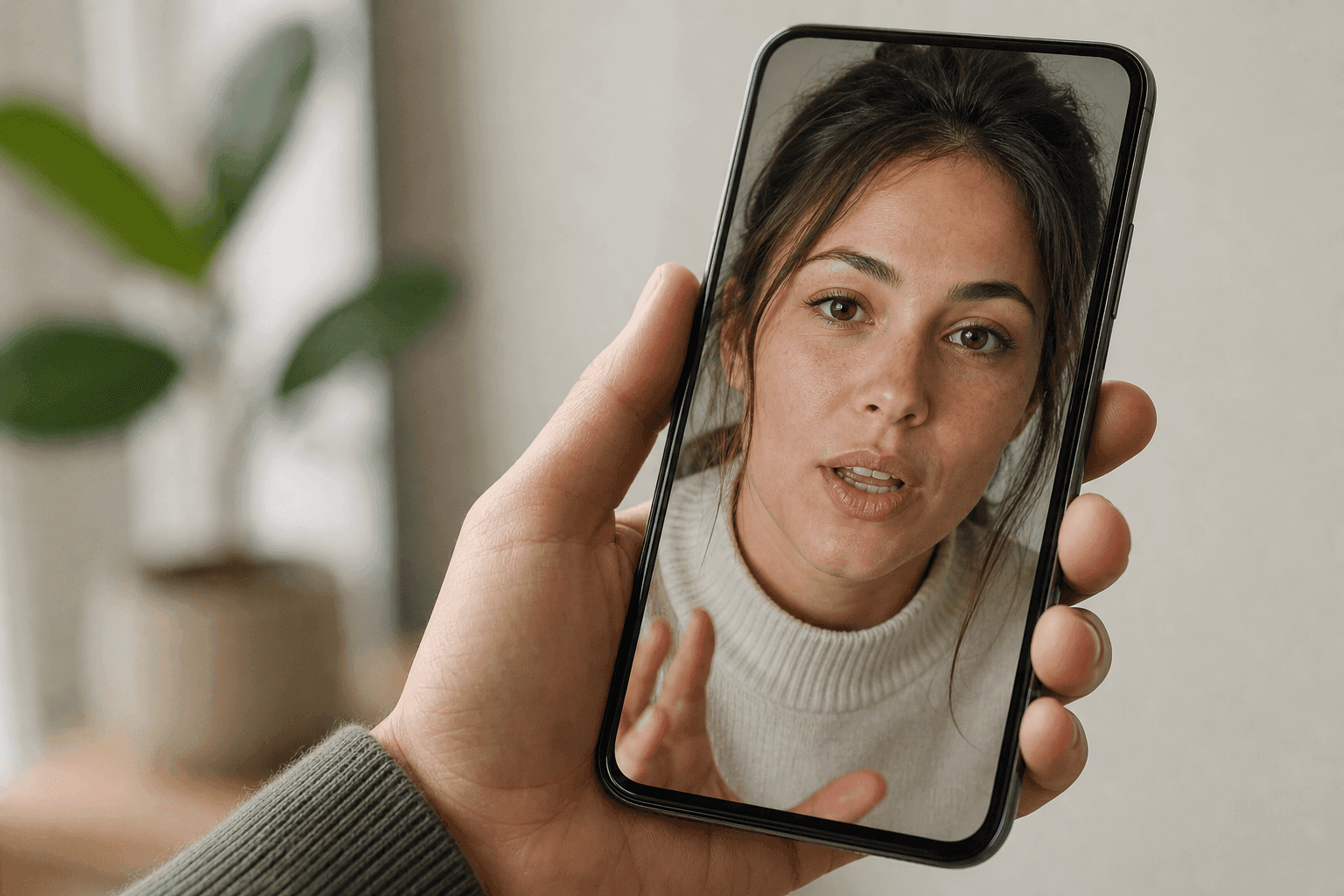
Start with DomoAI when you need one picture to speak and the subject may be a person, illustration, anime character, mascot, or pet. Move to a native app or dedicated editor only when phone-first capture, a reusable corporate presenter, or timeline editing is the deciding requirement. We checked platform details on July 27, 2026.
Quick Picks for Web, iPhone, and Android
Start with the device and picture you already have. A browser tool, presenter studio, and mobile editor may all animate a face, but they lead to different final workflows.
| Tool | Platform Verified | Best For | Voice Path | Workflow Note |
|---|---|---|---|---|
| DomoAI | Web browser | Human photos, anime art, illustrations, mascots, and pets | Text-to-speech, direct recording, MP3, WAV, or M4A | Browser-based creation with easy handoff to a preferred editor for music and timeline finishing |
| CapCut | Native iPhone, iPad, Android, and Mac | Talking photos inside a mainstream social editor | Script or audio, plus timeline editing | AI access, credits, and export conditions can vary by device, region, version, and account |
| HeyGen | Native iPhone and Android, plus web | Personal presenters, stock avatars, and localized videos | Script, generated voice, photo avatar, or recorded digital twin | Free allowance and advanced avatar usage are plan- and region-dependent |
| D-ID | Native iPhone and Android, plus web | General talking portraits and mobile creation | Text-to-speech or uploaded recording | Mobile trial requires a card and current trial output is watermarked |
| Captions | Web, native iPhone and Mac, plus Captions Lite on Android | Selfie avatars, AI actors, captions, and finished social video | Script, AI voice, recorded twin, or selfie | The Android experience is streamlined, and avatar-generation access can differ by device and plan |
| VEED | Web browser | Talking characters inside a complete browser editor | Script or audio with stock, personal, or image-driven avatars | The exact feature, AI credit, and export entitlement must be checked in the live plan |
If you need one photo to speak, start with DomoAI. Test the face, voice, and motion there before committing to a larger editing or subscription workflow. A selected clip can still move into CapCut, Captions, or VEED when social editing is essential, while HeyGen remains a presenter-focused alternative.
Pick the Platform Before the Tool
The platform decision changes more than convenience. It affects how you capture audio, manage subscriptions, move files, review privacy labels, and continue editing after generation.
| Choose a Browser Tool When | Choose a Native App When |
|---|---|
| You switch between desktop and phone | You want to record and share entirely from the phone |
| You need a larger screen for prompts and file management | You want direct access to the camera roll and microphone |
| You do not want another app installed | You need offline drafts or app-specific effects |
| You are animating illustrations, anime art, or varied character types | You want a guided entertainment template |
| You need developer documentation or an API later | You want store-managed billing and cancellation |
Both routes can move personal media beyond the device. Browser tools may request photo and microphone access. Native apps may upload assets to cloud servers. An installed app is not automatically more private.
How We Chose the Apps
Every main pick needed a current product page or store listing. It also needed a clear talking-picture workflow and enough history to avoid novelty-app filler.
The review used five consistent fields:
- Platform identity: native iOS, native Android, desktop web, mobile web, or a combination.
- Source image: human portrait, illustration, pet, generated actor, or stock character.
- Voice input: typed text, direct recording, uploaded audio, voice effects, or voice cloning.
- Delivery: share link, downloaded video, in-app edit, or editor handoff.
- Planning detail: operating-system access, trial structure, watermark, cloud processing, or plan-based feature availability.
App-store ratings confirm reach, not lip-sync quality. The shortlist uses them as a platform signal, never as the ranking formula.
The six products occupy different workflow categories:
- Creative character suite: DomoAI
- Mainstream mobile editor: CapCut
- Presenter and localization studio: HeyGen
- Photo-first mobile studio: D-ID
- Creator and AI-actor editor: Captions
- Browser-first video editor: VEED
What You Still Need to Test
Before paying, generate a short sample on your actual phone. Confirm upload stability, lip timing, export, watermark, subscription screen, and project deletion.
When You Need an All-in-One Creative Workflow: DomoAI
DomoAI is the strongest documented web option when “picture” may mean more than a realistic human headshot. Talking Avatar accepts selfies, character drawings, and pet photos.
The workflow accepts typed Text to Speech, direct recording, or uploaded audio. MP3, WAV, and M4A files up to 80MB are supported, along with six text-to-speech emotions, six voice tones, and action prompts for expressions or movement.
That combination works across anime characters, pets, VTubers, mascots, and brand characters:
- A mascot delivering a short product message
- An anime character speaking original dialogue
- A pet recording a birthday greeting
- A historical portrait narrating a lesson
- A creator photo driven by a pre-recorded voice track
DomoAI also connects the clip to video restyling and character animation, with Video Upscaler for final-resolution finishing. The browser workflow works across desktop environments, and Pro adds longer 30-second and 60-second Talking Avatar options.
DomoAI makes the most sense when character range and uploaded-audio flexibility are central to the project. Begin with a clear, front-facing image and a short line, then extend the selected setup into a longer script.
When a Native Mobile Workflow Matters: D-ID
D-ID has verified listings in both Apple’s App Store and Google Play. The native Studio turns a supplied or built-in face into a speaking digital person from text or recorded audio.
The iPhone listing supports uploaded photorealistic or illustrated faces, voice recordings, text-to-speech, MP4 delivery, and 120 languages. It currently requires iOS 15.5 or later, while Google Play lists the same core talking-avatar workflow for Android.
D-ID can fit when a native iPhone or Android workflow is non-negotiable. DomoAI remains the more flexible first test when the same project may use human, illustrated, anime, mascot, or pet inputs and several audio paths. D-ID is less appropriate for someone seeking a no-card free plan. Current mobile trial instructions require a subscription selection and card, then provide a 14-day trial with 12 credits.
D-ID fits mobile photo animation, multilingual narration, and reusable personal avatars. Renewal, watermark, and license terms still need confirmation before the first full-length project.
When Mobile Timeline Editing Matters: CapCut
CapCut is the broadest mainstream choice when a talking picture is one scene in a finished social video. Its current Google Play listing reports more than one billion downloads, and its US App Store listing has more than one million ratings. Those figures indicate product reach, not avatar quality.
The Talking Photos tool accepts an image plus a script or audio. It sends the clip into the editor for captions, music, overlays, cuts, effects, and formatting. CapCut also offers stock digital humans and photo-driven characters.
CapCut's advantage is workflow continuity on a phone. Generation, editing, and sharing can happen in one familiar environment. Entitlement remains the uncertainty: AI features, credit charges, watermark behavior, and exports can vary across regions, accounts, operating systems, and app versions.
CapCut suits projects where timeline editing and social delivery matter as much as the talking face. Anime art, mascots, and pets are stronger candidates for DomoAI when the character performance needs more deliberate control.
When Reusable Human Presenters Matter: HeyGen
HeyGen fits a reusable human presenter better than a one-off novelty clip. Its App Store listing has roughly 17,000 ratings. Google Play shows more than 500,000 downloads and a July 8, 2026 update.
The current product supports photo avatars, stock avatars, generated looks, and recorded digital twins. Avatar IV can animate a single photo, while the broader editor and translation workflow serve recurring presenter videos and localized versions.
HeyGen is built around human presenter communication. It is not the first choice for a talking pet or a heavily stylized anime scene. Free output and advanced avatar allowances also depend on plan and region.
HeyGen can fit when one human presenter must deliver many scripts, looks, or languages. An illustrated character, mascot, animal, creative portrait, or mixed set of character types shifts the starting advantage to DomoAI.
When a Browser Timeline Matters: VEED
VEED is useful when an editor needs a talking image, captions, stock footage, music, brand elements, and collaborative browser access without requiring a native app.
Its official avatar page documents more than 60 stock avatars and more than 120 languages. The Fabric workflow can animate a supplied character image from a script or audio, then place the result in VEED's timeline editor.
That makes VEED a practical choice for product demos, explainers, and social compositions where the avatar is only one layer. It is less focused than D-ID for a quick native photo animation and less character-oriented than DomoAI for anime or pet performance.
VEED fits projects in which the browser edit is the product. Before building the full project, verify access to Fabric or the relevant avatar path, AI credits, watermark, and export resolution.
When a Finished Creator Video Matters: Captions
Captions is broader than a talking-photo app. It can turn a selfie into a personal avatar, generate an AI actor, add captions, translate, create B-roll, and edit a social video.
Current App Store metadata verifies iPhone and Mac versions, more than 35,000 ratings, and active development. Captions also documents browser access and Captions Lite for Android, a streamlined editing experience. AI Twin guidance references web, iPhone, and Android device permissions, but creation and generative access can still depend on device and plan.
Captions fits a finished deliverable that needs a speaking creator, styled subtitles, cuts, supporting media, and vertical export. A single joke or pet greeting does not justify that extra cost and workflow; a focused photo animator is enough.
Example: Build an Anime Mascot Update Across Devices
A designer prepares the mascot on desktop. A social manager reviews on a phone. The team needs one 12-second vertical update with captions, a product screenshot, and brand assets.
What You Need
- A 2048 by 2048 front-facing anime mascot with a closed background layer
- A clean 10-second WAV voice recording in English
- A one-line caption and a square product screenshot
- Brand colors, logo, 1080 by 1920 delivery target, and a 15 MB maximum file size
If the approved mascot needs a background, outfit, or source-frame correction, make that prompt-based image edit before generating the speaking clip.
Build the Avatar Layer
Use DomoAI in the browser for the character clip because its product stack covers anime-native and Fusion styles, Talking Avatar, uploaded audio, and action prompts. Keep the action instruction chronological: “looks at camera, blinks once, gives a small nod, holds a friendly expression; steady camera.” Save the input and selected result in Assets so later tools can reuse them without another upload.
Move the selected DomoAI-generated clip into CapCut for captions, the product screenshot, logo, and music. CapCut is the primary mobile review environment in this case because its native reach and timeline editor are stronger than a browser-only generation screen. A browser-based team could use VEED instead. The generation and correction loop stays in DomoAI; the second platform handles only the finishing work that requires a timeline.
Finish and Check the Export
Keep one 9:16 MP4, one clean version without music, the original WAV, the final caption text, and the generation settings. Check the mascot, final word, product text, file size, and usage rights on the phone that will publish it.
If the First Pass Fails
| Failure | Repair | Decision Logic |
|---|---|---|
| Mouth motion starts before speech | Remove leading silence and regenerate the short avatar layer | Fix timing at the source before rebuilding the edit |
| Head or hair moves too much | Reduce the action prompt to one nod and a steady camera | Fewer simultaneous instructions reduce competing motion |
| Identity changes after styling | Return to the original image and lower the transformation strength | Preserve the approved mascot before adding visual variation |
| Captions cover the mouth | Reposition captions and check the phone safe area | Fix the layout before rerendering the avatar |
| Mobile export differs from desktop preview | Lock aspect ratio and resolution, then run one final device export test | Platform parity must be verified on the delivery device |
Copy This App Selection Matrix
Score only fields that matter to the current job. Use 0 for absent, 1 for limited or unverified, and 2 for confirmed. Multiply each score by the project weight, then test the two highest candidates with the same ten-second input.
| Decision Field | Project Weight, 1 to 5 | Product Score, 0 to 2 | Evidence to Capture |
|---|---|---|---|
| Target device is supported | 5 | Store listing or live browser screen | |
| Exact picture type is accepted | 5 | Product documentation plus sample upload | |
| Own audio works on the available plan | 4 | Feature and billing screen | |
| Needed editing stays in one project | 3 | Timeline or workflow screen | |
| Export format, resolution, and watermark fit | 5 | Export dialog and downloaded sample | |
| Commercial rights fit the use | 5 | Current plan terms | |
| Assets can be reused without re-uploading | 3 | History, assets, or project library screen | |
| Subscription can be managed safely | 4 | Price, renewal, and cancellation screen | |
| Privacy and deletion controls fit | 5 | Policy and account controls | |
| API or batch path exists if volume grows | 2 | Current developer documentation |
Do not add app-store stars as a quality multiplier. Ratings measure mixed experiences across many features, versions, devices, and billing states.
Before You Upload a Face or Enter a Trial
Run this check before you upload a personal face, enter a trial, or generate the final script.
- Photo rights: Use an image you own or have permission to animate.
- Voice consent: Do not clone or imitate another person without authorization.
- Cloud processing: Read how uploaded photos, recordings, and generated files are stored and deleted.
- Device permissions: Limit photo-library and microphone access when the operating system allows it.
- Subscription conversion: Record the trial end date and manage cancellation through the correct store or website.
- Watermark and resolution: Verify the exact export rather than relying on the editor preview.
- Commercial rights: Check the current plan terms before using the clip in ads, training, or paid work.
- Disclosure: Label synthetic media when the platform, audience, contract, or applicable rule requires it.
For a fair comparison, use one 10-second recording, one front-facing image, and one target aspect ratio. Record the number of failed attempts and whether the app lets you correct the result without rebuilding the project.
Frequently Asked Questions
What App Makes Pictures Talk With My Own Voice?
DomoAI, D-ID, and CapCut all document routes for using your own voice or audio. DomoAI supports direct recording and uploaded MP3, WAV, or M4A files. D-ID supports recorded speech, while CapCut documents a script-or-audio talking-photo route. Confirm that the voice path is included in the current plan before generating.
Do I Need to Install an App to Make a Picture Talk?
No. DomoAI and other browser tools can animate a photo without a native installation. A browser route is often better when you switch devices or manage audio files on a desktop.
Can Talking-Photo Apps Animate Pets or Drawings?
Yes, but support varies. DomoAI explicitly accepts character drawings and pet photos, while D-ID accepts illustrated faces. CapCut can animate supplied photos, but confirm the exact subject and AI feature on the target device.
Are Talking-Photo Apps Safe for Personal Images?
Safety depends on the image, permissions, storage policy, account controls, and user behavior. Review the privacy label and full policy, limit device permissions, obtain consent, and test deletion before uploading sensitive material.
Is a Browser Tool Better Than a Native App?
A browser tool is better for cross-device access and file management. A native app is better for direct recording, camera-roll access, store billing, and template-led mobile sharing.
Choose the Workflow You Will Actually Finish
For flexible characters and audio, start with DomoAI. Upload one clear image, test one short line, and approve the identity and lip timing before adding another platform. Continue in CapCut only when mobile timeline editing is central, or consider HeyGen when a reusable human presenter is the main requirement. Keep generation and correction in DomoAI unless a specific delivery constraint justifies the handoff.


