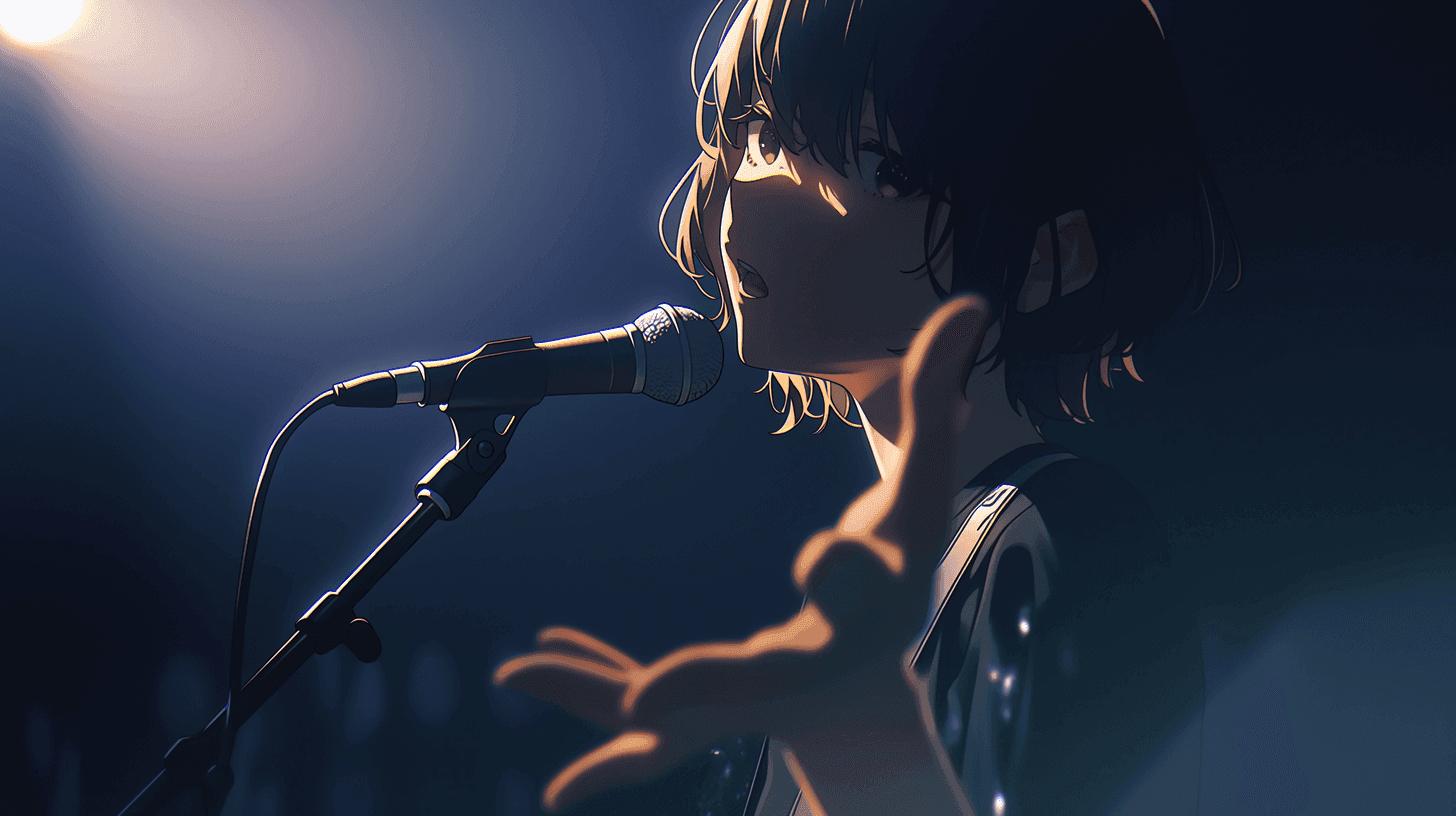
The best AI tool for anime music video creation in 2026 is DomoAI. It offers 50+ anime and art styles, video-to-video style transfer, and a full pipeline built around anime aesthetics — not as an afterthought, but as its core purpose. I've tested every major AI video tool this year specifically for AMV work, and nothing else comes this close to what anime creators actually need.
In this post, I'm ranking the 9 best AI tools for making anime music videos right now. Each one has a clear role, honest pricing, and my personal take on where it fits. If you're new here, an AMV (anime music video) is exactly what it sounds like — anime-style visuals cut to music. It used to take months of frame-by-frame editing. Now? AI handles most of the heavy lifting.
Let's get into it.
Quick-Glance Summary: All 9 Tools Ranked
Here's the full list at a glance. Scan this if you're short on time, then dive deeper into whichever tools match your needs.
| Rank | Tool | Best For | Starting Price | Standout AMV Feature |
|---|---|---|---|---|
| 1 | DomoAI | Best overall for anime AMV creation | $9.99/mo | 50+ anime/art styles, video-to-video |
| 2 | Runway | Cinematic shots & character performance | $12/mo | Gen-4.5, Act-Two performance transfer |
| 3 | Kling AI | Longer clips & native audio | Per-credit pricing | Up to 15-second outputs, multi-shot |
| 4 | Adobe Firefly | Editing hub & commercial safety | $9.99/mo | Browser timeline editor, multi-model support |
| 5 | Luma Dream Machine | Transforming real footage | $9.99/mo | Video-to-video with continuity |
| 6 | Pika | Flashy effects & transitions | $8/mo | Pikaffects, Pikaframes up to 25s |
| 7 | ComfyUI + Wan 2.2 | Power users (local/free) | Free (open source) | Full local control, reusable workflows |
| 8 | Topaz Astra / Topaz Video | Finishing & upscaling | Around $25/mo billed annually | 4K upscaling, frame interpolation, denoising |
| 9 | Audio Cleaner | Audio to video AI & soundtrack cleanup | Free to start / credit-based | MP3/WAV to MP4, subtitles, lip sync, AI music video, noise removal |
1. DomoAI — Best Overall for Anime AMV Creation
This is my #1 pick, and it's not even close for pure anime work. DomoAI offers 50+ styles including anime and Ghibli — and unlike generic video generators that happen to have an anime option buried somewhere, DomoAI is built around anime and stylization from the ground up.
What Makes It Special for AMVs
DomoAI covers the full AMV pipeline in one platform:
- Video-to-Video style transfer: Upload any clip, pick an anime style, and the AI redraws your footage in that style while keeping the original motion. Think of it like an Instagram filter, but it actually re-creates every frame in a completely new art style.
- Text-to-Video with a dedicated Japanese anime style option
- Image-to-Video for animating still artwork
- Frames-to-Video: Upload 2–8 keyframe images and get smooth motion between them — up to ~56 seconds in multi-frame mode
- Character-to-Video: Upload a character image and a motion reference video, and the character follows the movements
- Talking Avatar with Lip Sync for dialogue-driven scenes
- Video Upscaler up to 4K and 6K resolution
Why I Picked It as #1
If "anime look" is your non-negotiable requirement, DomoAI is the best single subscription to start with. It's less about generic cinematic realism and more about turning footage, art, and character assets into stylized anime sequences fast. That makes it especially strong for edit-heavy, short-clip, beat-cut workflows — which is exactly how most AMVs are assembled.
Most AMVs work like this: you cut clips to the beat of a song. DomoAI lets you stylize each clip individually, pick from dozens of preset styles, and assemble everything without leaving the platform.
Pricing
PlanPriceCreditsKey PerksBasic$9.99/mo500 (~30 videos)3 fast lanesStandard$27.99/mo1,500 (~100 videos)Unlimited Relax Mode generationsPro$69.99/mo4,000 (~267 videos)6 fast lanes, stronger lip-sync, higher upscaling
The Standard plan is the sweet spot for most AMV creators. Unlimited Relax Mode means you can generate as many clips as you want without burning through credits.
My Honest Take
If I could only subscribe to one tool for AMV work, this is the one. It just gets what anime creators actually need. The 50+ style presets save hours of prompt engineering, and the video-to-video feature alone is worth the subscription.
Suggested visual: Screenshot of DomoAI's style selection panel showing anime style options, plus a before/after of a video-to-video transformation.
2. Runway — Best for Cinematic Shots & Character Performance
Runway is the tool I reach for when I want that one jaw-dropping shot that looks like it came from a real anime studio. It's positioned as a "director's toolkit," and it earns that label.
Key Features for AMVs
- Gen-4.5 handles complex, sequenced instructions and detailed camera choreography with strong motion quality and visual fidelity
- Act-Two is the real standout for AMVs — upload a video of yourself acting or emoting, pair it with a character image, and the AI transfers your motion, speech, and expressions onto the character. It supports up to 30 seconds and costs 5 credits per second
When Runway Beats DomoAI
When your AMV needs original hero shots, dramatic acting, or dialogue-driven sequences generated from scratch. DomoAI wins on anime stylization. Runway wins on shot design and performance transfer.
Pricing
- Standard: $12/mo
- Pro: $28/mo
- Unlimited: $76/mo (billed annually)
My Honest Take
Runway is where I go when I need that one cinematic moment — a slow camera push into a character's face, a dramatic sword draw, a rain-soaked rooftop scene. It's not my everyday AMV tool, but it's my "make something incredible" tool.
3. Kling AI — Best for Longer Clips & Native Audio
Most AI video tools give you 3–5 seconds per clip. Kling gives you up to 15 seconds of coherent video with native audio. For AMV work, that's a big deal.
Key Features for AMVs
- Up to 15-second outputs
- Native audio generation built in
- Multi-shot narratives with element and subject consistency
- Multi-character dialogue
- Multilingual output including Japanese
Best AMV Use Case
Longer dramatic beats, chorus sequences, and multi-shot scenes that would be painful to stitch from tiny fragments. When the music calls for a scene to breathe, Kling delivers.
Pricing
Credit-based: 1080p with native audio runs 12 credits/second. Without audio, it's 8 credits/second.
My Honest Take
Fifteen seconds of coherent, audio-aware video is genuinely impressive in 2026. I use Kling for the emotional peaks — the chorus, the climax, the moments where quick cuts would ruin the mood.
4. Adobe Firefly — Best Editing Hub & Safest Commercial Workflow
Firefly isn't the most anime-focused generator on this list. But in 2026, it's become something more important: a control center.
Key Features for AMVs
- Commercially safe/IP-friendly outputs
- Browser-based multi-track timeline editor
- Quick Cut for rough-draft assembly
- 4K upscaling on export
- Partner model support — you can use Luma, Pika, and Runway clips inside the same workspace
Why It Matters More in 2026
Firefly acts like a model router and editing layer. You can bring in clips from different AI tools for video editing, edit them together, and export — all in one browser tab. That's huge when your AMV uses DomoAI for anime clips, Runway for hero shots, and Pika for transitions.
Pricing
- Standard: $9.99/mo
- Pro: $19.99/mo
My Honest Take
Not where I go to generate anime shots, but absolutely where I go to assemble and finish them. Essential if you plan to monetize your AMVs.
5. Luma Dream Machine — Best for Transforming Real Footage
Luma's Ray3 and Ray3.14 models excel at one thing: taking real video footage and modifying it while keeping the original motion, timing, and continuity intact.
Key Features for AMVs
- Best-in-class video-to-video with continuity preservation
- Character reference and keyframes
- HDR pipeline with native 1080p
- Ray3.14 adds 4x faster performance and 3x lower cost
How It Compares to DomoAI
Both do video-to-video. DomoAI is more laser-focused on anime styles specifically. Luma is stronger at preserving continuity and scene detail during transformation. Use DomoAI when the anime look is everything. Use Luma when keeping the performance intact matters most.
Pricing
- Lite: $9.99/mo
- Plus: $29.99/mo
- Unlimited: $94.99/mo
- Modify Video costs roughly 400 credits for 5 seconds, 800 for 10 seconds
My Honest Take
If I film myself doing a dramatic scene and want to turn it into anime while keeping every gesture intact, Luma is my first choice.
6. Pika — Best for Flashy Effects & Transitions
Pika isn't a full AMV platform. It's a secret weapon for those standout moments that make viewers hit replay.
Key Features for AMVs
- Pikaffects for dramatic visual effects
- Pikascenes for environment transformations
- Pikaframes for clips up to 25 seconds
- Pikaformance for expression sync to sound
- Pikaswaps and Pikatwists for object and style transformations
Best AMV Use Case
The one shot everyone remembers — a dramatic transition, an object transformation, a surreal bridge section. Great as a complement, not a replacement.
Pricing
- Basic: $8/mo
- Standard: $28/mo
- Pro: $76/mo (billed yearly)
My Honest Take
I think of Pika as the spice rack, not the main course. A little goes a long way, and it makes everything else pop.
7. ComfyUI + Wan 2.2 — Best for Power Users
If you want maximum control and the lowest cost per video at scale, this is the route. ComfyUI is 100% open source and runs locally. Wan 2.2 offers cinematic-level aesthetic control and large-scale complex motion.
Key Features for AMVs
- Free and open source
- Runs on your own computer
- Reusable node-based workflows
- Precise control over every generation step
Who Should NOT Choose This
Beginners. Full stop. The setup requires comfort with node graphs, model downloads, and technical configuration. I love the control, but getting it running is a project in itself.
Pricing
Free — but you need a capable computer with a good graphics card (think NVIDIA RTX 3080 or better).
My Honest Take
Start with DomoAI. Come here when you're ready to go deep. The learning curve is steep, but the payoff in control and cost savings is real for high-volume creators.
8. Topaz Astra / Topaz Video — Best Finishing Tool
Topaz isn't a video generator. It's a finisher. It takes your AI-generated clips and makes them look polished.
Key Features for AMVs
- Astra pushes AI video to 4K with precise and creative upscale modes
- Frame interpolation up to 120fps (makes motion smoother)
- Denoising, stabilization, and restoration
Best AMV Use Case
The very last step. After you've generated and edited everything, run it through Topaz to clean up artifacts, sharpen details, and make the final export look deliverable.
Pricing
Around $25/mo billed annually, or available in Topaz bundles.
My Honest Take
This is the difference between "cool AI project" and "wait, this looks professional." I use it on almost everything I export.
9. Audio Cleaner — Best for Audio to Video AI & Sound Cleanup
Most AMV tools focus on the visual side: anime styling, character motion, camera movement, and transitions. But if your workflow starts with a song, voiceover, podcast clip, or any audio-first idea, Audio Cleaner is a useful tool to add before the final edit.
Audio Cleaner can turn MP3 or WAV files into MP4 videos, with options for photo videos, cinematic videos, AI music videos and lip sync videos. It also supports subtitles and multiple aspect ratios, which makes it helpful for turning a track, narration, or short audio clip into content for TikTok, YouTube, Instagram Reels.
For anime music video creators, the main value is that it handles the audio-first part of the workflow. You can start with the soundtrack, generate a simple video draft or social-ready clip, and then use other AI video tools to stylize, animate, or enhance the visuals.
It also includes audio cleanup features, which can help remove background noise, echo, static, hum, wind noise, breaths, mouth sounds, and other unwanted sounds from audio or video files. That is useful when your AMV includes voiceovers, dialogue, recorded vocals, or audio pulled from older clips.
Key Features
- Converts MP3 and WAV audio into MP4 video
- photo video, cinematic video, AI music video and lip sync video modes
- Subtitle support for short-form social videos
- Multiple aspect ratios for TikTok, Reels and YouTube
- AI noise removal for audio and video files
- Browser-based workflow with no editing software required
My Honest Take
Audio Cleaner is not a replacement for a full AMV generator like DomoAI, Runway, or Kling. It is better as a supporting tool for creators who care about the soundtrack as much as the visuals. If your AMV starts from a piece of music, narration, or a vocal track, it can help you turn that audio into a video asset and clean up the sound before you move into the visual editing stage.
Best For: AMV creators, music editors, YouTubers, podcasters, and social media creators who want to turn audio into video and clean up sound before publishing.
My Three Recommended Stacks
Overwhelmed by choices? Pick one of these combos. Each one covers a different workflow.
Suggested visual: A simple three-column graphic showing each stack with tool logos and arrows indicating workflow order.
Stack 1: The Fast Anime-Social Stack
DomoAI + Pika + Topaz
- Best for: Short-form AMVs, fan edits, Reels, TikToks, YouTube song cuts
- Why it works: DomoAI handles the anime look, Pika adds flashy moments, Topaz polishes the final export
- Monthly cost: ~$43–$63 depending on plans
- My note: This is my everyday stack. Fast, affordable, and the results look great on social.
Stack 2: The High-Quality Original MV Stack
Runway + Kling + Firefly
- Best for: Original anime music videos that feel like real productions
- Why it works: Runway for hero shots and acting, Kling for longer audio-aware sequences, Firefly for assembly and commercial safety
- Monthly cost: ~$34–$60 depending on plans
Stack 3: The Power-User Budget Stack
ComfyUI + Wan 2.2 + Topaz
- Best for: Creators with good hardware who want local control and low ongoing costs
- Why it works: Open-source generation with professional finishing. Highest setup time, best long-term value
- Monthly cost: ~$25 (just Topaz)
The Bottom Line
If you want one clear answer: start with DomoAI for anime music video creation in 2026. It is the most directly aligned with anime stylization, motion transfer, lip sync, frame-based sequencing, and short-form edit workflows.
If you outgrow it, the next upgrade path is Runway for higher-end scene direction or Kling for longer, more cinematic, audio-aware sequences.
The barrier to making anime music videos has never been lower. Pick a tool, pick a song, and just start. You can always refine your stack later — but you can't improve something you never ship.
FAQ
What Is the Best Free AI Tool for Making Anime Music Videos?
ComfyUI + Wan 2.2 is the best free option. It's open source and runs locally on your computer. The catch: you need decent hardware (a good NVIDIA GPU) and comfort with technical setup. If you want something simpler, DomoAI gives new users 15 bonus credits to try its tools before committing to a paid plan.
Can AI Really Make Anime That Looks Like Real Anime?
It's gotten remarkably close in 2026. Tools like DomoAI with 50+ dedicated anime styles produce results that genuinely impress, especially for music videos and short-form content. It may not perfectly replicate a specific studio's hand-drawn look frame-for-frame, but for AMVs? The quality is more than good enough to earn views and engagement.
Do I Need to Know How to Draw or Animate to Make an Anime Music Video With AI?
No. That's the whole point. You can start from text descriptions, photos, or even live-action video clips and transform them into anime-style footage. DomoAI's video-to-video feature is a great example — upload a clip, choose a style, and it handles the rest. Zero drawing skills required.
How Much Does It Cost to Make an Anime Music Video With AI Tools?
You can start for as little as $8–$10/month with a single tool. A practical two- or three-tool stack like DomoAI + Pika + Topaz runs about $43–$63/month. ComfyUI is free if you have the hardware. Most creators find the $10–$30/month range covers their needs for short-form AMV work.
Can I Upload My Anime Music Video to YouTube Without Copyright Issues?
Two separate issues here:
- The AI-generated visuals: Tools like Adobe Firefly are explicitly commercially safe. DomoAI also allows commercial use of generated content. Check each tool's terms.
- The music: This is a separate copyright issue entirely. It depends on whether you have rights to the song. Use royalty-free music or original tracks if monetization is the goal.
What Is Video-to-Video in AI Tools Like DomoAI?
You upload an existing video clip, and the AI transforms it into a different visual style — like anime — while keeping the original motion and timing. The AI actually redraws every frame in a completely new art style. It's like an Instagram filter, but dramatically more advanced.
Which AI Tool Has the Most Anime Styles to Choose From?
DomoAI leads with 50+ preset styles, including dedicated Japanese anime, Ghibli, flat color anime, 2.5D illustration, and many more. Other tools can achieve anime looks through careful prompting, but DomoAI is the one with the most built-in, ready-to-use anime style options.
Can I Combine Multiple AI Tools to Make One Anime Music Video?
Absolutely — and that's actually what I recommend. The three stack recommendations above are designed exactly for this. Use different tools for what each does best, then assemble the final video in Adobe Firefly's browser editor or any traditional video editor like DaVinci Resolve or Premiere Pro.