I've spent way too many hours testing AI lip sync video tools this year, so you don't have to. The short answer: HeyGen wins for multilingual video translation, Synthesia leads for enterprise training, DomoAI is the best talking avatar tool for stylized and realistic characters, and Sync is the developer's pick. But the real answer depends on your workflow.
Here's what an AI lip sync tool actually does, in plain language: it takes a person or character in a video or image and makes their mouth move naturally to match audio you provide. No manual animation. No reshoots. Just upload, sync, and export.
The market in 2026 has split into three clear categories:
- Video translation and localization — you already have footage and want it dubbed into other languages
- Avatar and talking-head generators — you start from a portrait or character and want to make it speak
- Developer APIs — you want to plug lip sync into your own app or product
I'm ranking these by workflow fit, not just raw mouth-movement quality. This list includes paid platforms, creative tools, and open-source options. Let's get into it.
1. HeyGen — Best All-Around AI Lip Sync Video Tool 2026 for Creators and Marketing
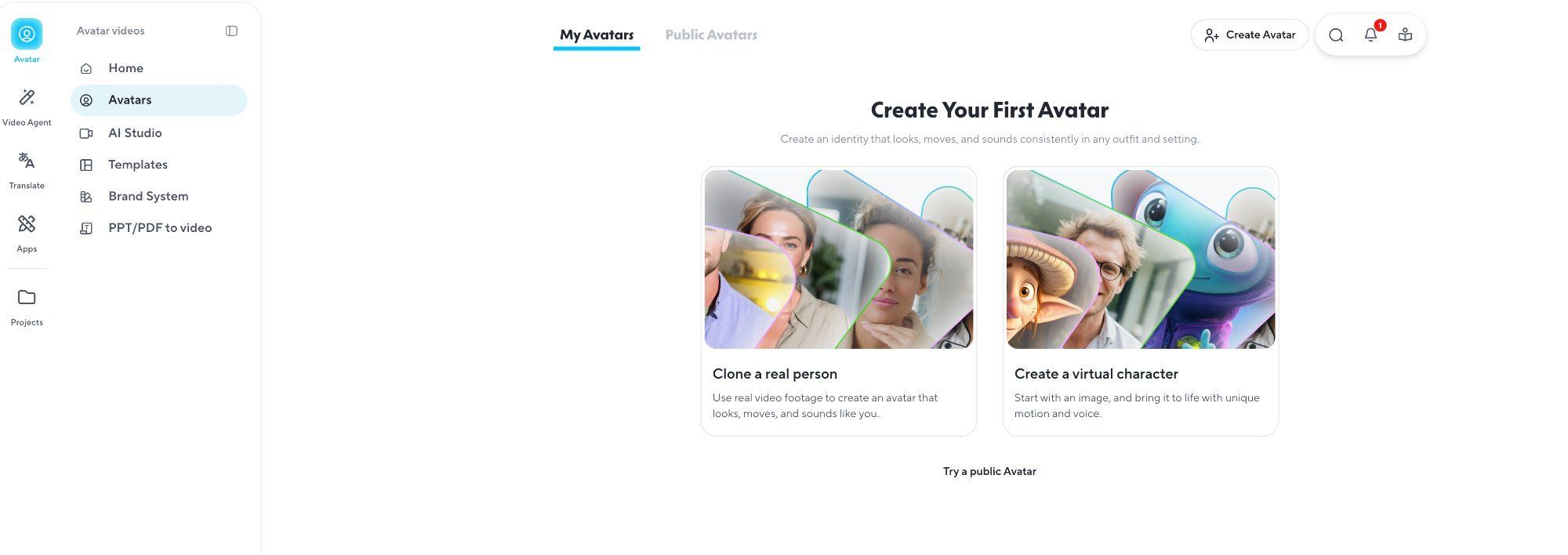
If your main goal is taking a real person's video and translating it into other languages with believable lip sync, HeyGen is the most balanced option right now.
Here's how the plans break down:
- Creator plan: Around 40 minutes of video translation
- Pro plan: Around 400 minutes
- Business plan: Around 200 minutes
- All paid plans include unlimited audio-only dubbing when you don't need the visual lip sync part
HeyGen's translation workflow supports roughly 30 input languages and 30-plus output languages for video translation. The full workflow covers translation, lip sync, proofreading on higher tiers, voice cloning, and avatar options.
What makes HeyGen rank first isn't that it has the single best mouth animation. It's that the whole workflow is well-shaped for real teams: translation, lip-sync, proofreading, voice cloning, avatar options, and business plans.
Honest caveat: HeyGen is a localization platform first. If you want to retarget any video with totally new arbitrary audio — not a translation — other tools may fit better.
Best for: Solo creators, agencies, marketing teams doing multilingual content.
2. Synthesia — Best for Enterprise Training and Internal Comms
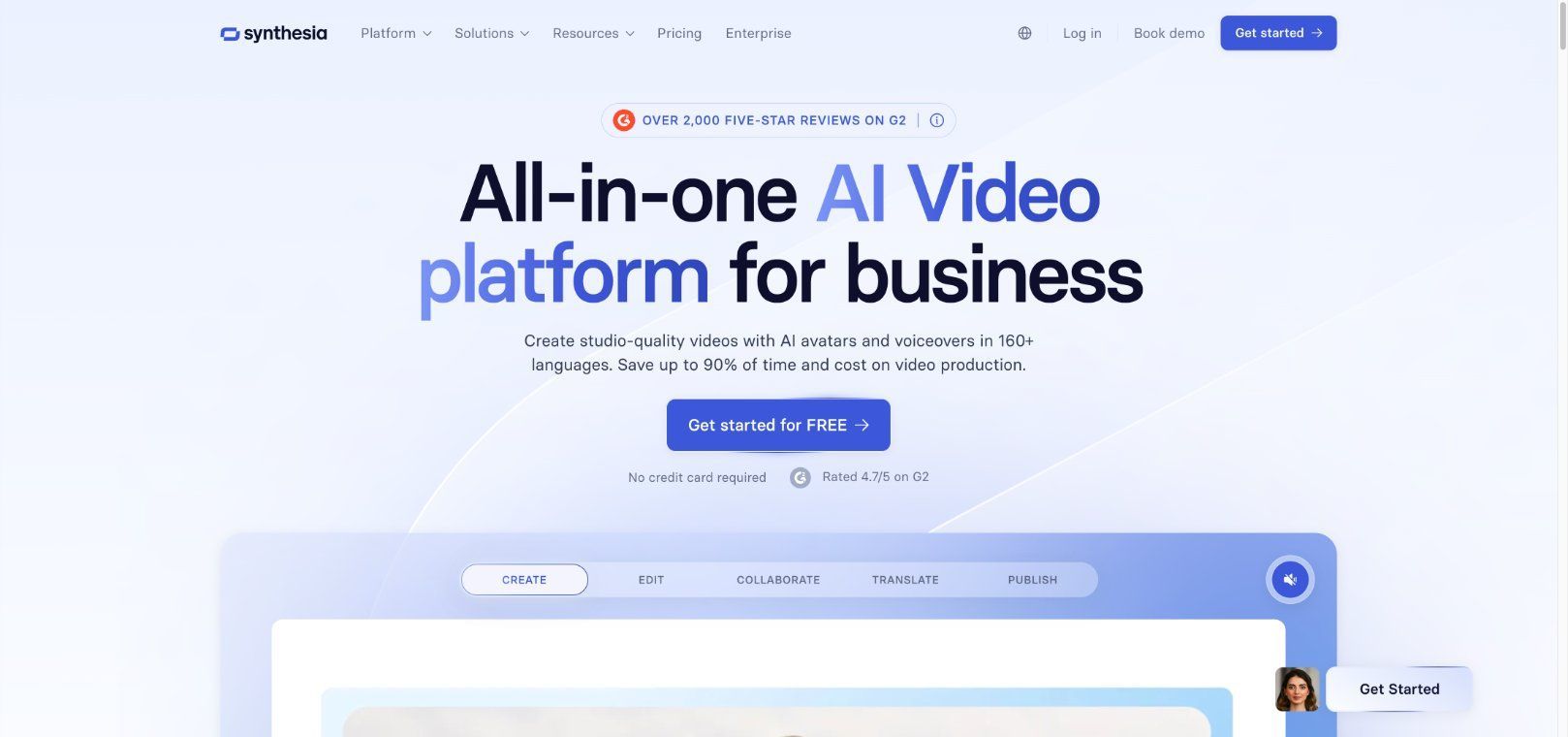
Synthesia is the strongest pick if your buyers are HR, learning and development, IT training, and enterprise communications teams.
Pricing in plain language:
- Starter: $29/month
- Creator: $89/month
- Lip-synced AI dubbing: 240 credits per minute
The dubbing workflow supports adaptive or original duration, transcript review, proofreading, and a multilingual video player for published content.
On language support: marketing says 130-plus languages and dialects. In practice, self-serve users get 32 dubbing languages, and enterprise users get 139. Think of it as "more languages unlock at higher tiers."
Honest caveat: Cost per dubbed minute works out to roughly $5.80–$5.93 if you use all your included credits on dubbing. Not cheap, but you're paying for a complete enterprise video system — not just mouth replacement.
Best for: Structured business content, training videos, corporate comms, teams that need governance features.
3. DomoAI — Best Talking Avatar Workflow for Stylized and Realistic Characters
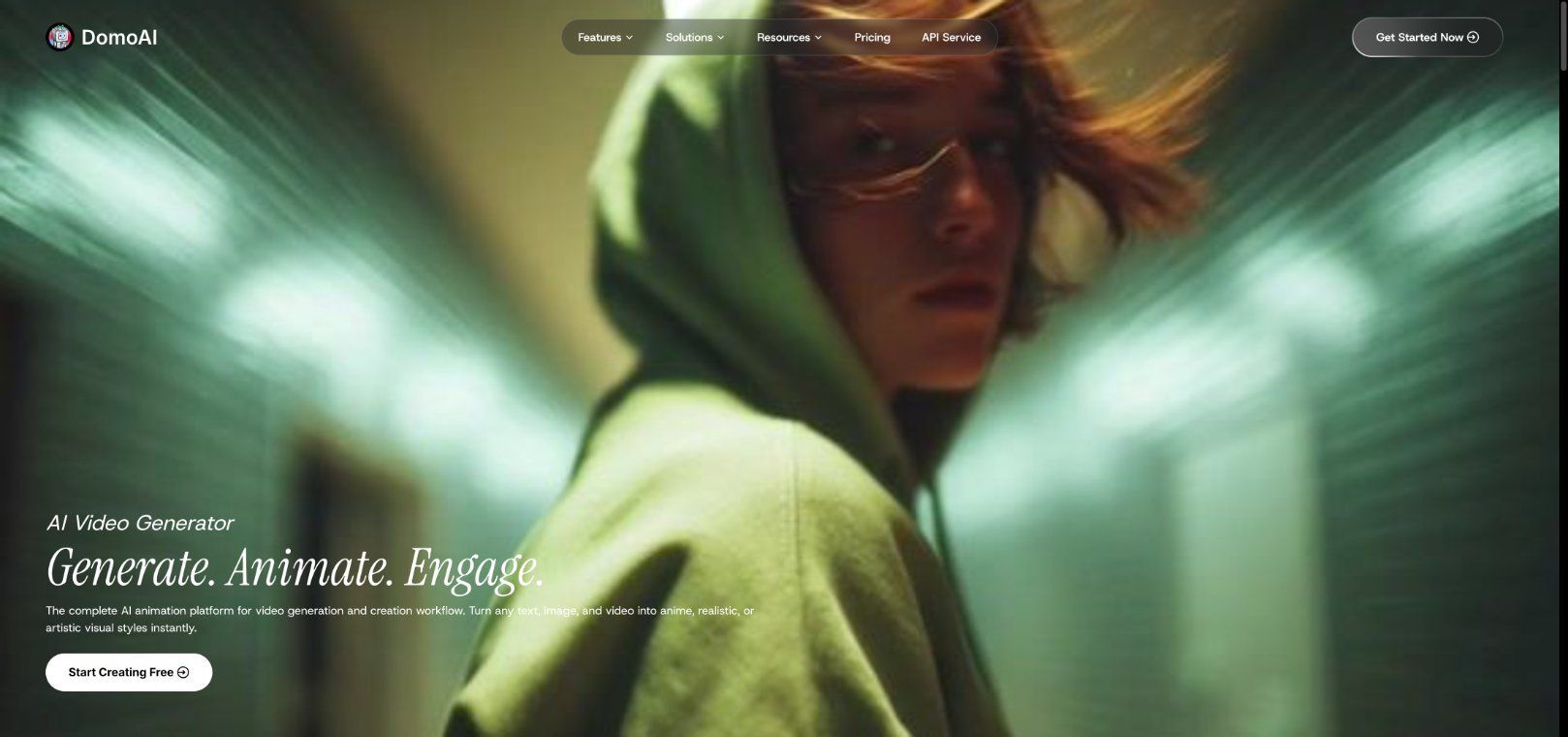
Here's the one that surprised me. DomoAI isn't purely a lip sync tool, but its Talking Avatar feature fills a gap I kept running into with other tools on this list.
The concept is simple: upload a portrait — a photo or illustration — add an audio file, and the face animates with natural mouth movement and expressions synced to the speech. That's it.
But here's where it stands out: most dedicated lip sync tools only work with photorealistic human faces. DomoAI handles both realistic portraits and stylized characters — anime-style faces, illustrated mascots, branded characters. If you're building anime content, character-driven explainer videos, or branded mascot campaigns, this matters a lot.
The DomoAI + ElevenLabs Workflow
This is the combo that clicked for me. Instead of relying on one all-in-one platform, you pair two specialized tools:
- Generate your voiceover in ElevenLabs (or any text-to-speech / voice cloning tool you prefer)
- Bring that audio file into DomoAI's Talking Avatar tool
- Upload your portrait — realistic photo or anime character — and let DomoAI animate it
Two tools, one clean workflow. Voice generation handled separately, visual animation handled by DomoAI.
This "pairing" approach gives creators more control than all-in-one tools. You pick your favorite voice tool and your favorite animation tool independently. If ElevenLabs updates their voice models, great — your animation pipeline stays the same. If DomoAI improves their lip sync, your audio pipeline stays the same.
DomoAI also supports video uploads for its Talking Avatar feature, so you're not limited to still images. And because DomoAI's models are specifically designed for anime and original character generation, the stylized output quality is noticeably better than forcing a photorealistic lip sync engine to handle cartoon faces.
Honest caveat: DomoAI is a broader creative studio, not a dedicated localization platform. If you need batch translation of existing footage into 30 languages, HeyGen or Rask is the better fit. DomoAI shines when you're building talking avatars from scratch.
Pricing: Paid plans start from $9.99/month. New users get 15 bonus credits to try the tools.
Best for: Creators making talking avatars, character voiceovers, anime-style content, branded mascot videos, or animated explainer content.
4. Sync — Best Dedicated Lip Sync Engine and Developer API
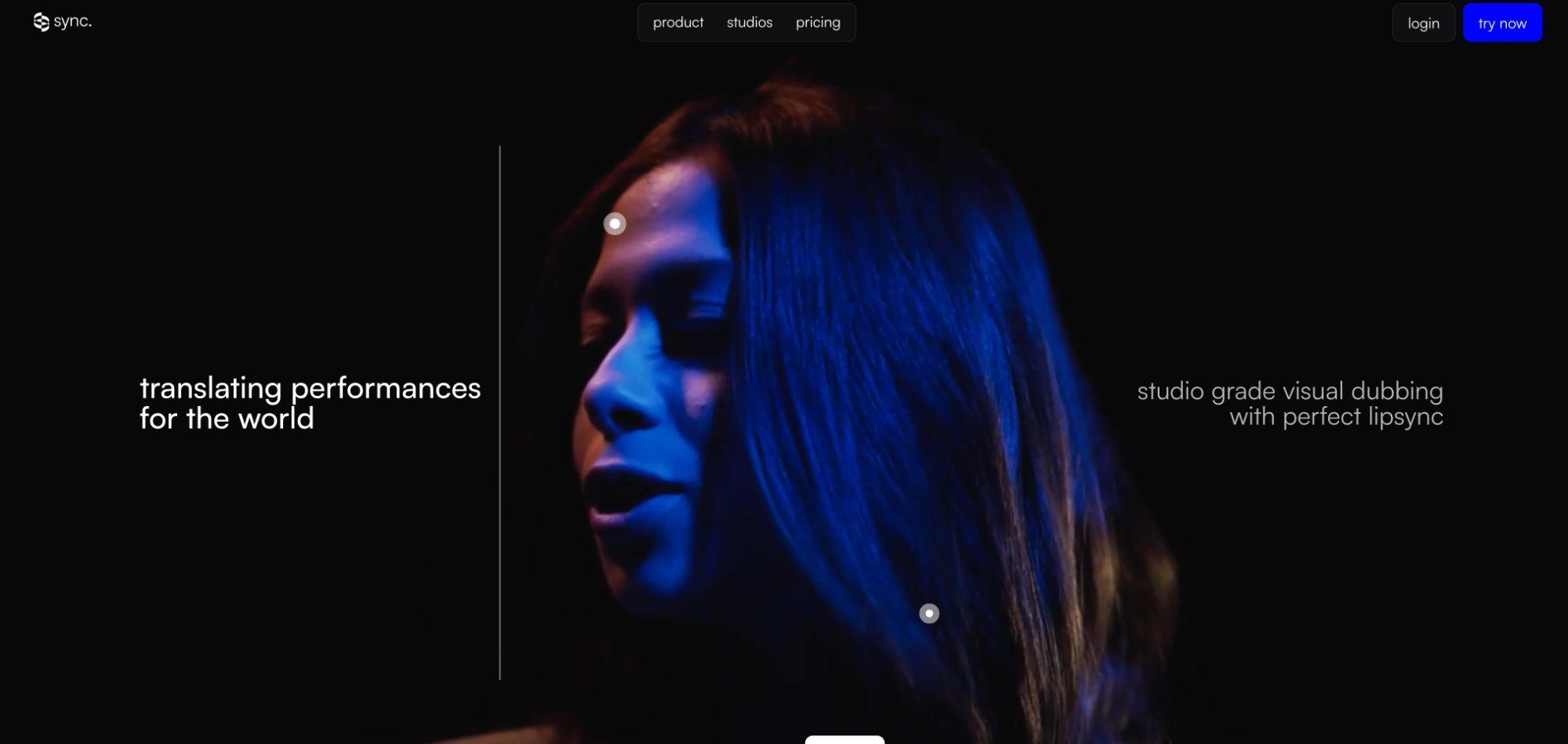
Sync is the clearest "lip sync is the whole product" company in this space. It edits the lip movements of any speaker in any video to match a target audio.
Model tiers explained simply:
- lipsync-1.9.0-beta: Cheapest, simplest
- lipsync-2: More natural, style-preserving
- lipsync-2-pro: Highest quality, better handling of details like beards and teeth
Pricing breakdown:
- Plans from $5/month + $0.05 per second up to $249/month + $0.04 per second
- lipsync-2 runs about $2.40–$3.00 per minute
- lipsync-2-pro runs about $4.01–$4.99 per minute
Honest caveat: Sync is not a ready-made translation suite. It works best if you already handle transcription, translation, and voice generation elsewhere and just need the mouth-retargeting layer. It struggles with still frames, doesn't support animals or non-humanoid characters, and can have issues with extreme profile angles.
Best for: Developers building lip sync into their own apps or automated pipelines.
5. Runway — Best for Creative and Generative Speaking Scenes
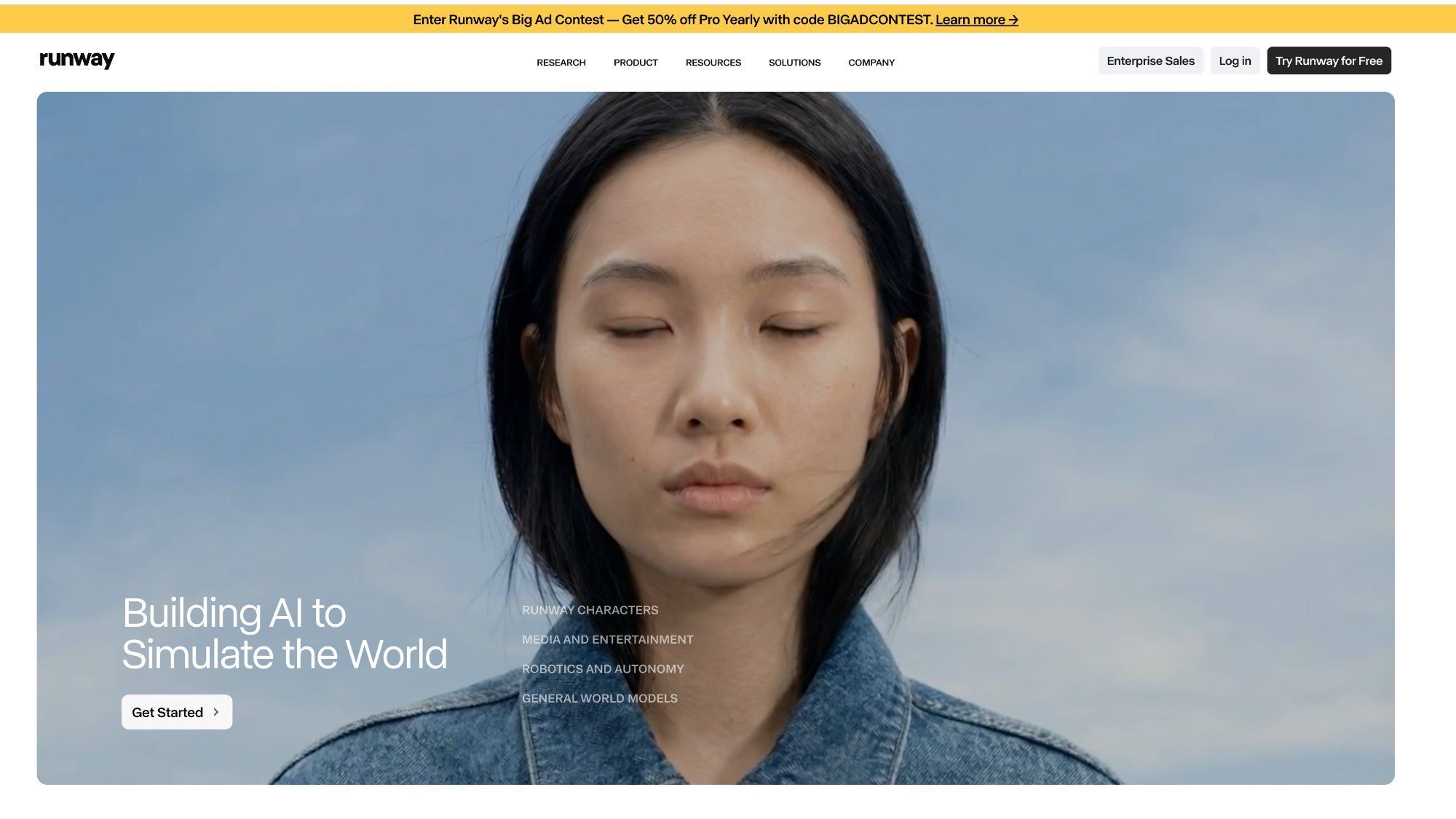
Runway's Lip Sync tool is part of a creative video toolkit, not a localization utility.
Key specs:
- 5 credits per second
- Up to 10 dialogues per project
- 40 seconds per dialogue
- Up to 4 animated faces in one scene
- Image or video input, up to 2K resolution
- Custom voices on Pro plan and above
Runway works best with forward-facing photorealistic human faces, and notes that animal and cartoon faces are not supported in this specific tool. For broader character animation, Runway points users toward Act-Two.
Honest caveat: Cost works out to roughly $3.00 per minute at purchased credit rates. And the bigger trend is worth noting — Runway is moving from "move the lips" toward "synthesize the full speaking performance" with Act-Two.
Best for: Creative professionals, filmmakers, ad creators, anyone doing generative video work.
6. Rask — Best When Translation Is the Core Job
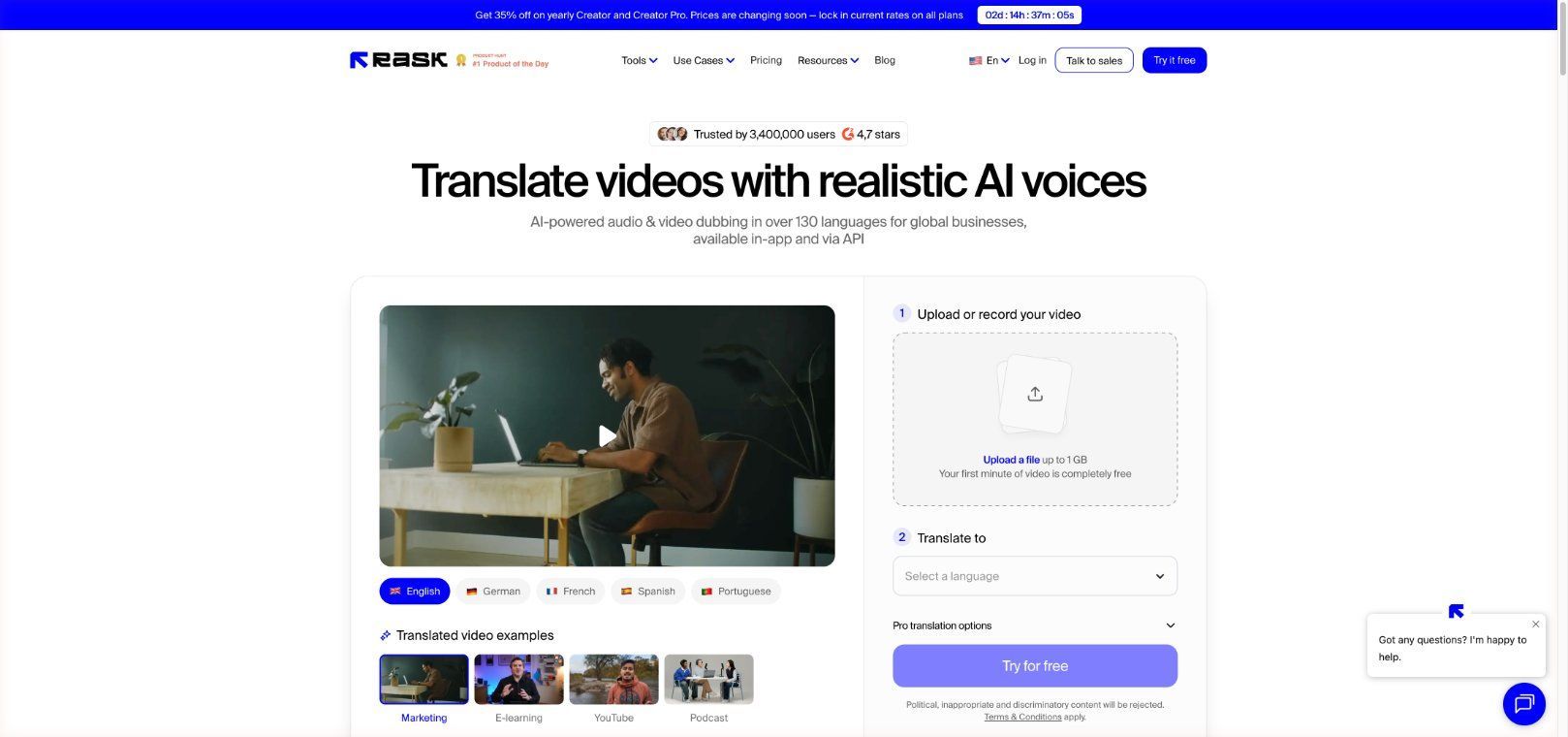
Rask is a dubbing and localization pipeline where lip sync is an add-on step, not the standalone feature. It supports dubbing in 135-plus languages.
Important detail: you can't use lip sync without dubbing first. You create the translated version, then run lip sync on that result. It supports multispeaker lip sync and offers a 1-minute free preview mode.
Honest caveat: If your goal is simply "make this person match new audio" without translation, Rask isn't the smoothest fit.
Best for: Localization agencies, media teams, editorial-heavy translation workflows.
7. D-ID — Good Lightweight Option for Single-Speaker Business Videos
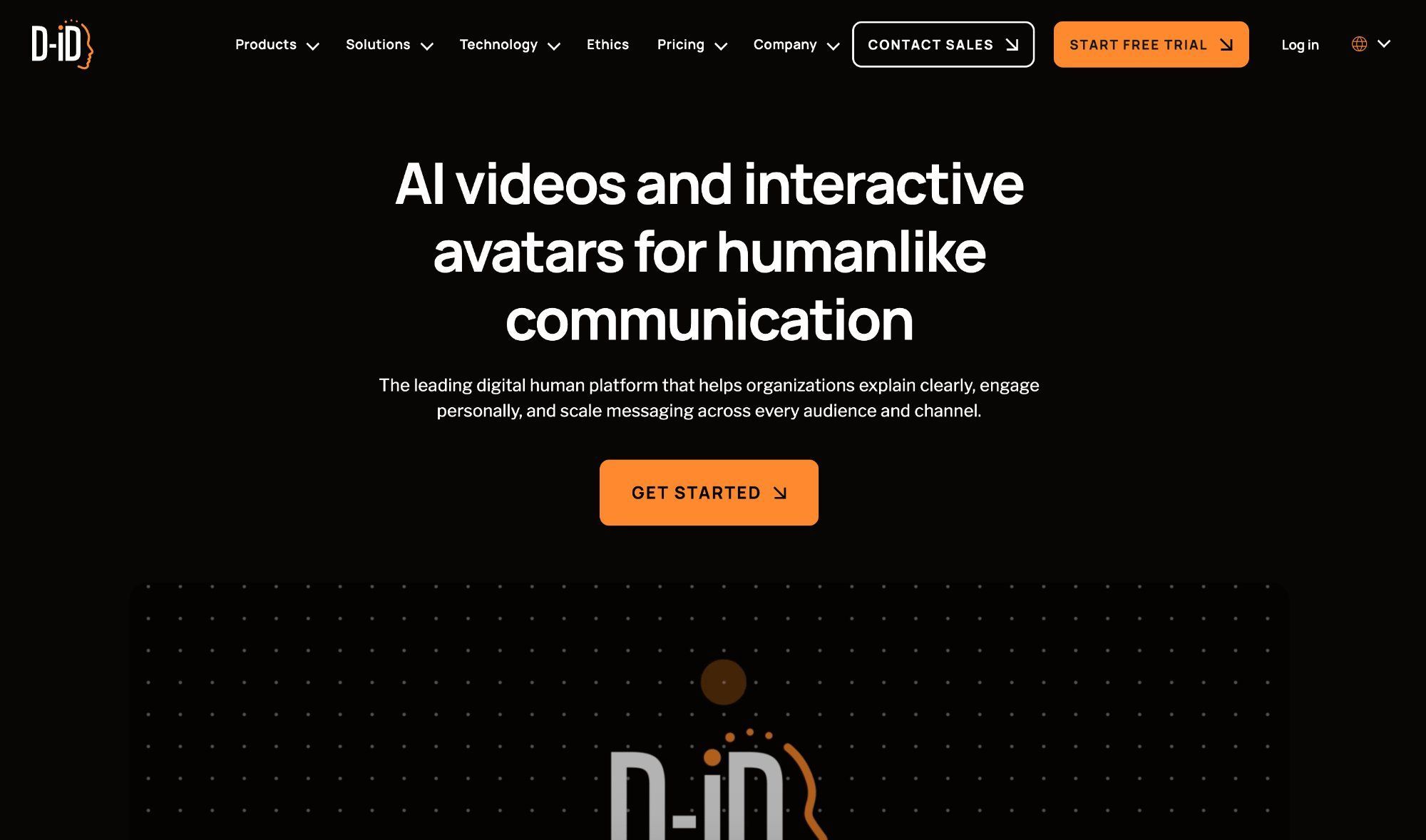
D-ID's Video Translate workflow translates the spoken script, clones the speaker's voice in the target language, and adapts lip movements to match.
Best for one person in frame, front-facing, clear audio. Max video length is 5 minutes, 2GB file limit, 29 supported languages. Billing works out to 1 credit per 15 seconds of translated video. Enterprise users get a proofreading step.
Honest caveat: No in-studio post-editing of already generated videos. Not the pick for complex multi-speaker projects.
Best for: Simple single-speaker corporate clips, quick business translations.
8. Captions — Strong for Mobile and Social, Less Certain Long-Term
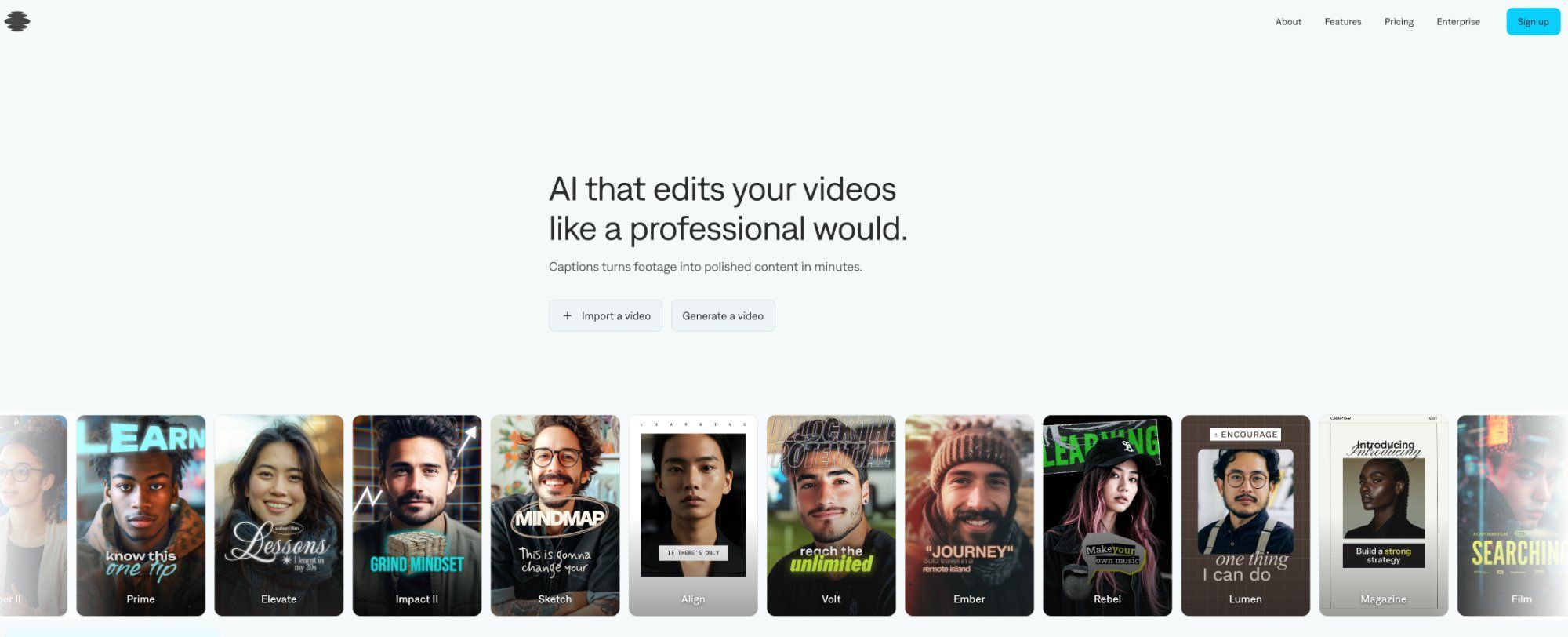
Captions offers AI Lipdub on iOS for Pro ($9.99/month), Max ($24.99/month), and Scale ($69.99/month+) plans. It supports 29 lipdub languages.
Captions' own docs say Mirage replaces the older AI Actor flow built on Lipdub technology. The company is moving in a newer generative direction. The Lipdub API is listed as enterprise-only and limited to 1 minute.
Honest caveat: Still useful for mobile-first social workflows, but if you're buying specifically for lip sync infrastructure, other tools on this list are safer long-term bets.
Best for: Mobile creators, quick social media content.
9. Open-Source AI Lip Sync Options Worth Knowing
MuseTalk 1.5 — Best Practical Open-Source Option
MuseTalk 1.5 improved clarity, identity consistency, and lip-speech sync. It supports real-time inference at 30fps+ on a Tesla V100, and the code is MIT-licensed with the trained model available for commercial use.
Best for: Self-hosting, custom pipelines, on-premise deployment.
Hallo2 — Best for Long-Duration Talking-Head From a Single Image
Hallo2 is an audio-driven portrait animation framework with demos up to 4K and up to 1 hour, tested on A100 GPUs, under MIT license, and accepted at ICLR 2025.
Best for: "One portrait + long speech = talking presenter" scenarios.
Wav2Lip — Historical Baseline, Not the 2026 Answer
The open-source version of Wav2Lip is for personal/research/non-commercial use only. The maintainers now direct commercial users toward Sync's API.
Mention it for context, but don't build your stack on it in 2026.
Quick Cost Comparison for AI Lip Sync Video Tools in 2026
Pricing models vary wildly across these tools. Here's a quick scan to help you estimate:
- HeyGen: ~$0.25 per translated minute from add-on credits (before base subscription)
- Synthesia: ~$5.80–$5.93 per dubbed minute if using all included credits on dubbing
- DomoAI: Plans from $9.99/month (credit-based)
- Sync (lipsync-2): ~$2.40–$3.00 per minute + monthly subscription
- Sync (lipsync-2-pro): ~$4.01–$4.99 per minute + monthly subscription
- Runway: ~$3.00 per minute at purchased credit rates
- Rask: Varies by plan; lip sync is add-on to dubbing
- D-ID: Credit-based; 1 credit = up to 15 seconds
- Captions: From $9.99/month (iOS)
- MuseTalk 1.5: Free (open source, MIT), but you pay for your own compute
My honest advice: estimate your monthly minutes and do the math for your own volume. A tool that looks cheap per minute might have a high base subscription, and vice versa.
My Final Pick by Scenario
Here's my personal recommendation cheat sheet:
- Multilingual YouTube / course / marketing videos: HeyGen first, Rask if you need heavier editorial control
- Enterprise training and internal comms: Synthesia
- Talking avatars with stylized or anime characters, especially paired with ElevenLabs: DomoAI
- Developer building lip sync into a product: Sync
- Creative scenes, AI films, generative video: Runway
- Translation-first pipeline with editorial focus: Rask
- Quick single-speaker corporate clips: D-ID
- Mobile-first social content: Captions
- Self-hosted, no vendor lock-in: MuseTalk 1.5
A Note on Consent and Commercial Rights
This is one area you should not skip. When the video involves real people — executives, actors, customers, licensed talent — consent and commercial rights matter.
HeyGen requires a live consent video for video-based digital twins. Runway requires explicit permission and voice verification for custom voices. D-ID distinguishes personal-use from commercial-use plans.
My advice: treat consent workflow as a first-priority requirement, not legal cleanup you deal with later. If the project involves anyone's likeness, sort this out before you start generating.
FAQ
What Is an AI Lip Sync Video Tool?
It's software that uses artificial intelligence to match a person's (or character's) mouth movements to an audio track, making it look like they're naturally speaking those words. No manual animation or frame-by-frame editing needed. You provide the video or image and the audio, and the tool handles the rest.
Can AI Lip Sync Tools Work With Animated or Anime-Style Characters?
Most mainstream tools — HeyGen, Runway, Sync, D-ID — focus on photorealistic human faces. DomoAI is a notable exception because its Talking Avatar feature works with both realistic portraits and stylized characters like anime faces or illustrated mascots. DomoAI's models are specifically designed for anime and original character generation, which makes a real difference in output quality. If stylized content is your focus, this matters.
Do I Need to Be a Developer to Use These Tools?
Not for most of them. Tools like HeyGen, Synthesia, DomoAI, Runway, and Captions have user-friendly interfaces where you upload your video or image, add audio, and get results without writing code. Sync is the most developer-oriented option with API access. Open-source options like MuseTalk do require technical setup and your own GPU hardware.
How Much Does AI Lip Sync Cost in 2026?
It ranges widely. Some tools start under $10 per month (DomoAI from $9.99, Captions from $9.99). Others like Synthesia start at $29 per month. Per-minute costs for lip-synced output range from roughly $0.25 (HeyGen translation) to about $5 or more (Synthesia dubbing), depending on the tool and plan. Open-source options are free but require your own computing hardware.
Can I Pair Different AI Tools Together for Lip Sync?
Yes, and honestly many creators do. A popular workflow is generating voiceover audio in ElevenLabs, then bringing that audio into DomoAI to animate a character's face. This gives you more flexibility than relying on one all-in-one platform for everything. You can swap out either tool independently as better options emerge.
Are There Free AI Lip Sync Tools?
The best free option in 2026 is MuseTalk 1.5, which is open source under an MIT license and allows commercial use. However, you need your own GPU hardware to run it. Most commercial tools offer limited free trials or free tiers but require a paid plan for real production use. DomoAI gives new users 15 bonus credits to try the tools before committing to a paid plan.