

Generative AI is transforming workflows — it’s throwing a party and everyone is invited. Whether you’re a professional or a casual creator, you can create, edit, and share visual content like a pro.
AI generation tools are now the new creative buddies — talk about producing AI images in seconds or editing videos on autopilot.
Each tool, however, does not all AI tools dance to the same beat. Each brings different capabilities and creativity to your projects. So, choosing one may be an uphill task, especially when you don’t know what to expect with any of them.
Today, we’ll break down the features, advantages, and disadvantages of Kling vs. Runway (and DomoAI) to help you pick the right one for you.
Let’s jump into it!
TL;DR - Kling vs. Runway vs. DomoAI
Want a quick preview?
Get to know the highlights and downsides of Kling, Runway, and DomoAI.
| Kling AI | Runway | DomoAI | |
|---|---|---|---|
| Pros | - Affordable subscription plans - Creates realistic and cinematic visuals without the need to have a full production team - Impressive motion graphics | - Diverse video and image generation models - Advanced video editing features - Strong consistency across frames | - Access advanced features such as creating talking avatars, applying anime-style effects - Accessible to beginner and non-technical users - Creative flexibility and versatility with over 30 styles - Commercial usage allowed - Flexible and affordable pricing plans - Strong community and momentum |
| Cons | Generation is limited to 2-minute video clips | Steep learning curve | Customization and fine control are limited on the basic free plan compared to paid plans |
| Best for | Creating dynamic and realistic animations, especially for films and creative projects. | Delivering cinematic and hyper-realistic videos | Offering comprehensive AI-driven video generation and animation tailored for small business owners, animators, artists, and social media creators |
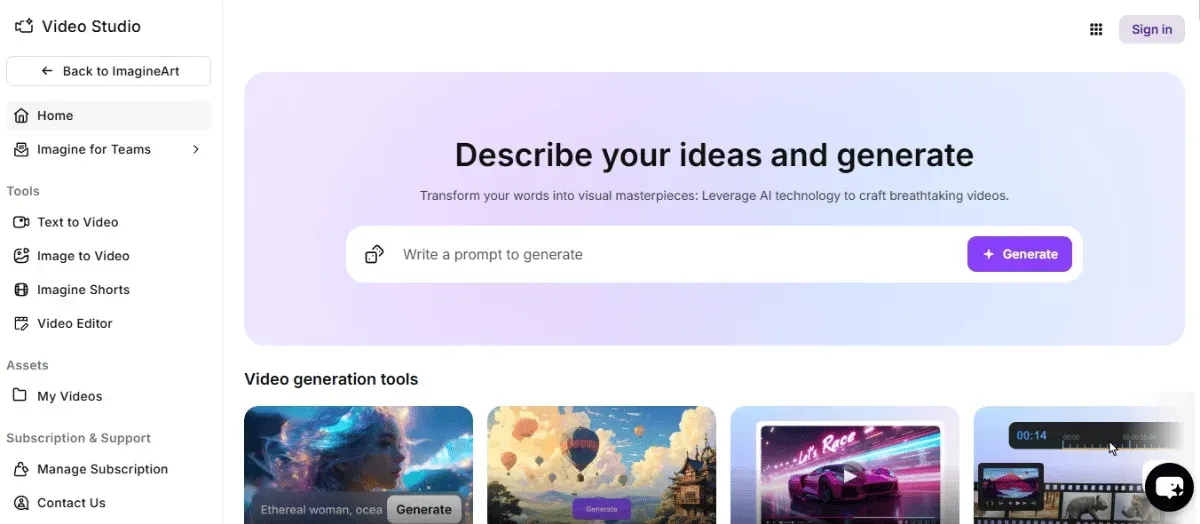
What is DomoAI?
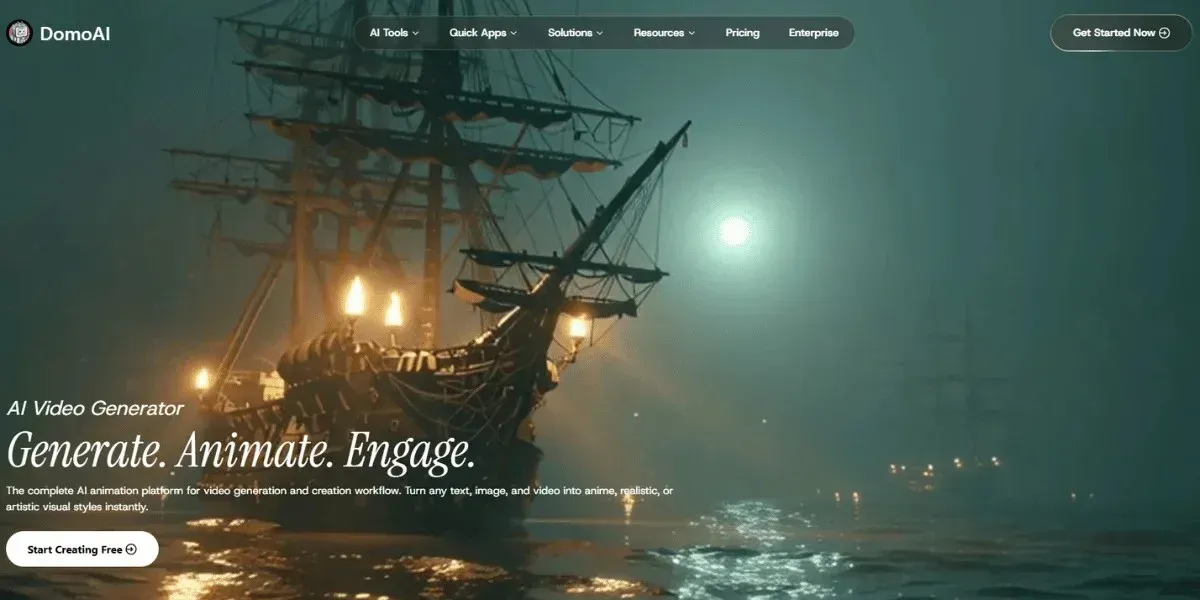
DomoAI is a powerful AI platform for transforming visuals across diverse artistic styles, including animation, realism, and cartoons.
- With DomoAI, you can create visuals in over 30 styles using simple text prompts, reference images, and existing video footage.
- Whether for professional or personal projects, we produce consistently high-quality visuals. As a result, we’ve amassed over 3 million users and a top 10 global Discord community since launching in 2023.
How to Use DomoAI
Let’s look at how you can create AI videos and images on DomoAI:
Step 1: Create a DomoAI Account
To get started with the different DomoAI tools, you need to sign up using your Google or Discord account.
With an account, you can start using the tool immediately; however, you must be over 18 to complete this step.
Step 2: Pick the Right Tool
The most impressive feature of DomoAI is its extensive range of tools, each with distinct capabilities.
Explore them and choose one that supports your creation needs.
Here are your top options and when they’re right for you:
- AI Image to Video: Create AI videos from photos and drawings while maintaining consistency in your characters’ and objects' movements.
- AI Video to Video: Choose from our library of 30+ filters and styles and apply them to your normal videos.
- AI Character Animator: Generate dynamic animations from any characters in seconds.
Other tools include talking avatars and background removal.
Step 3: Enter a Prompt
Make your creations come to life using a text prompt or by uploading an image or video.
The more detailed and precise your prompts are, the higher quality the results.
Here’s how to write an effective image prompt.
- Specify the desired format or visual media, whether a sketch, 3D render, oil painting, digital illustration, or animated frame.
- Define the primary focus of your video or image. Is it a person, animal, object, or environment?
- Describe your background to set the tone for your finished image.
- Specify how your visual should be framed or structured.
- Add key details or final touches to add richness and uniqueness.
Step 4: Generate Your Video or Image
The next step is to hit generate, and your video or image will be ready in no time.
You can then preview to ensure it meets your expectations. Then, make the necessary edits for style and precision.
Step 5: Save and Share Your Creations
If you like your final AI creations, you can download the projects from the DomoAI app or export directly to social media.
A paid subscription gets you access to premium download settings.
The best part is that you have full ownership of your creations, so you can use them for commercial purposes without worrying about copyright strikes.
How Much Does DomoAI Cost?
DomoAI offers a free plan upon sign-up, allowing you to start creating immediately. However, you can consider our paid subscription plans, which provide advanced features.
Here are our pricing plans:
- Basic: For $6.99 per month, billed yearly, you can generate at least 500 images and 100 videos. You can also access all 30+ styles, receive regular updates, and obtain your AI creations without a watermark.
- Standard: At $19.59 per month, billed yearly, you can generate up to 1,500 images and 300 videos. You can also unlock Relax Mode for unlimited generations without incurring any credits. Additionally, you gain access to all 30+ styles, including updates and optional credit top-ups.
- Pro: At $48.99 per month, billed yearly, you can get enough credits to generate at least 4,000 images and 800 videos. You can also use Relax Mode for unlimited generations without incurring any credit. Additionally, you gain access to Fast mode video generation, featuring longer clip lengths and exclusive features.
Start creating for free with DomoAI today to transform your visuals into any artistic style you prefer.

What is Kling AI?
Kling AI is developed by the Chinese firm Kuaishou and is among the best Runway ML alternatives for AI video generation and text-to-image creation.
Here’s the deal:
- To access Kling AI, you need to sign up using Google, Discord, Twitter, or an email address.
- It produces short, cinematic clips with realism and great camera control, suitable for personal or professional use.
- The platform brings your creations to life with dynamic motion and other impressive features, like color adjustments, special effects, and 3D face and body reconstruction.
- It supports multiple output formats, allowing for easy redistribution of creations.
- Unfortunately, Kling AI limits your video creation to 2-minute 1080p videos at 30 frames per second.
How to Write Prompts for Kling AI Video Generation?
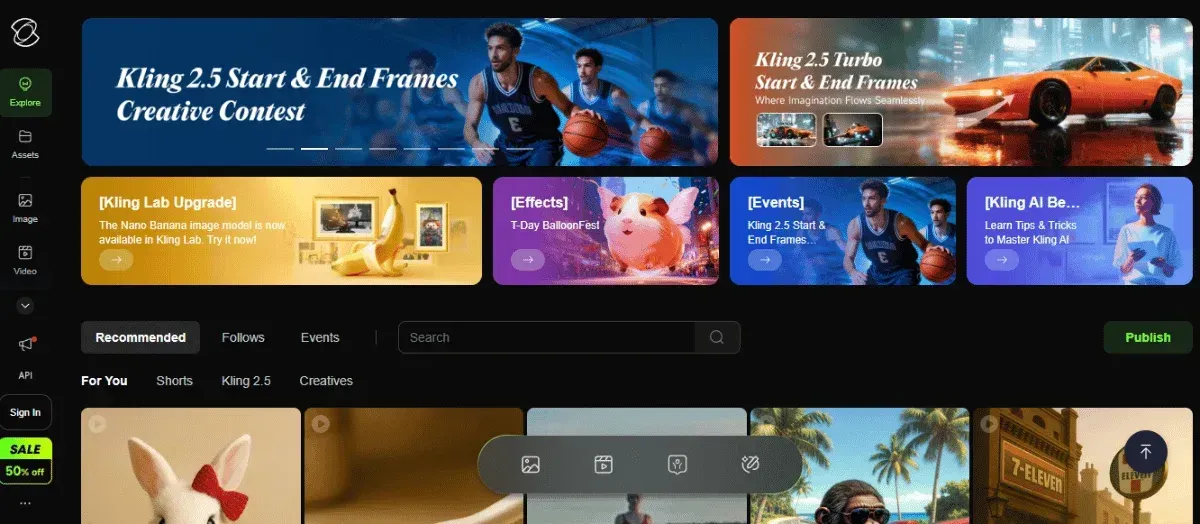
Kling AI requires clear instructions in the form of prompts to create scenes and motions that align with your expectations.
To get your creations right, start by selecting the tool you want:
- Text-to-video
- Photo-to-video
- Image-to-video
- Image editing with prompts.
Then it’s time to write your prompt, and here’s how to do that in four steps:
- Specify the subject, that is, the object or person the tool will focus on.
- Define the kind of movements you want them to make.
- Describe the scene with as much detail as possible, like the atmosphere, lighting, and camera view.
- Include information on what to avoid, such as dark shadows or blurry edges, to ensure you get clean visuals.
How Much Does Kling AI Cost?
Kling AI offers a free tier with 180 credits per month.
You can unlock more features and capabilities with any of these paid subscription plans:
- Standard: For $79.2 yearly, create 33 standard videos and 3,300 images without watermarks.
- Pro: At $293.04 yearly, generate up to 150 videos and 15,000 images, queue unlimited tasks, and get priority access to new features.
- Premier: For $728.64 yearly, get access to all the same features as the Pro plan and generate 400 standard videos and 40,000 images.
- Ultra: At $1,299.99 yearly, unlock the beta test version of Kling AI with premium features and the ability to generate 1,300 standard videos and 130,000 images.
What is Runway?
Runway is an AI animated image and video generator that accepts images and text prompts to produce cinematic AI visuals in seconds.
- Access the platform via the web or download the app. Sign up with your email address, Google, Apple, or a Single Sign On (SSO)
- Access tools to add dialogue, add performance, remove elements from your videos, change image style, reshoot products, and upscale the videos.
- Available in different models — Gen-1, Gen-2, Gen-3, and Gen-4 — with the newer versions offering greater control and consistency.
How to Use Runway Video Generator?
Start by signing up for an account using your email address. You can then log in to your account to access the free plan, which includes 125 credits.
Follow these 5 steps to generate your AI creation:
Step 1: Start a Generative Session
Start by choosing what you want to generate, whether it’s image-to-video generation, advanced camera controls, or video editing.
Step 2: Insert Your Prompt
Write a descriptive prompt or upload an image or video you want to refine.
Step 3: Configure Settings
Adjust features such as aspect ratios, control parameters, scenes, camera angles, and color palettes to achieve the visuals you’ve imagined.
Step 4: Generate an AI Visual
In just 10 seconds or less, your image or video will be ready, and you can edit and download it for use.
Post-generation edits can involve adding an audio track, trimming a video, re-timing content, or expanding the video.
Step 5: Save and Share
When you’re satisfied with your results, you can download your image or video.
How Much Does Runway AI Cost?
As we’ve mentioned, you get a free trial with one-time, 125 credits when you sign up for a Runway AI account.
You can try out the tools casually, and you’ll get watermarked images or videos.
For more features and abilities, you can pay for any of the subscription plans, which include:
- Standard: At $12 per month, forget the watermarks and enable more storage, faster queues, and upscaling.
- Pro: Get more at $28 per month with all standard features and advanced tools, like larger storage, higher priority, and custom voices.
- Unlimited: Unlock the complete package that allows you to generate many outputs without being throttled in certain models.
- Enterprise: Get a custom plan for your team with custom credits, enhanced support, tailored workflows, and workspace controls.
Relevant Characteristics Between Kling, Runway, and DomoAI
Here’s the deal of Kling vs. Runway (and DomoAI) across key characteristics:
| Characteristics | Kling | Runway | DomoAI |
|---|---|---|---|
| Output Quality | Realistic and cinematic | Professional quality | High-quality and stylized visuals |
| Customization & Control | Moderate customization potential | High, extensive parameter controls | Moderate to high for style and prompt tuning |
| Ease of Use | User-friendly with a low barrier for experimentation | Intuitive interface with quite a learning curve | Very user-friendly, made for creators of all skill levels |
| Creative Flexibility | Results adaptable by prompts | Supports mixed workflows and manual editing | High for stylistic transformations and hybrid pipelines |
| Realism vs. Stylization | Realism is limited | Capable of realistic outputs | Realism is possible but varies by model/style. |
| Output Resolution & Quality | Good for short clips | Strong resolution options | Good resolution for social/video content |
| Integration & Platform Access | Web- or app-based, with a few third-party integrations | Rich integrations and API access | Web app plus Discord ecosystem |
| User Interface Design | Minimal and prompt-centric | Polished and feature-rich | Clean and guided |
| Learning Curve | Low to moderate | Moderate to high | Low |
| Community & Collaboration Features | Limited collaboration features and a small community | Team workspaces, an active forum, and collaboration tools are available | Top creator community on Discord |
| Licensing & Commercial Use | Commercial usage rights vary based on regions | Commercial usage rights are available on most tiers | Generally permits commercial use |
| Pricing Model | Credit- and usage-based pricing models | Subscription and credits models available | Subscription and credits models available |
Similarities and Differences
Find out the key similarities and differences between Kling, Runway, and DomoAI to help you decide on the best AI creation tool for you.
Kling, Runway, and DomoAI Differences
Kling, Runway, and DomoAI differ in these ways:
- Results: The platforms differ in how quickly they deliver results and in the quality of their creations.
- Ideal use: Kling focuses on realistic and cinematic video generation, while Runway supports professional-grade video editing and AI compositing. Then, DomoAI shines as the all-in-one creative suite.
- Ease of use: DomoAI is designed for simplicity and a minimal learning curve. Runway offers a middle ground — powerful yet accessible, with a dashboard-based workflow — but Kling requires more technical input and has a steep learning curve.
Kling, Runway, and DomoAI Similarities
While these three AI generators have some stark differences, they’re also similar in some way, such as:
- They offer free access and subscription plans.
- They have tools and apps for editing, transforming, and generating images and videos.
- The three tools allow users to submit textual and media prompts to generate output.
- They allow restyling, transforming, and editing of media
- They’re user-friendly and accessible to creators of all skill levels.

Bottom Line
When looking for a generative AI image and video generative tool, Kling, DomoAI, and Runway are consistently top contenders.
However, while Kling and Runway have their strengths, DomoAI stands out for its all-in-one creative ecosystem, letting you generate, stylize, and animate in just a few clicks.
So, whether you’re an artist experimenting with style, a marketer producing short-form content, or a storyteller breathing life into characters, DomoAI gives you the freedom to create without limits.
It combines realism, animation, and voice synchronization into one seamless platform, eliminating the need for complex editing.
Sign up today to unlock the power of our powerful and innovative AI animation platform.
Frequently Asked Questions (FAQs)
Get answers to some of the most frequently asked questions about Kling AI versus Runway versus DomoAI.
How Do Video Editing Capabilities Compare Across DomoAI, Kling, and Runway?
DomoAI, Kling, and Runway provide video editing capabilities, but they differ in emphasis:
- DomoAI excels in style transfers and transformations of existing videos and images.
- Kling AI plus camera and motion control, and cinematic generation pipeline.
- Runway leans more toward a full-editing workflow with generation and post-edit tools.
Which Platform Offers Better Control Over Motion and Camera Angles?
DomoAI takes the lead in terms of motion precision and camera control. Its video-to-video and image-to-video tools give users advanced flexibility over movement, perspective, and framing.
Do Kling, Runway, or DomoAI Support Lip Syncing or Talking Avatars?
DomoAI and Kling AI both support lip-syncing and avatar generation, but DomoAI takes it a step further.
With DomoAI, users can pair animated character models or portraits with AI-generated voices to create realistic speech and facial movements.
Unfortunately, Runway doesn’t currently include native lip-syncing or talking avatar features.


