

Since 2022, artificial intelligence has dominated the conversation around content production. But what’s the deal with AI video generators in 2026? Let's find out.
These tools help you create compelling clips to promote products, explain services, or connect with your audience in a fraction of the time. Instead of starting from scratch, they create unique videos from simple text prompts, images, or even other videos.
This post will introduce you to the 13 best AI video generators, tested and ranked to help you choose the right tool for your next project.
What is an AI Video Generator and Why Does it Matter?
An AI video generator is a tool that uses artificial intelligence to create entirely new video content from inputs like text, images, or other videos. It takes your prompt and generates a response based on different models and reference points.
In 2026, these tools have gone from simple curiosities to powerful creative partners. Modern generators can now:
- Generate longer, more coherent video sequences (up to 60+ seconds)
- Maintain better temporal consistency and object permanence
- Offer improved motion quality and reduced artifacts
- Support higher resolutions (4K and beyond)
- Integrate multimodal inputs (text, image, and video)
How Do AI Video Generators Work?
Before there were text-to-video generators, there were text-to-image generators. These tools utilize natural language processing and machine learning algorithms to generate entirely new videos from scratch based on user prompts. Oftentimes, they are trained on large datasets of existing videos and then learn to create new videos based on patterns they find in the prompts and visuals. Because the output of text-to-video generators is much more dynamic than a single image, the conversion process is much more complicated. Essentially, the AI generator must predict how the subject in an image will shift and move, and it must produce multiple images in sequence to create the illusion of motion.
From Image Generation to Full Video: The Evolution Continues
While AI video generators have improved dramatically, they still work best as supplements to traditional footage rather than complete replacements. Smart creators use AI to fill gaps when stock footage falls short or to generate B-roll on a tight deadline.
They are also great for creating stylized content that would be expensive to film or for testing creative concepts before investing in full production.
Who Should Use AI Video Generators?
For Social Media Marketers
AI video generators help marketers quickly create platform-specific content like short-form videos for TikTok and Reels, product demos, and explainer videos.
For Content Creators & YouTubers
Independent creators use these tools to generate B-roll footage, create channel intros and outros, and test video concepts before committing to full production.
For Educators & Trainers
Educational professionals can create engaging explainer animations, develop course materials with visual demonstrations, and produce training videos without filming equipment.
What are the best AI video generators in 2026?
1. DomoAI: The All-in-One AI Video Studio
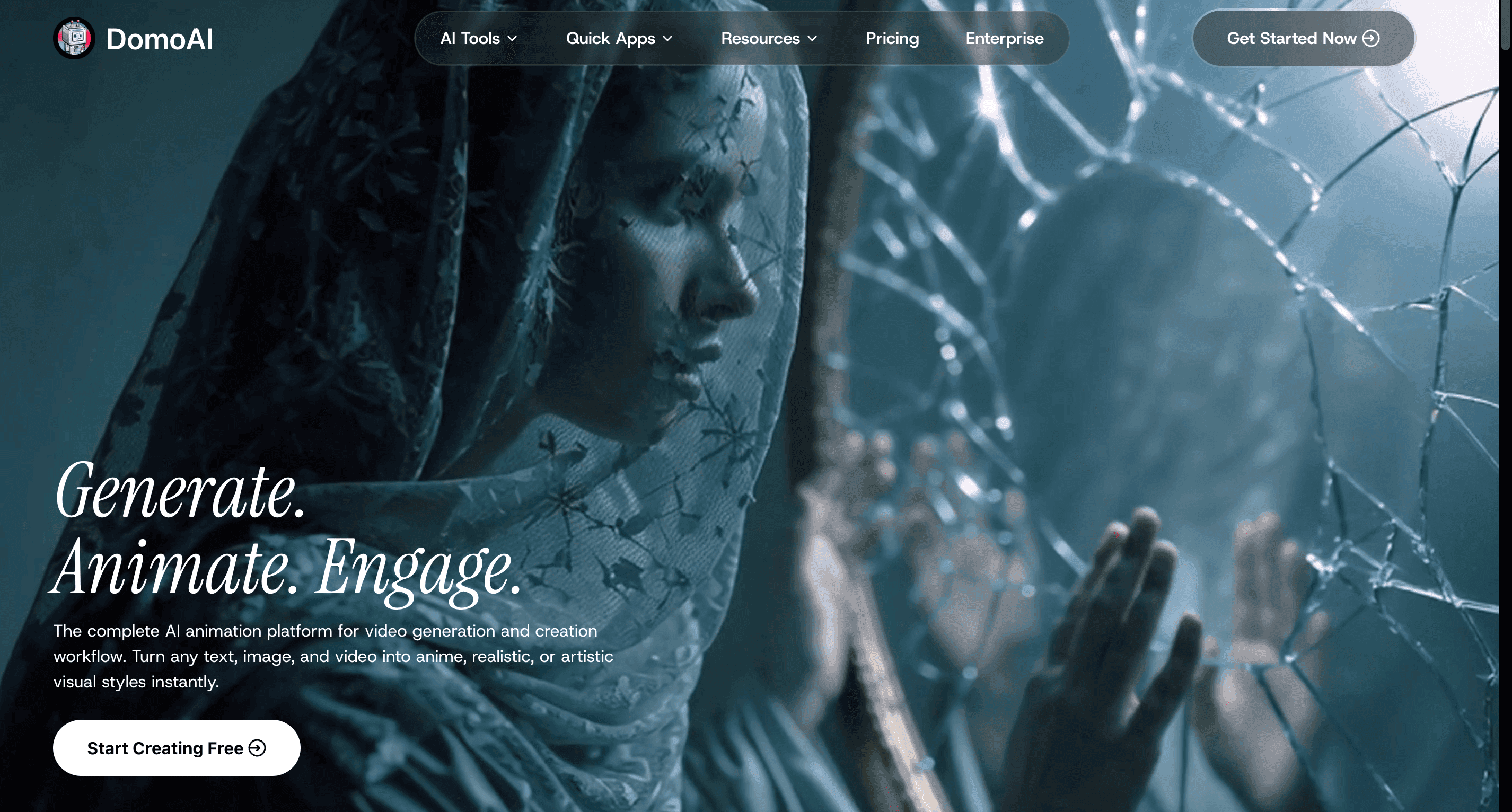
DomoAI is for creators who want professional results without the professional complexity. It combines generation, animation, and editing into a single, intuitive platform.
It's ideal for social media creators, marketers, and anyone who needs to produce high-quality video content quickly without mastering complex software.
- Key Feature: DomoAI handles your entire creative workflow—generate, animate, style transfer, and upscale to 4K—all in one platform.
- Pricing: Free plan available; paid plans start at $9.99 (with unlimited generations through Relax Mode).
Creative Freedom Without the Learning Curve: Who DomoAI Is Built For
Whether you're crafting content for social media, testing new creative ideas, or simply exploring what’s possible, DomoAI puts powerful tools in your hands, without the complexity. It’s ideal for marketers, influencers, indie creators, and anyone curious about visual storytelling.
The best part? You can get started for free. DomoAI removes the barriers to high-quality video production, making it easier than ever to bring your imagination to life.
2. Synthesia: Create AI-Generated Videos with Talking Avatars
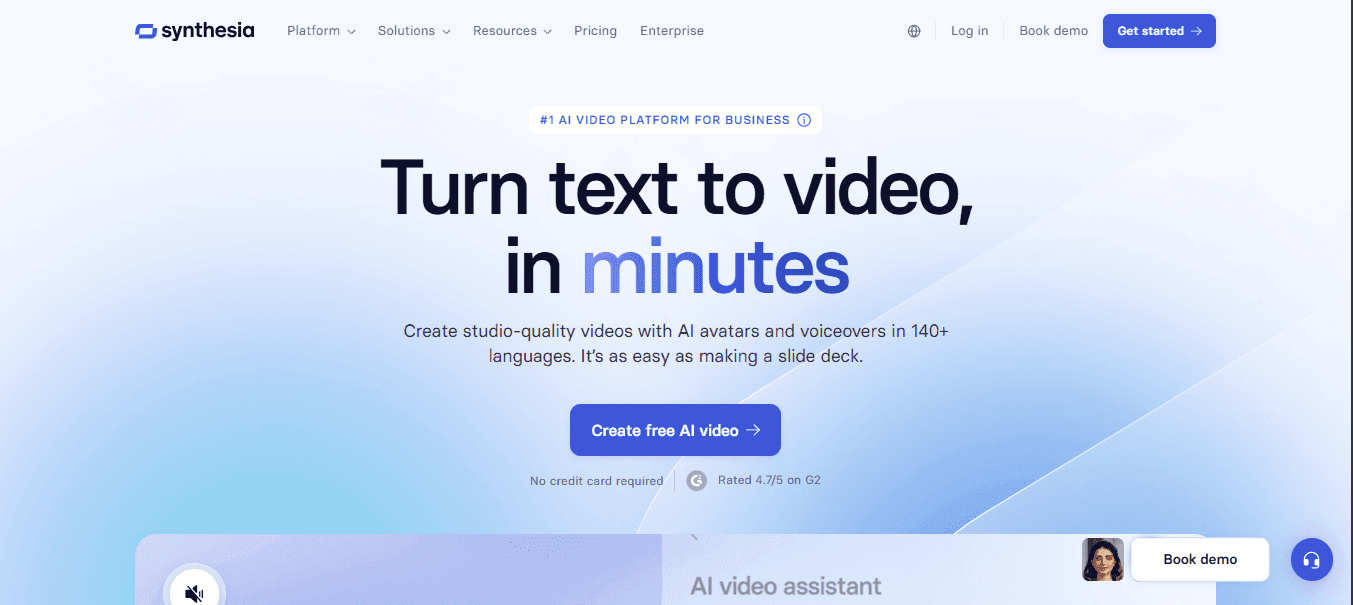
Synthesia is the gold standard for creating polished corporate videos with talking virtual presenters. It specializes in turning scripts into videos featuring realistic avatars in over 140 languages.
It’s best for corporate communications, training videos, and e-learning content where a human-like presenter is needed.
- Key Feature: A library of 140+ diverse, photorealistic AI avatars and custom avatar creation.
- Pricing: Starts at $22/month; custom avatars require an Enterprise plan.
Personalized Avatars and Voice Cloning: How Synthesia Humanizes AI Video
One feature that bears mentioning is that Synthesia enables you to take recordings of your voice and use AI to match it to an avatar. With a few recordings, Synthesia can generate an avatar that sounds just like you.
Key features of Synthesia:
- Automated script generation
- Virtual avatars to read your script
- Hundreds of background templates
- A variety of voices and languages for use by avatars
3. Runway: Generate Unique Videos from Text, Images, and Other Videos
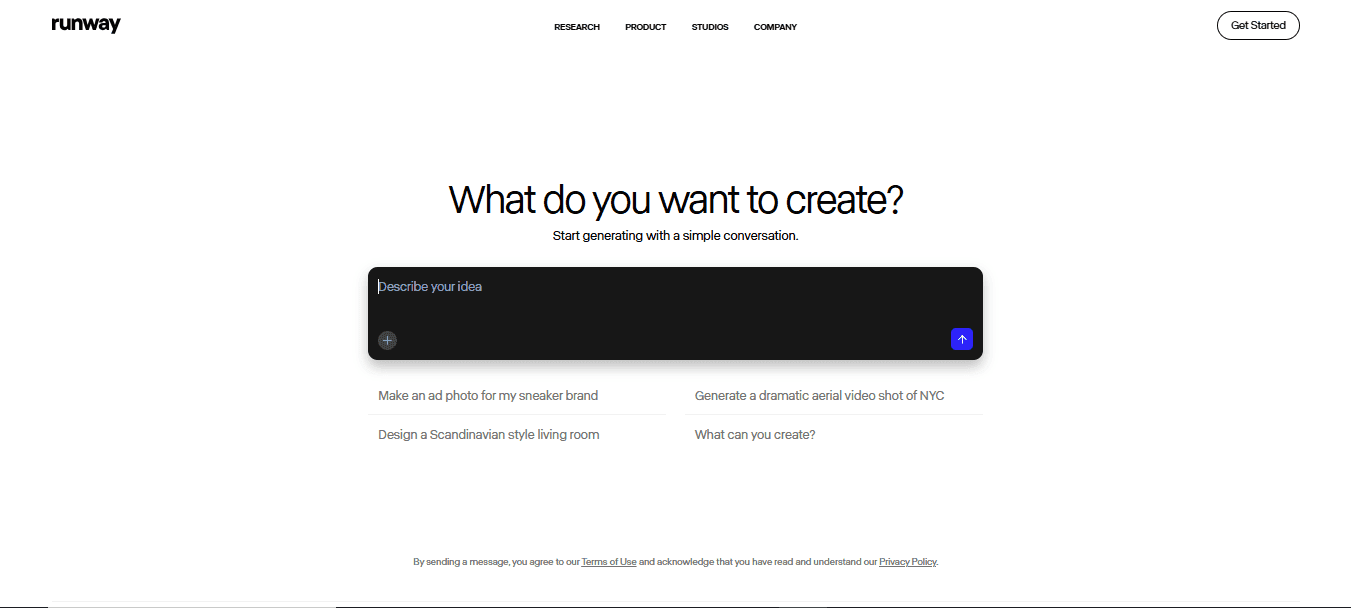
Runway is where AI video gets weird and wonderful. It offers the most comprehensive suite of generative tools for artists and filmmakers pushing creative boundaries.
Its Gen-3 Alpha model offers improved motion consistency, but the tool has a steeper learning curve and works best for short, artistic clips.
- Key Feature: The most versatile generation options, including text-to-video, image-to-video, and video-to-video.
- Pricing: Free tier with limited credits; paid plans start at $12/month.
Beyond Avatars: Runway’s Strength in Stylised, Short-Form AI Video
Runway is capable of creating videos in most styles, even those featuring humans (although they may not look perfect). The main downside of using Runway is that it’s not designed to create long-form videos. Having said that, it’s an incredible tool if you want to create unique-looking videos that don’t rely solely on avatars.
4. Fliki: Turn Your Text into Videos with AI Voices
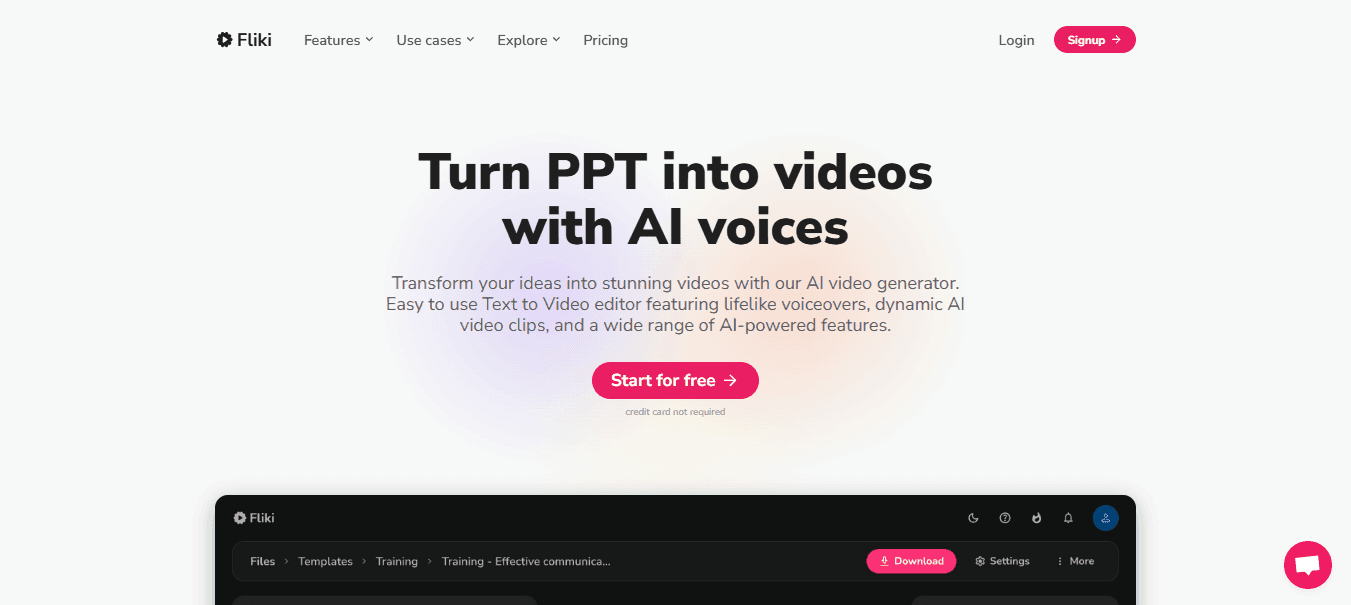
Fliki is an AI video generator that offers two approaches for creating videos.
- The first one requires uploading an existing video or using one from Fliki's stock library, and then adding an AI voiceover based on the text you input.
- The second approach involves using text to generate a video and then adding a voiceover to it.
In either case, you have a full library of voices in dozens of languages that you can use to customize the video. Fliki's mostly geared toward creating videos for social media marketing, so it can't generate more than five minutes of video at a time.
Key features of Fliki:
- The ability to generate videos from text or use stock media from Fliki's library
- Voiceover capabilities, with dozens of available voices and languages
- Tools to split videos into scenes and include layers within each one
- Background music from Fliki's library of stock media files
5. OpenArt: Best for Multi-Model AI Video Creation
OpenArt is an all-in-one creative platform that brings multiple AI models and visual creation workflows together. It supports AI image generation, image-to-video, AI video generation, character and reference-based creation, and creative editing, making it useful for creators who want more flexibility than a single-model workflow.
Its AI video generator can help turn creative concepts, prompts, and visual references into video content. Creators can also start with an AI-generated image and develop it into a video through image-to-video workflows.
Key Features of OpenArt:
- AI video generation from creative prompts
- Image-to-video generation
- AI image generation and editing
- Character and reference-based workflows
- Multiple AI models within one creative platform
- Tools for social media, marketing, storytelling, and visual content creation
From Images to Video: A More Flexible Creative Workflow
One of OpenArt's advantages is the ability to connect image and video creation in the same workflow. Creators can develop a character, product visual, or scene first and then use it as the foundation for video generation.
This makes OpenArt particularly useful for creators who want to experiment with different visual concepts before turning them into finished video content.
6. Zoviz: An All-in-One AI Video Generator Built for Marketers and Brand Owners
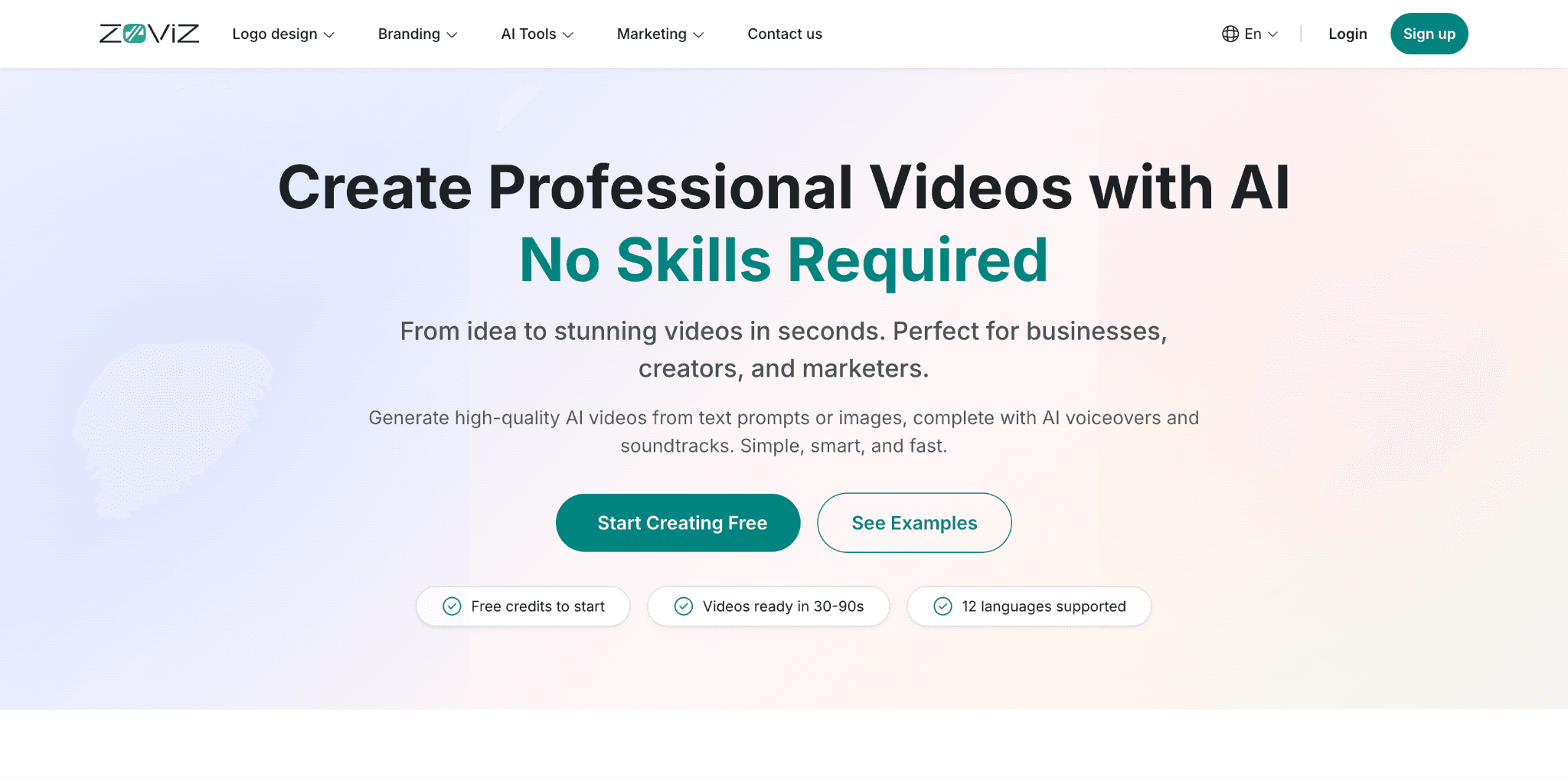
Zoviz started as a logo maker and brand kit platform, but has turned into all in one branding and marketing platform. Its AI video generator has quietly grown into one of the more practical options for businesses that need brand-consistent video content without a steep learning curve.
It is the best video generator for marketers, e-commerce teams, and small businesses that need product demos, social media clips, and branded video ads rather than cinematic or experimental outputs.
- Key Feature: Four distinct generation modes - Basic Video, Professional Studio, Logo Animation, and Product Showcase — each tailored to a specific use case.
- Pricing: Free credits included to start; paid plans available with full commercial rights on all exports.
Built Around the Brand, Not Just the Clip: Who Zoviz Works Best For
Where tools like Runway or Kling prioritize raw generative power, Zoviz focuses on usefulness for everyday marketing workflows. You can go from a text prompt to an HD or 4K video in 30–90 seconds, with AI voiceovers available in 12 languages and aspect ratios optimized for YouTube, TikTok, Instagram, and ads. It's a particularly good fit if you're already using Zoviz for logos or branding, since your visual identity carries through into every video.
On SourceForge, it holds a 4.9/5 rating from verified users. Reviewers highlight speed and ease of use — one marketer noted the videos "look realistic and cinematic," while another called it "professional quality for free" on the starter credits.
Key features of Zoviz:
- Text-to-video and image-to-video generation
- Professional Studio mode with AI-written scripts
- Logo animation and product showcase templates
- AI voiceovers in 12 languages
- HD and 4K export in MP4, MOV, WebM, and GIF
7. Animaker: A Beginner-Friendly Animation Software
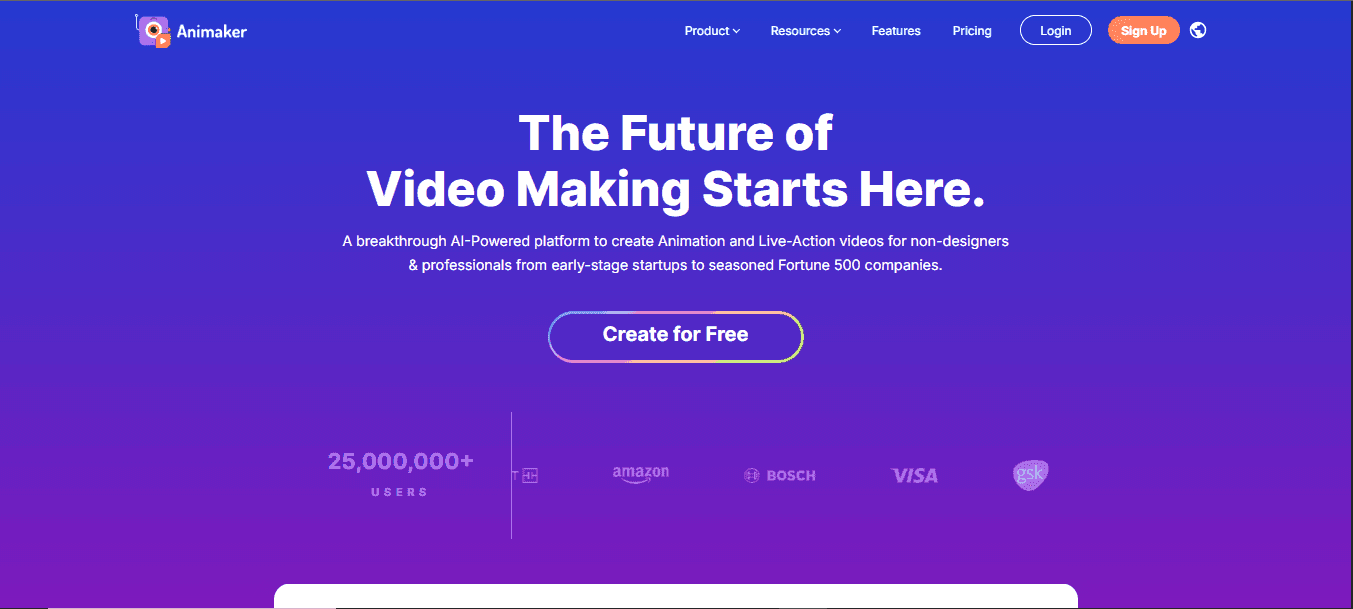
Launched in 2014 by a group of creative entrepreneurs, Animaker was designed to make video creation accessible to everyone, regardless of technical skills. Over the years, Animaker has evolved into a robust platform renowned for its intuitive interface and extensive library of assets.
It’s particularly popular for creating:
- Explainer videos
- Presentations
- Educational content
Animaker is a great animation software for social media managers, small business owners, and educators who need to create animated video content quickly.
No Animation Experience? No Problem: How Drag-and-Drop Tools Make Video Creation Easy
Its user-friendly interface makes it accessible to those with little to no experience in animation.
Key features:
- Drag-and-drop interface for easy video creation
- An extensive library of pre-made characters, props, and backgrounds
- Multiple animation styles, including 2D, whiteboard, and infographic animations Launched in 2014 by a group of creative entrepreneurs, Animaker was designed to make video creation accessible to everyone, regardless of technical skills. Over the years, Animaker has evolved into a robust platform renowned for its intuitive interface and extensive library of assets.It's particularly popular for creating:
- Explainer videos
- Presentations
- Educational content
Animaker is a great animation software for social media managers, small business owners, and educators who need to create animated video content quickly.No Animation Experience? No Problem: How Drag-and-Drop Tools Make Video Creation EasyIts user-friendly interface makes it accessible to those with little to no experience in animation.Key features:
- Drag-and-drop interface for easy video creation
- An extensive library of pre-made characters, props, and backgrounds
- Multiple animation styles, including 2D, whiteboard, and infographic animations
8. Sora AI: An Advanced Tool for Creating AI Animation
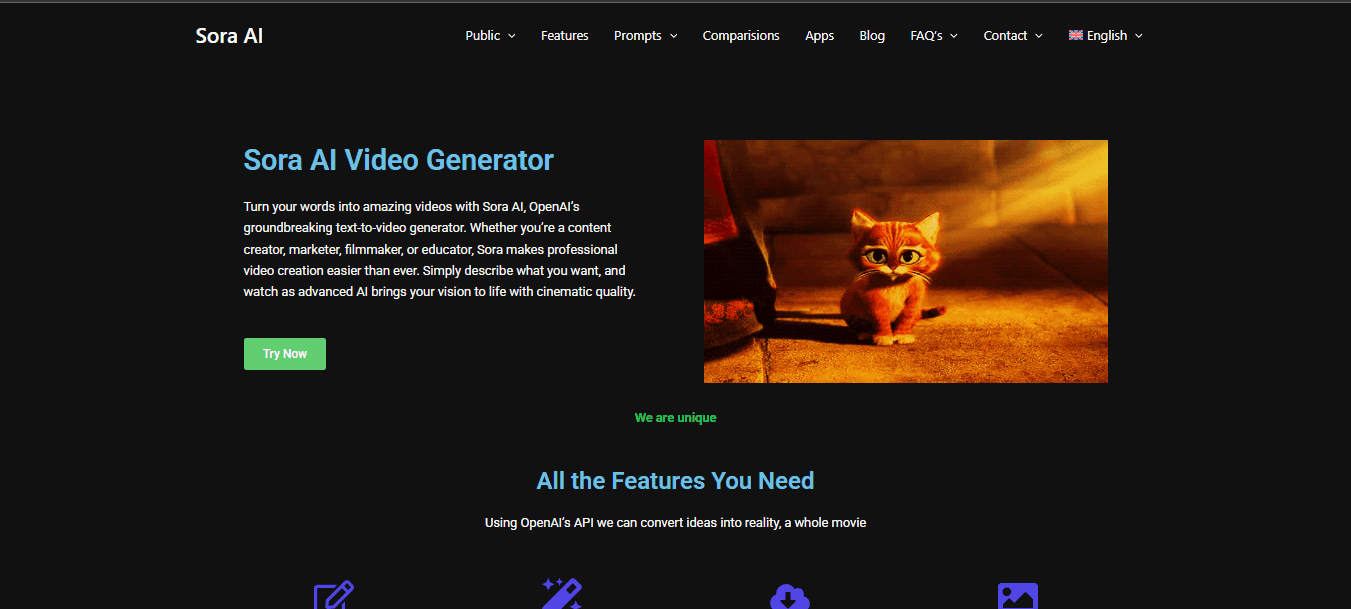
Launched in 2021 and developed by OpenAI, Sora AI is one of the most advanced AI animation generators on the market. It combines cutting-edge AI technology with a user-friendly interface, offering high-quality animation solutions for both professionals and beginners.
Sora AI aims to democratize sophisticated AI animation generation, making it accessible to a broader audience. Sora AI is a viable option for startups, small businesses, and individual creators looking for advanced yet accessible animation tools.
AI-Powered Animation for Non-Animators: How Teams Create Studio-Quality Clips Without the Skillset
It's especially great for those who want to leverage AI to create high-quality animated clips without the need for animation skills.
Key features:
- AI-driven character animation and motion generation
- Customizable templates for various animation styles
- Real-time collaboration tools for team projects
- Integration with other creative software and platforms
9. Adobe Animate: The Industry Standard for Animation
Adobe Animate, a flagship product from Adobe Inc., has been a leading tool in digital media and creative software since its inception. Initially launched as FutureSplash Animator in 1996, it was later acquired and rebranded by Macromedia and subsequently by Adobe. Today, Adobe Animate incorporates AI technology to streamline animation processes. It also integrates with other Adobe Creative Cloud apps. Adobe Animate is best for professional animators, designers, and content creators who need versatile tools for complex projects, including realistic animations.
For Adobe Users, It's a Natural Fit: How Seamless Integration Elevates Animation Workflows
Its integration with Adobe's ecosystem makes it the go-to software for those already familiar with Adobe products.
Key features:
- Vector animation tools for creating interactive content
- AI-powered features for smoother animations and motion paths
- Extensive library of assets and templates
- Integration with Adobe Sensei AI for intelligent automation
10. Renderforest: Create Animations and Videos with Ease
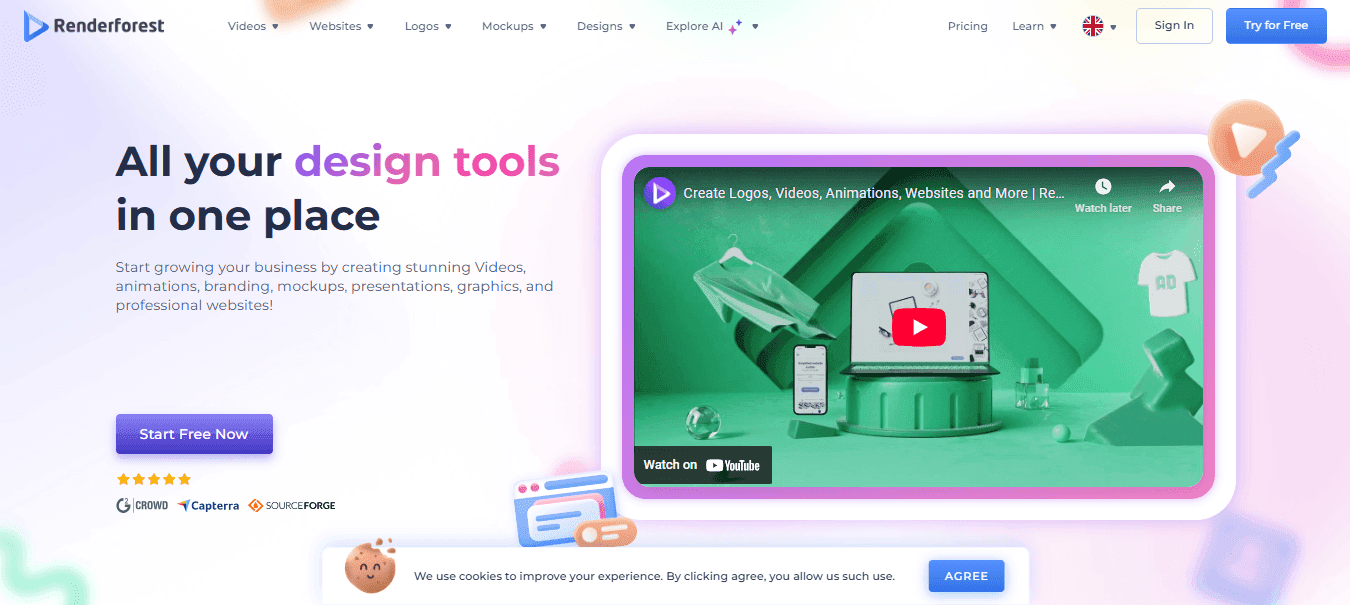
Renderforest offers a suite of tools for creating:
- Videos
- Logos
- Websites and more
Known for its user-friendly interface and wide range of templates, the platform has become a go-to solution for marketers and content creators looking to generate animations quickly and efficiently.
Renderforest is ideal for marketers and content creators who need to create videos, such as:
- Presentations
- Product demos
- Social media clips
- Animated explainer videos and more
Consistency at Scale: How Template-Driven Tools Help Creators Produce More, Faster
Its wide range of templates and ease of use make it a valuable tool for those who need to create content consistently.
Key features:
- Ready-made templates for various video types
- Logo animations and music visualization tools
- AI-driven video creation tools, including an AI animation maker
- Integration with cloud storage for easy access and sharing
11. VideoScribe: The Best Tool for Whiteboard Animation
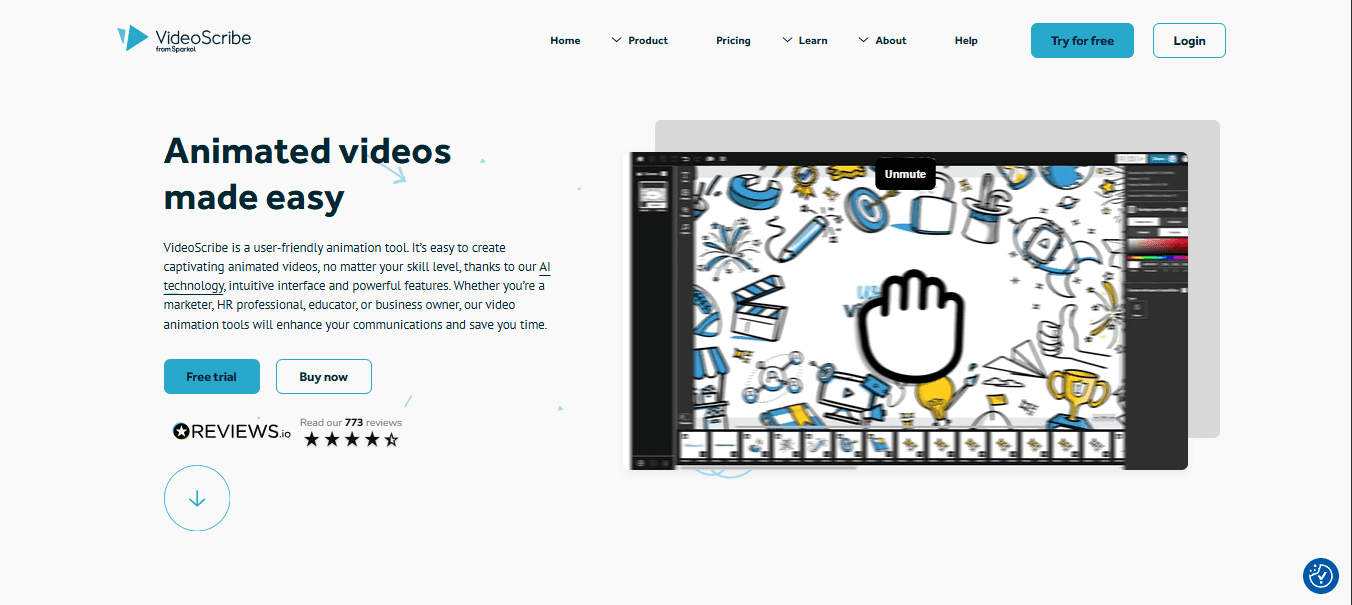
VideoScribe is ideal for beginners and professionals seeking a straightforward, drag-and-drop animation tool. It simplifies the process of turning ideas into engaging animated videos, making it a valuable tool for educators, marketers, and anyone looking to create professional animations without extensive training.
VideoScribe addresses the common issue of creating complex and time-consuming animations by offering an intuitive drag-and-drop interface. It allows users to create animations effortlessly, providing a vast library of images and templates that speed up the creation process.
Key Features:
- Drag-and-drop interface
- Vast library of images and templates
- Quick and easy animation creation
12. Krikey.ai: Create Talking 3D Avatar Animations
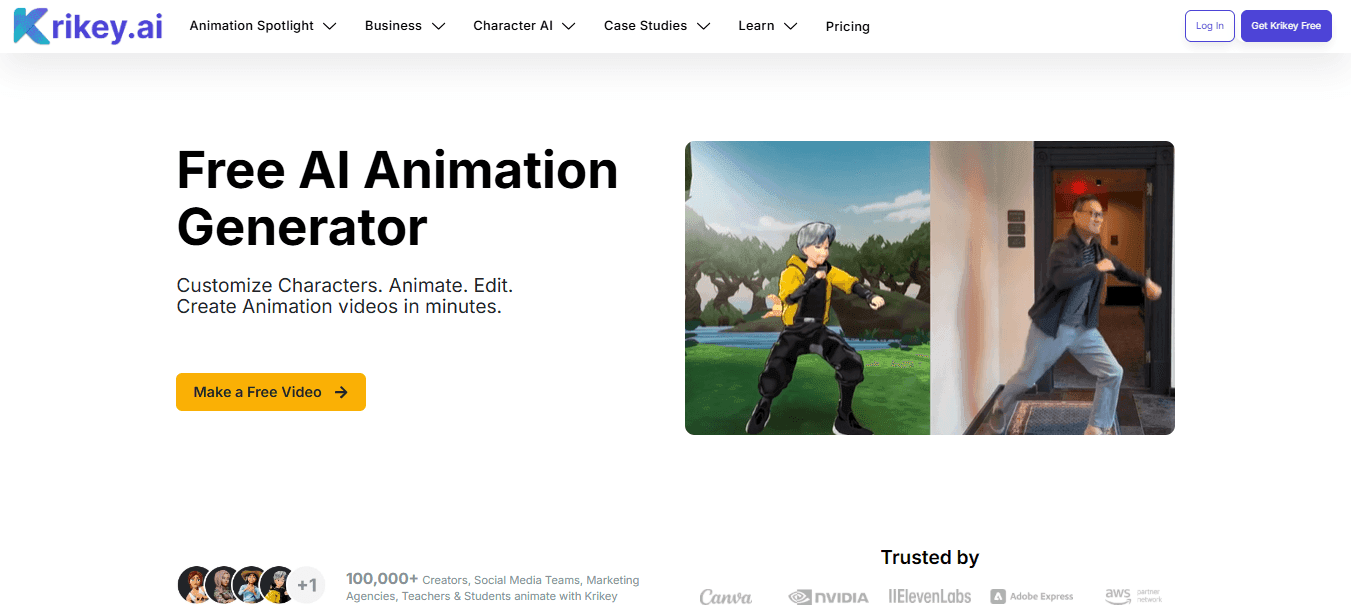
Krikey.ai enables users to effortlessly animate talking 3D avatars. This tool is ideal for those who want to create engaging, aesthetically pleasing designs without requiring extensive animation knowledge. The platform's ease of use and wide range of features make it a top choice for:
- Individuals
- Educators
- Small businesses
Krikey.ai effectively addresses the common pain point of complicated animation processes by providing a user-friendly interface and intuitive tools. Users can create animations using text or video prompts and add dialogue with the integrated Voice AI tools. This eliminates the need for advanced technical skills, allowing users to focus on creativity.
Key Features:
- 3D avatar creation and animation
- Voice AI for adding dialogue
- Social media integration
13. LeonardoAI
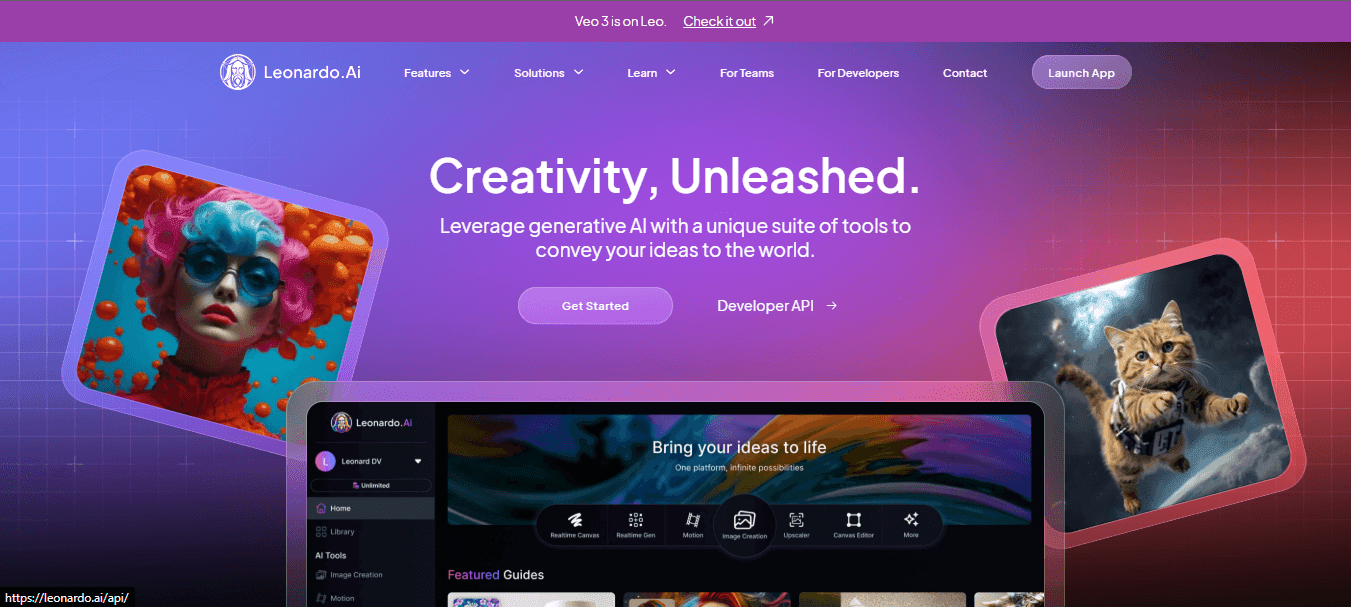
LeonardoAI, founded in 2018, is a cutting-edge AI animation maker focused on integrating advanced AI capabilities into animation. The company was founded by a team of AI researchers and animators who sought to push the boundaries of what is possible in animation. LeonardoAI is recognized for its advanced AI algorithms that produce high-quality, realistic animations.
Key Features:
Advanced AI-driven animation tools, customizable characters, and real-time rendering.
Related Reading

AI Video Generator Pricing: What to Expect
Let's talk money. Understanding how these tools are priced helps you pick the right one without breaking the bank. Most fall into one of these categories:
- Freemium Models: These offer a free tier with limitations like watermarks or lower resolution. They're great for testing a tool before you commit.
- Credit-Based Systems: You pay per video generation, which is useful for occasional users. This can get expensive with heavy use.
- Subscription Tiers: You pay a fixed monthly or annual cost for a set number of generations. This offers predictable budgeting for regular creators.
Current Limitations of AI Video Generators
AI video is cool, but it's not magic... yet. It's important to set realistic expectations. Here are the current limitations and how to work around them.
Most generators struggle with creating clips longer than 10-60 seconds, and can sometimes produce jerky motion or inconsistent objects. The workaround is to keep prompts simple, generate multiple short clips, and stitch them together in a traditional editor.
Expert Tips for Getting the Most from AI Video Generators
Use Cinematic Language in Your Prompts
Writing great prompts is like directing a movie. Use cinematography terms like "wide shot," "pan left," or "soft, flickering light" to guide the AI.
Iterate and Refine
Your first result probably won't be perfect. Review the output, tweak your prompt, and try again. Experimenting is key to getting the result you want.
Pro tip: Save your successful prompts in a "prompt library." As you discover what works, document it—your best prompts are valuable assets.
What's Next for AI Video?
The AI video landscape is evolving rapidly. Here are a few trends to watch in 2026.
Expect to see models capable of generating coherent sequences of 1-3 minutes, a huge leap from the current 10-second barrier. Also, look for multi-modal integration, where a single prompt can generate synchronized video, audio, and text all at once.
Frequently Asked Questions
What is the best AI video generator?
The best tool depends on your goal. DomoAI is a great all-in-one option for creators, Synthesia is for corporate avatars, and Runway is for artistic experiments.
Are AI video generators free?
Many offer free plans with limitations, like DomoAI and Runway. Full features and commercial use typically require a paid subscription.
Can I use AI-generated videos commercially?
Most paid plans grant commercial rights, but free plans usually don't. Always check the tool's specific terms before using videos in paid projects.
How long can AI videos be?
As of 2026, most generators create clips from 3-10 seconds, with advanced tools reaching 60 seconds. For longer content, creators stitch multiple clips together.
Do AI video generators replace human videographers?
No, they complement human creativity. They are tools for accelerating workflows and testing concepts but lack the nuance and strategic thinking of a professional.
Start Creating with DomoAI
The barrier to pro-level video is officially gone. In 2026, AI video generators are no longer just toys—they're reliable creative tools.
DomoAI removes the traditional obstacles of expensive equipment and complex software. All you need is your creativity and a few simple prompts.
Ready to see what you can create? Start with DomoAI's free plan. Your first professional-quality AI video is just minutes away.


