

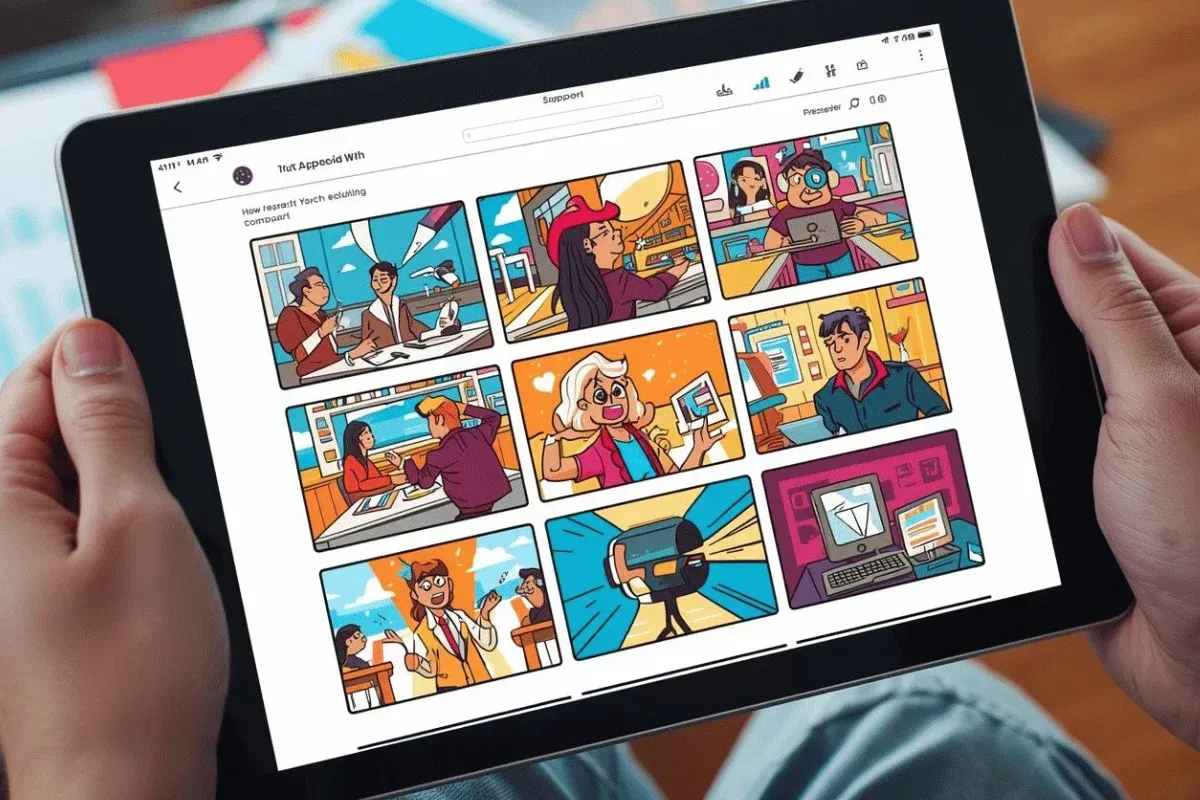
Content creation on YouTube is a fast-paced, fast-evolving landscape. You need to constantly adapt your processes to generate content that captivates your audience and attracts new viewers. That is where visual planning comes in.
Unlike traditional storyboarding, which is tedious and costly, you can use an AI storyboard generator to transform prompts, scripts, and basic concepts into visual outlines in minutes.
In this article, we shall explain what AI storyboard generators are, key features to evaluate, and how to choose a generator appropriate for you.
We shall also highlight the top AI storyboard generators.
TL;DR - Best AI Storyboard Generator for YouTube Creators - DomoAI
DomoAI is the best AI storyboard generator for creators, and for good reasons:
- Excellent platform for generating content in various styles, including anime and cartoons, with over 30 styling options.
- Offers a frames-to-video generator, an option not readily available among alternatives. This means you can generate visuals from static images using up to 8 frames.
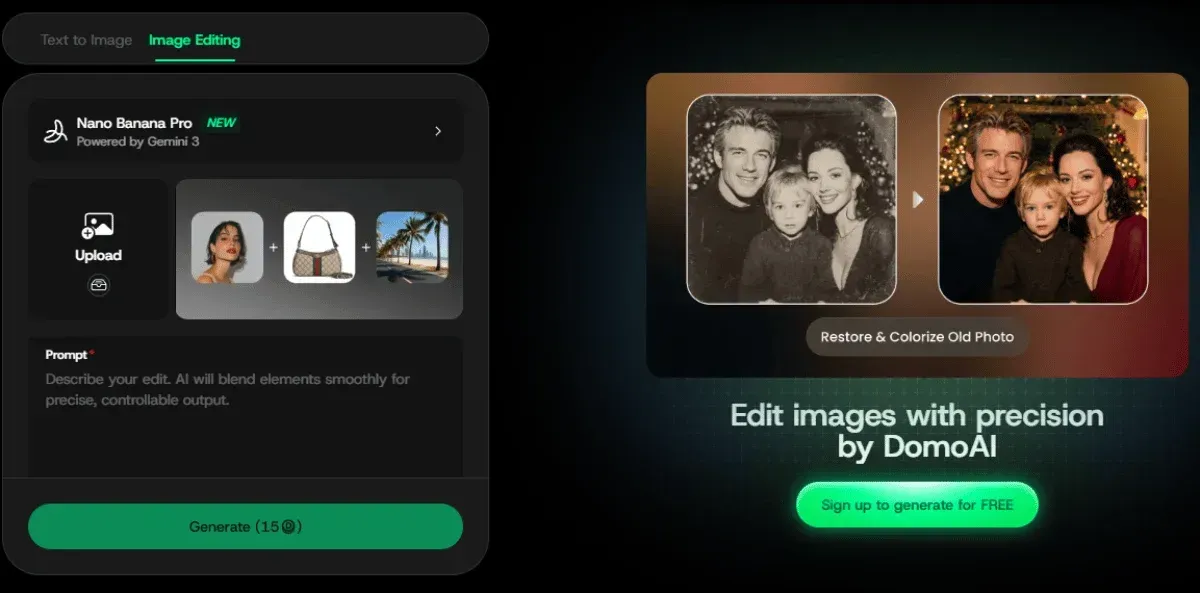
- Provides a suite of customization and editing options, including Nano Banana Pro, which is an advanced image editing engine powered by AI technology.
Continue reading for an in-depth review of DomoAI, including how you can leverage its features to create engaging storyboards for your audience.
What are AI Storyboard Generators and How Do They Work?
AI storyboard generators are platforms that take your written scripts, descriptions, or concept prompts and use artificial intelligence to convert them into visual, sequential frames ideal for films, games, and advertisements.
These generators use AI models, typically text-to-image or image-to-image models, to:
- Convert written scripts into visual scenes.
- Apply consistent character, styling, and setting across frames.
- Structure scenes into a storyboard format you can export or animate.
Some tools transform your storyboards into short animated sequences that preview how your final content will look.
Most AI storyboard generators work in the following manner:
- Prompt Creation: You begin by inputting a description of the scene you want to generate. You must provide a written script or a short prompt for each moment in the scene you wish to visualize.
- AI Interpretation and Image Generation: The AI model uses internal models to generate image panels of the scenes you described during the prompt.
- Sequence Organization: Once the AI model generates the image panels, you can reorder them, edit visuals, add short notes, and revisit prompts to develop more polished visuals.
- Export or Animate: You then export the storyboards as PDFs, videos, or images. You can also use tools such as Frames-to-Video on the Domo AI platform to convert keyframes directly into animated clips.
Some of the benefits of using an AI storyboard generator include:
- Speed and Efficiency: Using an AI storyboard generator significantly reduces the time required to turn your ideas into visual layouts. For example, it reduces pre-production time and eliminates manual sketching.
- Customization: AI generators enable you to adjust lighting, camera angles, and set moods.
- Cost-Effective: AI generators are ideal for you or your business if you are operating with limited resources, as they reduce production costs by eliminating the need to hire specialized storyboard artists.
- Accessibility: These tools enable writers, directors, marketers, and other professionals to create high-quality visual productions of their ideas without requiring traditional drawing skills.
- Enhanced Collaboration: Most AI generators allow you to collaborate in real-time with your team members to share progress, edit visuals, and provide feedback on various projects.

Key Features to Evaluate in AI Storyboard Tools for Content Creators
When using an AI storyboard tool, the features determine the quality and scope of content you can generate.
Here are the features you should look out for:
- Visual Quality and Consistency: Your storyboard should reflect your creative intentions. That includes generating consistent characters, accurate backgrounds, and realistic lighting. Poorly generated images and videos degrade your work and increase your post-production workload.
- Cinematic Customization: The generator should allow you to refine outputs, including camera angles and timing, manually. DomoAI offers this through its Nano Banana Pro integration, enabling you to edit and refine multiple images simultaneously with a single prompt. This makes the tool ideal for thumbnails and initial storyboard art, helping you maintain consistent visuals throughout the animation process.
- Animations and Video Export: Static storyboards are essential to the animation process as they help bring your narrative to life. However, you should also have the option to generate visuals using animatics. For example, DomoAI's frames-to-video tool lets you animate 2-8 keyframes to create short clips, helping manage video pacing and transitions.
- Workflow Integration: You want a tool that enables seamless workflow across the creative pipeline, from scriptwriting and editing to voice-over synchronization and final editing. This will help you save hours spent transferring your work across various tools.
Top AI Storyboard Generator Tools for YouTubers - Compared
If you are looking for an AI storyboard generator, you should consider the following options:
1. DomoAI
DomoAI is a premier AI storyboard generator that excels at generating advanced, steady, and cinematic visuals. You can create visuals using several options, including text-to-video, image-to-video, frames-to-video, and character-to-video.
DomoAI has fully integrated Google's Nano Banana Pro image editor, enabling you to use a single prompt to edit multiple images simultaneously. You can upload up to 9 images simultaneously and convert them into smooth animations that you can export in 4K resolution.
You also have access to more than 30 styling options, including anime, cartoon, and cinematic styles. In addition, DomoAI works on the web and Discord and offers competitive pricing.
Pricing:
- Basic: $6.99 per month
- Standard: $19.59 per month
- Pro: $48.99 per month
Visit DomoAI to create professional storyboards in minutes!
2. StoryboardHero
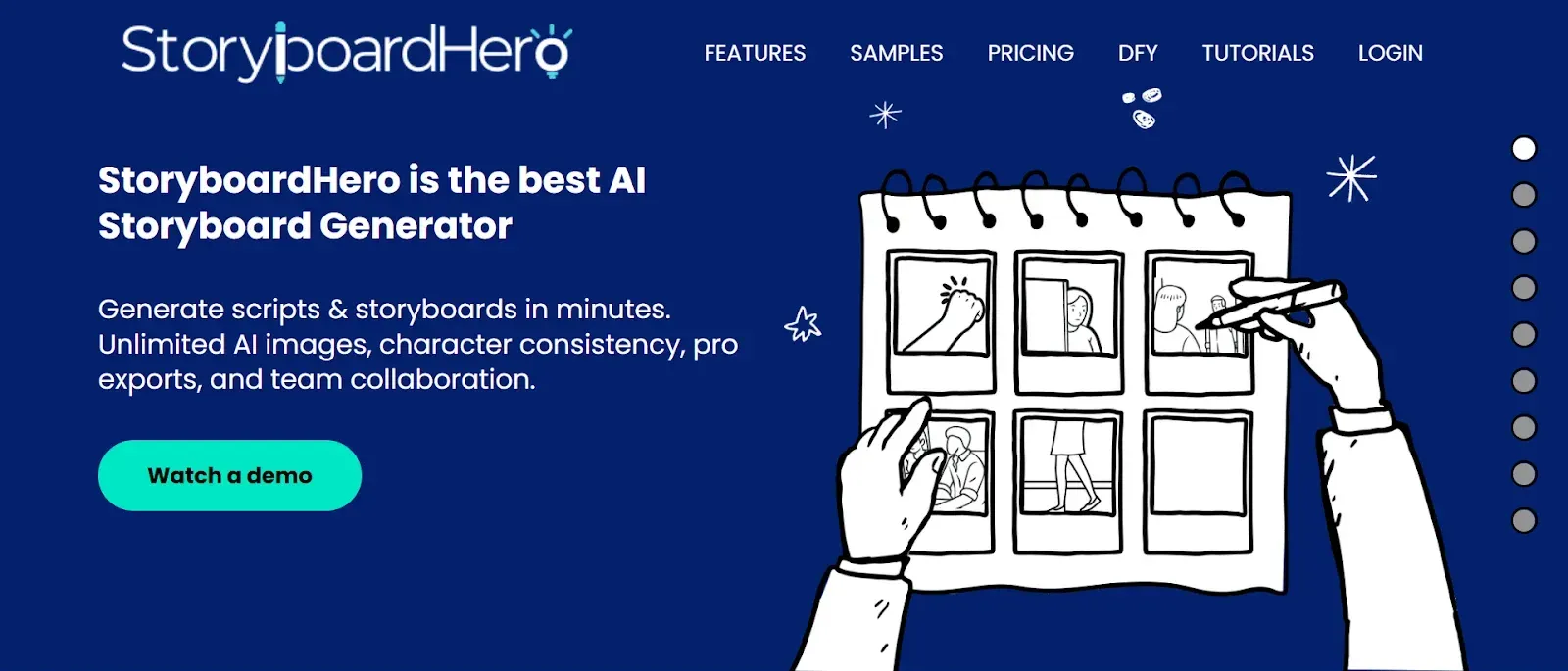
StoryboardHero is a browser-based tool that uses AI to generate storyboards from scripts.
The platform allows you to import your concepts in a formatted PDF or CSV file, then uses AI to sift through your desired scenes and shots and automatically fill in any necessary additional scenes.
Although the platform is user-friendly and efficient, it offers limited customization options and may produce suboptimal images, especially for professional and agency projects.
Pricing:
- Solo: $19 per month
- Starter: $59 per month
- Advanced: $199 per month
- Enterprise: You have to contact them for a quote
3. Boords
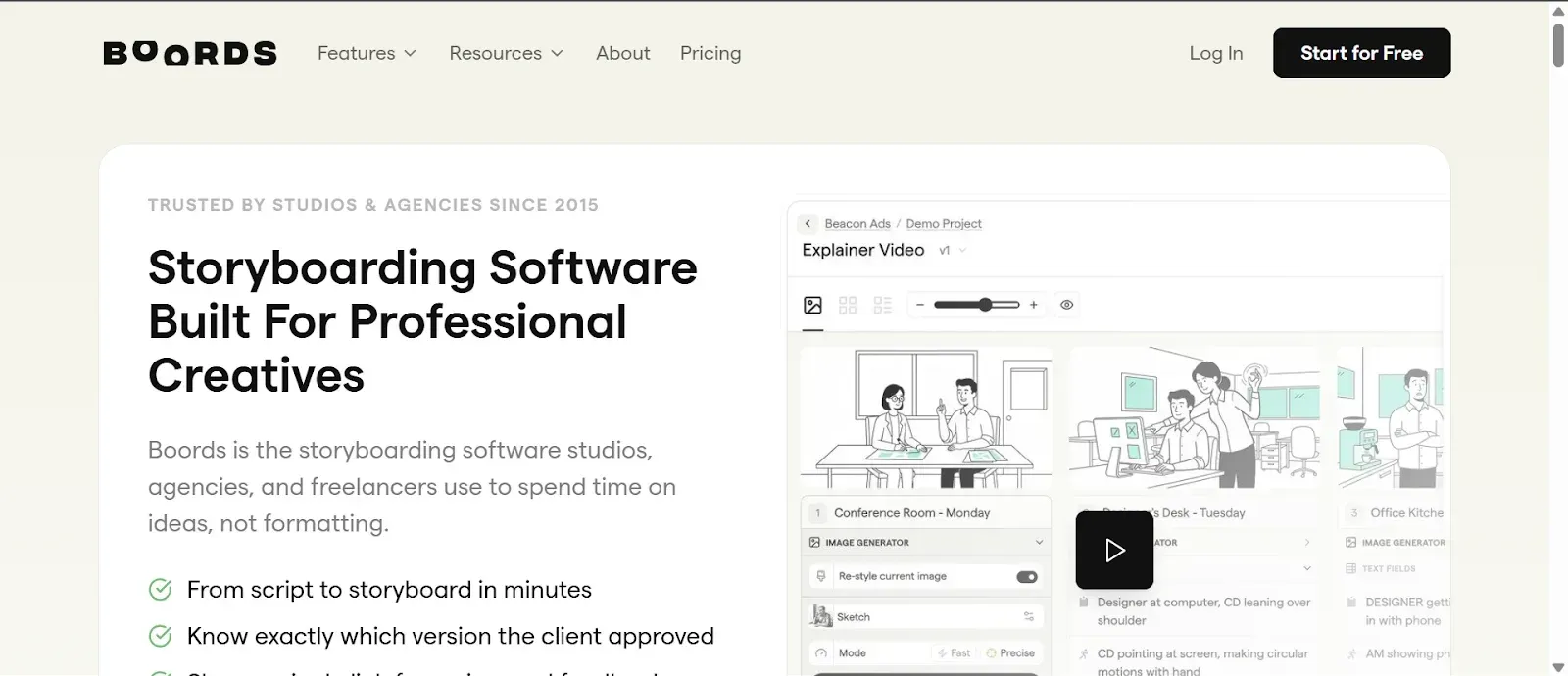
Boords is an AI generator designed primarily for professional creatives. It offers a suite of collaborative tools that make it easy for teams to work closely on a project. It also facilitates client pre-approvals, ensuring you capture a client's vision.
However, the platform lacks advanced cinematic controls and motion graphics, which hampers your ability to create consistent characters and use professional-style shots.
Pricing:
- Standard: $49 per month
- Workflow: $99 per month
4. Adobe Firefly Boards
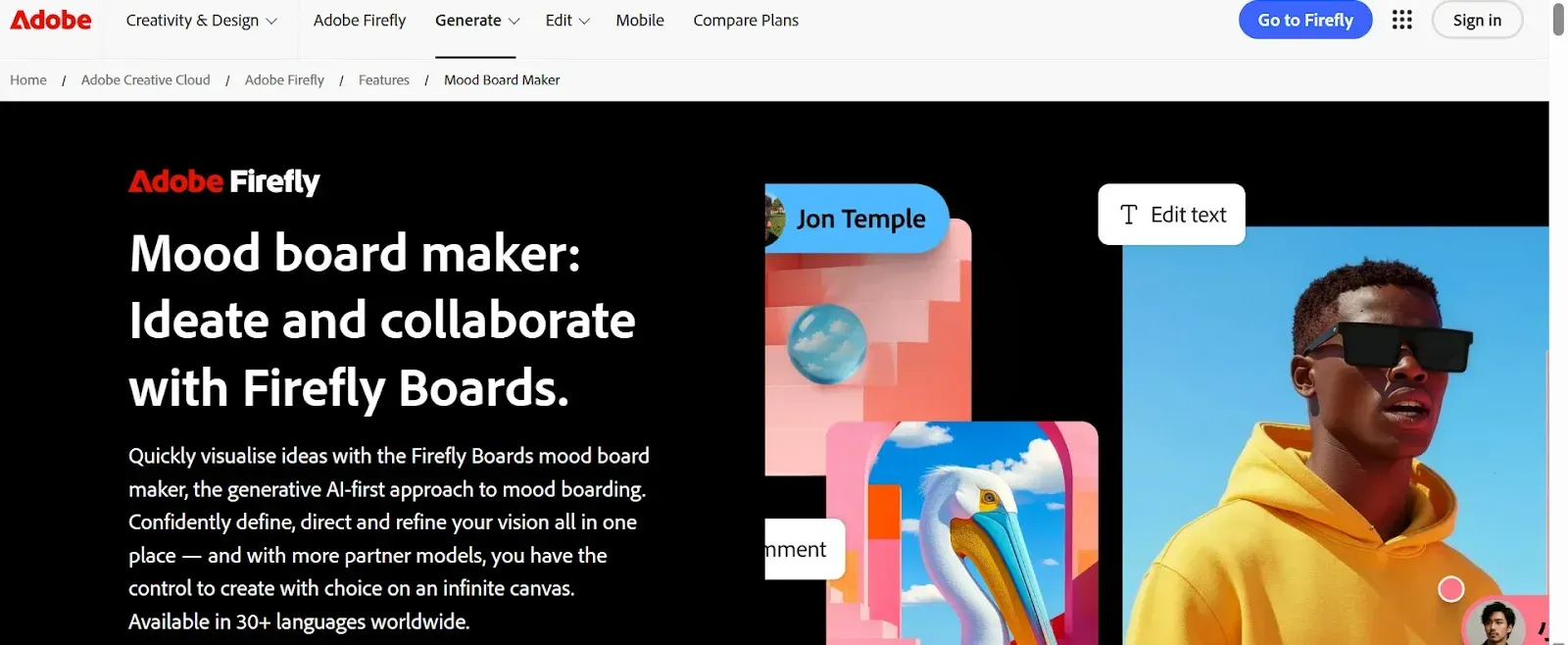
Adobe Firefly Boards is a collaborative AI generator that offers a workspace for moodboarding. The platform enables users to generate 1080p videos and provides access to the Adobe Creative Cloud ecosystem, including Photoshop, Illustrator, and other Creative Cloud tools.
However, some of its video-related tools are still in early development, so some images lack finer details. Additionally, the platform's use of generative credits can limit heavy use, as complex prompts consume credits quickly.
Pricing:
- Firefly Standard: $9.99 per month
- Firefly Pro: $19.99 per month
- Firefly Premium: $199.99 per month
- Creative Cloud Pro: $67.99 per month
5. story-boards.ai
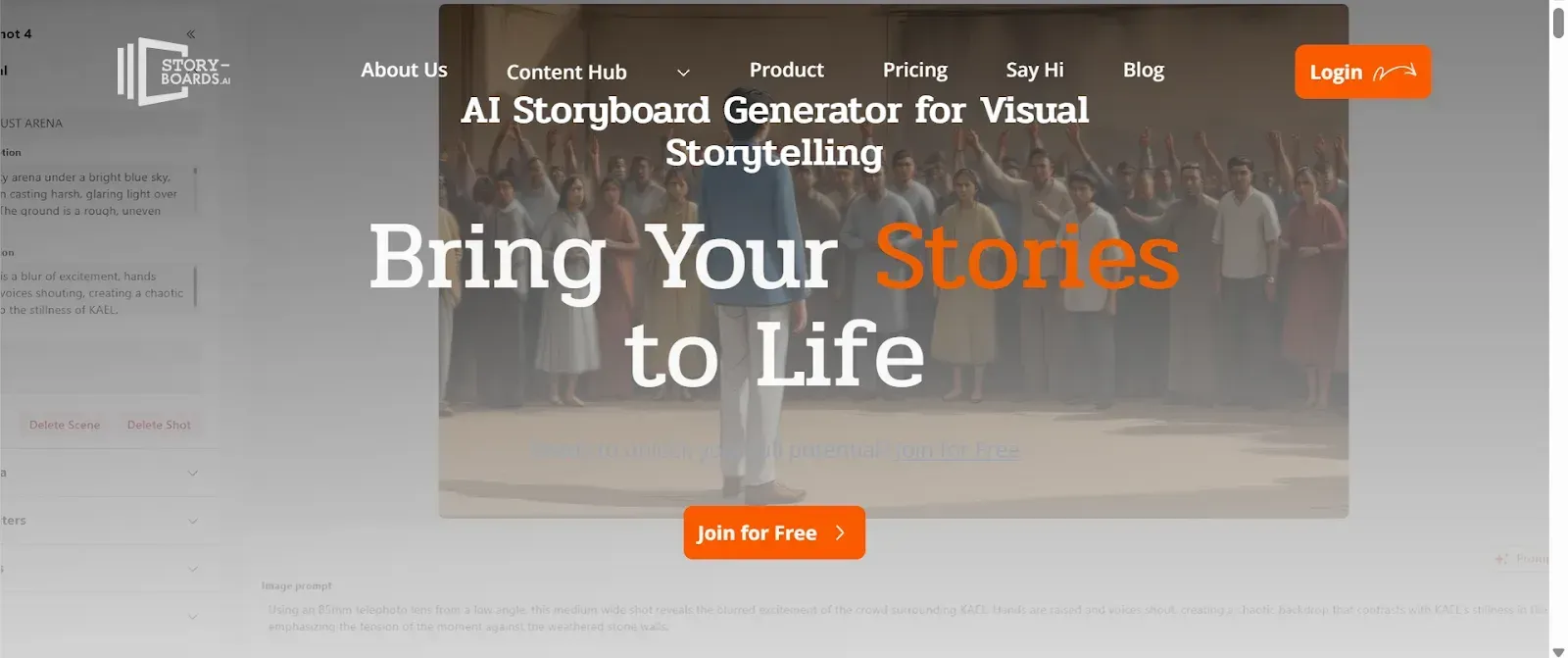
Story-boards.ai is a versatile creator tool that offers easy-to-use image generation, enabling you to visualize your ideas across multiple visual styles quickly. The platform provides a user-friendly interface and cost-effective pricing, making it ideal for beginner creators.
The platform's biggest setback is that it sometimes produces visuals that do not accurately reflect your intent. It also lacks consistent visual execution, and some visuals may lack artistic depth.
Pricing:
- Free: $0
- Indie: $15 per month
- Pro: $35 per month
- Studio: $79 per month
6. Atlabs AI
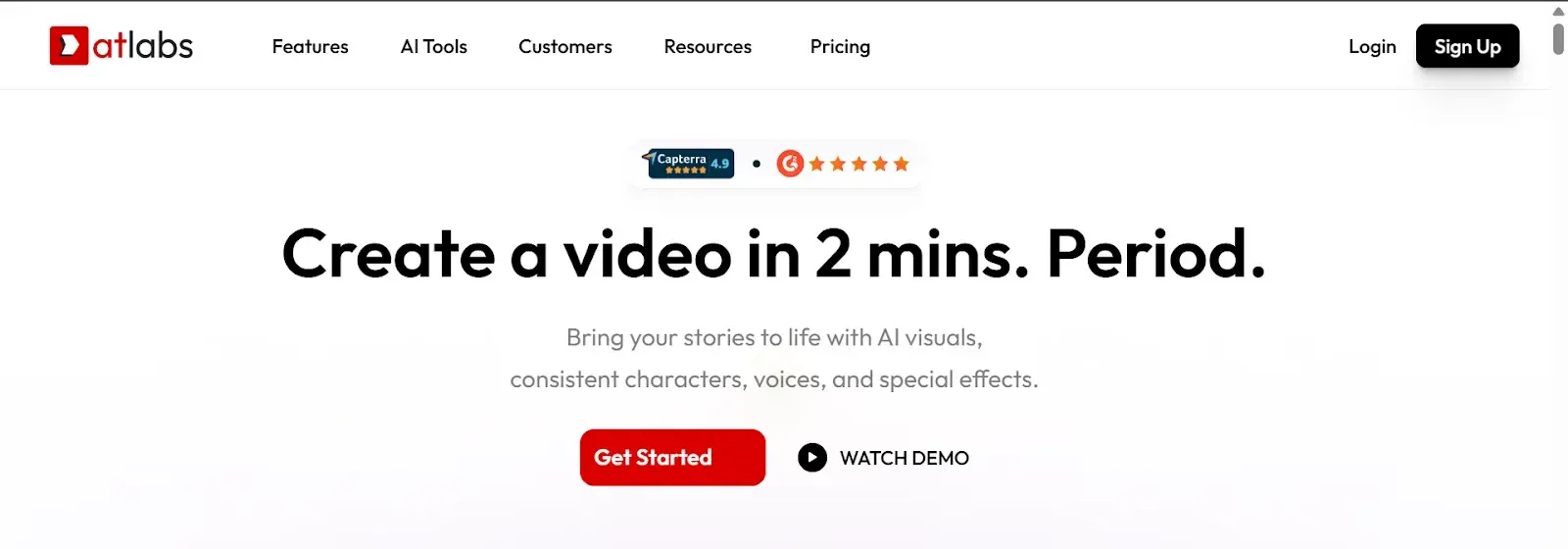
Atlabs AI is a fast, user-friendly video generation platform. It is primarily known for its high consistency in character generation and its AI lip-sync and voiceover capabilities.
However, it lacks sufficient customization tools, which may limit your creative process, and it tends to overengineer visuals, making them appear unnatural.
Pricing:
- Lite: $15 per month
- Pro: $29 per month
- Plus: $59 per month
- Max: $189 per month
7. Leonardo AI
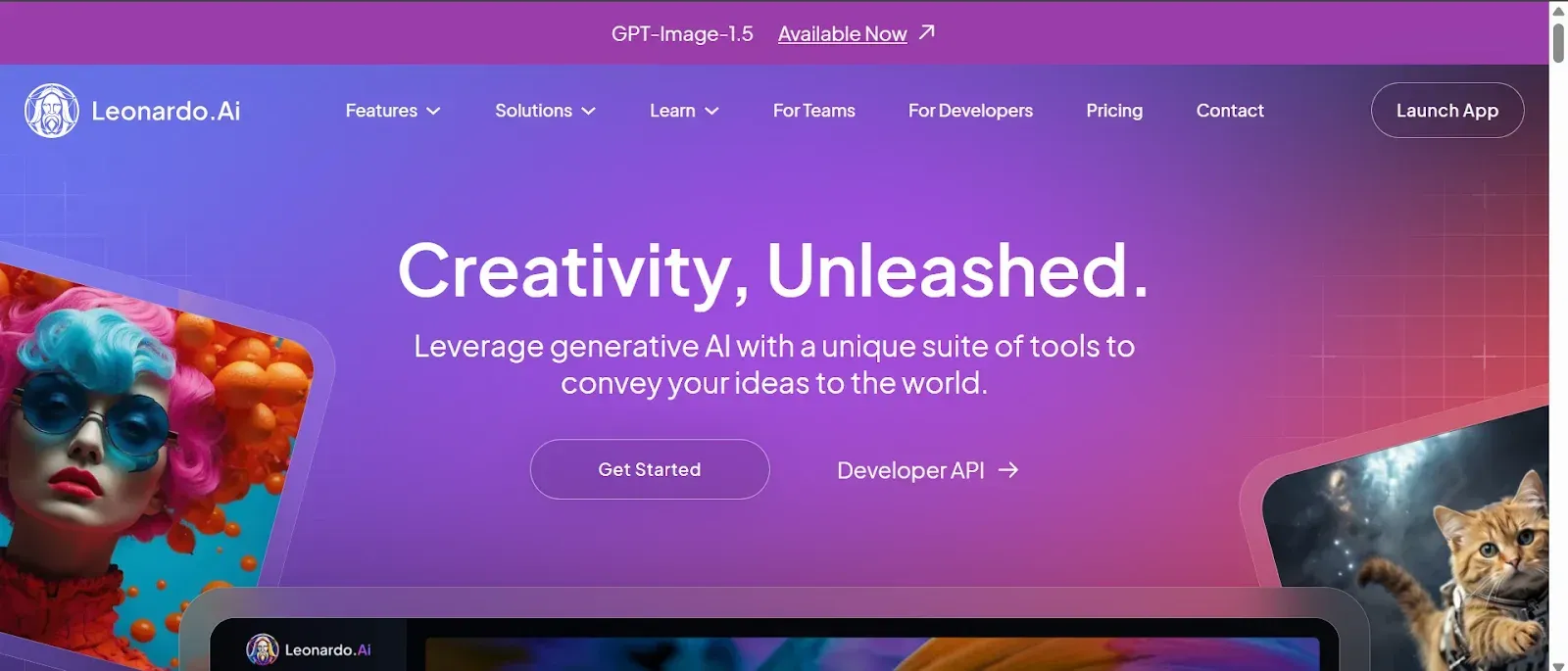
Leonardo AI is a web-based image and video generator favored by creatives primarily for its high-quality, customizable outputs. It is ideal for you if you work with concept art and gaming assets.
However, its token or credit system can limit your creative workflow, as the platform consumes them quickly. In addition, you may experience a steep learning curve when working with advanced features.
Pricing:
- Free: $0
- Apprentice: $10 per month
- Artisanal Limited: $24 per month
- Maestro Unlimited: $48 per month
AI Storyboard Generator Pricing Breakdown
Pricing for AI storyboard tools varies significantly based on the features offered.
Below is a rough breakdown of the types of pricing structures you will encounter when choosing a storyboard generator:
Free or Freemium Tiers
Many AI tools offer free or freemium tiers. Most of them are available for a trial period of about a week to a month, where you can use them to perform experiments or complete small projects.
Such pricing tiers often offer:
- Lower resolution exports
- Limited video generations
- Limited access to advanced features
- Watermarks of the visuals you generate
- Limited AI image generations per week or per month
Subscription Plans
Most AI storyboard tools operate on subscription plans. Subscription plans are often monthly or annual.
The subscriptions usually include starter plans for individual creators, professional plans for agencies and companies, and advanced plans for film professionals.
Subscription plans often offer:
- Higher resolution images
- Watermark-free generations
- Unlimited image generations
- Ready to use templates and layouts
- Greater access to editing and styling tools
- Entirely online platforms that support cloud sharing
Enterprise Plans
Enterprise plans are a subset of subscription plans that are ideal for agencies and teams. They often offer:
- Shared workspace
- Higher export limits for generations
- Dedicated client support
- Exporting in various formats
- Some offer limited free video generation
Before you decide which pricing plans work for you, assess your usage needs. If you are a beginner, begin with the trial plans before moving to the basic paid subscription plans. However, if you are a professional or work for an agency, consider upgrading to a higher subscription plan.
How to Choose the Right AI Storyboard Tool for Your Needs
Choosing the right AI storyboard tool is essential to ensuring you generate high-quality visuals that are consistent with your brand's image.
Some of the factors to consider when making the choice include:
- User-Friendliness: The AI storyboard tool you choose should match your skills and expertise. Though most tools are suitable for beginners, some have advanced features that require a steep learning curve. Ensure the platform you choose offers quick iterations without a steep learning curve.
- Budget: Consider how much you are willing to spend to access the AI storyboard tools. Keep in mind that the more you pay for a subscription plan, the more likely you are to gain access to commercial usage rights, full-resolution downloads, and advanced features.
- Pricing Structure: Compare storyboard tool pricing. Some offer a subscription-based structure, while others have a pay-per-generation model. You should also take advantage of free trial plans to test a tool's effectiveness before committing to a financial investment.
- Collaboration: If you work with a team, you need to choose AI tools with team features that allow you to do real-time editing, comment on projects, and generate feedback loops. The tools should also have cloud sharing so you can access projects from anywhere. Lastly, the tools should allow you to export projects in your preferred format, such as PDF.
- Creative Control: Consider how much editing control the AI storyboard tool you choose offers. Some tools require little human input when generating storyboards and visuals, making them ideal for beginners. However, if you want greater creative control, look for tools that let you fine-tune every frame.
- Workflow and Content Type: Evaluate whether you want simple image generations or complex features such as animations. Some tools generate higher-quality static boards than others. The same applies to advanced generations, such as animations and 3D generations. Therefore, you should pick a tool that is most adept at what you want to generate.
Frequently Asked Questions (FAQs)
Below are answers to some common questions we receive from our clients.
Is an AI Storyboard Generator Suitable for Animated YouTube Videos?
Yes, AI storyboard generators are very suitable for animated YouTube videos. They are excellent for planning, speeding up pre-production, and visualizing concepts.
Tools such as DomoAI’s frames-to-video let you transform storyboard frames into motion sequences ideal for creating animated shorts or preview videos.
Can AI Storyboard Tools Match a Brand Visual Style?
Yes, many AI storyboard tools can match a brand's visual style. Most advanced tools let you specify style preferences to keep your visuals consistent across productions.
However, the quality and accuracy of the visualizations depend on the tool's capabilities and the quality of the prompts you provide.
Do AI Storyboard Generators Support Multilingual Scripts?
Yes, some AI storyboard generators support multilingual scripts, enabling you to generate visuals, voiceovers, and subtitles in several languages.
For example, DomoAI’s AI Talking Avatar Generator allows users to input scripts in English, Chinese, Japanese, and Korean.
Can AI Storyboards Be Edited Manually After Creation?
Yes, you can manually edit AI-generated storyboards after they are created.
Most platforms allow you to edit, replace, and refine frames post-generation. Manual editing is crucial for polishing the final look of your visuals before exporting.
Conclusion
AI storyboard generators are fast becoming an essential tool for YouTube content creators. These tools can help you cut down weeks of work to hours or minutes, depending on whether you are plotting a scripted series, speeding up pre-production, or creating animated content.
In the current landscape, DomoAI, paired with tools such as Nano Banana Pro and Frames to Video, is the best AI storyboard generator for offering a seamless workflow.
Our platform is excellent at generating and editing visuals. It provides a suite of styles at an affordable subscription price.
If you are ready to bring your ideas to life faster than ever before, start exploring DomoAI today and join 3M+ creators who are already using our tool.


