

Use text-to-speech when the script will keep changing. Upload audio when the performance itself is the asset. Neither path guarantees better lip sync, so test the hardest line with the same portrait and motion settings.
Choose by What Must Stay Under Your Control
The best speech input depends on which part of the production must remain flexible. Text to Speech keeps the script editable, while uploaded audio keeps the recorded performance fixed.
| Decision Factor | Text-to-Speech | Uploaded Audio |
|---|---|---|
| Script revisions | Change text and regenerate | Edit or record the audio again |
| Speaker identity | Choose from available voices | Preserve the approved speaker or track |
| Emotional timing | Controlled through voice options, punctuation, or supported directions | Preserved from the recording |
| Pronunciation | Depends on voice and available controls | Depends on the speaker and edit |
| Localization | Fast to create several language versions | Requires recordings or approved audio per language |
| Recording equipment | Not required | Required for original speech |
| Audio cleanup | Usually handled before speech generation | Your responsibility before upload |
| Consent | Required for any cloned or identifiable voice | Required for the supplied voice and intended use |
Frequent script changes favor text-to-speech, while an approved or hard-to-recreate performance favors uploaded audio. When both conditions matter, create or record the final voice separately, approve it, and upload that locked audio to Talking Avatar.
Do not choose based only on a voice demo. The speech must work with your names, terminology, pacing, and avatar image.
When Text-to-Speech Is the Better Production Tool
Text-to-speech reduces the distance between a script edit and a new avatar video. It suits content that changes often or must be produced in several versions.
Strong fits include:
- Product updates with frequent wording changes
- Short educational explanations
- Repeated social formats with new scripts
- Early prototypes before a voice actor records
- Language variants that receive native review
- Personalized lines generated from structured text
The main advantage is editability. If a date, name, or instruction changes, you can revise the text without arranging another recording session. A consistent voice can also make a series feel more uniform.
That convenience does not remove the need for voice review. Test names, abbreviations, numbers, and technical terms before generating the full clip. Punctuation may affect pacing, but controls differ by tool. Use only directions the current voice interface supports.
Write for speech, not for silent reading. Short sentences and explicit transitions are easier to deliver. Replace dense parenthetical phrases, long lists, and ambiguous abbreviations. Read the script aloud once before sending it to the voice system.
A short test line should contain the hardest word in the project, one natural pause, and a change in emphasis. If the selected voice cannot deliver those elements clearly, changing the entire avatar workflow will not solve the audio problem.
When Uploaded Audio Preserves What Matters
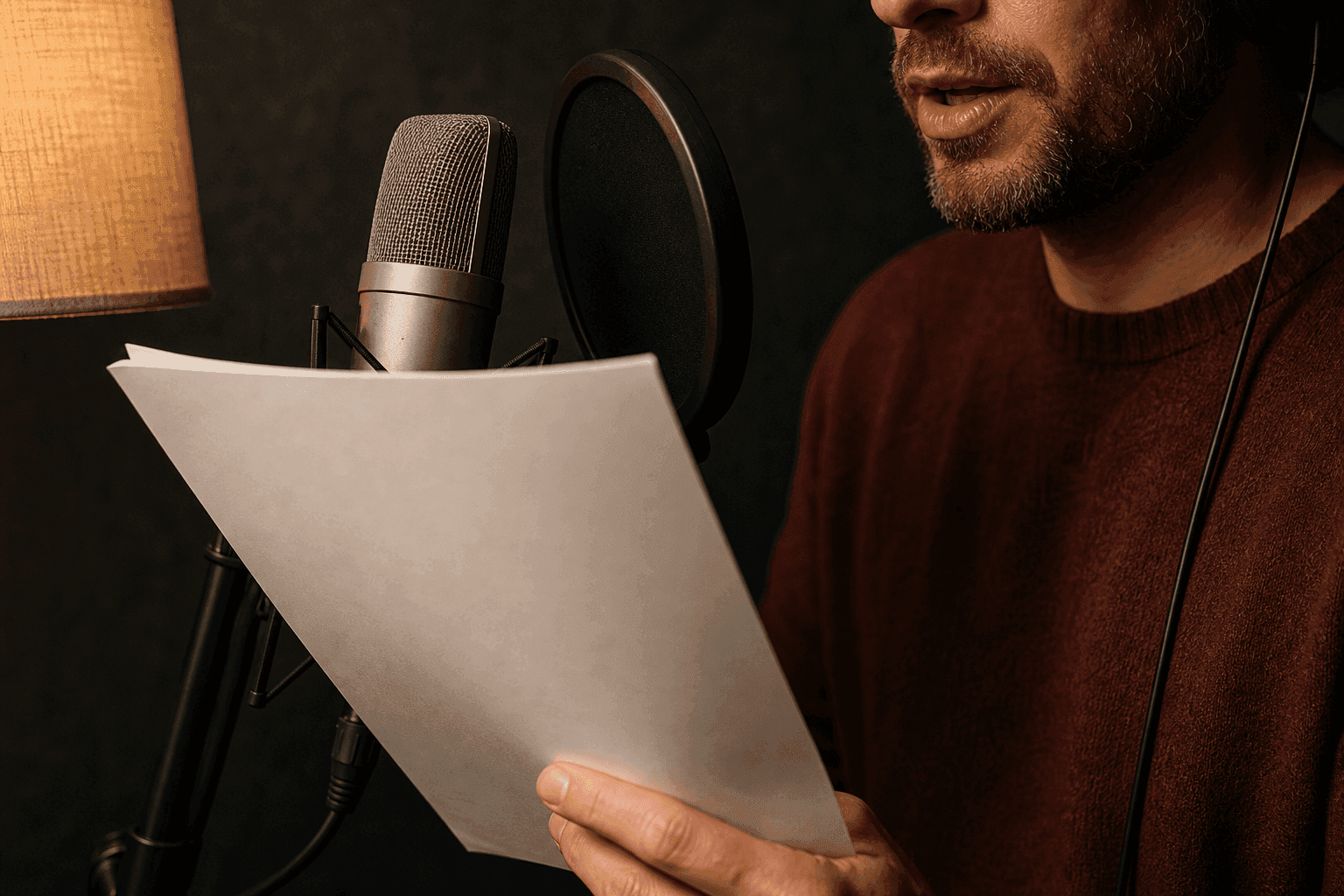
Uploaded audio is the stronger choice when the exact voice or performance carries meaning. It gives the avatar timing that already contains human emphasis, pauses, and emotion.
Use it for:
- Your own recorded delivery
- Approved professional narration
- A podcast or interview excerpt you have permission to use
- A song or vocal performance, when the avatar tool supports it
- Dialogue with precise timing
- Audio approved by a client, instructor, or subject-matter expert
For a personal avatar, upload the photo first, then choose a typed script, preset voice, or your own recording before generation.
The system follows the audio it receives. A strong performance can give the face clear timing cues, but a poor recording can create new problems. Background music may trigger mouth movement where no speech is present. Clipping can flatten consonants. Long accidental silences can make the visual pause feel broken.
Uploaded audio also changes the revision process. A one-word correction may require a clean edit or a new take. Splicing different recordings can create changes in volume, room tone, or vocal distance that become obvious in a talking-head video.
Get permission for the voice and the planned use. Owning the audio file does not automatically mean you can imitate a person, distribute their performance, or reuse a recording in every context.
Separate Voice Quality From Lip-Sync Quality
A natural voice can accompany weak mouth motion, and accurate lip timing can accompany an unsuitable voice. Review the audio and video as two connected but distinct layers.
Evaluate the audio performance on:
- Pronunciation
- Pacing
- Pauses
- Emotion
- Clarity
- Speaker fit
Then inspect visual synchronization at:
- First-word onset
- Mouth shapes during fast sounds
- Mouth closure during pauses
- Final-word closure
- Stability of the jaw and lower face
- Identity and head-motion consistency
This two-axis review prevents the wrong fix. A bad name with accurate mouth motion points to the speech. Facial drift with clean audio points to the portrait, crop, motion, or render.
Use the same review points for both text-to-speech and uploaded audio. A comparison is not fair when one path gets a clean 20-second line and the other gets a noisy two-minute recording.
Run an Audio Preflight Before Uploading
Give uploaded audio a listening check before generation so each run starts with a clean voice track. Confirm the supported audio formats and input limits, then review clarity, pacing, and delivery as part of the same preflight.
Check the recording in this order:
- Format and size: Confirm the current tool accepts the file and duration.
- Complete playback: Listen from the first sample to the last. Do not rely on a short preview.
- Clarity: Every word should be understandable without captions.
- Clipping: Harsh or flattened peaks suggest the recording level was too high.
- Noise: Reduce hum, echo, traffic, and room noise when they compete with speech.
- Music: Use a speech-only track when possible. Add music during editing.
- Silence: Trim accidental empty space but keep intentional pauses.
- Pacing: Avoid speech that is rushed beyond natural mouth movement.
- Rights: Confirm permission for the voice, music, and source material.
Keep one intentional pause in the test audio. It creates an easy visual checkpoint: the mouth should stop or settle with the voice. If it keeps moving, inspect residual noise and the generated result before changing the entire recording.
Save the cleaned file as a new version instead of overwriting the source. You may need the original if noise reduction or editing removes useful detail.
Compare Revision and Localization Work
The speech path affects every later revision. A method that saves time on the first clip may create more work when five languages or frequent updates enter the project.
Consider one corrected sentence across five language versions. Text-to-speech allows each localized script to be edited and regenerated, but every voice still needs pronunciation and tone review. Uploaded audio requires five revised recordings or edits, followed by checks for volume and room-tone consistency.
Use a simple change log:
| Version | Script Change | Voice Source | Audio Approved | Avatar Regenerated | Final Review |
|---|---|---|---|---|---|
| v1 | Original | TTS or recording | Yes | Yes | Passed |
| v2 | Corrected name | Updated source | Pending | Pending | Pending |
The extra recording effort may be worthwhile for stable, high-value content. Daily or personalized production benefits more from the lower revision cost of editable TTS.
Use a Controlled A/B Test for the Final Choice
When the answer is unclear, compare both speech paths while holding every other input constant. This test reveals the tradeoff inside the tool you plan to use.
- Choose one clear portrait and crop.
- Write a 10-second script with a name, pause, and emotional shift.
- Generate one text-to-speech version.
- Record the exact same words at a similar pace and upload them.
- Keep the motion direction, framing, duration, and export settings unchanged.
- Score audio performance, visual synchronization, retry count, and revision time.
Do not call the first preferred clip a universal winner. The result answers a narrower and more useful question: which input path works better for this portrait, message, voice requirement, and production schedule?
If the uploaded performance wins but takes too long to revise, consider the hybrid path. Generate or record voice outside the avatar tool, approve it as a standalone audio asset, then use that file as the fixed driver.
After the winning version passes both review axes, reserve Video Upscaler for the keeper clip instead of processing every A/B draft.
Frequently Asked Questions
Can I Upload Music or a Song Instead of Speech?
Only when the current tool supports that use. A clean vocal track is easier to analyze than a full mix, and you must have permission to use the music and voice.
Does Uploaded Audio Guarantee Better Lip Sync?
No. Clear audio may help, but synchronization also depends on the portrait, face angle, visible mouth, model behavior, and selected motion. Test the actual inputs.
Can I Use a Cloned Voice Through Either Path?
Potentially. Some tools generate cloned speech from text, while others let you create approved audio elsewhere and upload it. Confirm current support and obtain the speaker’s authorization.
Which Should I Choose for Multilingual Videos?
Use text-to-speech for fast, editable language variants when suitable built-in voices are available. Native-speaker or approved uploaded audio earns the added coordination when pronunciation, nuance, or local delivery carries more weight.
Test the Hardest Line, Not the Easiest
Put the project’s hardest name, pause, and emotional beat into one short test. Compare both paths with the same portrait. Then check current voice and generation access before you build the full video.


