

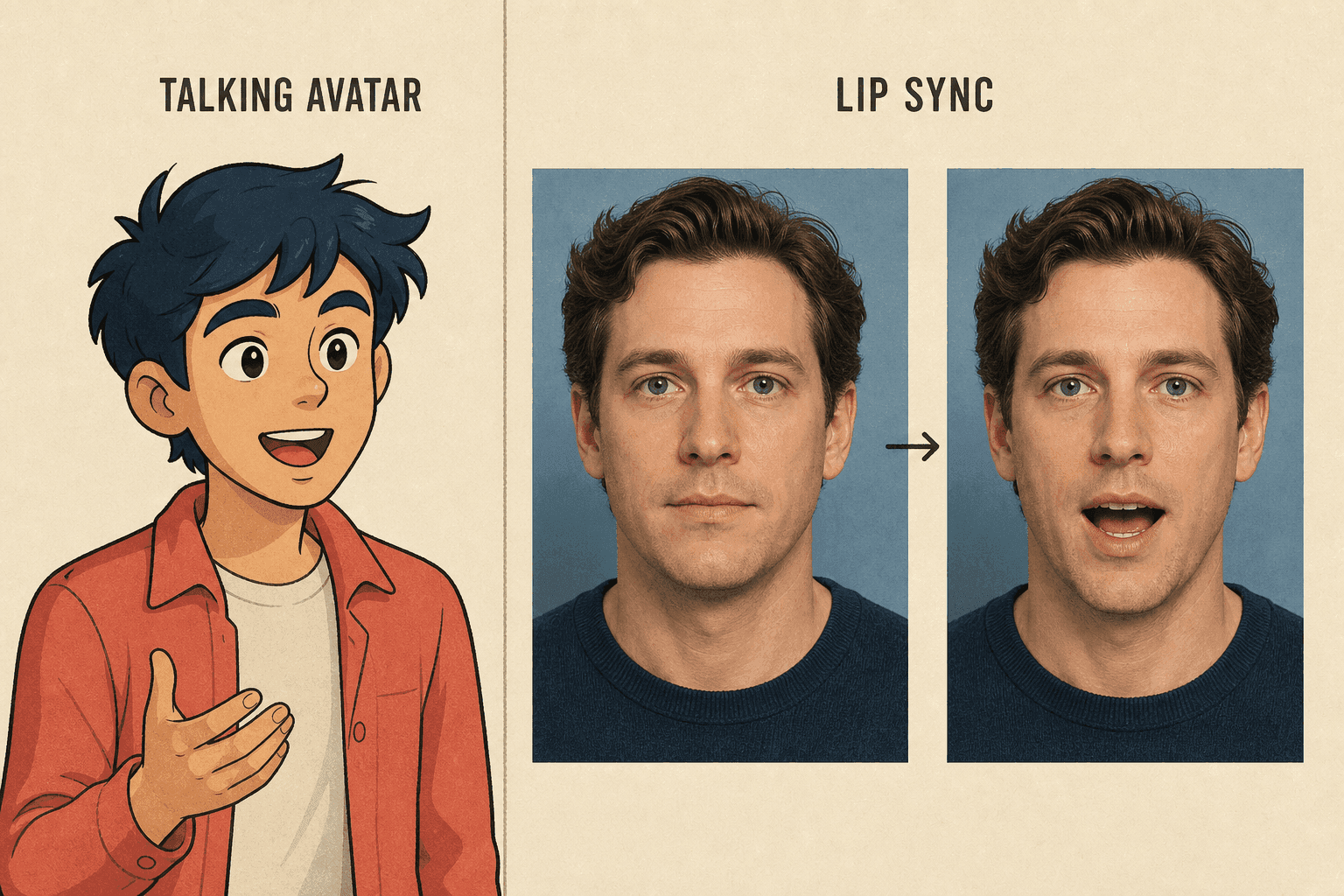
A still portrait needs a tool that creates a performance. An existing performance usually needs video-first lip sync. This article uses “talking avatar” and “lip sync” for those two workflows, although product labels vary.
Quick Verdict by Starting Asset
Look at the source before you compare feature names. A still image needs new motion. A recorded video already contains the acting, camera movement, and scene timing.
| Decision Point | Talking Avatar | Lip Sync |
|---|---|---|
| Typical visual input | Still portrait or character image | Existing video with a visible speaker |
| Speech input | Typed script, generated voice, or uploaded audio | Replacement or corrected audio |
| Main transformation | Creates a speaking performance | Re-times or regenerates mouth movement |
| Usually preserved | Source identity and overall image composition | Original body motion, camera movement, and scene timing |
| Main quality risks | Identity drift, stiff motion, mouth artifacts | Mouth mismatch, edge artifacts, timing drift |
| Strong fit | Photo presenters, mascots, pets, illustrated characters | Dubbing, localization, song replacement, dialogue correction |
If you have both a portrait and a video, decide what must stay intact. Keep the video for its acting, camera work, and timing. Use the portrait when you need a new delivery.
The Starting Asset Changes the Entire Workflow
A still face and a moving speaker ask the system to solve different problems. That difference affects control, failure modes, and the amount of original performance preserved.
A Talking Avatar workflow usually follows this path:
- Upload or select a portrait.
- Add a script, generated voice, or recorded speech.
- Direct expression or movement when controls are available.
- Generate mouth, eye, head, and sometimes upper-body motion.
- Review the newly created performance.
The video-first Lip Sync workflow discussed here starts with a video and replacement audio:
- Upload a video containing a visible face.
- Add replacement or corrected audio.
- Match the new speech duration to the edit where needed.
- Generate or adjust mouth movement within the existing frames.
- Review the new audio against the original body and camera motion.
The phrase “audio-driven avatar” can describe either result in casual product language. Do not rely on the category label alone. Check whether the tool expects an image or a video, whether it generates a new performance, and what it preserves from the source.
What Each Workflow Preserves
Talking avatar generation usually preserves the identity and composition visible in the source image, but it must invent temporal behavior. The system decides how the face moves between frames, so head motion and small expressions may vary.
Video-first lip sync usually preserves the recorded scene, body language, lighting changes, and camera movement. It changes a smaller visual area, but that area must still match the new speech. A strong original performance helps, while poor face visibility or a large timing mismatch makes the task harder.
Neither method is automatically more realistic. The better choice preserves the information your project cannot afford to lose.
Compare Control, Speed, and Failure Modes
The workflows expose different kinds of control over speech and motion. A useful comparison focuses on the production task, not on which feature name sounds more advanced.
Performance control: A talking avatar can create a delivery from a single image, but the amount of expression and gesture control varies. Lip sync inherits the acting in the source video and mainly changes speech alignment.
Revision speed: A short portrait-based message can be easy to replace because there is no original shoot. Lip sync may be faster when the edited video is already approved and only the language or dialogue needs changing.
Timing freedom: A talking avatar scene can often expand or shrink with the new audio. Lip sync may need to fit the existing edit, especially when cuts, gestures, or on-screen events happen at fixed moments.
Visual stability: Avatar generation must maintain facial identity across newly created frames. Lip sync must blend a changed mouth region into frames that already contain lighting, motion blur, and head turns.
Source dependence: A strong portrait helps avatar generation. A clear, front-facing performance helps lip sync. Both methods struggle when the mouth is hidden, the face is small, or the subject turns sharply away.
Use different review questions for each method:
| Workflow | Ask During Review |
|---|---|
| Talking avatar | Does the face remain the same? Does motion fit the voice? Do the eyes and head behave naturally? |
| Lip sync | Does the new mouth match the existing expression, head turn, lighting, and scene timing? |
Match the Workflow to the Job
The best workflow changes as little as possible. Keep the recorded performance when it matters. Start from the portrait when you need a completely new delivery.
| Project | Primary Choice | Why |
|---|---|---|
| Make a headshot deliver a welcome message | Talking avatar | The source has no motion to preserve |
| Make an illustrated mascot explain a feature | Talking avatar | The character begins as a still image |
| Translate a recorded presenter video | Lip sync | The acting and edit already exist |
| Replace dialogue in a filmed scene | Lip sync | Body and camera motion should remain intact |
| Make a pet portrait speak | Talking avatar | The task requires new facial motion |
| Correct a few badly matched words in a video | Lip sync | Only the speech alignment needs repair |
| Create a song performance from character art | Talking avatar, if image and vocal input are supported | The performance must be generated from the artwork |
| Replace a song in an existing performance video | Lip sync | The original movement already supplies the performance |
A talking avatar is the wrong fit when important hand actions, product demonstrations, or camera moves must remain exact. Standalone lip sync has the opposite limitation: it cannot animate a still portrait unless the tool also generates image-based motion.
An existing filmed performance should preserve its source motion and use a video-first path when that performance matters.
For longer videos, divide the job by scene. A portrait-based presenter can introduce a topic, while screen recordings or B-roll explain the details. Existing filmed sections can sync new audio to the original video only where replacement speech is required.
Where the Two Workflows Overlap
Lip synchronization often sits inside a broader talking avatar pipeline because the generated performance still needs mouth movement that follows speech. This overlap creates naming confusion: one product may call an image-plus-audio feature “lip sync,” while another calls the same outcome a “talking photo.” The practical questions remain:
- Does the tool accept a still image, a video, or both?
- Does it create head and facial motion beyond the mouth?
- Can you use Text to Speech, upload audio, or do both?
- Does it preserve an existing performance?
- Can you control duration, expression, and framing?
Treat feature names as labels, not specifications. The input requirements and generated output tell you which workflow you are actually using.
When a Hybrid Workflow Makes Sense
Some projects benefit from both methods, but every additional generation can introduce new artifacts. A hybrid workflow earns the extra complexity only when it solves a specific production problem.
One possible sequence is:
- Generate a short talking avatar from a portrait and approved source audio.
- Edit the clip into a larger video with B-roll, captions, or screen recordings.
- Create a new language track after the visual edit is locked.
- Apply lip sync only to the presenter segments that need the new speech.
- Compare the hybrid output with a clean rebuild from the original portrait.
The final comparison matters. Re-syncing a generated face may compound mouth artifacts or soften facial details. If rebuilding the avatar with the new language gives a cleaner result, the extra lip-sync pass is unnecessary.
The locked edit must have enough value to justify a hybrid; feature availability alone is not a reason to add another generation pass.
Frequently Asked Questions
Can a Lip-Sync Tool Make a Still Photo Talk?
Sometimes. Product names overlap: a video-first lip-sync tool expects existing footage, while another platform may use lip synchronization inside an image-based talking-avatar workflow. For a still photo, check whether the selected feature accepts an image and speech input together and generates facial motion beyond retiming an existing mouth.
Which Workflow Works Better for Animated Characters?
Use an image-first talking-avatar path for a still character and a video-first lip-sync path for an existing animated clip. Test stylized mouths and exaggerated expressions because character design can affect either workflow.
Do Both Workflows Accept Uploaded Audio?
Many do, but support varies. Confirm the accepted formats, file size, duration, and whether the tool needs speech-only audio before preparing the final track.
Which Should I Choose for Video Dubbing?
An existing recorded performance points to lip sync. A talking-avatar rebuild is better when you only have a portrait or when the new language needs different timing and delivery.
Keep the Source Asset That Matters
A portrait needs a generated performance. A recorded speaker usually needs new speech alignment. When both paths are available, keep the asset with the most production value and change only what the project requires.


