

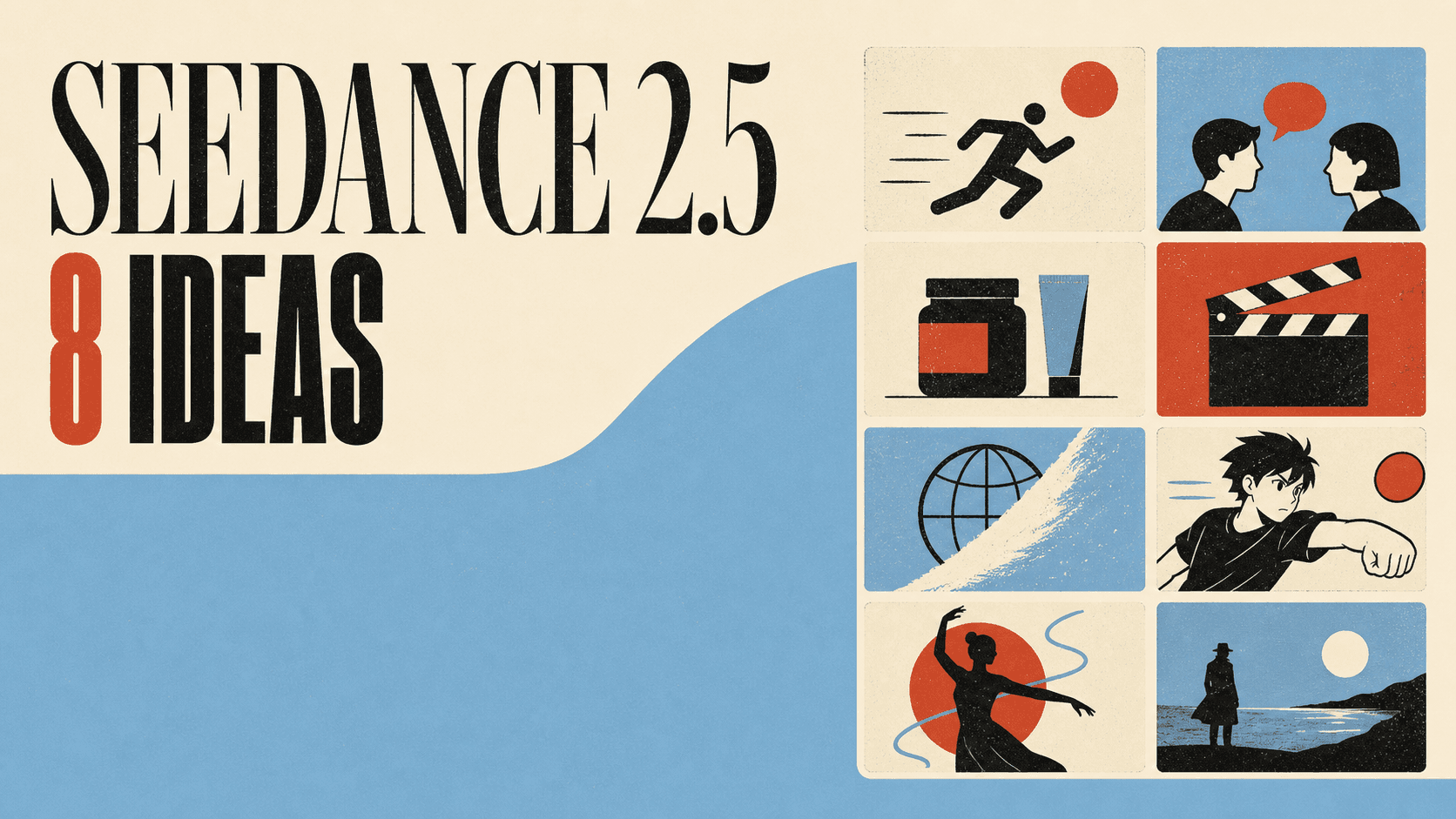
I have been watching Seedance 2.5 clips take over my X feed, and the best ones feel like finished creative formats. Here are eight ideas I would make first, plus a prompt starter and the DomoAI workflow I would open for each one.
ByteDance announced Seedance 2.5 on July 31, 2026. It is currently available in DomoAI through Omni Reference. These are creative suggestions, not eight DomoAI-generated tests.
How to use Seedance 2.5 in DomoAI: give each reference one job
Seedance 2.5 runs in DomoAI through Omni Reference. It accepts images, video clips, and audio as reference inputs rather than relying on one prompt alone. The workflow is about assigning every asset one job: identity, composition, motion, or audio timing. When a reference has two competing jobs, the model has to guess which instruction wins. Plan the roles before you upload, then name them in the prompt. Output runs from 4 to 30 seconds at 480P or 720P.
| Reference role | Job in the shot |
|---|---|
| Identity | Keeps a person, character, or product visually consistent across the shot. |
| Opening or ending composition | Sets the first or last frame so the shot starts or lands where you plan. |
| Motion or camera rhythm | Defines the camera movement or action pacing from a reference clip. |
| Audio or dialogue timing | Syncs dialogue, sound effects, or music timing to the visual beats. |
For the full reference limits and output settings, see Seedance 2.5 capabilities and limits.
Plan the shot as three beats
START STATE — what is true in the first frame: identity, composition, and environment.
ACTION FORCE — what changes the scene: a camera move, gesture, or line of dialogue.
END STATE — what is true when the shot ends: a new composition, resolved action, or final audio beat.
Naming all three beats keeps the prompt focused on one motion arc instead of several competing ideas.
Complete prompt: two-character dialogue
Assets
Image 1— identity reference for Character A: a woman in a rain-lit doorway.Image 2— identity reference for Character B: a man on the sidewalk facing her.Audio 1— dialogue timing reference for two short lines.
Prompt
START STATE: Character A from Image 1 stands in a doorway with rain behind her and warm interior light. Character B from Image 2 stands on the sidewalk facing her under a streetlight. ACTION FORCE: She says, “You didn't have to come.” He steps closer and answers, “I wasn't going to miss it.” END STATE: They stand one step apart, both in frame, with rain still falling behind them. Sync the delivery to Audio 1. Keep each character consistent with their assigned image. Output: 12 seconds, 720P.
Complete prompt: product-packshot reveal
Assets
Image 1— identity reference for a matte ceramic pour-over coffee dripper.Video 1— motion reference for a slow 180-degree turntable rotation.
Prompt
START STATE: The ceramic pour-over dripper from Image 1 sits centered on a plain light-grey surface. No other objects are in frame. ACTION FORCE: The camera slowly orbits the product by 180 degrees, matching the rotation speed and path in Video 1. Faint steam rises from behind it. END STATE: The product completes its turn and faces in profile, with even light across the surface. Keep its shape, colour, and texture consistent with Image 1. Output: 8 seconds, 480P.
If the references fight each other
If a face drifts or the camera move ignores the audio, check whether two assets are assigned the same job. Two identity images can conflict unless you state which controls the opening frame and which controls the ending frame. A motion clip can also conflict with the pace of the audio. Give each asset one job. When two assets need to control the same beat, remove the weaker reference rather than letting both compete.
1. A one-prompt cinematic micro-film
The showcase that immediately changed my expectations was BytePlus’s Michael Owen film. It is not just a camera test. It uses a familiar person, a clear emotional arc, and several memorable visual beats.
View original post on Xhttps://x.com/BytePlusGlobal/status/2077321849806234080
My takeaway is the format, not the celebrity. I would use an original athlete, musician, inventor, or fictional local legend. That gives the story emotional structure without copying someone’s likeness.
Prompt starter
A cinematic micro-film about an unknown night-shift cyclist training before sunrise. Begin with a close-up of worn gloves tightening around the handlebars. Track beside the cyclist through empty rain-soaked streets. The city slowly wakes as shop lights turn on. End on a wide hilltop shot as the cyclist reaches the first sunlight. Moody blue-to-gold lighting, grounded physical motion, one consistent outfit and bicycle, restrained orchestral sound direction, no text or logos.
To recreate this style with Seedance 2.5, Omni Reference and set each image, video, or audio asset to the role it plays in the shot.
2. A fast chase with readable motion
Chase scenes are irresistible model tests because everything can break at once. Bodies move quickly, cameras turn, backgrounds change, and objects cross the frame.
I would resist the urge to add five pursuers and three vehicles. One runner and one threat can already create plenty of tension.
Prompt starter
A bicycle courier races through a crowded night market while a compact delivery drone follows overhead. Start with a low tracking shot beside the spinning front wheel. The courier turns sharply between food stalls as fabric banners brush the camera. A cart blocks the path, so the courier slides underneath its raised frame and recovers without stopping. Finish with an overhead view as the courier disappears into a narrow alley. Keep the rider, red jacket, bicycle, and direction of travel consistent. Natural weight, readable action, no teleporting objects.
3. A two-character dialogue scene
Dialogue is more interesting to me than another slow camera orbit. It asks the video to preserve two identities, alternate attention, and communicate emotion through small reactions.
I would write a tiny conflict instead of casual conversation. A secret, accusation, or unexpected answer creates a natural reason to cut between faces.
Prompt starter
Two original astronauts sit across a narrow table inside a quiet lunar station kitchen. The older astronaut slides a damaged mission badge across the table and says, “You were never assigned to this crew.” The younger astronaut looks at the badge, then slowly meets her eyes and replies, “Neither were you.” Use restrained performances, clear eyelines, alternating medium close-ups, soft machinery hum, cool overhead light, and one final silent reaction shot. Keep each face, suit color, and seat position distinct.
4. A product ad from one packshot
Product video is where I become annoyingly picky. A beautiful splash means nothing when the bottle shape, label, or cap changes between shots.
I would choose a fictional product with simple packaging. That lets me focus on material, lighting, and motion without pretending the model can reproduce tiny legal text.
Prompt starter
Use the uploaded image as the exact product reference. A matte white botanical drink bottle stands on dark volcanic stone. Begin with a slow macro push across condensation beads. A ribbon of clear water circles the bottle without covering the label area. Fresh green leaves unfold behind it as warm morning light enters from the left. End on a centered hero packshot with the same bottle shape, cap, colors, and label placement. Premium natural-commercial mood, controlled reflections, no extra bottles, no new text, no distorted logo.
5. A movie trailer from one reference image
This is probably the idea I would try first. JSFILMZ shared two Seedance 2.5 press clips that the post says were created from one reference image.
View original post on Xhttps://x.com/JSFILMZ0412/status/2076356969019912351
I love the constraint. One image forces me to decide which identity details matter and which parts of the world can change.
Prompt starter
Use the person in the uploaded image as the main character and preserve their face, short silver hair, navy coat, and crescent-shaped pin. Create a cinematic mystery trailer. First, the character enters an abandoned coastal observatory during a storm. Next, rotating star maps project across their face as they discover a hidden signal. Then the camera pulls back outside as every telescope turns toward the same red point in the sky. Finish on a close-up of the character realizing the signal is answering them. Dark maritime atmosphere, controlled handheld camera, consistent wardrobe, no captions or title cards.
6. One character moving through several worlds
Kent Dhani’s environment-change post made this idea feel less like a transition demo and more like a complete format. The character becomes the thread connecting several impossible places.
View original post on Xhttps://x.com/kentdhani/status/2076329063497740489
I would make each transition physically motivated. A doorway, wave, passing train, cloud of dust, or foreground object can hide the boundary between worlds.
Prompt starter
The same original traveler walks forward without changing pace. A passing red bus briefly fills the frame and reveals a snowy mountain road. Blowing snow becomes white flower petals, revealing a spring garden. The traveler passes through a dark stone arch and enters a neon underground station. A train crosses the foreground and reveals a quiet desert at blue hour. Maintain the traveler’s face, tan coat, green backpack, walking direction, and body scale. Every environment change uses a visible foreground transition. No sudden outfit changes or duplicate people.
7. An anime storyboard beat
Anime prompts get messy when they describe a whole episode. I would plan one memorable beat: the moment before a goal, transformation, duel, or reveal.
Three images are enough for my creative plan: an establishing composition, the main action, and the final frame. The live tool determines whether I animate them together or in separate clips.
Prompt starter
Original sports-anime scene. A goalkeeper with a teal ponytail stands alone under stadium floodlights during the final penalty. Open on an extreme close-up of her eyes as the crowd sound drops away. Cut wide as the striker runs forward. The ball bends toward the upper corner. She launches across the goal in slow motion, fingertips reaching the ball. End on the planned final frame: her landing with the ball secured against her chest as rain explodes from the grass. Cel-shaded style, consistent uniform and face, strong silhouettes, no existing franchise characters.
8. An original character dance
Dance clips work because viewers understand motion immediately. They also expose foot sliding, unstable limbs, drifting clothes, and weak weight shifts.
I would use an original character with a clean silhouette. A complicated cape, six accessories, and floor-length hair would make the first attempt harder than necessary.
Prompt starter
Use the original character image as the target identity and the uploaded dance video only as the motion reference. Create a vertical street-dance performance on a simple rooftop at sunset. Preserve the character’s face, orange bob haircut, cropped black jacket, blue trousers, and white sneakers. Match the reference dancer’s timing, full-body weight shifts, foot placement, arm accents, and final pose. Keep the camera mostly fixed with one gentle push-in. Natural fabric and hair movement, stable hands and limbs, no background crowd, no outfit changes.
The prompt pattern I would reuse
Across all eight ideas, I would build prompts in the same order:
Subject + action + environment + visual style + camera behavior + continuity constraints + sound direction when supported
For uploaded media, I would give each asset one job. One image controls appearance. Another can define the final frame. A video can control movement or camera rhythm.
My biggest temptation is adding too much. I would remove a camera move before adding another one. I would also keep one action per beat.
How I would use these ideas now that Seedance 2.5 is live
I would start these ideas in Omni Reference instead of waiting. DomoAI integrates the Seedance 2.5 API there, with image, video, and audio references in one workflow.
Seedance 2.0 still has a practical role across Text to Video, Image to Video, Frames to Video, and Character to Video. I would use the workflow that matches the starting asset and control I need.
Either way, I would keep the same creative brief: subject, references, camera direction, and continuity constraints. The launch changes the available tool, not the value of a focused prompt.
Frequently asked questions
What can you make with Seedance 2.5?
You can explore short narrative films, chase scenes, dialogue, product ads, image-led trailers, world transitions, anime storyboard shots, and character performances. The best idea depends on your starting assets and how clearly you assign their roles.
When did Seedance 2.5 launch?
ByteDance announced Seedance 2.5 on July 31, 2026. It is currently available in DomoAI through Omni Reference.
Where can I use Seedance 2.5 in DomoAI?
Use Seedance 2.5 in Omni Reference. It is not a separate option inside Text to Video, Image to Video, Frames to Video, or Character to Video.
How do I choose inputs for Seedance 2.5?
In Omni Reference, give each image, video clip, or audio file one role: identity, opening or ending composition, motion or camera rhythm, or audio and dialogue timing. Clear roles produce more consistent results.
Can I copy these prompts directly?
Yes, but treat them as starting points. Replace the subject and setting, then keep one motion arc and only the reference roles the shot needs.
The examples above become easier to recreate when every reference has a clear job. Open Omni Reference to build your own reference-led shot. If you are choosing between model versions, read Seedance 2.5 vs Seedance 2.0 before you start.


