

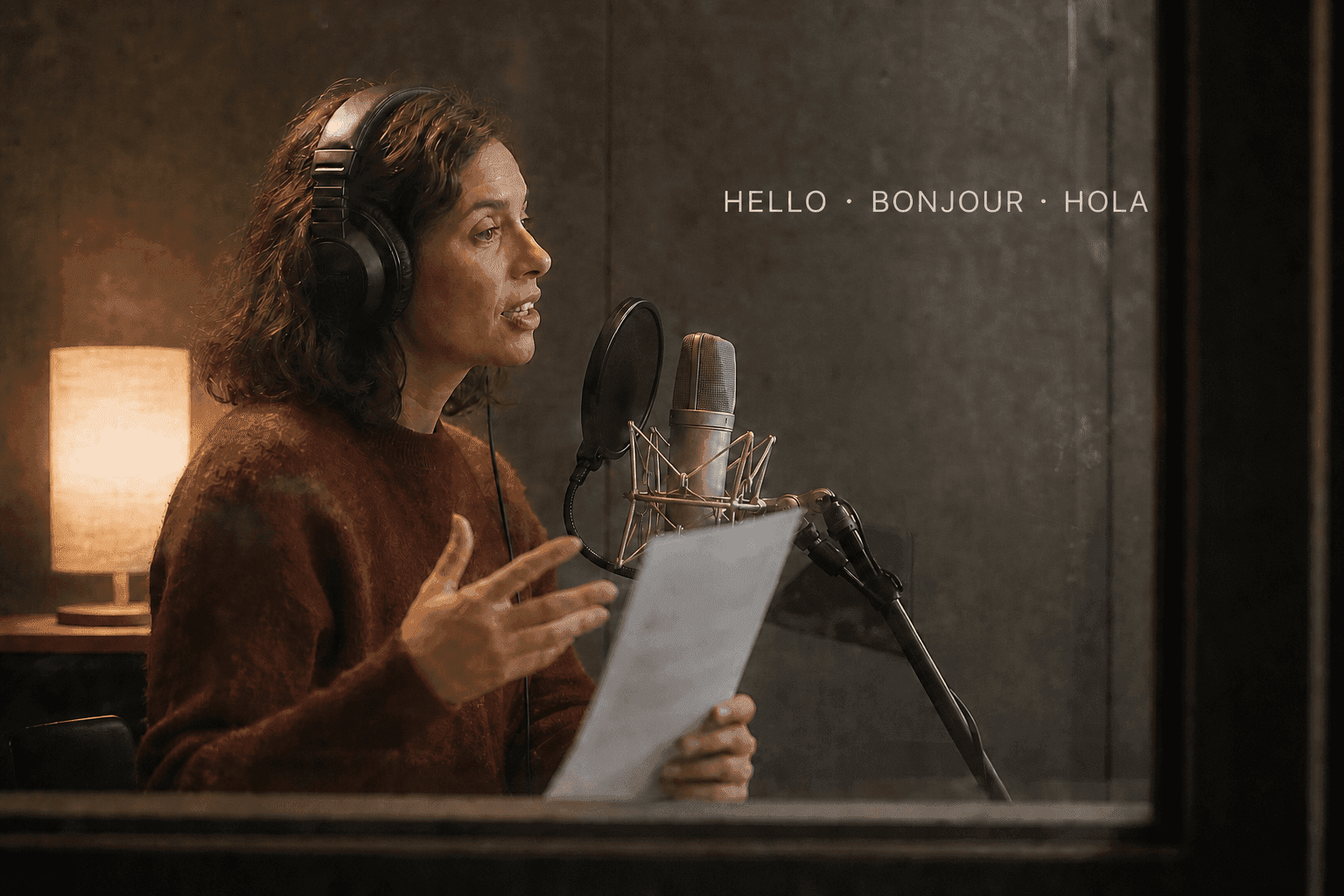
Do not translate five scripts at once. Build one source version, approve the portrait and message, then localize one market as a pilot. Once the voice, timing, captions, and lip sync hold up, repeat the same production setup for the other languages.
Choose Between Rebuilding and Translating
Your starting asset determines the better localization path. Talking Avatar suits a portrait-based rebuild with flexible pacing; existing footage is better translated when its timing and visual sequence must remain fixed.
A portrait-based rebuild works well when:
- You have a still image, script, and voice options.
- Each language can use its own natural sentence length.
- You want to revise expressions, pauses, or framing.
- The source video does not contain visual actions tied to exact words.
Translation or dubbing is more efficient when:
- You already have an edited presenter video.
- Screen actions, graphics, or cuts must keep their original timing.
- The speaker’s body movement should remain unchanged.
- Rebuilding every scene would create unnecessary work.
A hybrid approach can work when the avatar appears in short presenter segments between B-roll or screen recordings. Rebuild those segments for each language, use video-first lip sync where recorded motion must remain intact, and reuse visual sections without language-specific text. This gives each voice room to sound natural without rebuilding the entire video.
For character-led campaigns, keep the same visual identity while changing the language-specific script and audio.
Build One Approved Source Master
Lock the source version before you localize it. Otherwise, the crop, message, pacing, and motion can drift from one market to the next.
Create a short source-language pilot and approve these items:
- Portrait: Confirm the face, crop, lighting, and background.
- Core message: Identify the claim, instruction, and call to action that every version must preserve.
- Delivery: Choose the intended tone, pace, and expression level.
- Framing: Set the aspect ratio and leave space for captions or supporting visuals.
- Visual direction: Keep gestures and head movement restrained enough to work with several speech patterns.
- Quality standard: Define acceptable lip timing, identity stability, pronunciation, and caption accuracy.
A 20-second pilot can test the portrait, voice, and motion without committing the full script. Once it passes, save the image, crop, settings, prompt, and export format. Confirm the supported image and audio inputs before scaling production.
The source master is not a language template that must be followed word for word. It is the approved message and visual standard. Each locale should preserve that standard while adapting the language naturally.
Localize Meaning, Not Just Words
Literal translation can preserve vocabulary while damaging clarity, timing, and tone. A localized script should deliver the same purpose in language that feels natural to the target audience.
Prepare a worksheet for each locale with these fields:
| Field | What to Record |
|---|---|
| Audience and locale | Country or region, not only the language name |
| Required message | Claim, instruction, or outcome that cannot change |
| Terminology | Approved product, course, or technical terms |
| Names and numbers | Preferred pronunciation and spoken format |
| Tone | Formal, conversational, instructional, or playful |
| Timing target | Preferred duration and any scene boundaries |
| Caption style | Punctuation, line length, and reading level |
| Reviewer | Person responsible for language approval |
Start with the intended meaning, then rewrite for the locale. Shorten repeated context, replace unfamiliar expressions, and adjust the call to action when the original wording does not fit local expectations. Keep regulated, contractual, medical, or financial statements under qualified human review.
Do not ask one language’s voice to read text written for another language. Even when the words can be pronounced, stress, rhythm, and phoneme patterns may sound wrong.
Shorten for Timing Without Losing the Message
Translated speech may run longer or shorter than the source. If a natural translation needs a longer clip, check current duration access instead of forcing the voice to speak unnaturally fast.
Use this order when a line is too long:
- Remove repetition that is not essential to the outcome.
- Replace long phrases with shorter natural equivalents.
- Split one sentence into two clearer lines.
- Extend the scene if the visual structure allows it.
- Rebuild the presenter segment instead of squeezing it into a fixed edit.
Keep the main claim and action intact. Timing should serve comprehension, not the other way around.
Match the Voice Path to the Market
Built-in Text to Speech, an authorized cloned voice, and native-speaker audio solve different production problems. Select the best path per locale instead of applying one choice everywhere.
| Voice Path | Best Fit | Main Strength | Main Risk |
|---|---|---|---|
| Text-to-speech | Fast updates and several variants | Easy script revision | Pronunciation or tone may need extra review |
| Authorized cloned voice | Consistent speaker identity | Familiar voice across languages | Consent, availability, and accent quality vary |
| Native-speaker recording | High-value or nuanced delivery | Natural phrasing and local expression | Recording and revisions take more coordination |
Audition a short passage that contains names, technical terms, numbers, and the final action. A pleasant general voice can still fail on the words that matter most.
Review pronunciation at normal speed. Slowing playback helps locate a problem, but the audience will judge the normal delivery. If a built-in voice repeatedly mispronounces a required term, change the wording, use a supported pronunciation control, or choose an approved recording.
Voice identity is also a permission issue. Use a person’s recorded or cloned voice only with clear authorization for the planned languages and distribution channels.
Generate Consistent Language Variants
Consistency comes from locking visual inputs while changing only the language-specific assets. A settings log makes the process repeatable when several people or sessions are involved.
Keep these elements fixed:
- Source portrait and crop
- Background and composition
- Motion or expression direction
- Aspect ratio and export resolution
- Caption placement and visual style
- Opening and closing frames
Change these elements per locale:
- Localized script
- Voice or approved recording
- Pronunciation notes
- Captions and on-screen text
- Duration when natural speech requires it
Use a file name that identifies the campaign, locale, version, duration, and date. For example, onboarding_fr-FR_v03_32s_2026-07-27.mp4 is easier to manage than final-new-2.mp4.
Generate one target language before creating the full set. This pilot tests the worksheet, voice review, file naming, and approval process. Fix the system once, then repeat it.
Run Language and Video QA Together
A fluent transcript can still produce a poor video, and a visually clean avatar can still deliver the wrong message. Use separate language and audiovisual checks before final approval.
Language review covers:
- Meaning and factual accuracy
- Locale-appropriate wording
- Names, numbers, and technical terms
- Pronunciation and stress
- Tone and reading level
- Captions and on-screen text
Video review covers:
- Lip timing at the first word, pauses, and final word
- Mouth behavior during silence
- Identity and facial stability
- Repeated or distracting gestures
- Caption timing and safe areas
- Audio level and background noise
Track every issue in one table:
| Locale | Timestamp | Issue | Type | Severity | Owner | Status |
|---|---|---|---|---|---|---|
| es-MX | 00:07 | Product name mispronounced | Language | High | Voice editor | Open |
| de-DE | 00:14 | Caption covers the mouth | Video | Medium | Video editor | Open |
Shared severity rules keep the team from debating every flaw from scratch. Stop publication for a wrong claim, bad instruction, offensive wording, missing consent, or unusable pronunciation. A minor gesture preference may not deserve the same response.
Review the final exported file, not only the preview inside the generator. Export settings, captions, and later editing can introduce new problems. If the approved clip needs a higher-resolution finishing pass, use Video Upscaler after language and lip-sync QA, not before.
Publish and Maintain the Language Set
Multilingual production continues after the first release. A simple shared source-of-truth record keeps titles, captions, files, publishing details, and future updates aligned across all locales.
Store the approved source script, localized scripts, voice choice, reviewer, export location, and last review date in one shared record. Use locale codes in file names and publishing fields. Do not rely on flags alone because one language can serve several regions.
When the source message changes, mark every affected version for review. A small factual update may require new audio, captions, on-screen text, and a regenerated avatar segment. Update the complete set rather than leaving older languages with outdated instructions.
Localize the surrounding publishing fields as well. Titles, descriptions, thumbnail text, chapter labels, and downloadable resources should match the spoken language and target locale. Confirm that captions remain attached to the correct video version after upload. A polished voice track cannot compensate for English metadata, an outdated thumbnail, or the wrong subtitle file on a localized page.
Frequently Asked Questions
Do I Need a Different Photo for Every Language?
No. Reusing one approved portrait usually improves visual consistency. Use market-specific creative only when the audience, context, clothing, imagery, or cultural expectations require a meaningful change. If one market needs a background or wardrobe adjustment before animation, make that image edit on a copy of the approved source.
Can the Same Voice Speak Every Language Naturally?
Sometimes, but do not assume it will. Voice availability, accent, pronunciation, and emotional range vary by language and tool, so audition the required terms in every locale.
Should Every Language Version Have Captions?
Captions are recommended for every language version. They improve accessibility and help people watching without sound. Review each caption file independently because accurate speech does not guarantee accurate line breaks, timing, names, or punctuation.
Should I Translate an Existing Video or Rebuild the Avatar?
Translate existing footage when visual timing must remain fixed. Rebuild from the portrait when each language needs natural pacing, new scene lengths, or different delivery.
Finish One Locale Before You Scale
Finish one target language from script to export before you open the rest of the batch. That pilot exposes pronunciation, timing, caption, and approval problems. Fix the process once, assign each review owner, then repeat it for the remaining markets.


