
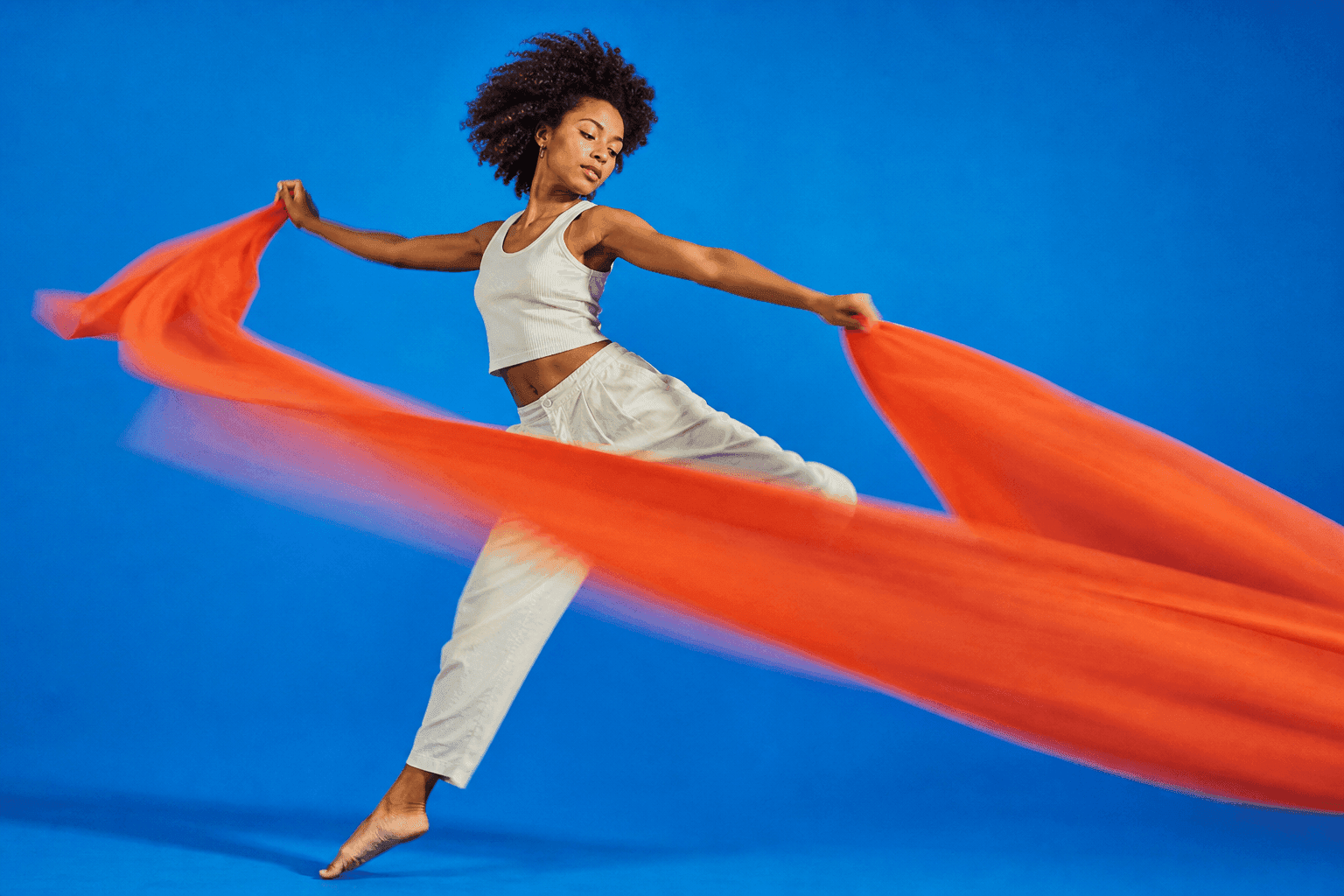
Turn an AI clothes swap into a fashion product video by creating a clean outfit still, checking garment details, animating short motion shots, and exporting platform-ready clips. DomoAI helps you edit the source image first, then animate the approved look.
Most clothes swap workflows stop too early. A still image can show fit and styling, but a fashion video needs movement, close-ups, and a clear product beat.
Know The Difference Before You Animate
An AI clothes swap is a still-image step. It helps you test how a garment, outfit, or styling idea could look on a model. A fashion product video has to do more: show the garment clearly enough for an ad, product page, or social post.
Use the clothes swap as a source asset, not the final asset. Before animation, decide which job the video has:
| Output | Main job | Quality bar |
|---|---|---|
| Virtual try-on preview | Show possible fit or styling | Fit, silhouette, and body placement look believable |
| Product-page clip | Help shoppers inspect the garment | Color, fabric, stitching, zipper, print, and hem stay accurate |
| Social ad | Stop the scroll and show one product promise | Hook, reveal, detail, and caption space are clear |
| Lookbook reel | Sell the mood of the collection | Styling and motion feel consistent across clips |
If the garment will appear on a store page, hold a higher bar than you would for a casual social concept.
Start With A Clean Clothing Swap
Do the still edit before you think about motion.
Upload the model or character image and the clothing reference into AI Image Editing. Keep the prompt narrow. Ask for the outfit change, fabric behavior, and product details. Do not ask for camera motion yet.
Use this still prompt:
Reference edit for a fashion ecommerce still, vertical 4:5. Use the uploaded model image as the identity and pose reference. Replace only the outfit with the uploaded jacket reference. Keep the same face, hair, body shape, skin tone, pose, hand position, and background. Preserve the jacket's cropped length, matte black fabric, silver zipper, ribbed cuffs, boxy shoulder line, and clean collar shape. Natural studio lighting, realistic fabric folds, product-page clarity. No generated words, no new logos, no warped hands, no change to the model identity.
Approve the still only when the garment reads clearly. Check zipper placement, sleeve length, neckline, fabric texture, and whether the clothing follows the body naturally.
For ecommerce use, also check product-sensitive details:
- Print placement and logo area.
- Stitching, buttons, pockets, straps, and closures.
- Fabric color under the expected lighting.
- Whether the size and fit could mislead a shopper.
- Whether the image needs disclosure as AI-assisted creative.
Build A Three-Shot Fashion Video
One clip should not carry the whole ad. Build a short set of clips instead:
- Hero motion: the model turns slightly toward camera.
- Detail motion: the camera moves across the collar, sleeve, or fabric.
- Social hook: a fast reveal or walk-in shot for TikTok and Reels.
Use Image to Video with Seedance 2.0 for each approved still when you want a short cinematic fashion motion clip. Keep motion controlled. Fashion videos break when the body turns too far or the fabric has to invent new folds.
Example motion prompt:
Image-to-video, 5s, 9:16. Use the uploaded fashion still as the first frame and identity reference. The same model wears the matte black cropped jacket with silver zipper, ribbed cuffs, boxy shoulders, and clean collar line. Motion: slow half-turn toward camera, slight shoulder shift, subtle fabric movement at the sleeves, soft studio light from the left, clean ecommerce background. Camera: locked at chest height with a gentle push-in only. Keep face, body shape, jacket length, zipper placement, cuffs, collar, fabric color, and background unchanged. No generated text, no new logo, no hand deformation, no garment warping.
Make Product Detail Clips
Fashion product videos need proof. Add at least one detail shot.
Crop or generate a still that focuses on the garment. Then animate a small camera move. Good detail clips show:
- Texture.
- Stitching.
- Closures.
- Collar or sleeve shape.
- How the garment sits on the body.
Avoid dramatic motion. A slow push or side drift usually works better than a spin.
Plan The Ad Before You Animate
Once the outfit still works, decide what the video is trying to sell. A jacket launch, a styling idea, and a product-page preview need different shot choices.
Use this planning table:
| Goal | Opening shot | Middle shot | Final shot |
|---|---|---|---|
| Product page preview | Full outfit still | Fabric and zipper detail | Clean pose with product name space |
| TikTok/Reels hook | Fast outfit reveal | Model turn or walk-in | Caption space for offer |
| Collection teaser | Three styled looks | Detail close-ups | Group frame or logo space |
| Paid social ad | Problem or before look | Outfit swap result | Product and CTA frame |
Do not animate every image you generate. Pick the strongest stills and give each one a role.
Keep The Garment From Drifting
The garment is the product. Treat it like the identity lock.
Repeat the details that matter:
- Exact color.
- Fit.
- Fabric.
- Buttons, zipper, collar, hem, strap, pocket, or logo area.
- What must stay unchanged.
Bad prompt:
Make the model wear the jacket and move naturally.
Better prompt:
Image-to-video, 5s, 9:16. Use the approved outfit still as the first frame. The same model wears the same matte black cropped jacket with silver zipper, ribbed cuffs, boxy shoulders, straight hem, and clean collar line. Motion is limited to a slow camera push and tiny fabric movement at the sleeves. Keep jacket length, zipper placement, cuff shape, collar shape, fabric color, face, hands, and background unchanged. No generated text, no new logos, no garment warping.
This is less poetic, but it gives the model a product spec.
Storefront QC Before Publishing
Before a fashion clip goes into an ecommerce page or paid ad, review it like a product asset, not just a video.
Ask:
- Would a shopper recognise the same garment from the product photos?
- Did the model change the color, fabric weight, or print?
- Did motion invent a zipper, button, label, or pocket?
- Does the product remain visible after captions and crop?
- Is the clip clearly a creative preview rather than a guaranteed fit result?
If the answer is no, keep the clip for moodboard or social testing, not storefront use.
Where Captions Should Go
Leave room for text outside the generated motion. For social platforms, keep the subject slightly lower or centered so captions can sit in the top third.
Good caption angles:
- "One jacket, three ways."
- "From product photo to campaign clip."
- "The detail shot matters."
- "Outfit reveal without a shoot."
Add final text in your editor. Generated in-video text can change between frames.
Export For The Platform
Create 9:16 for TikTok, Reels, and Shorts. Use 1:1 for feed posts or product page previews. Keep a 16:9 version if the video will sit in a wider landing page layout.
After choosing the best clips, run the final pass through Video Upscaler. It is useful when the garment detail matters on product pages or paid ads.
If the product keeps changing shape during motion, use How to Make AI Product Videos Without Warping the Product as the next troubleshooting guide. For campaign planning, connect the clip to AI Ads Solution so the fashion asset has a clear hook, proof frame, and CTA. Creator-led brands can also map this into Content Creator Solution when the same outfit appears across Reels, Shorts, and product-page videos.
Production Fixes For Fashion Motion
Use these checks after the first motion pass. Fashion clips fail when the garment stops looking shoppable, not only when the animation looks rough.
The outfit changes during motion
Reduce the motion. Repeat the garment details in the motion prompt and add a stability line for zipper, cuffs, neckline, and fabric.
The clothing looks painted on
Regenerate the still before animating. Ask for natural folds, body-aware fabric, and clean shadows.
The product detail is too soft
Create a separate detail still first. Do not rely on a wide shot to show texture.
The clip feels like a demo, not an ad
Add a product beat: reveal, close-up, wear moment, and final frame with empty space for captions.
FAQ
Can AI clothes swaps become product videos?
Yes. Start with a clean edited still, then animate controlled clips for hero motion, product details, and social hooks.
Should I animate before fixing the outfit?
No. Fix the clothing still first. Motion makes small garment errors more visible.
Which DomoAI tools fit this workflow?
Use AI Image Editing for the clothing swap, Image to Video for motion, and Video Upscaler for final polish.
Can I use this for ecommerce ads?
Yes. Build short vertical clips with clear garment details and leave caption space for price, offer, or product name.
Is a clothes swap enough for a product page?
No. Treat the clothes swap as the starting still. Check garment accuracy, detail visibility, and motion stability before using it as a product-page video.
Create the outfit still, animate the best version, and turn one clothing reference into a usable fashion video.


