

Tasks that once took weeks in a studio can now be completed in minutes thanks to AI generators such as Runway, Midjourney, and DomoAI. They’re truly game changers.
However, not every tool is right for every creator, which is why we’ve put together this detailed comparison guide.
In this article, we explore the features, usage, and pricing of each platform, then break down their similarities and differences to help you make an informed choice that aligns with your goals and visual style.
TL;DR - Runway vs. Midjourney vs. DomoAI
Only got a minute?
Here’s a quick snapshot of Runway, Midjourney, and DomoAI:
| Runway | Midjourney | DomoAI |
|---|---|---|
| An advanced text-to-video, image-to-video, and text-to-image generator. | An image-generation tool hosted on Discord. | A complete AI creative workflow to generate, animate, and edit AI images and videos. |
| Pros | Pros | Pros |
| - Powerful video generation and editing - Diverse image and video generation models - Advanced model control | - Excellent still-image generation - Solid Discord community - Impressive stylized or artistic visuals | - All-in-one text-to-video and image-to-video platform - Different creation features, including lip-sync and AI video upscaling - Full commercial use license over your AI creations |
| Cons | Cons | Cons |
| - Complex credit-based pricing system - Steep learning curve | - Limited video creation and editing features - The Discord interface is challenging to understand | Heavy usage necessitates a paid subscription |
| Best For | Best For | Best For |
| Content creators, filmmakers, concept artists, and creative agencies | Artists, designers, and storytellers | Storytellers, content creators, marketers, and indie creators |
What is Runway ML?
Runway ML is among the best Midjourney alternatives. It lets you edit, transform, and generate visual content without a full studio setup.
Unlike Midjourney, which mainly focuses on generating highly stylized still images (though they’re now getting into video generation), Runway ML combines a full video editing suite with generative AI tools. This allows you to animate, edit, and produce content using a single tool.
How much can you get done with Runway ML? Think:
- Video Editing: Translated image or video inputs and text-based prompts into animated, restyled, or entirely generated video content. You can also adjust lighting, add or remove elements, and restyle shots to achieve your vision.
- Animating Still Images: Turns static photos or illustrations into dynamic, moving visuals with smooth transitions and motion effects.
- Lip Syncing: Automatically matches dialogue to animated mouths, making character speech look natural and realistic. And you can also add voice-overs to your Runway-created or edited videos.
- Creating Mood Boards: Have you already established your brand vibe and visual style? Runway ML ensures all your visuals reflect this thanks to its ability to generate cohesive visual concepts from a single reference point.
How to Use Runway ML
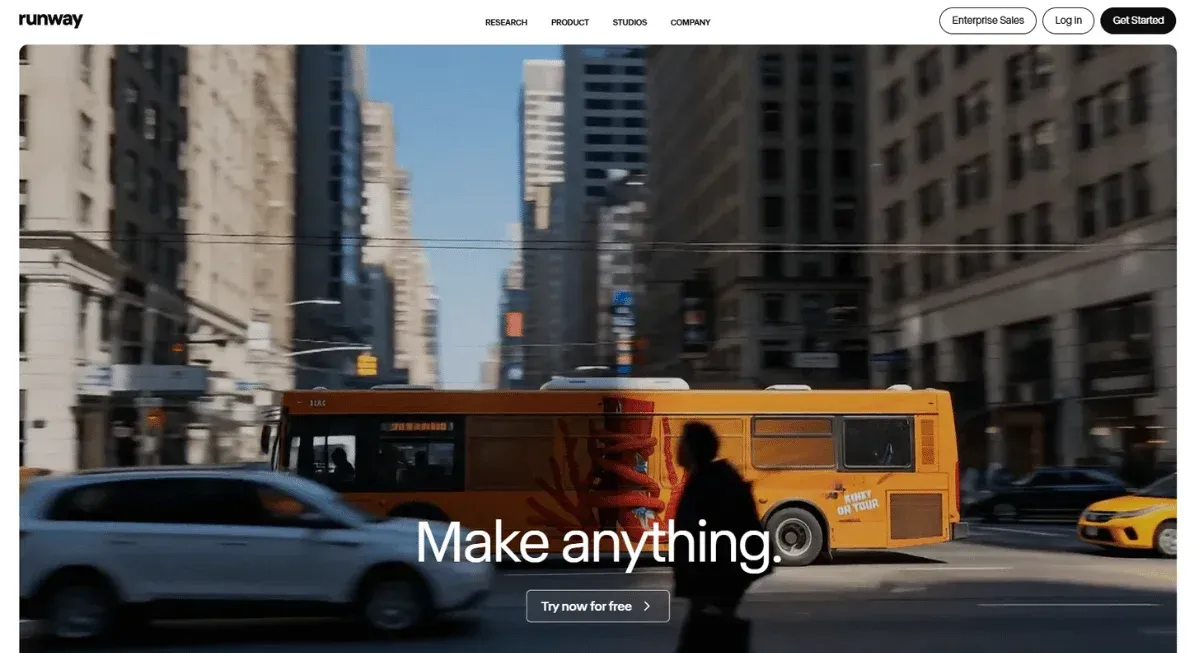
Getting started with Runway ML is simpler than you might think, but understanding the correct workflow makes all the difference.
Whether you’re animating still images, generating video from text or image prompts, or applying stylized elements, following an intuitive process will deliver professional-grade results without frustration.
Here’s a typical workflow on Runway ML:
Step 1: Sign Up and In
To access your Runway workspace, where all your creations will live, you must start by creating an account. You can connect via Google or use your email to sign up for a Runway account.
Step 2: Select Your Workflow
Once you’re signed in to Runway, choose the workflow that aligns with your creation goals. You’ll need to select between text-to-video, image-to-video, or video editing based on your desired input.
Picking the right workflow mode will help you avoid unnecessary trial-and-error.
Step 3: Enter Prompt
Now comes the fun part: feeding the AI visual generator what you want to create.
You can upload images or video clips, or type a text prompt. Your prompts need to be specific and accurately describe the scene, characters, movements, or style you’re aiming for. The more detail you share, the higher the chance you’ll be impressed with your output.
Learn more about how to write an effective AI image prompt.
Step 4: Tweak Your Settings
To fine-tune your output even more, you need to configure your settings. Runway ML allows you to adjust aspect ratios, camera angles, motion parameters, and style presets.
Step 5: Generate Your Visuals
Once you’re satisfied with your input, click Submit, and you’ll have your video or image within seconds. Depending on the complexity of your design, it may take a few minutes to complete.
When your visual is ready, Runway ML provides a preview you can tweak before finalizing the clip. Best part? Even after the final design is created, you can make post-creation edits to add or remove elements, adjust timing, and restyle shots.
Step 6: Save and Export
Once you’re happy with your creation, it’s time to share it. Export in your preferred resolution, from HD to 4K, or post directly to social platforms.
Your project is saved to your workspace, ready for revisions or spin-offs later.
How Much Does Runway ML Cost?
Curious how much it’ll cost you to experiment and create with Runway ML?
The platform offers a mix of free access and paid tiers designed to cater to different levels of creative ambition, ranging from casual experimentation to full-blown production.
Here are the main pricing packages on Runway ML:
- Free Plan: Upon signing up, you gain access to the free plan, which includes 125 credits. These credits can be used to create a limited number of watermarked images or short video clips.
- Standard Plan: For just $12 per month, you receive 525 credits and unlock access to more advanced generative AI models, watermark-free visuals, and additional storage.
- Pro Plan: For $28 per month, you get 2250 credits and unlock custom voices for lip-syncing. Up to 500GB cloud storage in addition to all the features of the standard plan.
- Unlimited Plan: Want unlimited video generation? Subscribe to the unlimited plan for $76 per month and create content without worrying about credits.
- Enterprise Plan: Have a team of creators you want to empower with Runway AI image and video generation? Contact Runway for a custom-priced enterprise plan.
What is Midjourney?
Unlike Runway, which leans into video and complete editing workflows, Midjourney specializes in generating high-quality still images from text prompts in minutes. However, they also offer some video-generation features.
With Midjourney, a few carefully crafted words can produce anything from photo-realistic portraits to fantastical landscapes or stylized concept art.
How to Use Midjourney
Getting started with Midjourney might feel a little different if you’re used to web-based apps. But once you get the hang of it, the process is surprisingly smooth.
Here’s a step-by-step guide for creating visuals on Midjourney:
Step 1: Sign in to Midjourney
Create an account on their official website using either your email or your Google account. Alternatively, you can access Midjourney via the Discord app.
This requires you to connect an existing Discord account or link a new account.
Step 2: Choose a Subscription Plan
Because Midjourney doesn’t offer a free plan, you'll need to choose a plan that aligns with your budget and needs to start creating.
Once you complete payment for the strategy you choose, whether it's basic, standard, pro, or mega, you can jump right into making videos or images.
Step 3: Create Your Visuals
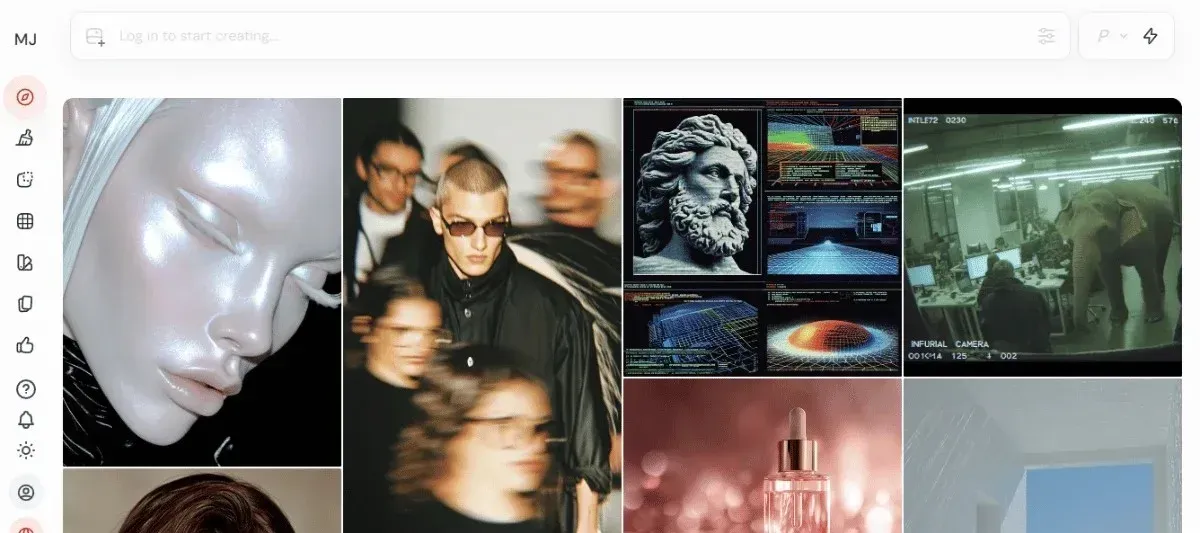
When you’re logged in, head to the Create page, which is where all your prompts come to life. Type your prompt into the image bar, making it as detailed as possible to produce the most precise results.
Then, hit Enter to have your image or video ready in seconds.
Step 4: Refine Results
Midjourney stands out because it produces a set of four images each time, and you get to choose the one that stands out to you.
You can further improve the results by upscaling or remixing the output to achieve exactly what you hoped for.
Step 5: Finish
Now that you have the image or video you wanted, you can press and hold to download on mobile or select ' Save Image As’ on desktop.
Do more with your generations by saving and organizing them in folders and using them as references for your next creations.
How Much Does Midjourney Cost?
Midjourney operates on a subscription model, offering four main plans that renew on either a monthly or annual basis.
Below is a breakdown of how much Midjourney will cost you based on your AI image or video generation needs:
- Basic Plan: At only $10 monthly, you unlock high-speed rendering, and you can do up to 3 concurrent fast jobs.
- Standard Plan: Invest $30 per month for unlimited Relax Mode, allowing you to generate as many images as you’d like, although they will be publicly visible.
- Pro Plan: Unlock Stealth Mode for $60 per month to keep all your unlimited image and video creations private and visible only to you.
- Mega Plan: For $120 per month, you unlock Stealth Mode, Relax Mode, and unlimited SD image and video creation.

What is DomoAI?
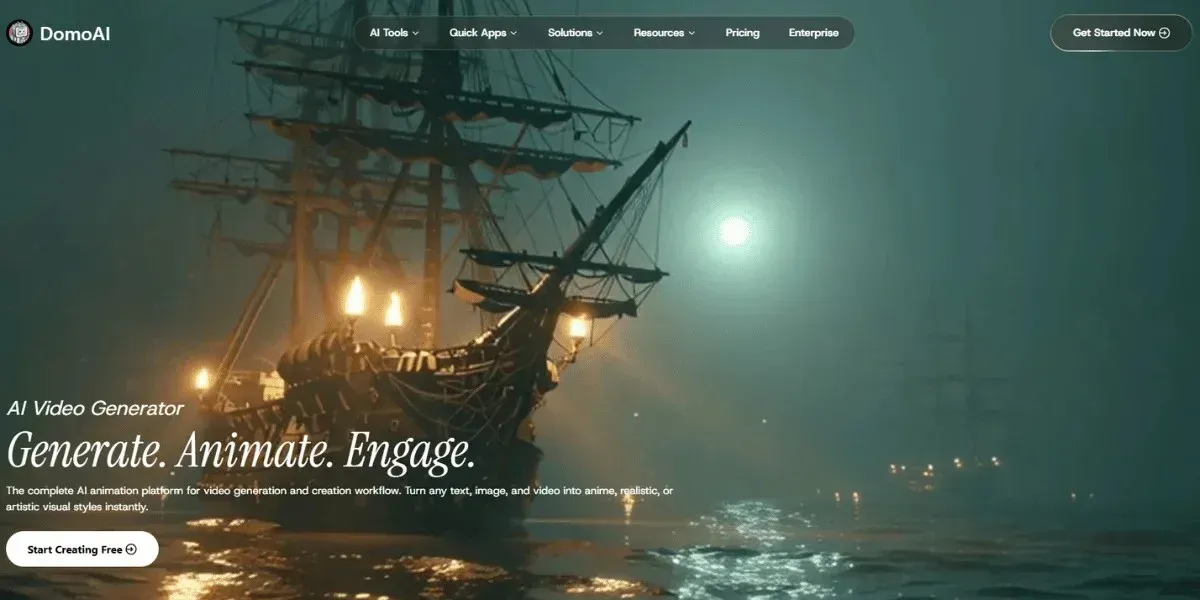
Think of DomoAI as your all-in-one creative playground, where animation, video editing, and AI generation come together seamlessly, without the need for a full studio setup.
Instead of wrestling with frame-by-frame animation, you can upload a photo, video, or just type a prompt, and our innovative AI tool will bring your vision to life.
Unlike Runway ML, which focuses on precise video editing and advanced control, DomoAI streamlines the process for creators, allowing you to quickly transform text, images, or raw footage into animated, stylized videos.
How to Use DomoAI
Getting started with Domo AI is easier than you might think.
Follow these steps to bring your ideas to life on DomoAI:
Step 1: Create Your DomoAI Account
First things first, sign up! Use your Google or Discord account to get started. It’s quick, secure, and provides you with immediate access to most of the platform's tools and features.
Step 2: Pick the Tool that Fits Your Vision
DomoAI is a complete AI creative workflow. You get to choose the tool that matches your project:
- AI Video Upscaler: Need your visuals crisp and high-resolution? The AI video upscaler will instantly boost your image quality.
- AI Video Style Transfer: Want that anime vibe or a specific artistic style? Apply it using the AI video style transfer in a few clicks.
- AI Video-to-Video Generator: Got existing raw footage? Turn it into animated videos in minutes. You can apply motion, style references, or anime effects, and even generate talking avatars with AI video lip sync.
Feel free to mix and match these tools to create exactly what you want.
Step 3: Feed Your Prompt
Now it’s your turn to tell DomoAI exactly what you’re envisioning. You can type a text prompt or drop an image or video.
Better yet, include a visual and a text description that consists of the following details:
- The main subject or focus
- Background or setting details
- Style, mood, or theme
- Framing or composition hints
Step 4: Generate Your Creation
Hit submit, and watch as your prompt comes to life faster than you can imagine. Preview, tweak, and adjust your image of video until it’s exactly what you had envisioned.
You can save a few versions so you can pick the one that hits just right.
Step 5: Save, Share, and Iterate
Happy with DomoAI’s output? Download your creations or share them directly to social media.
With DomoAI, you get full ownership of your work, so you can confidently use it for commercial purposes.

How Much Does DomoAI Cost?
Wondering how much it’ll cost to get started? DomoAI offers pricing plans for every type of creator, from hobbyists to marketers and full-time animators.
Here’s the breakdown:
- Free Plan: Upon signing up, you receive a free plan with a few starter credits, including your first video creation at no additional cost—perfect for testing the platform.
- Basic Plan: At only $9.99/month, you can generate up to 500 images and 100 videos per month, with access to all 30+ creative styles and optional credit top-ups.
- Standard Plan: For $19.99/month, unlock Relax Mode for unlimited generations without worrying about credits. Generate up to 1,500 images and 300 videos per month, with all 30+ styles included.
- Pro Plan: At $48.99/month, you get enough credits to generate at least 4,000 images and 800 videos per month, Relax Mode for unlimited generations, faster video generation with longer clip lengths, and access to exclusive features.
Ready to level up your content creation? Get started today and animate your first video in minutes.
Relevant Characteristics Between Runway, Midjourney, and DomoAI
What is the right tool to choose for your needs?
The table below compares Runway, Midjourney, and DomoAI feature by feature:
| Runway | Midjourney | DomoAI | |
|---|---|---|---|
| Image Generation Quality | High-quality and realistic generative images | Great for stylized and concept images | Extremely high-quality images in many artistic styles |
| Video Creation/Editing | Supports text-to-video, image-to-video, and video-to-video creation and editing | Evolving video generation tools | Supports video-to-video, image-to-video, text-to-video, plus smart editing |
| Text-to-Video Capabilities | Strong | New and emerging | Extremely strong |
| Style Customization | Allows chain models, style transfers, inpainting, and scene control | Allows style references, remixing, and prompt parameters | Over 30+ style options |
| Ease of Use | Made for advanced workflows, so there’s a learning curve | Fairly accessible for image generation | Designed to be intuitive and user-friendly |
| Pricing Structure | Credit-based pricing | Subscription-based plans based on GPU time | Subscription-based on usage |
| Collaboration Tools | Supports real-time collaboration, team workspaces, and shared assets | Strong collaboration tools on the Discord bot | Cloud-based collaboration suitable for freelance creators |
| Integration With Other Platforms | Easy integration into video editing suites such as Adobe Premier Pro | Connect it to platforms using Zapier or custom bots to sync images | Supports direct integrations and offers API to expand the functionality of DomoAI |
| AI Model Control (Prompts, Parameters) | Advanced control with model choices, inpainting, and chaining | Moderate control using prompt parameters | Sufficient control with smart defaults |
| Animation Features | Sufficient animation features, including motion brush and dynamic cameras | Basic animation features | Excellent animation features, including lip syncing, talking avatars, and motion control |
| Training Custom Models | Supports custom models | Doesn’t openly support user-provided model training | Focused on predefined styles and transformation |
| Real-time Rendering | Relatively fast, depending on the model and credits | Fast image generation but slower video generation | Fast processing, especially for animations and conversions |
| Licensing & Commercial Use | Output can be commercially used, depending on the plan | Commercial license available with paid plans | Commercial license available with all plans |
| Community & Asset Library | Good collaborative potential | Large and passionate community on Discord | Growing community and asset library |
| Output Resolution | Produces high-quality outputs and supports upscaling | High-quality image resolution and limited video resolution | Produces 4k outputs and supports video style transfer and upscaling |
Similarities and Differences
Runway, Midjourney, and DomoAI all excel at AI-powered visual creation.
Let’s explore the areas where they converge and where they diverge:
Runway, Midjourney, and DomoAI Differences
Runway, Midjourney, and DomoAI have the following stark differences:
- Core Strengths: While Runway excels in advanced video editing and creation, Midjourney shines in artistic image generation, and DomoAI excels at fast and user-friendly image and video tools.
- Ease of Use: DomoAI is the most user-friendly, Midjourney has a learning curve, and Runway has a complex interface that feels like a professional editing suite.
- Pricing Structure: Runway employs a credit-based pricing model, Midjourney utilizes tiered subscriptions, and DomoAI offers a blend of subscription options.
Runway, Midjourney, and DomoAI Similarities
These three AI visual generation platforms are similar in several ways, including:
- They all produce high-quality, professional-grade visual outputs.
- They support creative workflows and help creators speed up production.
- All three platforms offer commercial licensing with their paid plans.
- They support cross-industry use cases.
Bottom Line
AI is expanding the capabilities of creators, from concept art to full animated scenes. Runway and Midjourney each bring something powerful to the table.
However, if you want a tool that provides fast, intuitive, creator-friendly video editing without a steep learning curve, choose DomoAI.
Whether you’re looking to animate your single photos, create a talking avatar, or generate a full anime-style clip, our platform guides you from ideation to finished video in just a few clicks.
What’s more? Enjoy creating unlimited videos and images in Relax mode and upscaling up to 2k/4k.
Get started with DomoAI for free and turn your ideas into high-quality video content.
Frequently Asked Questions (FAQs)
Let’s answer some commonly asked questions people ask when comparing Runway, Midjourney, and DomoAI:
How Does Runway’s AI Video Editing Compare to DomoAI’s Capabilities?
Runway lets you build custom workflows, finely control motion, and chain models for complex experiments.
However, DomoAI focuses on speed and ease of use. You can animate images, generate stylized video, apply lip sync, and upscale to 4K without wrestling with a full editing suite.
Are There Free Versions or Trials Available for Runway, Midjourney, and DomoAI?
Runway and DomoAI offer a free trial plan, but you’ll need to pay for a subscription to access any generation features on Midjourney.
Which Tool Offers the Most Realistic Visual Output?
Midjourney produces photo-realistic still images, while Runway lets you create cinematic or concept videos.
However, DomoAI excels at creating realistic, expressive, and polished animations.


