Whether you’re a business owner pushing your brand, a YouTuber seeking engagements, or an indie filmmaker pitching an idea, unique motion visuals are what separates each creator.
Even with the best tools, video production is tedious. Additionally, most creators lack the expertise to craft these movements.
With artificial intelligence, however, you can quickly make motion visuals. AI motion lets you create unique and realistic visuals for your videos with minimal effort. Instead of spending hours fine-tuning camera movements or adjusting character movements, you can simply prompt or paste your reference video, and the AI motion tool will do all the work.
Let’s explore AI motion control, its top features, the best AI motion control tools, how to craft videos with AI motion, and ways to achieve high-quality videos with AI motion.
TL;DR - How To Use AI Motion Control
Short on time?
Here is what you need to know:
- Creators can use text prompts to instruct the AI's motion control or upload a reference video for the AI to replicate.
- You can use this tool for short films, Instagram and TikTok reels, marketing videos, and anime-style clips.
- Creating the best videos involves starting small, using reference videos, ensuring brand consistency, and uploading quality images.
- With a robust AI motion control tool, you can reduce your workload and minimize production costs.
Continue reading to learn how to leverage AI motion control to streamline your content creation process.
What Is AI Motion Control and How Does It Work?
AI motion control analyzes your reference video movements, like hand movements, poses, and other gestures, and applies them to your static image, creating unique animations.
Instead of manually recreating these movements in other software, AI motion control does it in a few minutes, saving you time and reducing the technical complexity.
But How Does AI Motion Work?
AI motion control analyzes motion patterns in your reference video and recreates them in the provided image. Some tools, however, don’t use reference videos, so you must describe your preferred movements using prompts.
The motion recreation process follows these steps:
- Data Input: First, upload your reference video for AI motion control analysis. For tools without this feature, you will be required to prompt it.
- Motion Analysis and Extraction: The AI motion control analyzes the video’s movements, including the poses, body language, and facial expressions. It also extracts key motion data to allow for further processing.
- Motion Application: The AI tool applies the extracted movements to your static image, creating a new animation.
- Consistency Maintenance: The Final step is to ensure the AI-generated video exhibits consistent motion that closely matches the reference video.
Top AI Motion Control Features That Make It Practically Useful
AI motion control has made it easier for content creators to produce realistic, high-conversion videos that enhance brand visibility.
Some of the top AI motion features include:
1. AI Motion Transfer
The motion AI control transfers hand gestures or other movements to your static image. You only need to add a reference video for the AI motion to extract the movements and apply them to your picture.
This enables you to create high-energy content that aligns with other trendy TikTok videos.
2. Text-to-Motion Prompts
It allows you to specify your preferred motion. For instance, you can prompt the AI to generate a video with subtle head movements based on the provided image.
For writers and other brand marketers, the text-to-motion prompt feature allows them to generate unique motions, rather than copying movements from another reference video.
3. Camera Path Simulation
AI motion control uses your static image to create a video that appears to have been filmed with a moving camera. For instance, zooming in and out, or moving around to capture the object in the image, even though no camera movement was used.
If you are marketing a product, AI motion can create a video that zooms in on the product, allowing customers to notice its design. It can also simulate a drone shot, without actually using a drone.
Therefore, this feature helps you create cinematic videos without expensive camera equipment, such as drones or high-resolution cameras.
4. Object Tracking and Manipulation
AI motion control identifies the most important object in a scene and adjusts the video to make it more conspicuous.
For example, for a product promotion video, AI motion control can track a person’s hand picking the product and blur the background, keeping your customers focused on your product.
For small business owners, this feature helps you create how-it-works promotional videos with minimal distractions.
Best AI Motion Control Tools and Platforms to Consider
Now that you know the top features to look out for, you must be wondering which AI motion control tools are worth it.
Here is a list of tools and platforms that will elevate your motion visuals:
1. DomoAI
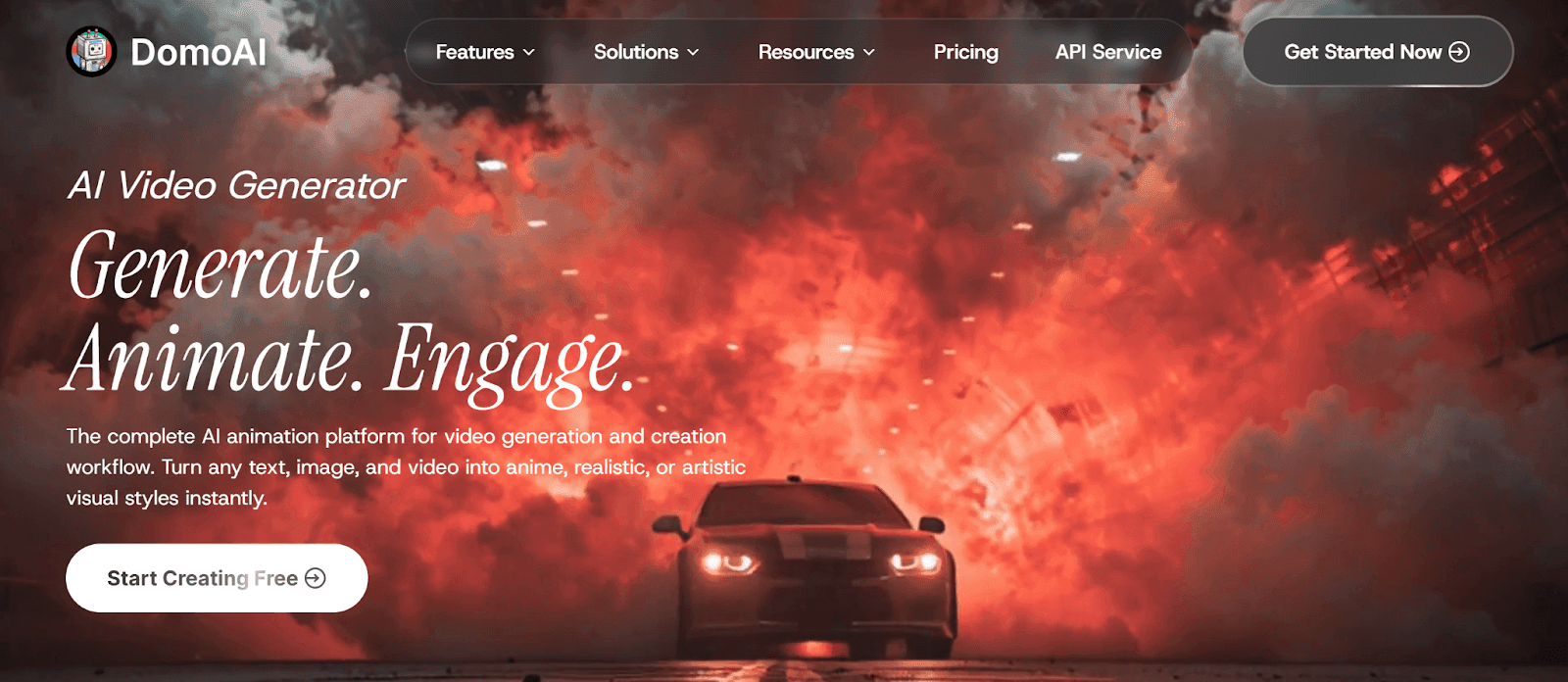
DomoAI is the #1-rated AI motion control tool, focused on motion transfer and character animation. Additionally, it has a video-to-video converter, making it a good option for new content creators looking for an AI motion control tool.
Some of its standout features include:
- Image-to-Video Animations: Convert static images into dynamic video, enabling you to create motion visuals for your marketing campaigns.
- Text-To-Motion Prompts: Create unique videos that differ from competitors' or other reference videos using text prompts.
- Background Eraser: Remove unnecessary background elements from your videos with DomoAI, ensuring your customers focus on your products.
- Image Enhancer: Upgrade your image resolution to create clear photos for your audience.
- Talking Avatar: Create talking videos with precise AI video lip-sync using DomoAI, with no technical knowledge or heavy software required.
- 30+ Animation Styles: Use pre-made animation styles that are unique and realistic to save you time.
Pricing:
- Basic Plan: $9.99 per month
- Standard Plan: $27.99 per month
- Pro Plan: $69.99 per month
Try DomoAI today and create professional motion videos in 4K!
2. Kling AI
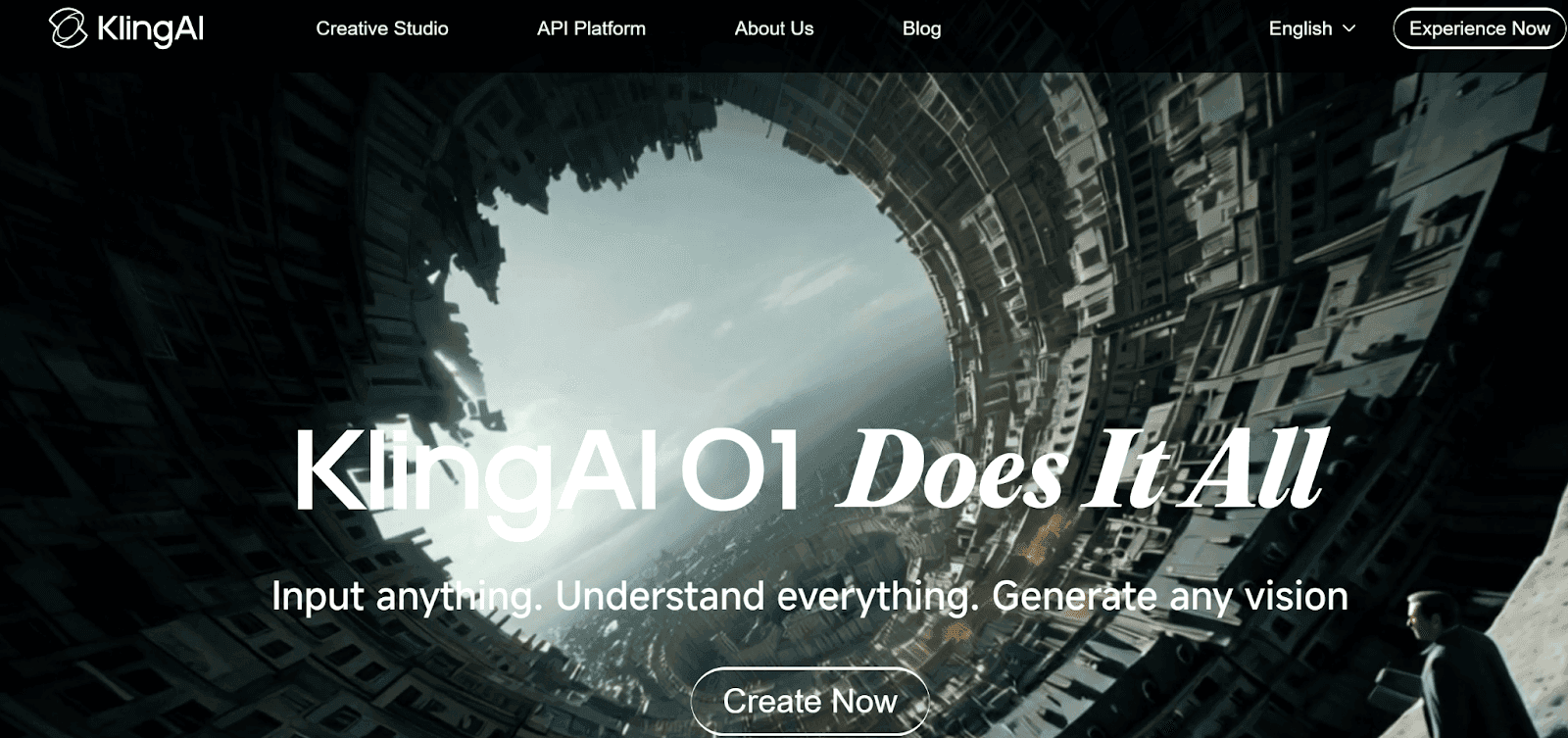
Kling AI suits small business owners by enabling them to create unique, interactive videos using image or text prompts.
Unfortunately, Kling AI offers limited editing tools, forcing users to seek third-party software to trim videos.
Features:
- Supports video generation using text prompts
- Generates 1080p resolution videos
- Supports camera path movements for cinematic videos
Pricing:
- Basic Plan: $0
- Standard: $10 per month
- Pro: $37 per month
- Premier: $92 per month
- Ultra: $180 per month
3. DeepMotion
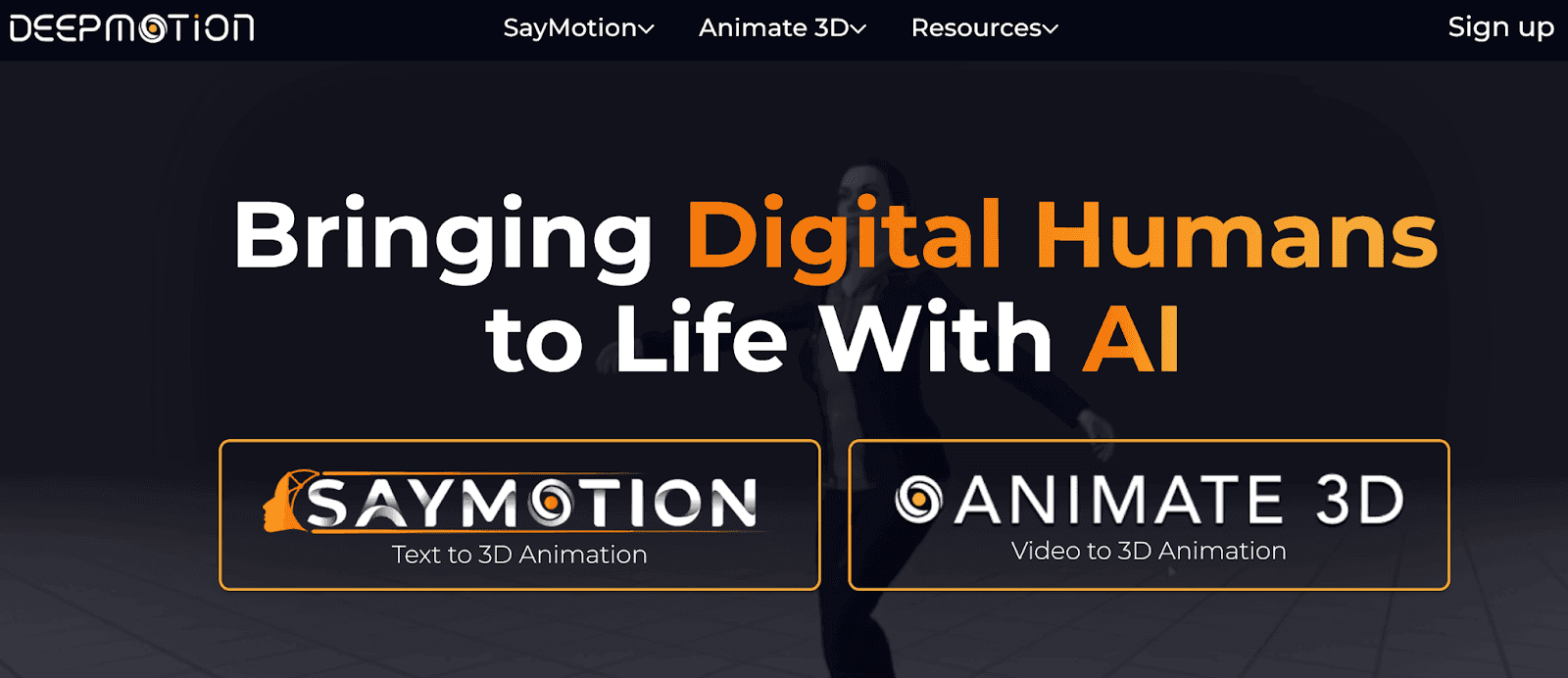
DeepMotion provides AI-powered tools like Animate 3D, which converts video to animation, and SayMotion, which converts text to animation.
A drawback is that DeepMotion is expensive, which limits adoption among new creators seeking a low-cost AI motion solution.
Features:
- Full-body motion tracking
- Built-in custom avatars
- Supports text-to-motion animations
Pricing:
- Free: $0
- Starter: $15 per month
- Innovator: $48 per month
- Professional: $117 per month
- Studio: $300 per month
How To Create Videos Using AI Motion Control
Crafting short videos using AI motion doesn’t require any technical expertise, and you don’t need advanced software.
Follow this step-by-step process to generate your videos in a few minutes:
- Determine Your Creative Goal: Start by knowing what you need. Do you need a short animation clip? Or a cinematic product video? Defining your goals guides you on the type of video to create.
- Provide Your Motion Reference: Upload your reference video with the movements you want to apply. For text-to-motion videos, you must provide prompts for the movements you want to apply since you’re not using a reference video.
- Provide Your Static Image: Upload the image you want to animate. If unsure, choose one of the template images provided by the AI motion tool.
- Define Your Instructions: Even with a reference video, fine-tune the movements to ensure the final video aligns with your vision.
- Generate and Review: Generate the video and evaluate it for realism and timing.
- Refine and Export: Make final adjustments, such as motion speed and camera movement, before exporting the video for publishing.
Benefits of Using AI Motion Control To Generate Videos
With most brands using social media channels to market their products, AI motion control has become a valuable tool for generating marketing campaign videos.
Here are some of the benefits:
- Saves Time: Creators can generate videos in a few minutes, saving time compared with traditional production methods.
- Enhances Creativity: With the right prompts, you can fine-tune your videos to manipulate scenes and adjust camera movements, making them unique for your target audience.
- No Technical Experience Needed: You must have good editing skills when using traditional production methods. However, AI motion control solves this. With the right prompts and a good reference video, you can quickly generate your preferred video without any technical expertise.
- High-Volume Content: With AI motion control, you can generate numerous different videos in a few hours for your promotional campaigns and YouTube reels.
Motion Control Techniques For Different Video Styles
Motion control techniques have evolved in today’s creator economy, supporting numerous video styles, like high-energy social media content and cinematic promotional videos for storytelling.
Let’s explore some techniques for different video styles:
Social Media Content: Short Reel Videos
Technique: Motion Transfer and camera movements
AI motion control analyzes body movements, such as dance movements, from your reference videos and applies them to a static image or virtual avatar. This technique helps you create trending content for your TikTok and Instagram Reels.
Additionally, AI-simulated camera movements, like drone shots, capture your audience’s attention within the first few seconds, which is essential for social media videos.
Marketing Videos
Technique: Performance Animation and Consistency Control
AI animation techniques help ensure uniformity in marketing videos, such as ensuring your avatars have consistent movement, clothing, and identity, especially when producing numerous videos for a specific marketing campaign.
Achieving this consistency enhances your brand visibility, especially for businesses partnering with an AI development company for scalable video production, by enabling you to create a range of brand-themed videos without multiple reshoots.
Narrative Videos
Technique: Motion Swapping and Keyframe Animation
In narrative videos, body language is essential for storytelling. Motion swapping enables the AI to extract precise facial expressions, body gestures, and the full physical performance from the reference video and apply them to your static image, creating realistic performances.
Additionally, keyframe animations help you create smooth camera pans and transitions that are essential for storytelling. With these techniques, you can experiment with different motion visuals without reshooting scenes or incurring additional production costs.
Tips To Achieve Professional Quality With Motion AI Video Generation
Achieving professional-quality videos with motion AI means moving beyond basic prompts and utilizing smart features that make your videos stand out.
Here are tips to help you generate professional videos:
- Start Simple: Use short and precise prompts that don’t confuse the AI to create realistic animations.
- Always Use References: Reference videos are easier to replicate than complex prompts that some AI systems misunderstand, which can result in lower-quality videos.
- Ensure Brand Consistency: For small business owners creating brand-related content, ensure the videos consistently reflect your brand theme and support professional marketing campaigns.
- Adjust the Motion Intensity: Increase the motion speed for high-energy videos, but use low motion for subtle scenes. The motion intensity you use depends on your creative objectives.
- Upload Quality Images: Your static images must be high-resolution to ensure the generated video is sharp and high-quality. Consider using our AI anime image upscaler to clean your pixelated sketches or blurry screenshots before uploading them.
Frequently Asked Questions (FAQs)
Below are some frequently asked questions about AI motion control tools.
Is Motion Control AI Suitable for Non-Technical Users?
Yes. Motion control AI is suitable for non-technical users due to its user-friendly interface.
Additionally, motion transfer requires no code. Simply upload your reference video and static image, then click Generate to create your video.
What Skills Are Required to Use AI Motion Control Tools?
You can comfortably use AI motion-control tools if you understand traditional video production principles.
However, most of these tools have an easy creation process, allowing users with basic AI knowledge to use them.
Can AI Motion Control Work Without Internet Access?
AI motion control primarily relies on internet access because it typically runs on cloud-based servers.
Offline use is possible for minor tasks, such as storing data on your device, but you won’t be able to access all features offline.
What File Formats Support AI Motion Control?
AI motion control supports video formats such as MP4, WEBM, GIF, MOV, and M4V. Additionally, it supports image formats such as JPG, JPEG, PNG, WEBP, and AVIF.
Conclusion
If you’re a content creator struggling to produce interactive videos or you don’t have the time to make videos consistently, consider using AI motion control. This tool will help you generate unique videos based on your prompts or another reference video.
DomoAI is currently the best AI motion control tool. It offers image-to-video animations and text-to-motion prompts at an affordable price. You will also enjoy additional advanced features, including an image enhancer and numerous animation templates.
Get started from just $9.99/month and transform your static images into dynamic videos!