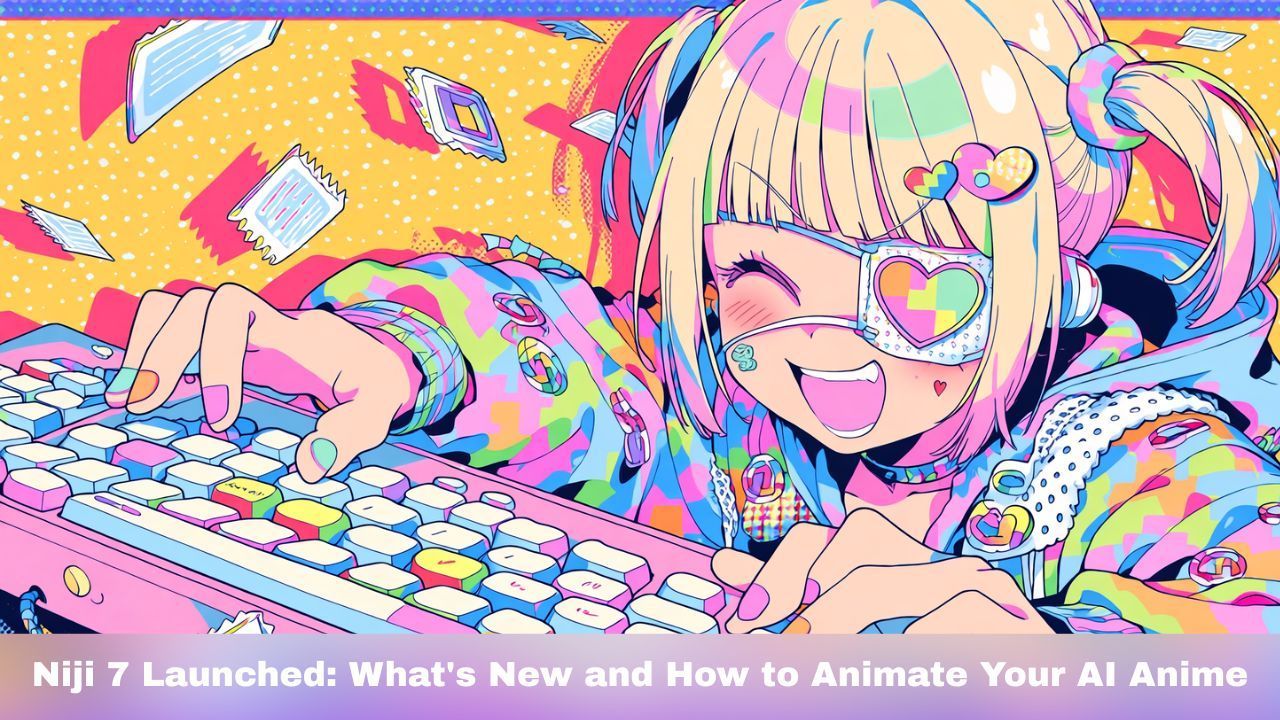
Midjourney dropped Niji 7 on January 9, 2026, and the anime AI community is buzzing. After 18 months without a major update, this release brings serious upgrades to anime image generation. But here's what makes this moment special: you can now take those Niji 7 images and turn them into full videos.
Let's break down what's new in Niji 7 and show you how to bring your anime creations to life.
What's New in Niji 7
Niji 7 is Midjourney's specialized model for anime and manga-style art, built in collaboration with Spellbrush. This update focuses on three core improvements:
View original post on Xhttps://x.com/midjourney/status/2009748519133827304?s=20
Crystal-Clear Eyes and Details
The Niji team knows that anime fans care about eyes. Niji 7 delivers sharp pupil rendering, clean reflections, and consistent facial features. No more fuzzy irises or misaligned highlights. Background elements like floating flower petals now render with the same precision as your main character.
Better Prompt Accuracy
Previous Niji versions sometimes interpreted prompts loosely. Niji 7 reads your instructions more literally. If you describe "a girl with short green hair, blue eyes, and four arms holding ice cream cones," you'll get exactly that. Complex character descriptions with multiple accessories, specific poses, and unusual features now work as expected.
Flatter, Cleaner Line Work
The Niji team pushed for a distinctive aesthetic this time. Niji 7 produces flatter rendering that emphasizes line art—closer to actual anime production style. The keyword "anime screenshot" works well here, creating images that look like frames pulled from a real anime series.
Improved Style Reference (sref)
You can now use the --sref parameter to apply style codes from your favorite Midjourney V7 generations. The results translate well into Niji 7's anime context, giving you more control over consistent aesthetics across multiple images.
What's Missing (For Now)
The character reference feature (--cref) isn't available in Niji 7. The team hinted they're building something better as a replacement. Personalization and moodboard features are coming soon after the initial release.
How to Use Niji 7
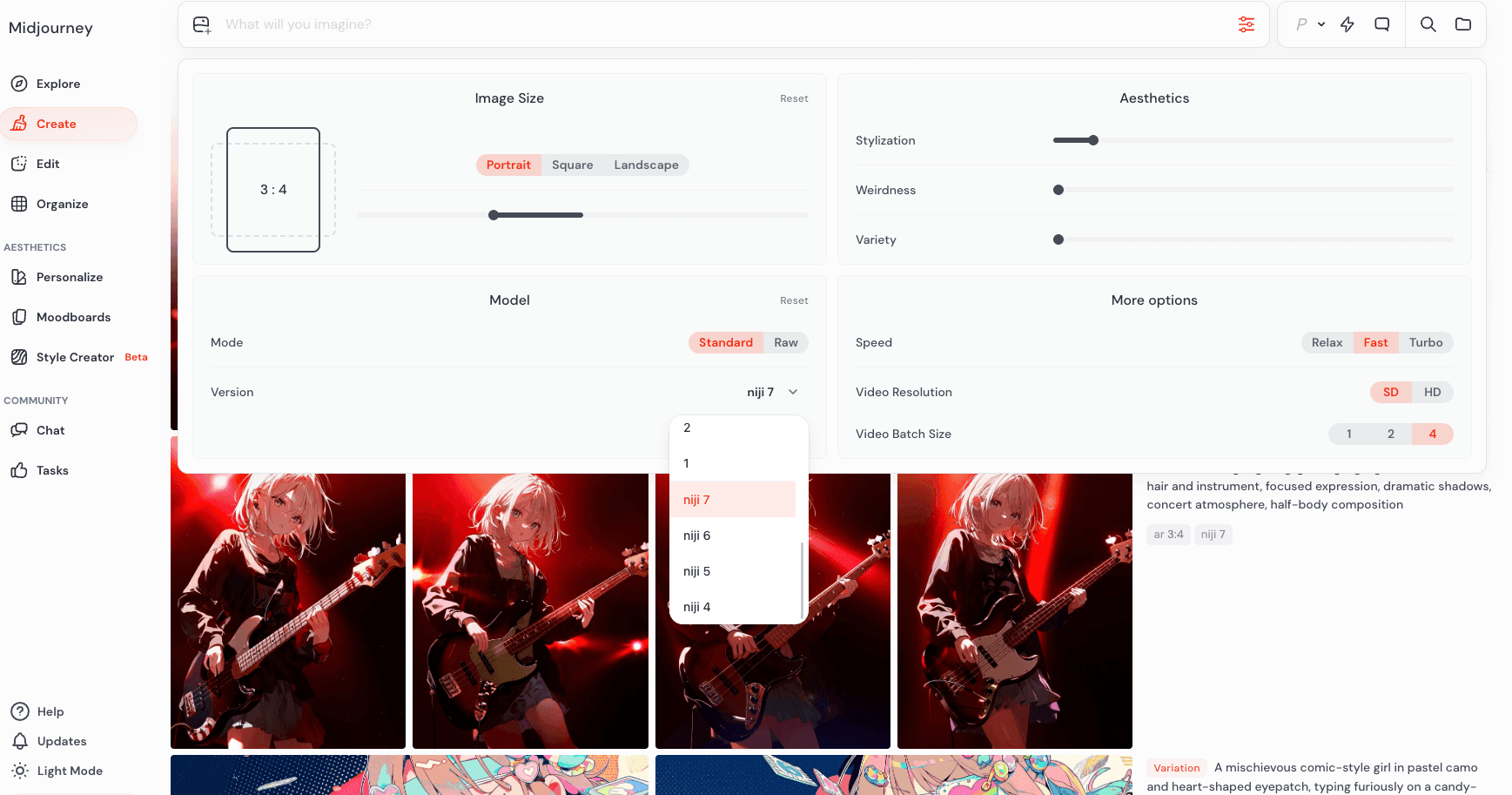
Getting started is simple:
On Discord: Add --niji 7 to the end of your prompt
On the Web: Select "Niji 7" from the version dropdown in your settings at nijijourney or Midjourney
Quick Tips:
- Use "anime screenshot" for that authentic frame-from-anime look
- Be specific in your prompts—Niji 7 interprets instructions more literally than previous versions
- Experiment with --sref codes from Midjourney V7 for consistent styling
- Try "minimalist graphic logo" to test Niji 7's improved negative space handling
From Still Image to Moving Video
Here's where things get interesting. A great Niji 7 image is just the starting point. Tools like DomoAI let you transform static anime art into full video content.
Option 1: Image to Video Animation
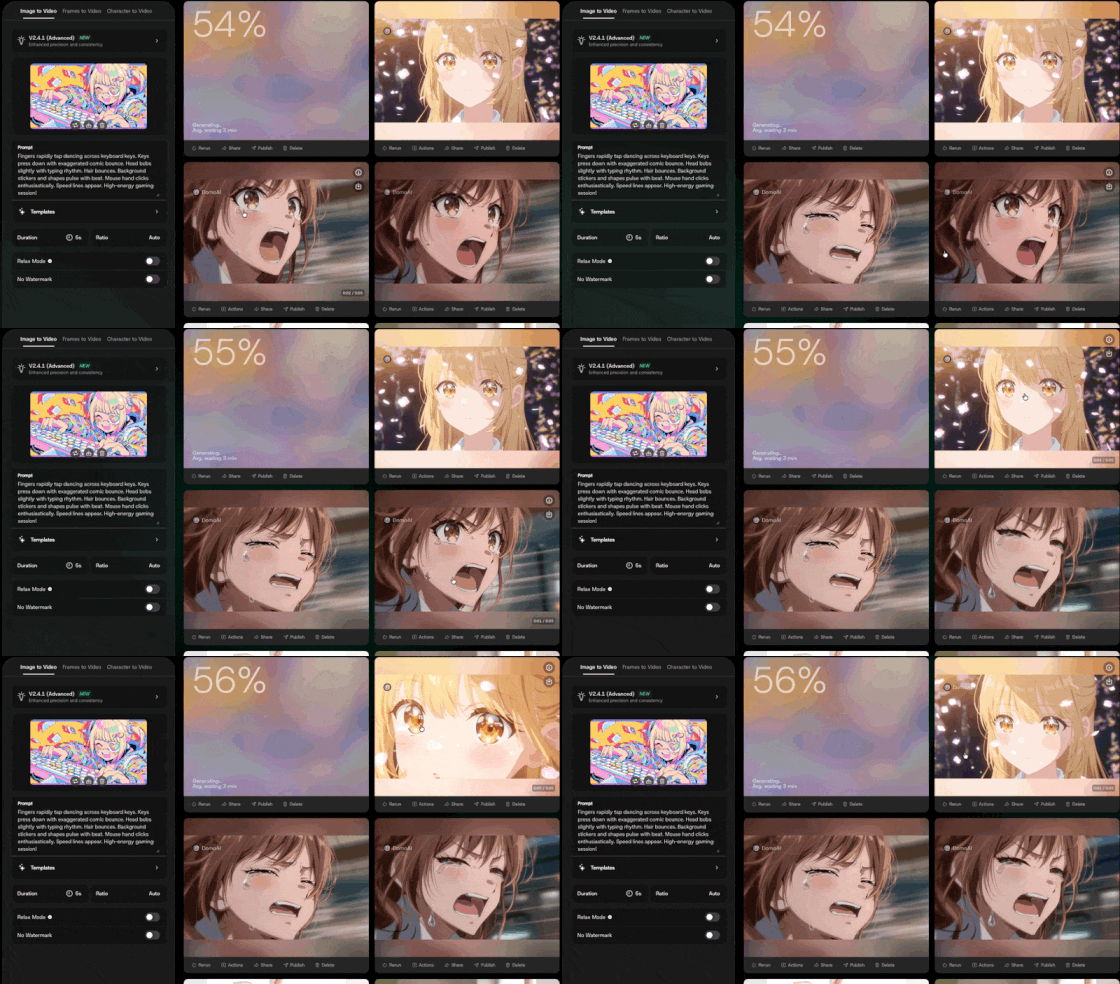
Take your Niji 7 character and make them move. Upload your anime image to DomoAI's image-to-video generator and add a simple motion prompt. The V2.4.1 Advanced model handles anime aesthetics well, keeping line work consistent while adding natural movement.
A prompt like "the girl turns her head, moves toward the camera, and smiles" produces fluid, believable animation. Head turns feel organic. Expressions stay on-model.
You can also skip the prompting entirely and use pre-built templates. The AI Hug template or AI Looping Animation template handle romantic scenes with a single click—golden-hour lighting, flowing hair, and natural embrace movement included.
Option 2: Frames to Video (Multi-Frame Control)
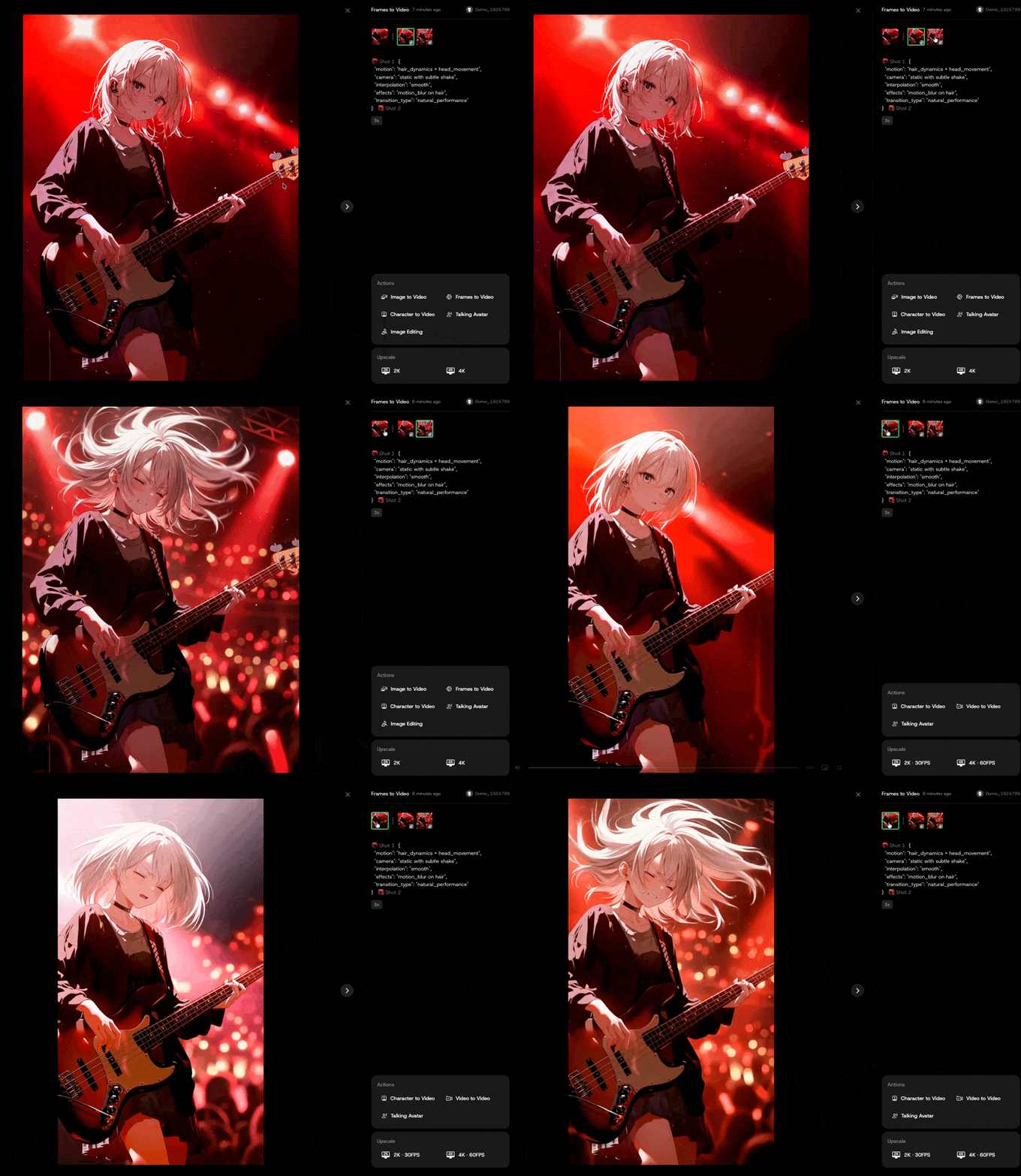
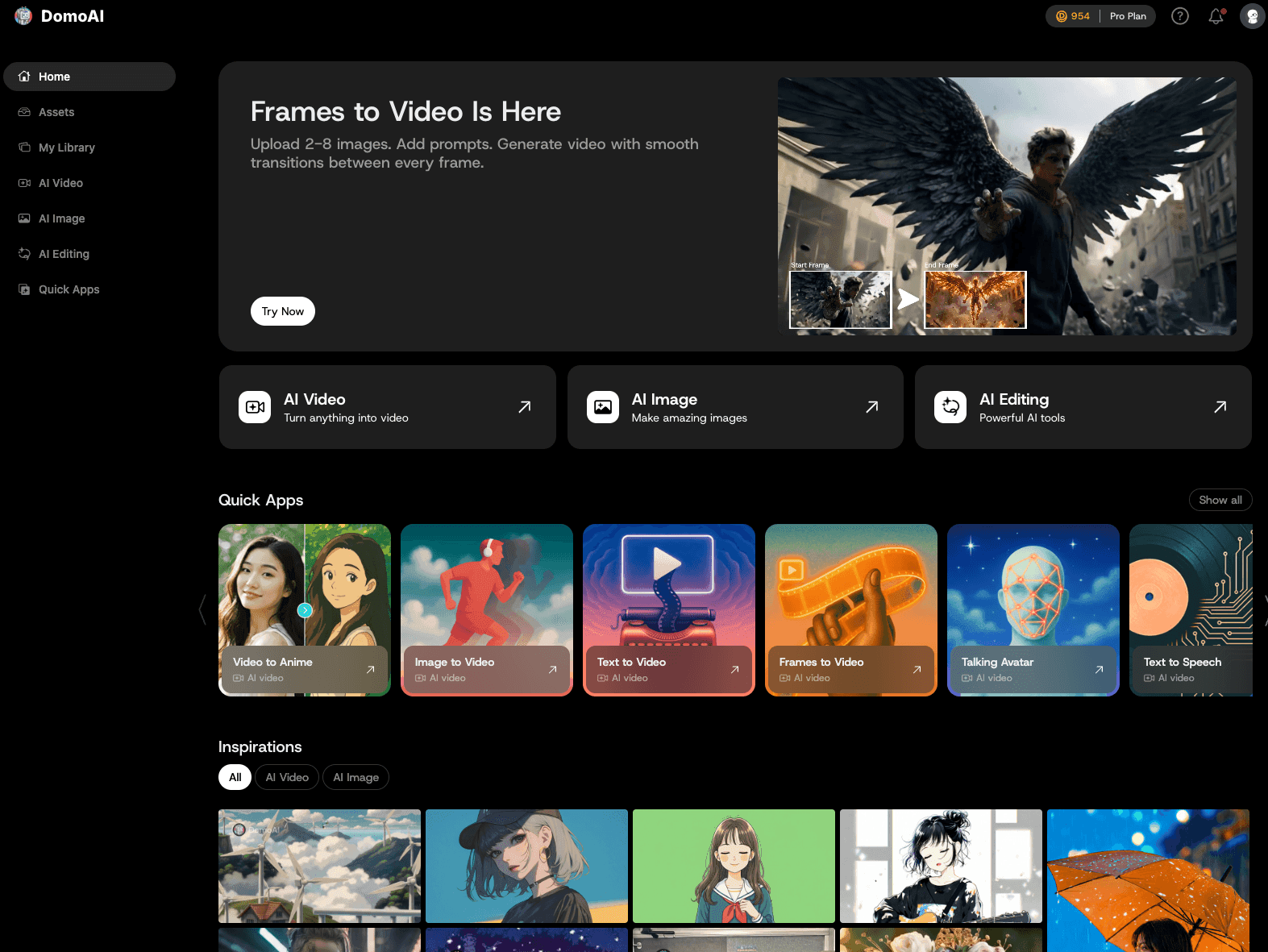
Want more control over your animation? DomoAI's Frames to Video feature lets you upload 2-8 keyframes and generate smooth motion between each one.
How it works:
- Generate several Niji 7 images showing your character in different poses or scenes
- Upload them as keyframes in sequence
- DomoAI fills in the motion between each frame
Your Niji 7 images become fixed anchor points. The AI follows your lead instead of guessing what comes next. Use 2 frames for quick transformations or up to 8 frames for complete narrative sequences.
This approach works well for:
- Character transformation sequences
- Product tours or showcases
- Music video scenes with controlled pacing
- Story sequences where you need specific beats
Option 3: Talking Avatar
Turn your Niji 7 character into a speaking avatar. DomoAI's AI Talking Photo Generator adds lip-synced speech to any portrait. Upload audio and your character delivers the lines with natural mouth movement and subtle expressions.
This opens up use cases like:
- VTuber content creation
- Explainer videos with anime hosts
- Character dialogue for indie games or visual novels
- Social media content with a consistent anime persona
View original post on Xhttps://x.com/neco1751662/status/2009814818598101377?s=20
A Sample Workflow: Niji 7 + DomoAI
Here's a practical workflow for creating anime video content:
Step 1: Generate your character in Niji 7 with a detailed prompt
e,g. Jon Snow from Game of Thrones as a dragon ball z anime character. 1990s anime art in the style of Akira Toriyama, a dvd screengrab.
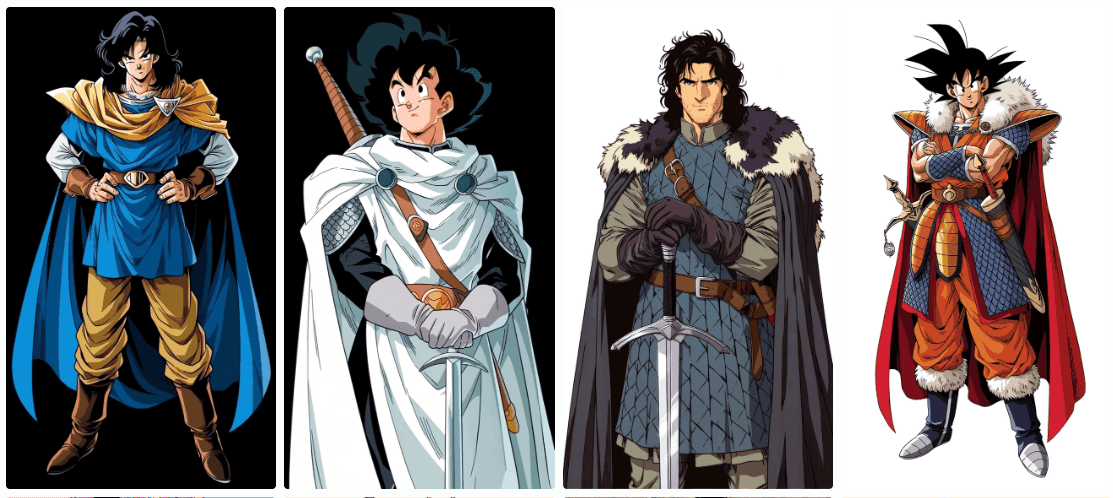
Step 2: Generate 3-4 variations showing different poses or expressions
Step 3: Choose your best outputs and upscale them
Step 4: Upload to DomoAI:
- Single image → Use Image to Video for quick animation
- Multiple images → Use Frames to Video for controlled sequences
- Portrait → Use Talking Avatar to add voice
Step 5: Use DomoAI's video upscaler to scale your output to 4K
The whole process takes minutes. No frame-by-frame animation work. No complex video editing software.
Why This Combination Works
Niji 7 and video generation tools complement each other well for a few reasons:
Consistency matters. Niji 7's improved coherence means your source images have clean, well-defined features. Clean inputs produce better video outputs.
Style transfers well. Niji 7's flatter aesthetic and strong line work hold up during video generation. The anime style doesn't degrade into something generic.
Prompts carry over. If you write specific prompts for Niji 7, you can use similar language when describing motion in your video generation tool.
What's Next
The Niji team plans to release personalization features soon. Combined with video tools, this means you could develop a consistent anime character style and then produce video content featuring that character across multiple scenes and contexts.
For creators making anime content—whether for YouTube, TikTok, indie games, or personal projects—this is a significant shift. The gap between "I have an idea for an anime character" and "I have shareable video content" keeps getting smaller.
Start with Niji 7. Bring your characters to life with video. See where it takes you.
Frequently Asked Questions
What is Niji 7?
Niji 7 is the latest version of Midjourney's anime-focused AI image generation model. Developed with Spellbrush, it specializes in anime and manga-style artwork. The name "Niji" means "rainbow" or "2D" in Japanese. Niji 7 launched on January 9, 2026, and offers improved eye details, better prompt accuracy, and cleaner line work compared to previous versions.
How do I access Niji 7?
You can use Niji 7 through Discord by adding --niji 7 to the end of your prompt. On the web, visit nijijourney.com and select "Niji 7" from the version dropdown in your settings. You need a Midjourney or Niji Journey subscription to generate images.
What's the difference between Niji 7 and Midjourney V7?
Midjourney V7 is the general-purpose model optimized for photorealism and broad creative styles. Niji 7 is tuned specifically for anime and Eastern illustration aesthetics. Niji 7 understands anime tropes better—motion lines, expressive eyes, cel shading, and dramatic color harmonies render more accurately. Use Midjourney V7 for photorealistic work; use Niji 7 for anime content.
Does Niji 7 support character reference (cref)?
No. The --cref parameter is not available in Niji 7. The development team confirmed they're working on an alternative feature they believe users will prefer. Style reference (--sref) is supported and works well with codes from Midjourney V7.
Can I turn Niji 7 images into video?
Yes. AI video tools like DomoAI accept Niji 7 images as input. You can use image-to-video features to add motion, Frames to Video to control animation with multiple keyframes, or Talking Avatar to add lip-synced speech to character portraits.
What prompts work best in Niji 7?
Niji 7 interprets prompts more literally than previous versions. Be specific about details like hair color, eye color, clothing, poses, and accessories. The keyword "anime screenshot" produces images that look like frames from actual anime. For cleaner aesthetics, try "minimalist graphic logo" or "flat shading." Vague or "vibes-y" prompts may not work as well as they did in Niji 6.
How long can Niji 7 + DomoAI videos be?
DomoAI's image-to-video generates clips of 5-10 seconds per generation. Using Frames to Video with multiple keyframes, you can create sequences up to 56 seconds. For longer content, generate multiple clips and edit them together.
Is Niji 7 free to use?
Niji 7 requires a Midjourney or Niji Journey subscription. Plans start at $10/month for basic access. DomoAI offers a free tier with limited credits, and paid plans start at $9.99/month with unlimited generations in Relax Mode.
What's coming next for Niji 7?
The Niji team plans to release personalization features and moodboard functionality soon. A rating task will launch first, allowing users to train their personal Niji 7 style. The replacement for character reference (cref) is also in development.
Tools mentioned in this article:
- Niji 7 - Anime image generation
- DomoAI - AI video generation and animation
- Image to Video - Animate static images
- Frames to Video - Multi-keyframe video generation
- Talking Avatar - Lip-synced speech from portraits