









01
Generate an image with Text to Image, or use a high-level model like GPT Image 2 or Nano Banana Pro for sharper, more controlled results. You can also upload your own.
02
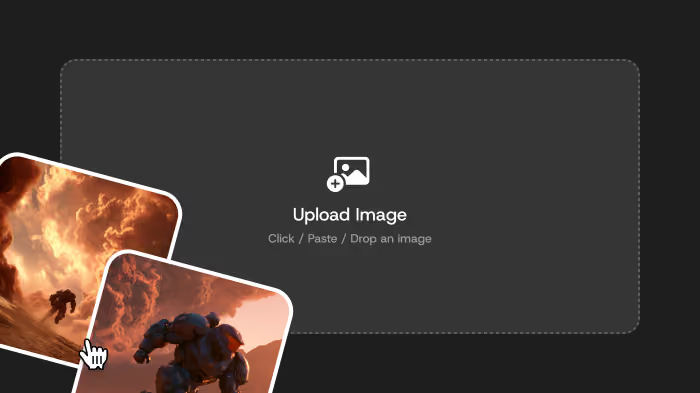
Send your image over with Actions → Image to Video, or upload, paste, or drop it into the panel. Pick Seedance 2.0 or Seedance 2.0 Fast.
03
Describe the motion, camera move, mood, and the sound you want. Set duration and resolution based on your plan.
04
Generate the clip, then upscale it or re-create it in DomoAI — no exporting to another tool.

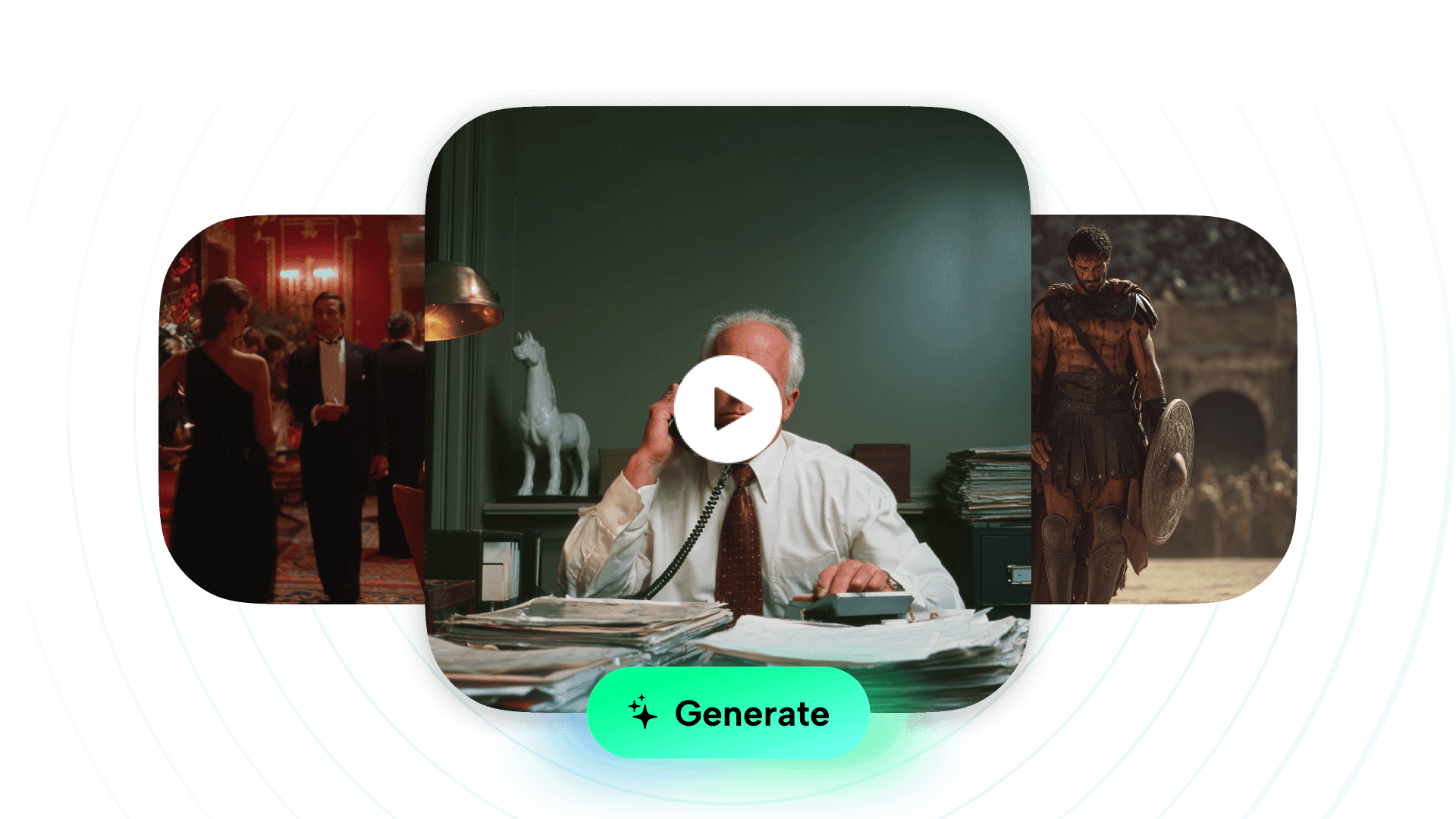
Many image-to-video workflows still need a separate audio step. Seedance 2.0 can generate synchronized audio — ambience, effects, or music-style sound — together with the motion, so the clip comes out scored, not silent.
That changes what a single image is worth. A character portrait becomes a breathing shot. A landscape frame gets wind and room tone. A product photo gets a clean, moving beauty shot with sound you can drop straight into a feed.You stay in control with a prompt.
Describe the action, the camera move, and the mood, and Seedance follows it while using your uploaded image as the visual anchor.
Most tools hand you Seedance as a raw model or an API. In DomoAI it's one step in a full workflow.
Video and sound in one pass
Seedance 2.0 generates the motion and the audio together, so your clip comes out scored — ambience, effects, or music-style sound matched to the action, not silent.
Start from any image you already have
Upload, paste, drop, or pull from Assets. Or generate the image in DomoAI first and send it over with Actions → Image to Video — no re-uploading, no switching tools.
Anime-first models feeding the frame
DomoAI's anime and stylized image models give Seedance a stronger starting frame for anime and character work than a general-purpose tool.
Finish without leaving the platform
Once the clip lands, upscale it or re-edit it in DomoAI. You keep the asset, the style, and your momentum in one place.


A strong prompt tells Seedance what to do with your image. Cover these, then stop:
• Style — cinematic, anime, editorial, product
• Scene — what's happening and where
• Camera — the move (push-in, pan, multi-angle cuts)
• Lighting and mood — golden hour, neon night, soft daylight
• Motion and physics — wind, water, cloth, speed
• Sound — dialogue, ambient, effects, or a beat
Keep it tight — around 200 words is plenty. Then generate, adjust one thing, and regenerate.
Start from one of these and adjust it to fit your image. A good Seedance prompt names the subject, the camera move, the lighting, and the sound you want.
Story scene
Music-video visual
Character / anime clip
Product / brand shot
Game / PV shot
For multi-shot ideas, block out the timing so the model gets a clear sequence:
It's an image-to-video model that turns a still image into a short video with synchronized audio. In DomoAI it runs inside the Image to Video tool, guided by your text prompt.
Yes. Seedance 2.0 generates video and native audio together, so the sound matches the motion without a separate step.
Yes. Generate or edit an image in AI Image, then send it to Image to Video with simple interface → Image to Video. You can also upload, paste, drop, or pull from Assets.
Cinematic scenes, short-film shots, anime action, music-video visuals, product commercials, vlog and lifestyle clips, game cinematics, and character or avatar clips, anything that came into your mind.
Cover style, scene, camera move, lighting, motion or physics, and the sound you want. Keep it around 200 words, then refine one detail and regenerate.
Seedance 2.0 focuses on cinematic quality and prompt control. Seedance 2.0 Fast is built for speed when you're iterating or making a lot of clips.
No. You can generate the image, animate it, restyle motion, and upscale to 4K inside DomoAI.
You can start creating on DomoAI's free plan. Duration and resolution options depend on your plan.